Dreame vacuums for fast and efficient cleaning!
In cart {{totalProductsCount}} item(s)
Your cart is empty
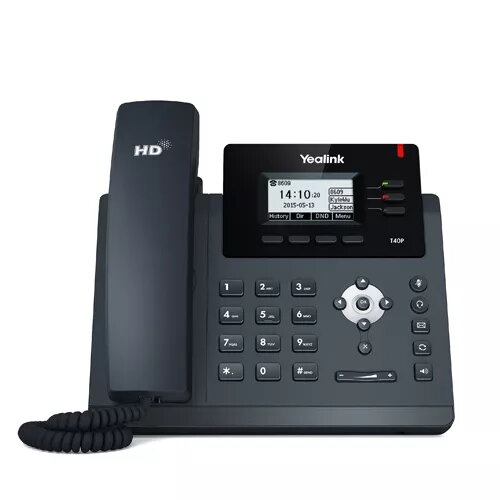
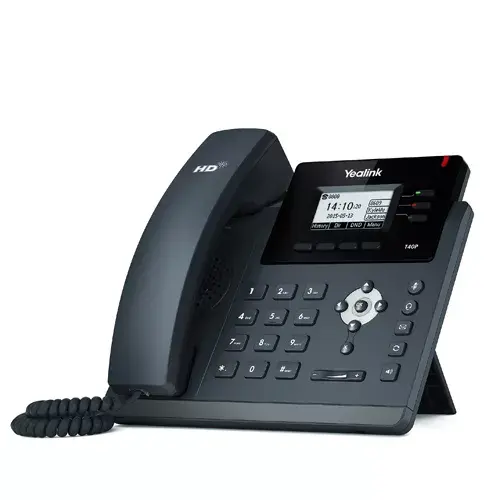
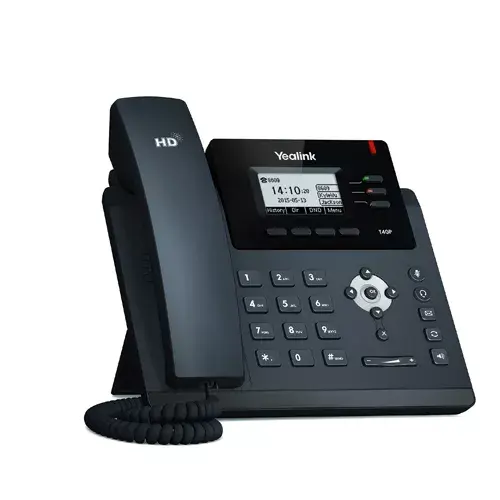
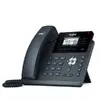
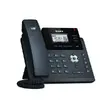
IP Phone Yealink T40P — wired handset, 2.3" LCD 132x64, 1000 contacts, G.711/G.722/G.726/G.729 codecs, 100–240V adapter
Yealink SIP-T40P is a wired IP phone with a 2.3" (132 × 64) LCD and a standard wired handset, designed for SIP-based VoIP environments. The device supports up to 1000 phonebook entries and common voice codecs including G.711, G.722, G.726 and G.729A/B. It is powered via an AC adapter (100–240 V, 0.6 A output) and has a reported typical power consumption of 3.23 W. The SIP-T40P offers three-line call handling, programmable keys and HD voice quality suited for office desks, reception points and business phone systems.
The Yealink SIP-T40P combines a compact 2.3" LCD, wide codec support and a large phonebook capacity to provide reliable wired telephony for business use. Support for multiple codecs ensures compatibility with different network and PBX configurations while HD voice improves speech clarity. The phone’s AC adapter power option and low typical power consumption make it adaptable to environments without Power over Ethernet. Programmable keys and three-line operation streamline routine calling tasks and manage multiple concurrent lines.
Connect the Yealink SIP-T40P to your network and power it using the supplied AC adapter rated for 100–240 V. Configure SIP account details through the phone’s web interface or on-device settings according to your VoIP provider or PBX instructions. Use the on-screen menus to import or manually add up to 1000 contacts, assign programmable keys for frequently used functions, and select preferred audio codec priorities to match your network conditions. Make and receive calls using the wired handset and manage multiple lines via the phone’s three-line interface.
For optimal audio quality, enable G.722 (HD codec) when supported by your SIP provider or PBX. If network bandwidth is limited, consider prioritizing G.726 or G.729A/B to reduce bandwidth usage. Ensure firmware and provisioning settings are applied through secure channels and follow your IT policy for remote provisioning and upgrades.
{{highlightedFeature.featureTitle}}:
{{getProductFeatureValueById(product, highlightedFeature.featureId)}}
{{ productComparisonGenerationError }}