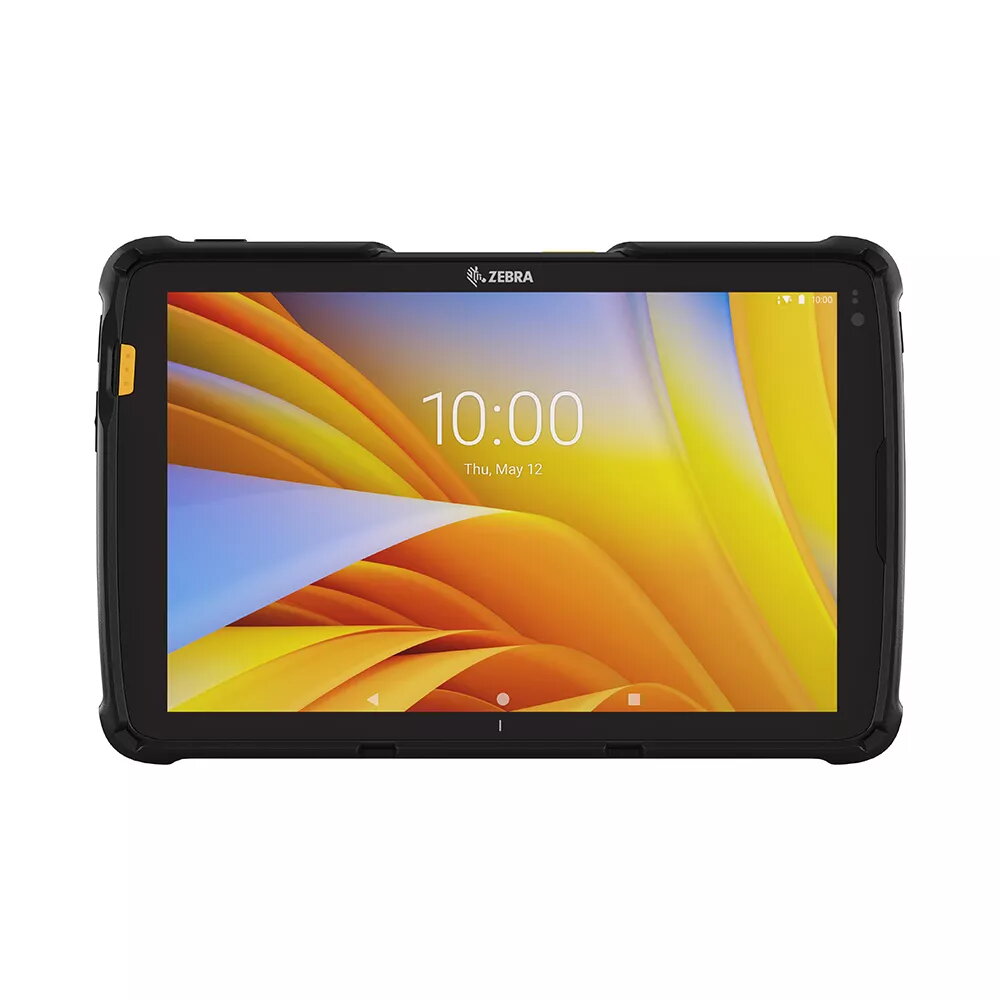
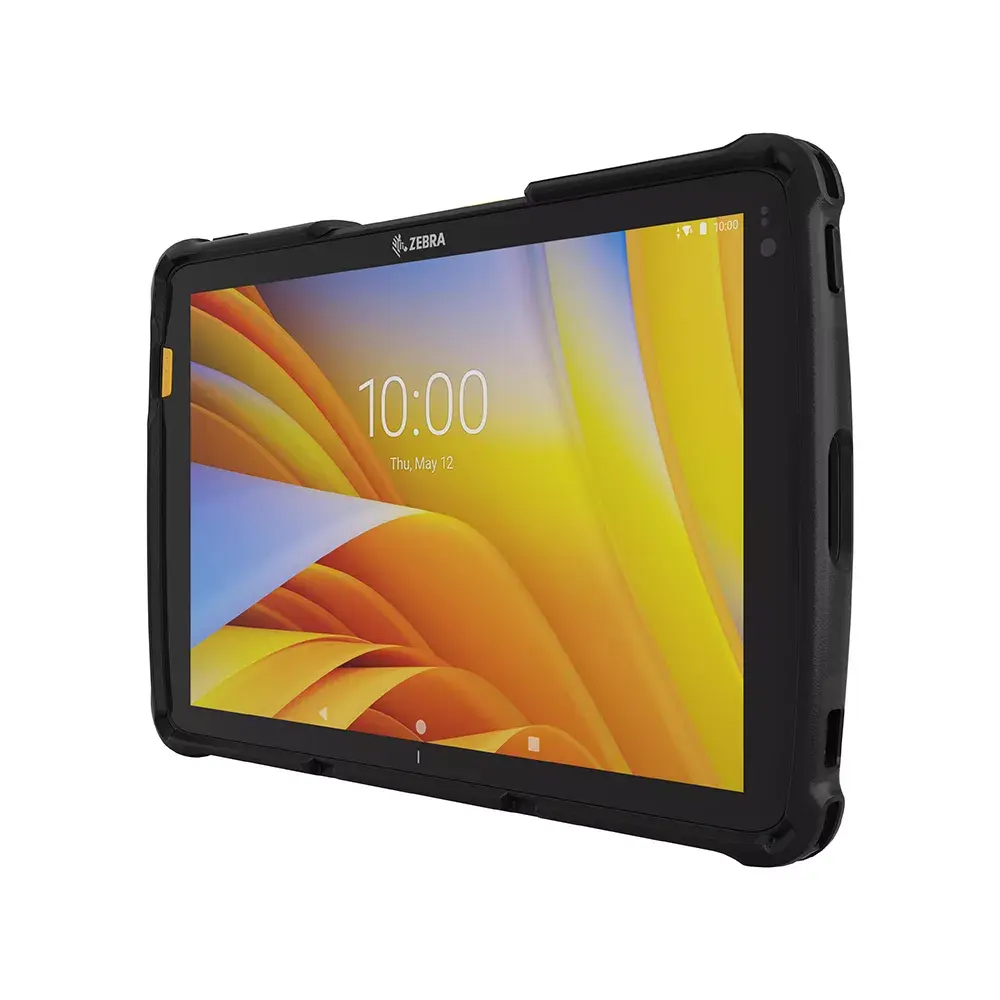
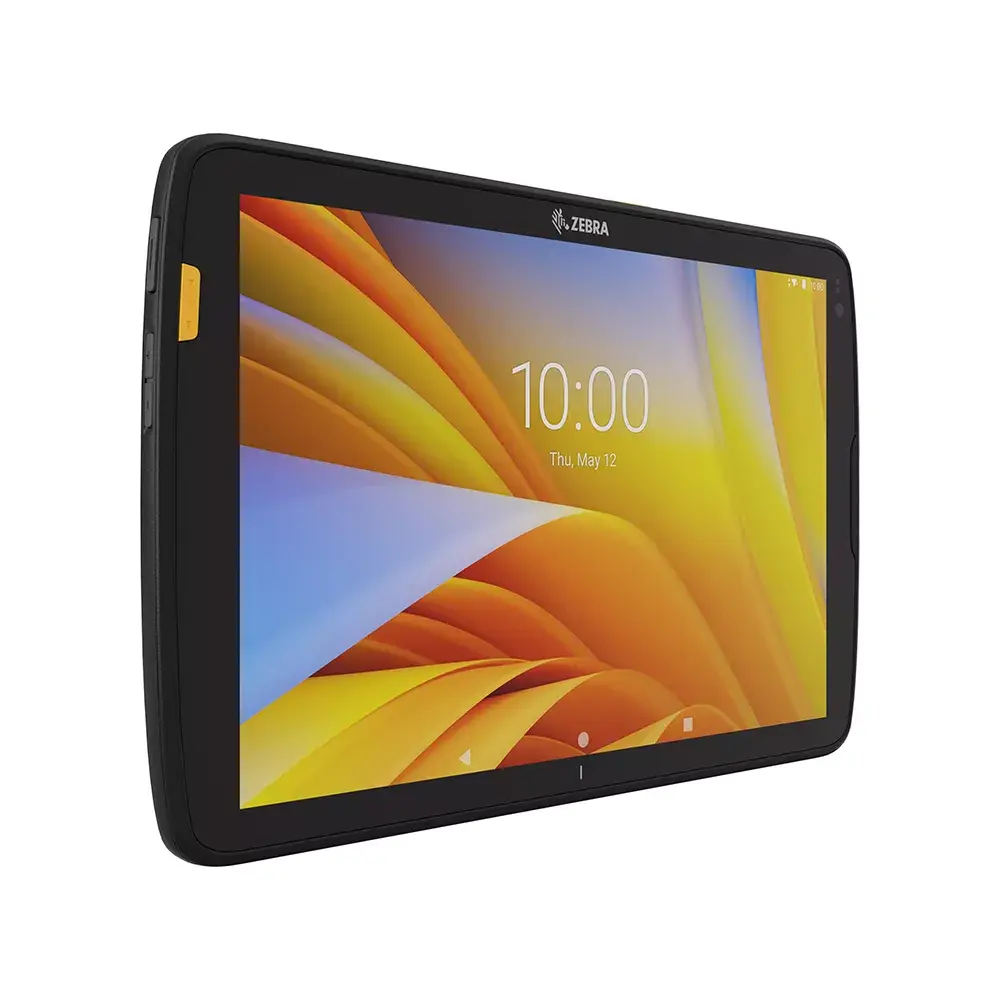
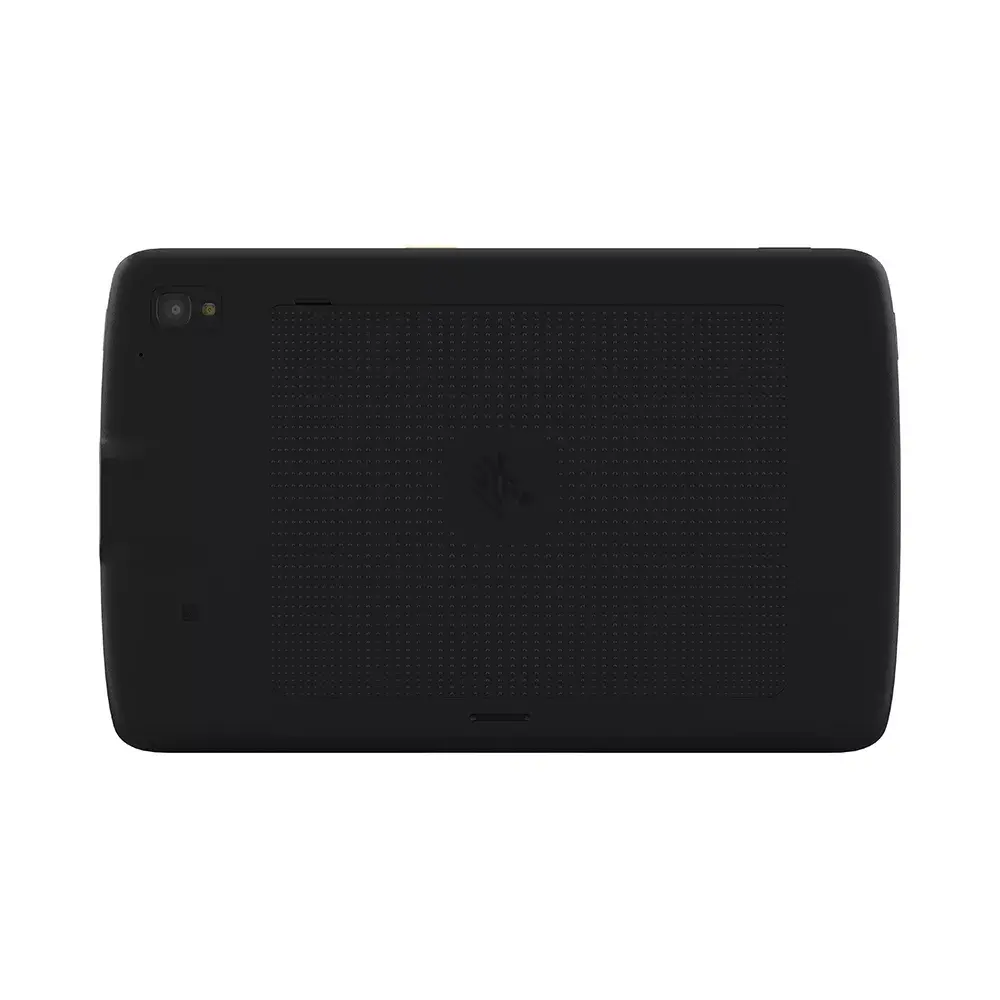
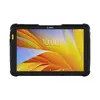
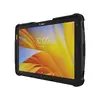
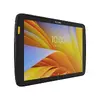
-
International Protection (IP) code:
The IP code classifies and rates the degree of protection provided against the intrusion (including body parts such as hands and fingers), dust, accidental contact, and water by mechanical casings and electrical enclosures. It is published by the International Electrotechnical Commission (IEC). The digits (characteristic numerals) indicate conformity with the conditions summarized in the tables below. Where there is no protection rating with regard to one of the criteria, the digit is replaced with the letter X. an electrical socket rated IP22 is protected against insertion of fingers and will not be damaged or become unsafe during a specified test in which it is exposed to vertically or nearly vertically dripping water. Another example is the Sony Xperia Z Ultra, one of the first cellular phones to be IP-rated; it is rated at IP58 and marketed as "dust resistant" and can be "immersed in 1.5 meter of freshwater for up to 30 minutes".
-
IP65
-
Battery capacity:
A measure of the charge stored by the battery. Determined by the mass of active material contained in the battery.
-
7600 mAh
-
Battery technology:
The type of battery in the device, e.g. nickel–cadmium (NiCd).
-
Lithium-Ion (Li-Ion)
-
Operating system installed:
Type of operating system on a device e.g. IOS on Apple devices, Android for mobile devices.
-
Android 11
-
Platform:
Description of a technology platform including a processor, chipset, platform software and wired networking capabilities.
-
Android
-
Assisted GPS (A-GPS):
Assisted GPS, generally abbreviated as A-GPS, enhances the startup performance of a GPS satellite-based positioning system. It is used extensively with GPS-capable cellular phones as its development was accelerated by the U.S. FCC's 911 mandate making the location of a cell phone available to emergency call dispatchers.
-
Yes
-
Position location:
Whether the navigation system can locate the phone's position.
-
Yes
-
Device type:
Type or category of the device.
-
Mobile tablet
-
Form factor:
The shape or design of the product.
-
Slate
-
Top Wi-Fi standard:
Connection of this device is done via Wi-Fi in a high standard.
-
Wi-Fi 6 (802.11ax)
-
Mobile network connection:
-
Yes
-
Front camera:
Camera at the front of the product.
-
Yes
-
Rear camera resolution (numeric):
The resolution of the images produced with the rear camera, given in MP (megapixel. 1 MP = 1 million pixels).
-
13 MP
-
Rear camera type:
Indicates the type of the camera at the back of the product, dual or single.
-
Single camera
-
Storage media:
Used for the storage of data e.g. HDD (hard disk drive), SSD (solid-state drive).
-
Flash
-
Internal storage capacity:
The amount e.g of data which can be stored inside the device.
-
128 GB
-
Internal memory:
A computer's memory which is directly accessible to the CPU.
-
8 GB
-
Processor frequency:
The speed that the microprocessor executes each instruction or each vibration of the clock. The CPU requires a fixed number of clock ticks, or cycles, to execute each instruction. The faster the clocks rate, the faster the CPU, or the faster it can execute instructions. Clock Speeds are usually determined in MHz, 1 MHz representing 1 million cycles per second, or in GHz, 1 GHz representing 1 thousand million cycles per second. The higher the CPU speed, the better a computer will perform.
-
1.8 GHz
-
Processor model:
The model number for the processor in a computer.
-
695
-
Processor family:
A family of processors is a group of processors produced by one company over a short period of time e.g. Intel Pentium processors.
-
Snapdragon
-
Processor manufacturer:
The manufacturer that produced the processor.
-
Qualcomm
-
Display resolution:
The number of distinct pixels in each dimension that can be displayed. It is usually quoted as width × height, with the units in pixels: for example, "1024 × 768" means the width is 1024 pixels and the height is 768 pixels. The higher the number of pixels, the sharper the image.
-
1920 x 1200
-
Display diagonal:
Size of the display for this product, measured diagonally, usually in inches.
-
10 "
-
Product colour:
The colour e.g. red, blue, green, black, white.
-
Black