Filters you can trust. Pure water every day.
In cart {{totalProductsCount}} item(s)
Your cart is empty
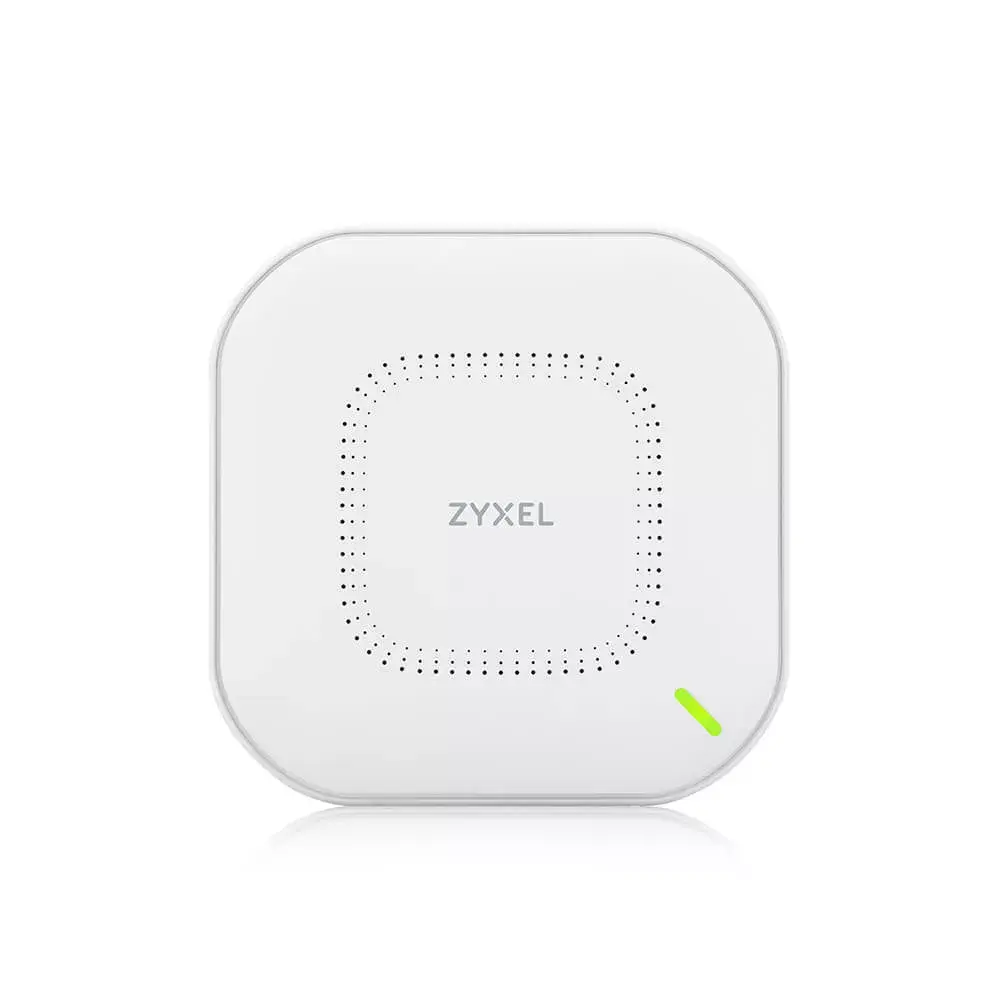
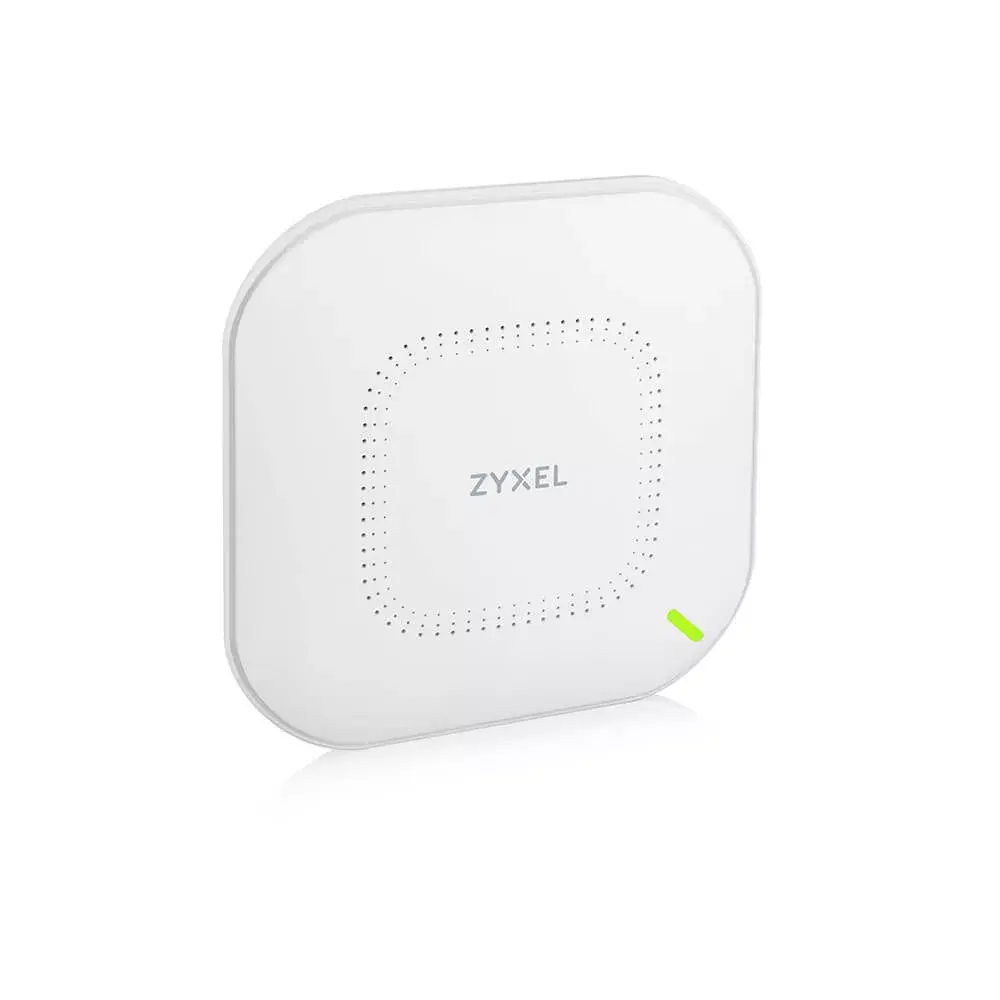
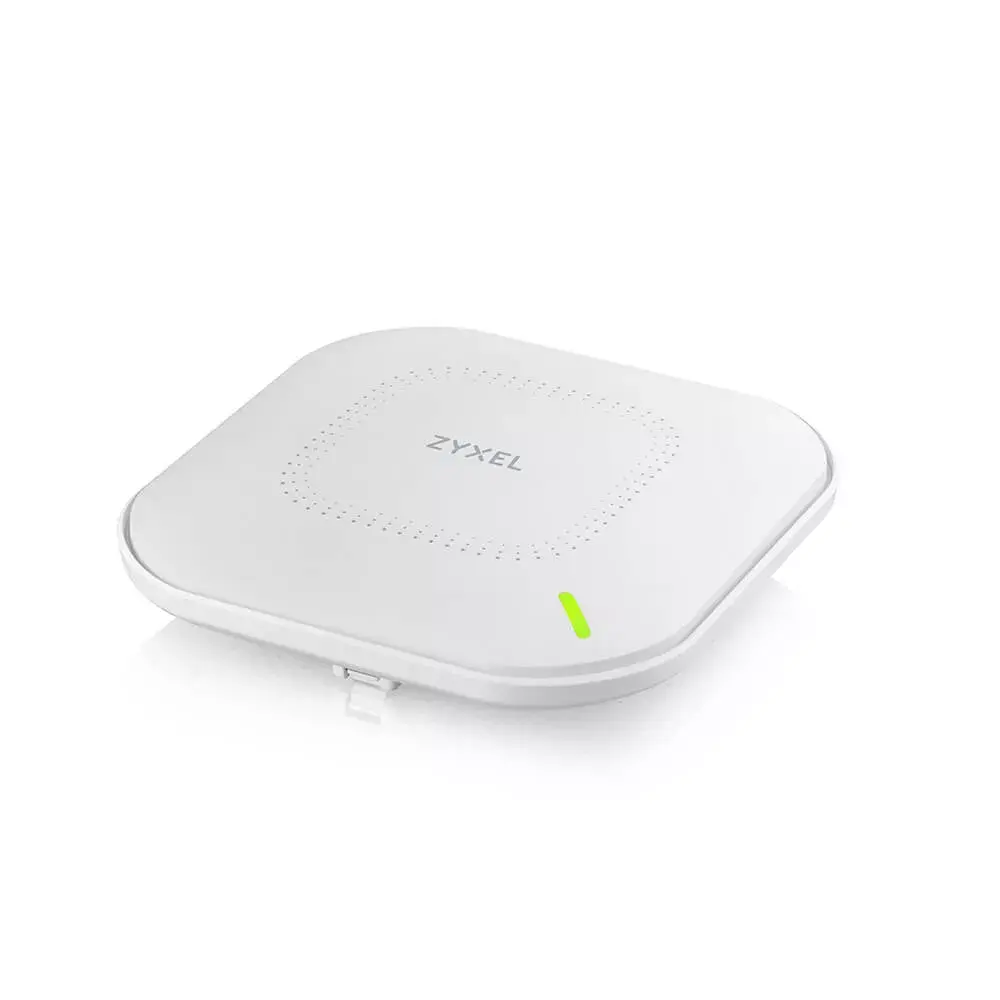
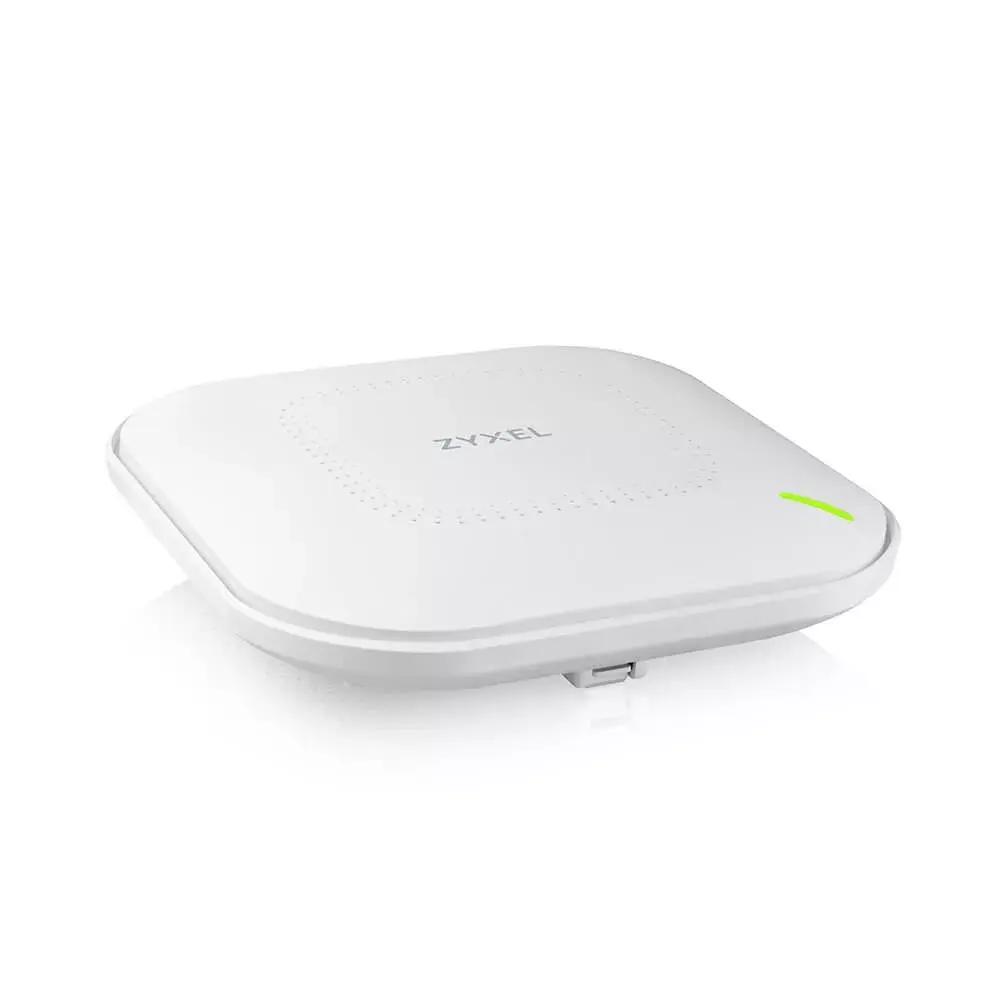
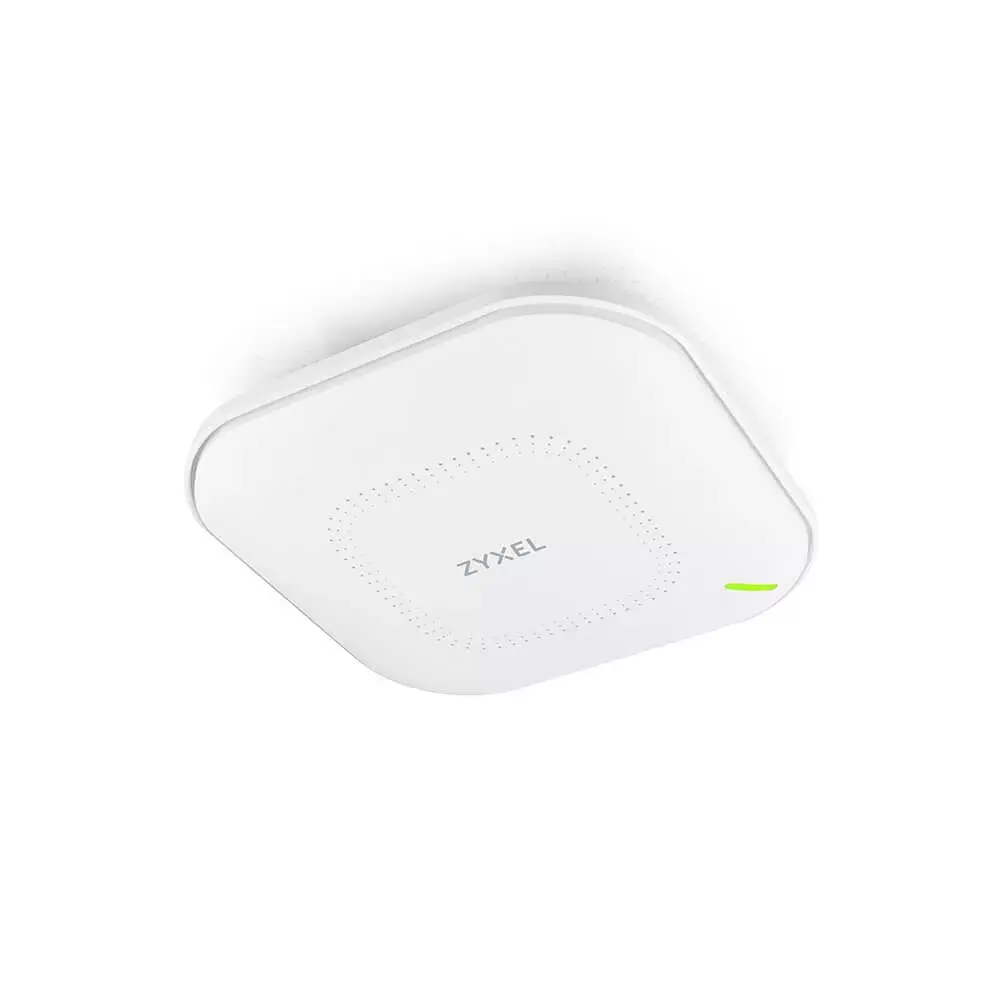
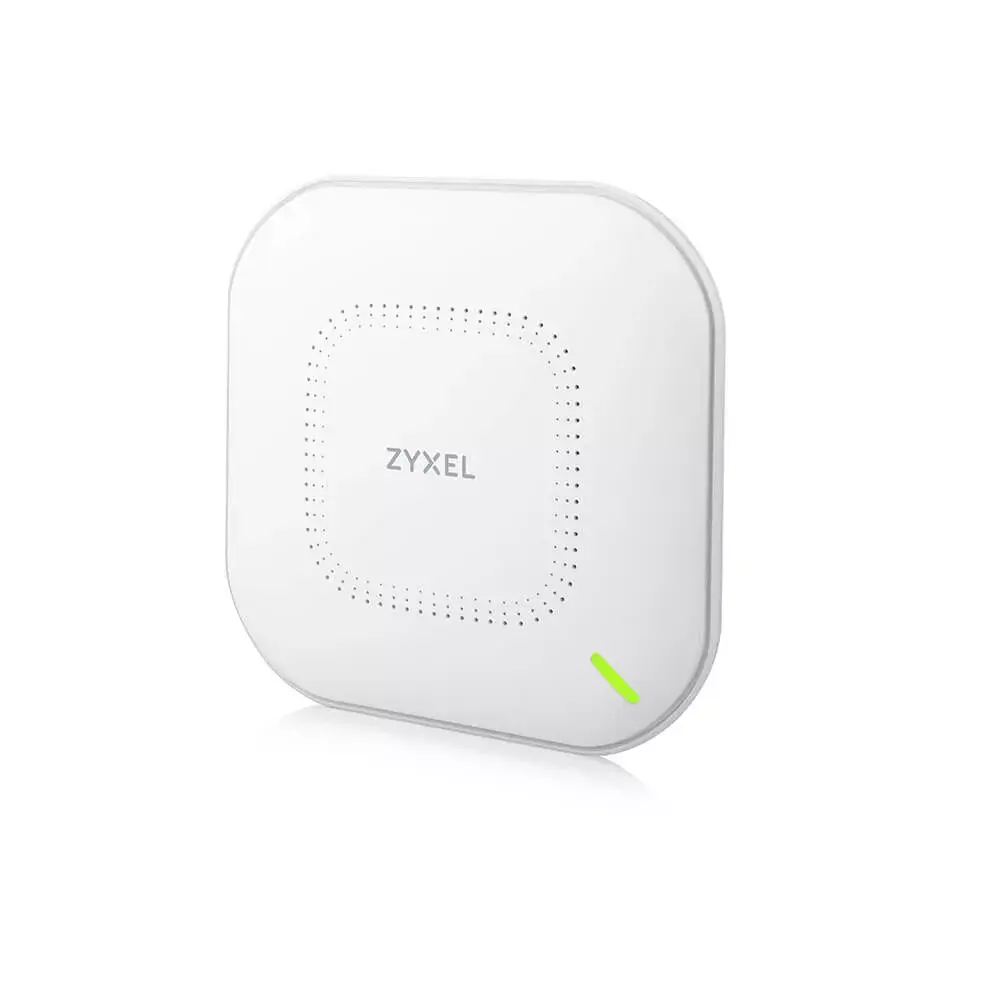
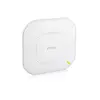
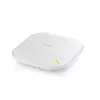
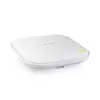
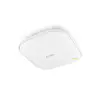
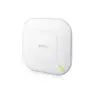
Wireless Access Point Zyxel WAX610D-EU0101F 2.4 GHz 5 GHz Wi-Fi 6
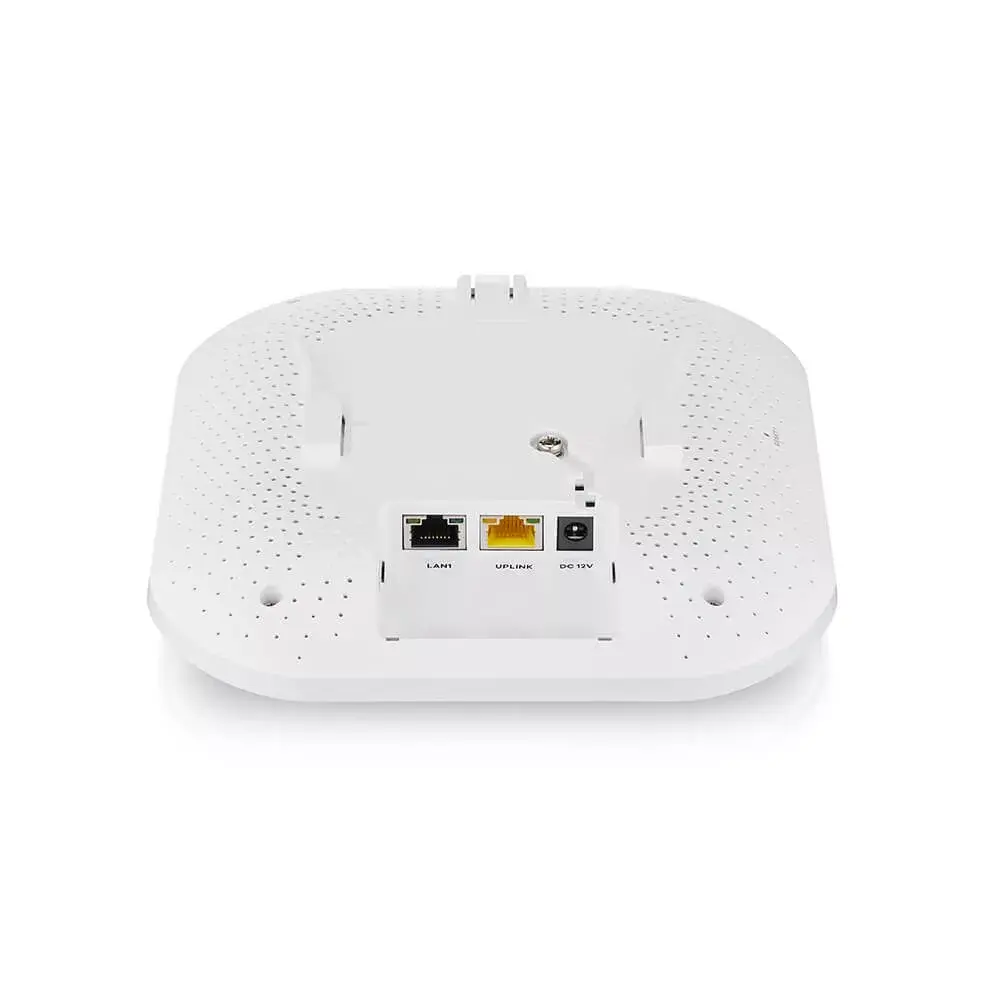
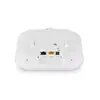
The Zyxel WAX610D-EU0101F Wireless Access Point delivers Wi‑Fi 6 performance across both 2.4 GHz and 5 GHz bands with a combined maximum data rate up to 2400 Mbit/s. Designed for business and demanding environments, it supports OFDMA and MU‑MIMO, six spatial streams (4x4:4 on 5 GHz and 2x2:2 on 2.4 GHz) and offers flexible mounting with a selectable dual-optimized antenna for wall or ceiling installation. Built-in Power over Ethernet (PoE) simplifies deployment and a 2.5 Gbps multi‑gigabit Ethernet port enables higher throughput on existing cabling. Security support includes EAP, WEP, WPA and WPA2 to help protect wireless access.
The WAX610D-EU0101F provides Wi‑Fi 6 features that improve network capacity and efficiency for dense client environments. Its selectable antenna design allows effective coverage whether mounted on a wall or ceiling without reducing performance. Multi‑gigabit Ethernet connectivity and PoE support reduce the need for additional cabling and power outlets, while NebulaFlex Pro capability gives the choice of cloud, controller or standalone management to match different operational models.
Mount the access point on a wall or ceiling using the supplied mounting template and hardware, selecting the antenna orientation that matches the installation surface. Connect the device to your network using a compatible PoE switch or a PoE injector to provide both power and data over a single Ethernet cable; alternatively connect to a standard Ethernet port and external power if required. Configure wireless SSIDs, security (EAP/WPA/WPA2) and channel settings via the appliance’s management interface, cloud portal or controller depending on the chosen NebulaFlex Pro mode. Place the unit centrally in coverage areas and avoid large metal obstacles to optimize signal propagation.
For best performance in high-density environments, enable Wi‑Fi 6 features such as OFDMA and MU‑MIMO, use the 2.5 Gbps Ethernet uplink where available, and plan access point placement to maintain line‑of‑sight where possible. Regularly update firmware and apply appropriate security settings to protect wireless users and networks.
{{highlightedFeature.featureTitle}}:
{{getProductFeatureValueById(product, highlightedFeature.featureId)}}
{{ productComparisonGenerationError }}