Filters you can trust. Pure water every day.

{{ totalProductsCount }}
In cart {{totalProductsCount}} item(s)
In cart {{totalProductsCount}} item(s)
Total:
{{sum | formatAmount}}
Your cart is empty
What to take into account when selecting an ergonomic desk
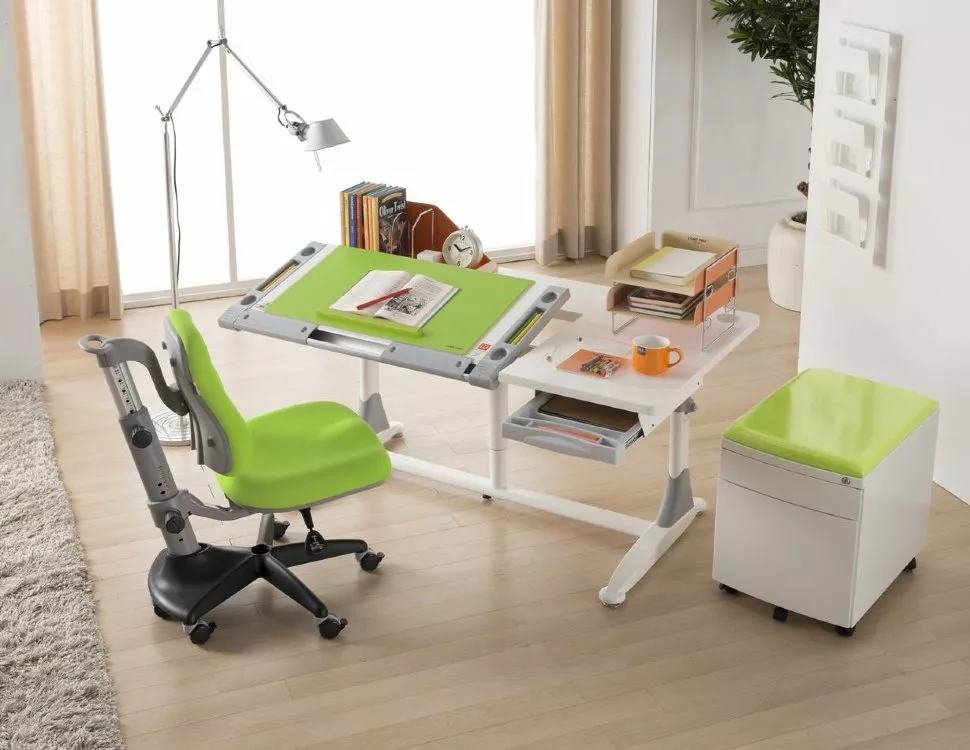
In today's world, we spend a significant amount of time at our desks, whether it's work, study, or leisure. Prolonged sitting and poor posture can lead to a variety of health problems, including musculoskeletal disorders and decreased performance. To combat these problems, the ergonomic desk has gained immense popularity. The purpose of this article is to educate you about the critical factors you need to consider to create a comfortable and productive workspace.
Adjustable height and flexibility
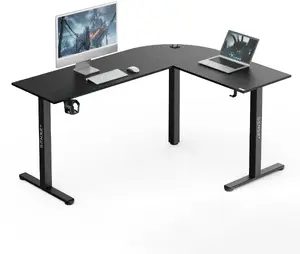
One of the main features of the ergonomic desk is its adjustability, allowing users to adjust the height according to their needs. When choosing an ergonomic desk with height adjustment, opt for one that offers a wide range of adjustments suitable for both sitting and standing. A desk like this contributes to the formation of correct posture, reduces the risk of back and neck pain, and also improves blood circulation. Also, pay attention to the flexibility of the desk. Look for models that provide smooth and easy adjustment, whether with an electronic mechanism or a manual handle. Some modern desks even come with a preset memory, allowing you to save your preferred height settings for quick adjustments.
Ergonomic desk materials
Pay attention to the desks surface material. Choose a durable and scratch-resistant material that is easy to clean. Common options include high-pressure laminate, solid wood, and tempered glass.
Cable management and organization
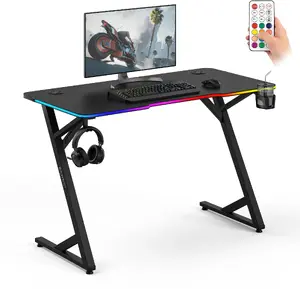
When choosing an ergonomic desk, pay attention to the built-in cable management functions. An ergonomic computer desk may have built-in cable trays, gutters, or clips that allow you to route cables neatly and prevent them from tangling or hanging down. Pay attention to the location of sockets and USB ports. In some desks, they are conveniently located on the surface or at the edges, providing easy access to the power ports without the need for long-length cables.
Storage and organization options in an ergonomic desk
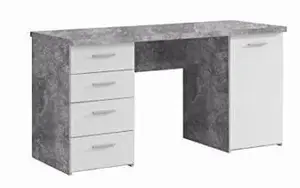
Efficient storage solutions are critical to maintaining a tidy and functional workspace. Look for ergonomic desks that offer storage options such as drawers, shelves, or modular accessories. These features help you keep the things you need within reach, reducing the need for unnecessary movements and increasing productivity. Consider your specific storage needs. If you need a lot of space to store documents, books or materials, a table with built-in drawers or cabinets may be ideal. On the other hand, if you prefer minimalism, choose a table that offers simple yet effective storage solutions, such as cable management systems with additional compartments for small items.
Stability and durability
An ergonomic desk, regardless of whether it is used mainly as a writing desk or as a computer desk, should provide a stable and durable platform for work. Stability is crucial, especially when you're adjusting the height or placing heavy equipment on the table. Look for tables with a robust design, such as a sturdy metal frame or reinforced legs. Make sure that the table will support the weight of your equipment without wobbling or compromising the integrity of the structure. Consider the load capacity of the table. Different models have different weight limits, so assess your needs and choose a table that can handle the load you need. It's always best to choose a desk with a higher load capacity to account for any future additions or changes to your workplace.
Additional features and accessories for an ergonomic desk
Innovations in the field of ergonomic furniture have led to the emergence of various additional features and accessories to improve the user experience. While these features are optional, they can provide additional convenience and functionality to your workplace. Among them are the following:
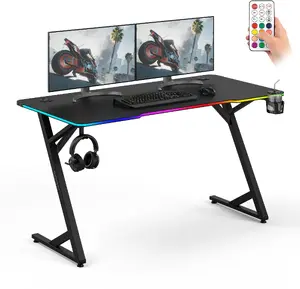
- Monitor Arms: Adjustable arms allow you to position monitors at eye level, reducing neck strain and helping to improve ergonomics.
- Keyboard Trays: The slide-out keyboard tray ensures that the keyboard is positioned correctly at the right height and angle, preventing wrist strain and promoting natural posture when typing.
- Workplace lighting: Built-in or attachable lights provide directional lighting, reducing eye strain and creating a well-lit workspace.
- Standing mats: The mats provide cushioning and support when using the table in a standing position, reducing the strain on the feet and legs.
Get it Today