Powerful EcoFlow stations for energy anywhere!

{{ totalProductsCount }}
In cart {{totalProductsCount}} item(s)
In cart {{totalProductsCount}} item(s)
Total:
{{sum | formatAmount}}
Your cart is empty
Computer for studying
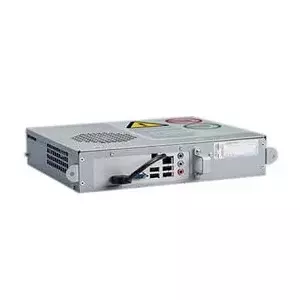
Elo Touch Solutions
Computer, Elo IDS Computer module, E587119, 15.6", touch screen, TFT LCD, 1366x768
Delivery: 28.07.2026
460.99 €
Fast shipping

Prestigio
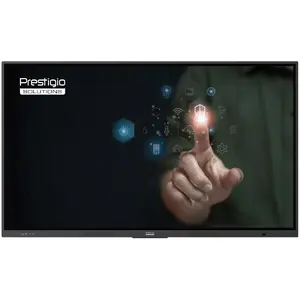
Computer Prestigio Multiboard 65" Light Series UHD 4K Android 13 Dual Wi-Fi 40TP touch pen PSMB000L655
Delivery: Tomorrow
1,314.49 €
Fast shipping
Fast shipping
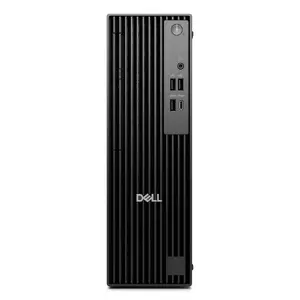
Dell
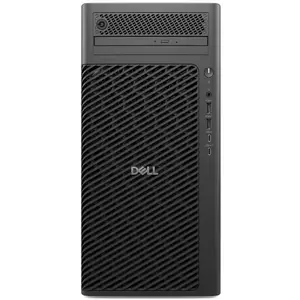
Computer DELL PRO SLIM I3-14100 8GB 512SSD W11P 3PS NO KB&MS BTO003_QCS1250_EMEA_NK
Delivery: Thursday
795.49 €
Fast shipping
Fast shipping
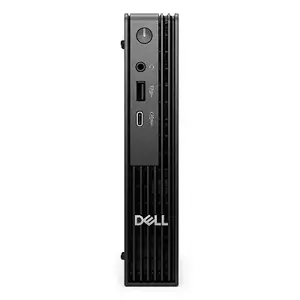
Dell
Desktop computer Dell Pro Micro QCM1250 — Intel Core i3-14100T, 16GB RAM, 512GB SSD, Integrated graphics, Windows 11 Pro
Delivery: Thursday
1,060.99 €
Fast shipping
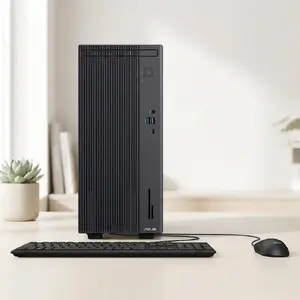
Asus
Desktop computer ASUS P500MV mini tower, Intel Core i5-13420H, 16GB RAM, 512GB SSD, Windows 11 Pro
Delivery: Thursday
729.99 €
Fast shipping
Fast shipping
Fast shipping
Fast shipping
Fast shipping

Fast shipping
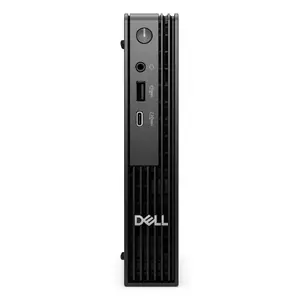
Dell
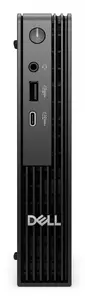
Desktop computer Dell Pro Micro U5-235T — 16GB RAM, 512GB SSD, WLAN, Windows 11 Pro
Delivery: Thursday
995.49 €
Fast shipping
Lenovo
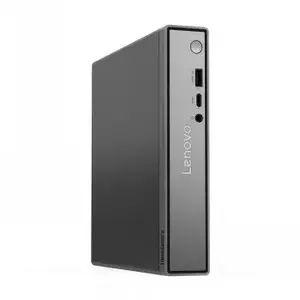
Computer LENOVO NEO 50Q TINY G5 C5-210H 16GB 256SSD W11P 1OS 13B9003JMX
Delivery: Thursday
782.49 €
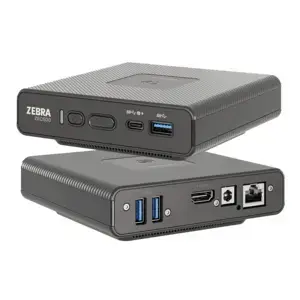
Zebra
Enterprise computer Zebra ZEC500V-NE10A11-A6 USB/USB-C – Zebra enterprise-class modular computer
Delivery: 28.07.2026
789.49 €

New Arrival
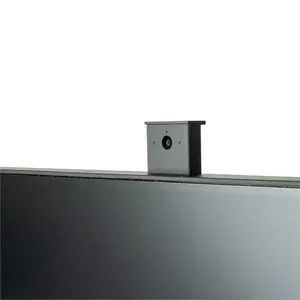
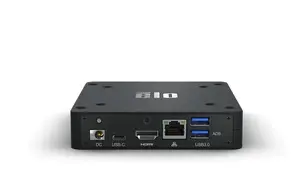
Elotouch
Embedded computer Elo Touch Solutions E393359, Qualcomm Snapdragon SDA660, 4 GB LPDDR4, 64 GB eMMC, Android 10
Delivery: 31.07.2026
502.49 €
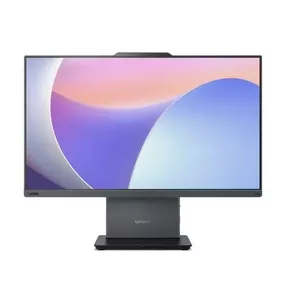
Lenovo
Computer All-in-One ThinkCentre neo 50a G5 i7-13620H 16GB 512GB INT W11Pro
Delivery: 31.07.2026
1,079.99 €
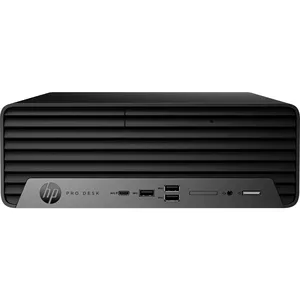
Computers for studying include a range of laptops and desktop PCs designed to support typical student tasks such as note-taking, document editing, web research, online lectures and lightweight multimedia. These products are chosen for a balance of performance, portability, battery life and price to suit different study styles and budgets. Many study-oriented computers prioritize reliable connectivity, comfortable keyboards and clear displays for long reading or typing sessions. Models vary from compact ultrabooks for mobility to more affordable budget laptops and entry-level desktops for desk-based study. Buyers typically compare processor performance, RAM, storage type and battery endurance when selecting a computer for study purposes.
Use cases of computer for studying
Common scenarios where these computers are used include:
- Online classes and video conferencing for remote lectures and seminars.
- Writing essays, reports and preparing presentations with office software.
- Research and browsing academic resources, databases and e‑books.
- Coding and basic software development for programming courses.
- Media playback and light editing of images or videos for coursework.
Types of computer for studying
- Ultrabooks — thin, lightweight laptops with good battery life for portability between home and campus.
- Traditional laptops — a balance of performance and affordability for general study needs.
- Chromebooks — budget-friendly devices focused on web-based applications and cloud storage.
- 2-in-1 convertibles — touchscreens with tablet mode useful for note-taking and presentations.
- Entry-level desktops — stationary systems offering upgradeability and stable performance for desk use.
Key features to consider
- Processor (CPU): choose a modern dual- or quad-core CPU for smooth multitasking and responsive applications.
- Memory (RAM): 8 GB is a practical minimum for everyday study; 16 GB benefits heavier multitasking and development work.
- Storage: SSDs provide faster boot and file access than HDDs; 256 GB SSD is a common baseline.
- Display and size: a 13–15 inch screen balances portability and readable workspace; consider IPS panels for better viewing angles.
- Battery life: look for all-day or multi-hour battery life to cover classes and study sessions without frequent charging.
- Connectivity and ports: reliable Wi‑Fi, Bluetooth and sufficient USB/HDMI ports support peripherals and external displays.
- Keyboard and webcam: comfortable keyboard and acceptable webcam quality matter for typing and online classes.
How to choose computer for studying
Decide first whether portability or raw performance is more important based on your study routine. Compare processor benchmarks and RAM configurations to ensure smooth multitasking when running multiple browser tabs or office applications. Prioritize an SSD for faster system responsiveness and choose adequate storage size or a model with an easy upgrade path. Check battery life tests and real-world reviews if you need long unplugged use between classes. Evaluate screen size and keyboard comfort if you type a lot, and confirm necessary ports for your accessories. Finally, balance features against your budget and consider warranty or service options available at purchase.
Which desktop pcs & workstations are the most popular and affordable in 2026?
The full list of popular models at affordable prices is available on this page. In 2026, the following models show high demand and an excellent price-to-quality ratio:
- Dell OptiPlex 3070 SFF Desktop PC, Intel Core i3-9100, 8GB DDR4 RAM, 256GB SSD, Windows 11 Pro for 279€
- Minis Forum UM760 Slim Barebone Mini PC, AMD Ryzen 5 7640HS for 315.99€
- Dell OptiPlex 7070 SFF Desktop PC, Intel Core i5-9500, 16GB DDR4, 256GB SSD, Windows 11 Pro, DVD-RW for 349€
- Mini-PC Minis Forum NAB6 Lite barebone with Intel Core i5-12600H processor for 349.99€
- Micro Tower PC HP ProDesk 600 G6 — Intel i3-10100, 16 GB DDR4, 256 GB SSD, Windows 11 Pro, Black for 359€
Why is it worth buying desktop pcs & workstations at AiO.lv?
At the AiO.lv online store, you can place an order at a great price with delivery across Latvia — to Riga, Daugavpils, Liepaja, Jurmala, Ventspils, and other cities, as well as throughout Europe. We offer products from leading manufacturers: Acer, Apple, ASROCK, CORSAIR, Dell, HP, INTEL, Lenovo, NEC, NVIDIA, PNY, SHUTTLE, Samsung, VIEWSONIC, ActiveJet, Asus, ELITEGROUP, GIGABYTE, LG, MSI. When you shop with us, you get:
- official warranty and guaranteed quality;
- convenient payment options (including installment and credit);
- fast and reliable delivery across Latvia and to any EU country.
FAQ
Where can you find a desktop pcs & workstations with cheap prices?
You can buy cheaper at the AiO.lv online store. We offer competitive prices and regular discounts, so you always have the chance to find a great deal.
What is the delivery time for desktop pcs & workstations?
If you place your order today, delivery will take between 1 and 5 business days depending on the chosen method.
How long is the warranty period for desktop pcs & workstations?
Our store provides an official manufacturer’s warranty ranging from 12 to 36 months, depending on the model and brand. If needed, you can always contact our customer service department or the manufacturer’s authorized service center for support.
Are desktop pcs & workstations purchasable with leasing?
Yes, if the selected product costs more than €50. You can learn more about installment purchase options and the terms of application on the Payment page.
Can desktop pcs & workstations be purchased for a company (with VAT)?
Yes. AiO.lv works with legal entities in Latvia and throughout Europe. All product prices are shown with VAT included. In certain cases, a 0% VAT rate may apply — for example, when purchasing from other EU countries with a valid VAT number. We issue an invoice immediately after the order is placed, support BIS electronic invoices, and automatically generate all required accounting documents. To complete a purchase for a company, simply select the company profile during checkout.


