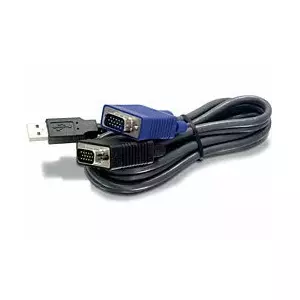
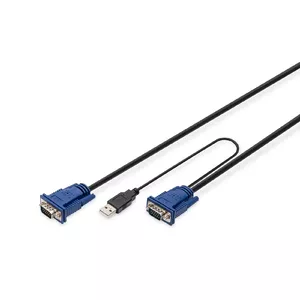
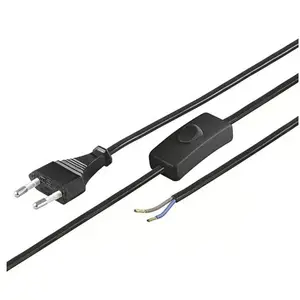
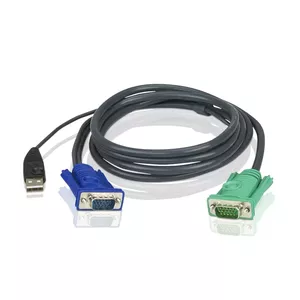
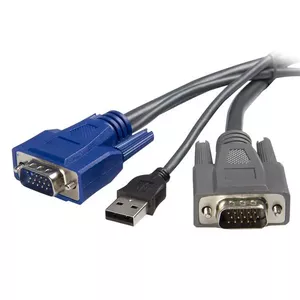
Markdown KVM Cables

Done
Category Filter: KVM Cables
Used now
Delivery to the store arrow
arrow Delivery to the store
{{shippingTimeOption.name}}
Availability
arrow Availability
For private client
Product condition
arrow Product condition
Is Outlet
Unused
Markdown
Renew
Open box
Used, Grade A
Used, Grade A+
Used, Grade B
Used, Grade C
New
We recommend
Bestseller
Seasons best
Purchase bonus
Discount
Is Promo
Sorting
Cheaper first
Expensive first
best shipping
Sort by default
Categories arrow
arrow
Show all
{{ category.title }}
Manufacturers arrow
Manufacturers arrow
arrow Manufacturers
Show all
{{ manufacturer.name }}
{{ featureFilter.title }} arrow
arrow {{ featureFilter.title }}
From To
Show all
From To
{{ filterOption.title }}
Open box
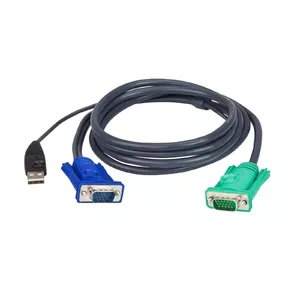
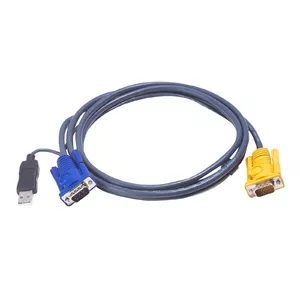
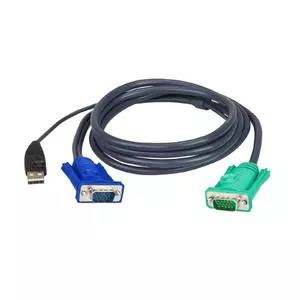
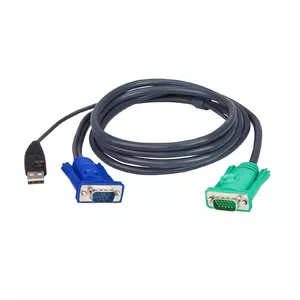
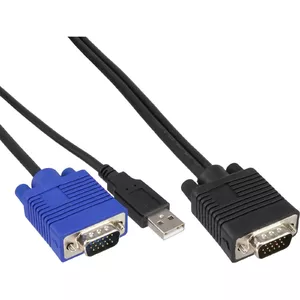
ATEN KVM Cable ATEN KA7140 Black
Delivery: 06.07.2026
54.49 €

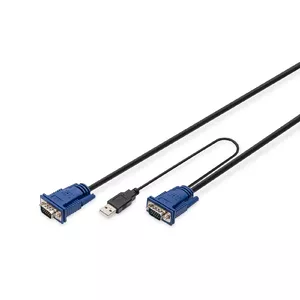
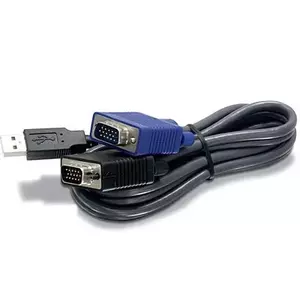
KVM cables are cables and adapters designed to connect keyboards, video monitors and mice to KVM switches or directly between computers and control stations. These products provide combined signal paths for video (analog VGA, digital DVI/HDMI/DisplayPort), USB or PS/2 for keyboard and mouse, and sometimes audio lines. KVM cables are used in data centers, server rooms, control stations, and desktop setups where a single console must control one or multiple computers. Customers choose specific cables based on connector types, signal formats, length and build quality to ensure reliable signal transmission and compatibility with existing hardware. KVM cables simplify cabling by integrating multiple signals into a single assembly and reduce the need for separate video and peripheral leads in managed environments.

Types of KVM cables

KVM cable assortments vary by connector combinations and supported signals.

  • VGA + PS/2 — analog video with separate PS/2 keyboard and mouse connectors for legacy systems.
  • DVI + USB — digital video (DVI) paired with USB for keyboard/mouse support on modern KVMs.
  • HDMI + USB — HDMI for high-definition video and USB for peripherals, common in AV and PC setups.
  • DisplayPort + USB — supports higher resolutions and USB interfaces, used with newer workstations and servers.
  • USB-C / Thunderbolt adapters — single‑cable solutions carrying video and USB signals for compatible devices.
  • Audio-enabled KVM cables — include 3.5 mm audio lines alongside video and USB/PS2 signals for integrated sound switching.
  • Custom-length and molded-cable assemblies — cables tailored for distance, rack management or specific pinouts.

What are KVM cables used for?

KVM cables link computers to KVM switches or to consoles that control multiple machines. They transmit video output to a shared monitor and carry keyboard and mouse inputs back to each computer. In multi-server environments they enable a single operator to manage servers without reconnecting separate peripherals. In desktop or home office setups they allow convenient switching between a PC and a laptop. KVM cables are also used in audiovisual installations where video and peripheral control must be centralized.

Key Differences between KVM cables

Main differences relate to connector types, signal formats, and physical properties.

  • Connector type — VGA, DVI, HDMI, DisplayPort, USB-A, USB-B, USB-C, PS/2; matching connectors ensure compatibility with devices and KVM switches.
  • Signal support — analog versus digital video, maximum supported resolution and refresh rate, and whether audio is included.
  • Length and shielding — cable length affects signal integrity; better shielding reduces interference in data-center environments.
  • Build quality — molded ends, strain relief and connector plating affect durability and contact reliability over repeated use.
  • Compatibility — some KVMs require proprietary pinouts or adapters; verify that the cable matches the KVM switch and host pin configuration.

How to Choose KVM cables?

Choose KVM cables by matching physical connectors and required signal capabilities, then consider length and build quality.

  • Identify connectors on the computers and the KVM switch (video type, USB or PS/2) and select a cable with the correct ends.
  • Check supported resolutions and refresh rates for digital video cables to ensure they meet your monitor and GPU requirements.
  • Measure cable runs and select lengths that avoid excessive excess or tight bends; prefer higher shielding for longer runs or noisy environments.
  • Consider cables with secure latches or screw-locks for rack-mounted servers to prevent accidental disconnection.
  • For mixed environments, use adapters or combination cables (for example HDMI-to-DVI or USB-to-PS/2) only if supported by the hardware; verify pinouts where required.
  • When reliability matters, choose cables with robust connectors, good strain relief and corrosion-resistant contacts to ensure long-term operation.

Which markdown kvm cables are the most popular and affordable in 2026?

The full list of popular models at affordable prices is available on this page. In 2026, the following models show high demand and an excellent price-to-quality ratio:

Why is it worth buying markdown kvm cables at AiO.lv?

At the AiO.lv online store, you can place an order at a great price with delivery across Latvia — to Riga, Daugavpils, Liepaja, Jurmala, Ventspils, and other cities, as well as throughout Europe. We offer products from leading manufacturers: APC, Belkin, FUJITSU, HP, TRENDNET, WENTRONIC, DIGITUS, OEM, INTER-TECH, ATEN, EATON, INTELLINET, Incase, LEVELONE, MicroConnect, Avocent, Raritan, Adder, Triton, HP Enterprise. When you shop with us, you get:

  • official warranty and guaranteed quality;
  • convenient payment options (including installment and credit);
  • fast and reliable delivery across Latvia and to any EU country.

FAQ

Where can you find a markdown kvm cables with cheap prices?

You can buy cheaper at the AiO.lv online store. We offer competitive prices and regular discounts, so you always have the chance to find a great deal.

What is the delivery time for markdown kvm cables?

If you place your order today, delivery will take between 1 and 5 business days depending on the chosen method.

How long is the warranty period for markdown kvm cables?

Our store provides an official manufacturer’s warranty ranging from 12 to 36 months, depending on the model and brand. If needed, you can always contact our customer service department or the manufacturer’s authorized service center for support.

Are markdown kvm cables purchasable with leasing?

Yes, if the selected product costs more than €50. You can learn more about installment purchase options and the terms of application on the Payment page.

Can markdown kvm cables be purchased for a company (with VAT)?

Yes. AiO.lv works with legal entities in Latvia and throughout Europe. All product prices are shown with VAT included. In certain cases, a 0% VAT rate may apply — for example, when purchasing from other EU countries with a valid VAT number. We issue an invoice immediately after the order is placed, support BIS electronic invoices, and automatically generate all required accounting documents. To complete a purchase for a company, simply select the company profile during checkout.

warranty
14-Day Return Policy We are confident in our quality, but if the purchase doesn’t fit — you have 14 days to return the product with peace of mind.
shipping
Fast Delivery Get your orders as quickly as possible — right to your door, parcel lockers, or pickup points across Latvia and the EU.
payment
Secure Payment Pay the way you prefer: cash, VISA, MasterCard, Apple Pay, Google Pay, bank transfer, or 0% installment plan.
warranty
Quality Since 2008 AiO.lv has been on the market for over 18 years and has earned trust — with more than 6000 genuine positive reviews on Google.