
Hurry and order now – up to 50% off!

{{ totalProductsCount }}
In cart {{totalProductsCount}} item(s)
In cart {{totalProductsCount}} item(s)
Total:
{{sum | formatAmount}}
Your cart is empty
Wireless PCIe Adapter
Fast shipping
MERCUSYS
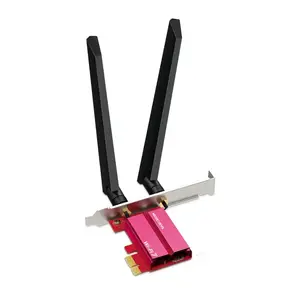
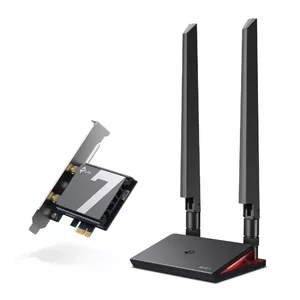
PCIe Tri-Band WiFi 7 adapter MERCUSYS MA47BE — high-speed wireless connectivity
Delivery: Friday
46.49 €
Fast delivery available
MERCUSYS
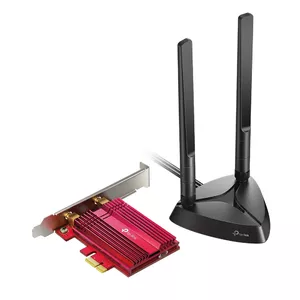
Mercusys AX3000 Wi-Fi 6 Bluetooth 5.2 PCIe Adapter Dual-band 2976 Mbit/s
Delivery: 29.07.2026
21.99 €
Fast delivery available
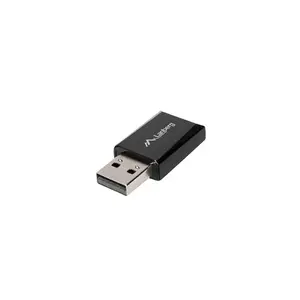
LANBERG
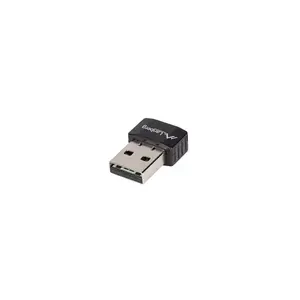
Lanberg USB Adapter Wireless Network Card, NC-0900-WI, USB 2.0 Dual Band AX900
Delivery: 06.08.2026
11.49 €

Fast shipping
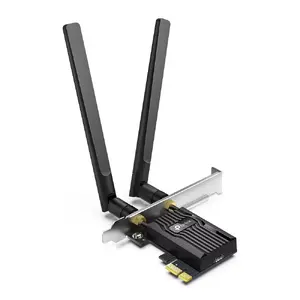
TP-LINK
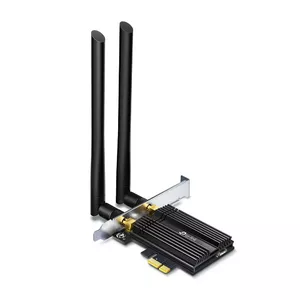
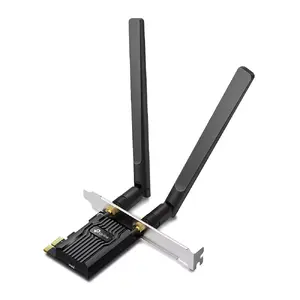
TP-Link Archer AX3000 Wi-Fi 6 Bluetooth 5.2 PCIe Adapter Dual-band 2402 Mbit/s
Delivery: Thursday
31.49 €
Fast delivery available
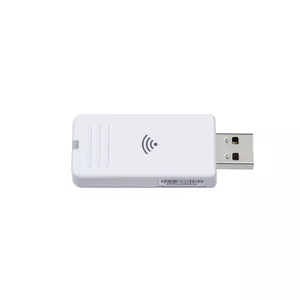
Epson
USB Wi‑Fi adapter Epson DUAL FUNCTION WIRELESS ADAPTER V12H005A01, 5 GHz, white
Delivery: 28.07.2026
121.49 €
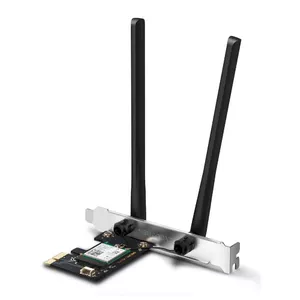
TP-LINK
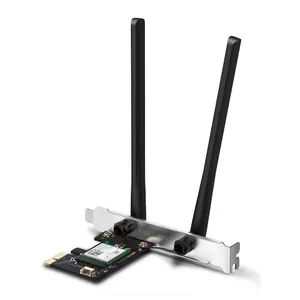
Mercusys AX3000 Wi-Fi 6 Bluetooth 5.2 PCIe Adapter Dual-band 2976 Mbit/s
Delivery: 05.08.2026
26.99 €
Fast delivery available
LANBERG
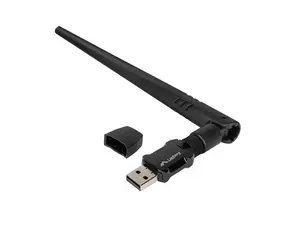
Lanberg USB Adapter Wireless Network Card NC-0900-WIE USB 2.0 Dual Band AX900 1X EXT Antenna
Delivery: 06.08.2026
12.99 €
Fast shipping
Fast shipping
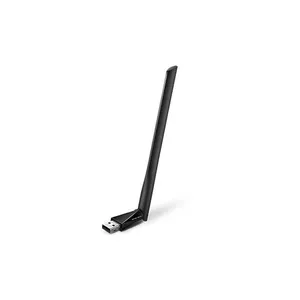
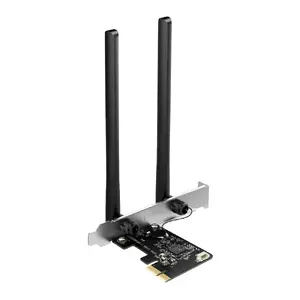
TP-LINK
Mercusys AC1200 Wi-Fi Bluetooth PCIe Adapter Dual-band 1200 Mbit/s
Delivery: 12.08.2026
28.49 €
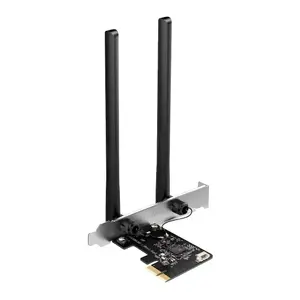
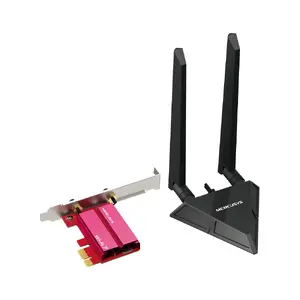
MERCUSYS
Network card MERCUSYS MA49BE Tri‑Band WiFi7 PCIe adapter BE9300
Delivery: 29.07.2026
52.99 €
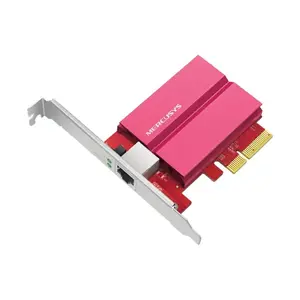
MERCUSYS
Network Adapter MERCUSYS MA510E 10Gb PCIe – 10 Gigabit Ethernet PCIe Card
Delivery: 29.07.2026
62.49 €
Fast shipping
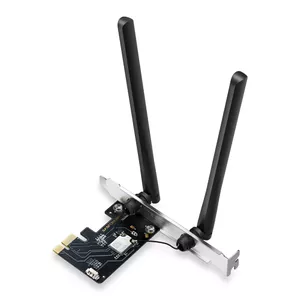
MERCUSYS
PCIe Wi‑Fi 6E Bluetooth adapter MERCUSYS MA86XE — Tri‑band 2.4/5/6 GHz, 5400 Mbit/s, Bluetooth 5.2
Delivery: Thursday
27.49 €
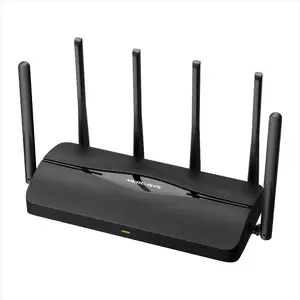
MERCUSYS
PCIe WiFi Adapter MERCUSYS MA37BE Wi-Fi 7 6500 Mbps Dual‑Band (2.4/5/6 GHz) with Bluetooth 5.4
Delivery: 29.07.2026
31.99 €
Wireless PCIe adapters are internal expansion cards that add Wi‑Fi and often Bluetooth connectivity to desktop computers through a PCI Express slot. These products are chosen when built‑in wireless modules are absent, outdated, or when users need faster speeds, improved range, or support for newer Wi‑Fi standards. Typical cards include external antenna connectors or integrated antennas, and many support dual‑band operation and MU‑MIMO. They are installed inside a PC case and require compatible drivers and sometimes BIOS settings adjustments for optimal performance.
Use cases of wireless PCIe adapters
Common situations where a wireless PCIe adapter is used:
- Upgrading an older desktop to support Wi‑Fi 5 (802.11ac) or Wi‑Fi 6 (802.11ax) for higher throughput.
- Adding Bluetooth to a desktop for keyboards, mice, headsets, and file transfers.
- Replacing a faulty or weak onboard Wi‑Fi module to improve stability and range.
- Creating a dedicated wireless link for gaming, streaming, or home office setups.
- Deploying multi‑antenna cards to benefit from spatial multiplexing and better signal penetration.
Types of wireless PCIe adapters
- Standard full‑height PCIe cards with external antenna connectors — suited for desktop towers with available expansion slots.
- Low‑profile PCIe cards with bracket adapters — designed for small form factor or compact cases.
- Combo Wi‑Fi + Bluetooth cards that integrate both radios on a single module.
- High‑gain antenna models that include larger or external antennas for enhanced reception.
- Enterprise or specialty cards with advanced features like hardware offload, higher channel widths, or driver support for specific operating systems.
Key features to consider
- Wi‑Fi standard and maximum throughput (e.g., Wi‑Fi 5 vs Wi‑Fi 6) — determines speed and efficiency.
- Frequency bands supported (2.4 GHz, 5 GHz, and optionally 6 GHz) — affects interference and available channels.
- Antenna type and gain — external or internal antennas, number of streams (MIMO) influences range and stability.
- Bluetooth version and coexistence — necessary if using Bluetooth peripherals alongside Wi‑Fi.
- Interface and slot compatibility (PCIe x1/x4) and physical bracket size — ensure it fits your motherboard and case.
- Driver and OS support — check compatibility with Windows and Linux distributions if required.
- Security features such as WPA3 support and firmware update options for long‑term safety.
How to choose a wireless PCIe adapter
Start by identifying your usage needs: prioritize Wi‑Fi 6 or Wi‑Fi 5 based on required speed and latency. Confirm your desktop has an available PCIe slot and determine whether a full‑height or low‑profile bracket is needed. Match the card’s antenna configuration and number of spatial streams to your router’s capabilities and placement to get the best range and throughput. Verify Bluetooth requirements separately if you need wireless peripherals. Finally, review driver support and firmware update availability to ensure compatibility with your operating system and to maintain security over time.
Which network cards are the most popular and affordable in 2026?
The full list of popular models at affordable prices is available on this page. In 2026, the following models show high demand and an excellent price-to-quality ratio:
- TP-Link TF-3200 10/100Mbps PCI Network Adapter for 3.99€
- Wireless Bluetooth adapter Riff RF-BT-5.0 — Bluetooth 5.0 USB for smartphones, tablets, laptops for 3.99€
- REPOTEC RP-3200R network card Internal Ethernet 1000 Mbit/s for 4.49€
- D-Link DGE-528T Internal PCI Ethernet Network Card, 2000 Mbit/s for 4.99€
- TP-LINK TG-3269 Internal PCI Gigabit Ethernet Network Card 1000 Mbit/s for 5.99€
Why is it worth buying network cards at AiO.lv?
At the AiO.lv online store, you can place an order at a great price with delivery across Latvia — to Riga, Daugavpils, Liepaja, Jurmala, Ventspils, and other cities, as well as throughout Europe. We offer products from leading manufacturers: allied telesis, APC, ASROCK, BenQ, Cisco, D-Link, Dell, Epson, FUJITSU, HAMA, HP, IBM, INTEL, Lenovo, Logitech, Netgear, NVIDIA, PLANET, RAIDSONIC, SANDBERG. When you shop with us, you get:
- official warranty and guaranteed quality;
- convenient payment options (including installment and credit);
- fast and reliable delivery across Latvia and to any EU country.
FAQ
Where can you find a network cards with cheap prices?
You can buy cheaper at the AiO.lv online store. We offer competitive prices and regular discounts, so you always have the chance to find a great deal.
What is the delivery time for network cards?
If you place your order today, delivery will take between 1 and 5 business days depending on the chosen method.
How long is the warranty period for network cards?
Our store provides an official manufacturer’s warranty ranging from 12 to 36 months, depending on the model and brand. If needed, you can always contact our customer service department or the manufacturer’s authorized service center for support.
Are network cards purchasable with leasing?
Yes, if the selected product costs more than €50. You can learn more about installment purchase options and the terms of application on the Payment page.
Can network cards be purchased for a company (with VAT)?
Yes. AiO.lv works with legal entities in Latvia and throughout Europe. All product prices are shown with VAT included. In certain cases, a 0% VAT rate may apply — for example, when purchasing from other EU countries with a valid VAT number. We issue an invoice immediately after the order is placed, support BIS electronic invoices, and automatically generate all required accounting documents. To complete a purchase for a company, simply select the company profile during checkout.


