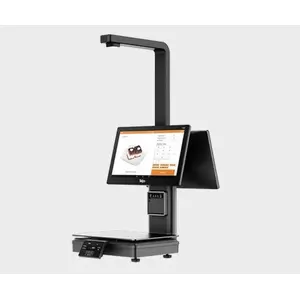
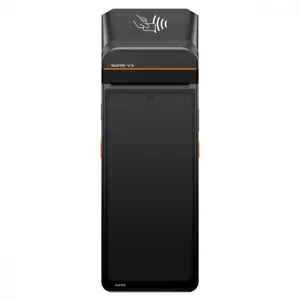
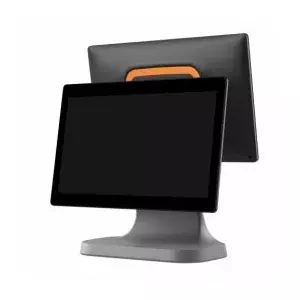
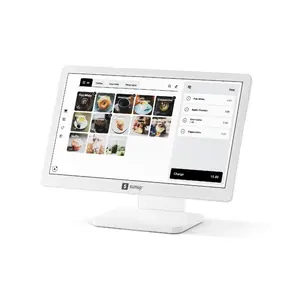
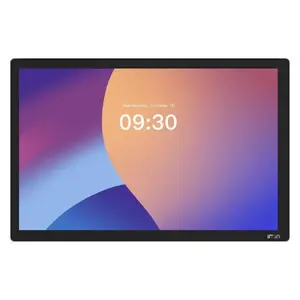
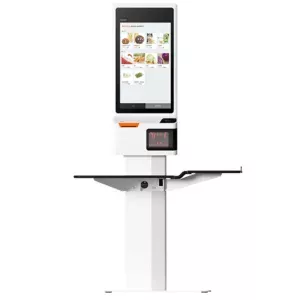
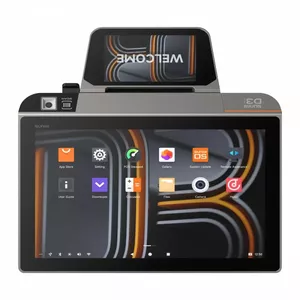
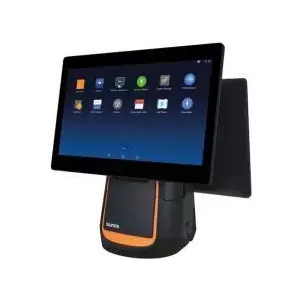
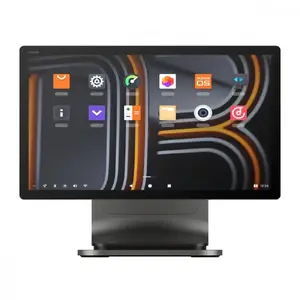
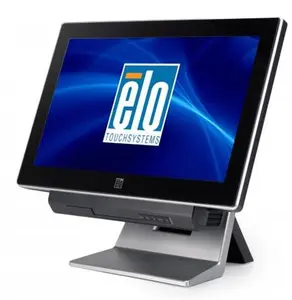
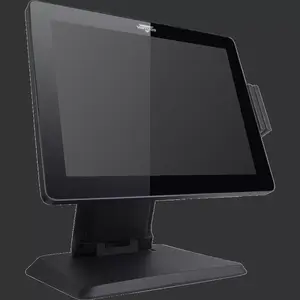
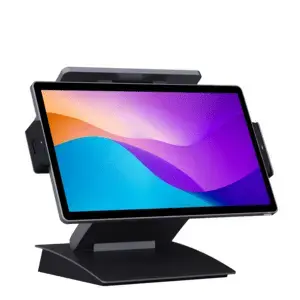
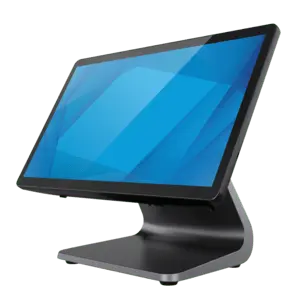
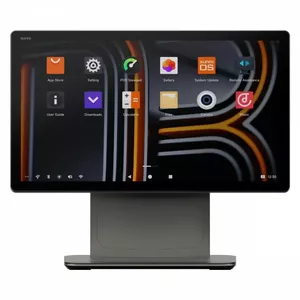
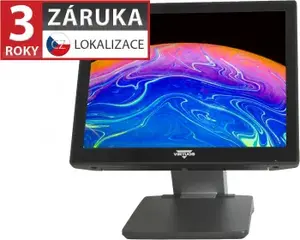
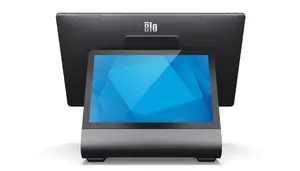
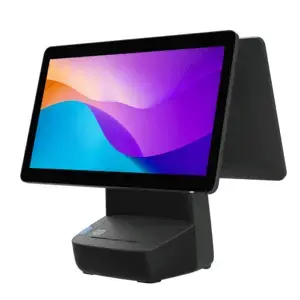
POS systems are integrated hardware and software solutions designed to process sales transactions, manage inventory, and record business operations at points of sale. These systems combine devices such as touch-screen terminals, barcode scanners, receipt printers, cash drawers, and payment terminals with software that handles sales, reporting, customer data, and integrations. Businesses choose POS systems to streamline checkout, track stock levels in real time, and generate transaction records for accounting and analysis. POS systems are used in retail stores, restaurants, cafes, salons, and service businesses where reliable transaction processing and sales tracking are required. Selection depends on business size, transaction volume, required features, and compatibility with existing hardware and back-office systems.
Types of POS Systems
POS systems come in several common configurations suited to different business needs:
- Traditional countertop POS: Stationary terminals with integrated peripherals used at fixed checkout points in retail and hospitality.
- Mobile POS (mPOS): Tablet- or smartphone-based setups that enable sales and payments away from a fixed terminal, useful for pop-up shops and tableside ordering.
- Cloud-based POS: Software hosted on remote servers that sync data across devices and locations, allowing centralized management and frequent updates.
- On-premise POS: Locally installed software running on site servers or computers, offering control over data and customization for specific workflows.
- Self-service kiosks: Customer-facing terminals for ordering and payment, commonly used in fast food, ticketing, and information services.
What are POS Systems used for?
POS systems serve multiple operational functions in sales environments:
- Processing payments: Accepting card, contactless, mobile wallet, and cash transactions, and producing receipts.
- Inventory management: Tracking stock levels, generating reorder alerts, and recording stock movements linked to sales.
- Sales reporting and analytics: Producing daily totals, sales by item or category, and data for financial reconciliation.
- Customer management: Storing customer profiles, purchase histories, and supporting loyalty programs and promotions.
- Employee and shift management: Recording staff sales, managing access permissions, and tracking hours or commissions.
Key Differences between POS Systems
When comparing POS systems, consider technical and operational differences that affect performance and fit:
- Deployment model: Cloud-based solutions offer remote access and easier updates; on-premise systems provide local control and reduced reliance on internet connectivity.
- Hardware compatibility: Some systems require proprietary terminals, others run on standard tablets or PCs with third-party peripherals.
- Feature set: Systems vary in built-in functions such as advanced inventory, multi-location support, e-commerce integration, or kitchen/production routing.
- Scalability and performance: Larger operations need systems that handle high transaction volumes, multi-terminal sync, and centralized reporting.
- Payment processing options: Differences in supported payment methods, integrated payment terminals, and third-party processor compatibility affect cost and user experience.
How to Choose POS Systems?
Selecting a POS system requires matching functionality to business requirements and constraints:
- Define core needs: List required features such as payment types, inventory control, reporting, multi-location support, and customer loyalty tools.
- Assess transaction volume and scale: Choose hardware and software that support current and anticipated peak loads without performance loss.
- Consider deployment and data control: Decide between cloud convenience and on-premise control according to connectivity, security, and compliance needs.
- Check integrations and compatibility: Ensure the POS integrates with accounting, e-commerce, and payment providers already in use or planned.
- Evaluate total cost of ownership: Include hardware, software subscriptions, transaction fees, installation, maintenance, and potential upgrade expenses.
- Test usability and support: Trial interfaces for staff efficiency and verify vendor support, training, and documentation availability.
Why is it worth buying pos systems at AiO.lv?
Order online at AiO.lv at a good price, with delivery across Latvia and to other EU countries. We deliver to Riga, Daugavpils, Liepāja, Jūrmala, Ventspils and other cities. We offer products from leading manufacturers.
- Official warranty and proven quality.
- Convenient payment methods, including instalments and credit.
- Fast, reliable delivery across Latvia and to other EU countries.
FAQ
Where can you find a pos systems with cheap prices?
You can buy cheaper at the AiO.lv online store. We offer competitive prices and regular discounts, so you always have the chance to find a great deal.
What is the delivery time for pos systems?
If you place your order today, delivery will take between 1 and 5 business days depending on the chosen method.
How long is the warranty period for pos systems?
Our store provides an official manufacturer’s warranty ranging from 12 to 36 months, depending on the model and brand. If needed, you can always contact our customer service department or the manufacturer’s authorized service center for support.
Are pos systems purchasable with leasing?
Yes, if the selected product costs more than €50. You can learn more about installment purchase options and the terms of application on the
Payment page.
Can pos systems be purchased for a company (with VAT)?
Yes. AiO.lv works with legal entities in Latvia and throughout Europe. All product prices are shown with VAT included. In certain cases, a 0% VAT rate may apply — for example, when purchasing from other EU countries with a valid VAT number. We issue an invoice immediately after the order is placed, support BIS electronic invoices, and automatically generate all required accounting documents. To complete a purchase for a company, simply select the company profile during checkout.