


Add to wish listAdd to AI comparison
ROLINEDelivery: 22.12.2026
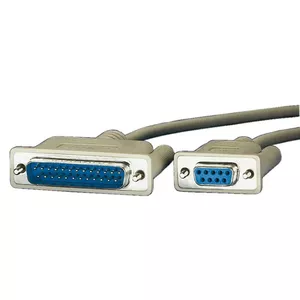
Serial Printer Cable ROLINE DB9 F - DB25 M 3 mDelivery: 22.12.2026
18.99 €
Add to cart

Necessary cookies enable the site’s essential functions, including authentication and security, saving the shopping cart, placing orders, selecting a language, and retaining other user settings. They are always active because the site cannot work correctly without them. These cookies are not used for analytics or advertising.
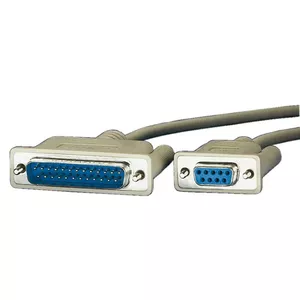

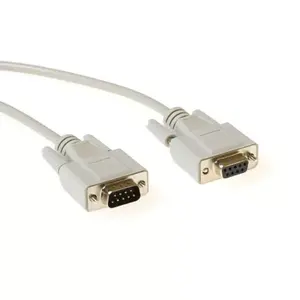
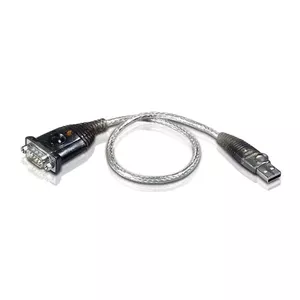
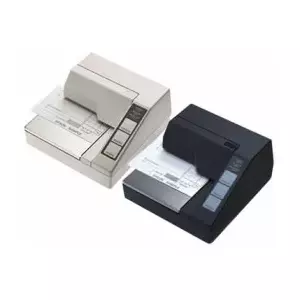


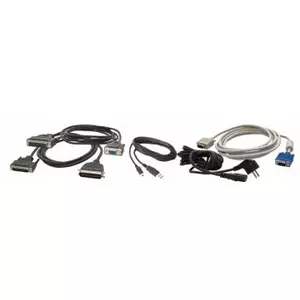

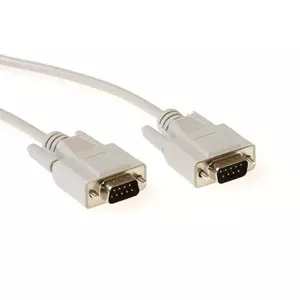


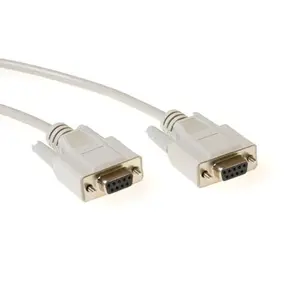
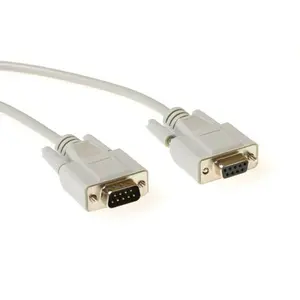


Serial & Parallel cables are electrical interconnects designed to transmit data between devices using serial or parallel communication protocols. These cables include a range of connectors and wiring patterns suited for RS-232, RS-485, USB-serial adapters, DB9 serial leads, and parallel printer interfaces, and are chosen where point-to-point data exchange, device control, or legacy equipment connectivity is required. Typical applications include connecting industrial controllers, laboratory instruments, point-of-sale terminals, printers, and embedded systems for configuration, debugging, or continuous data transfer. Users select serial and parallel cables for their protocol compatibility, pinout matching, signal integrity needs, and environmental durability when used in industrial or commercial settings. Specifications such as conductor gauge, shielding, connector type, and cable length influence electrical performance and noise immunity. Proper selection and correct wiring ensure reliable communication between legacy and modern devices without altering device firmware or interfaces.
Common product types cover a variety of connector formats, wiring schemes, and construction methods.
These cables serve to connect and transmit data between equipment that uses serial or parallel communication standards.
Serial and parallel cables differ in how many data signals they carry simultaneously, their physical wiring, and typical application contexts.
Select cables by matching device interfaces, electrical requirements, and environmental conditions.
Order online at AiO.lv at a good price, with delivery across Latvia and to other EU countries. We deliver to Riga, Daugavpils, Liepāja, Jūrmala, Ventspils and other cities. We offer products from leading manufacturers.

We are confident in our quality, but if the purchase doesn’t fit — you have 14 days to return the product with peace of mind.

Get your orders as quickly as possible — right to your door, parcel lockers, or pickup points across Latvia and the EU.

Pay the way you prefer: cash, VISA, MasterCard, Apple Pay, Google Pay, bank transfer, or 0% installment plan.

AiO.lv has been on the market for over 18 years and has earned trust — with more than 6000 genuine positive reviews on Google.