Leave your address - as soon as the price of the product goes down, you'll know about it right away
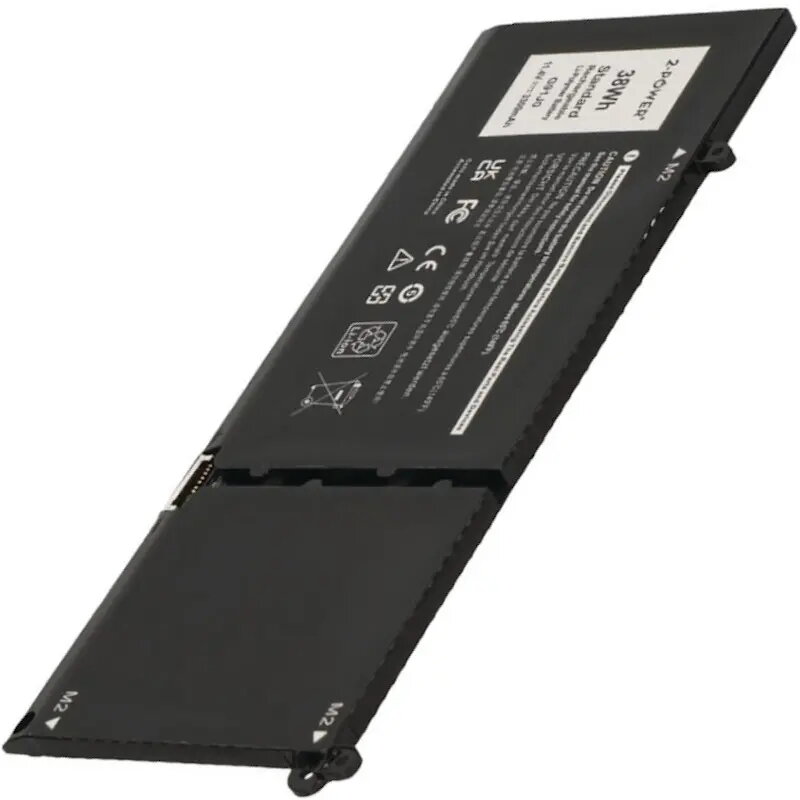
Laptop battery 2-Power for Dell Inspiron 15 3510 11.4V 3300mAh
In cart {{totalProductsCount}} item(s)
Your cart is empty
Laptop battery 2-Power for Dell Inspiron 15 3510 11.4V 3300mAh
Leave your address - as soon as the price of the product goes down, you'll know about it right away
Laptop battery 2-Power for Dell Inspiron 15 3510 11.4V 3300mAh
Replacement laptop battery 2-Power for Dell Inspiron 15 3510 is a direct-fit power source designed to restore mobility to compatible notebooks. Rated at 11.4 V and 3300 mAh, this battery supports everyday tasks such as web browsing, office work and media playback by providing extended runtime compared to a depleted cell. The cell chemistry and construction match common form-factor requirements for the specified Dell Inspiron 15 3510 chassis, allowing straightforward installation without modifications.
This 2-Power battery delivers a reliable and consistent voltage output to maintain system stability during typical laptop use. The 3300 mAh capacity balances weight and run time for portable use while the 11.4 V rating ensures compatibility with the notebook’s power management. Designed as a replacement unit, it enables a direct swap to recover original battery life and avoid dependence on AC power when away from a charging point.
Power down the laptop and disconnect any external power source before beginning the replacement. Remove the service hatch or bottom cover according to the notebook manufacturer’s guidance, detach the existing battery connector from the motherboard, and carefully remove the old battery. Insert the new 2-Power battery into the same location, secure it with the original screws or fasteners, and reconnect the battery cable to the motherboard. Reassemble the cover, reconnect AC power, and allow the system to recognize and charge the new battery. Follow the laptop’s battery calibration or charging recommendations if provided by the manufacturer.
The battery performs best when used within normal temperature ranges and charged using the original or compatible charger; avoid exposure to extreme heat or prolonged full discharge. For optimal lifespan, charge and discharge the battery periodically and follow Dell’s maintenance guidance for battery care.
{{highlightedFeature.featureTitle}}:
{{getProductFeatureValueById(product, highlightedFeature.featureId)}}