Save time and money with our discounts!
In cart {{totalProductsCount}} item(s)
Your cart is empty
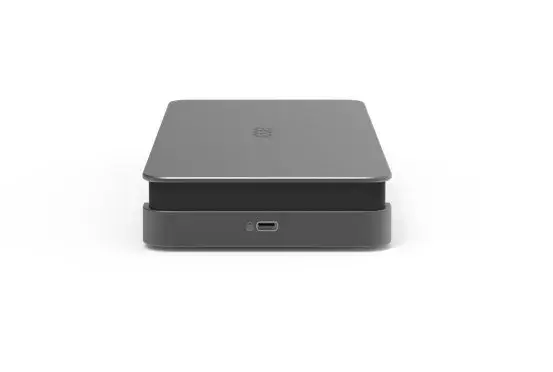
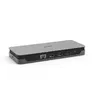
Acer USB Type-C Gen 1 Docking Station with 2x HDMI, 3x USB 3.2 Gen 1, and Gigabit Ethernet
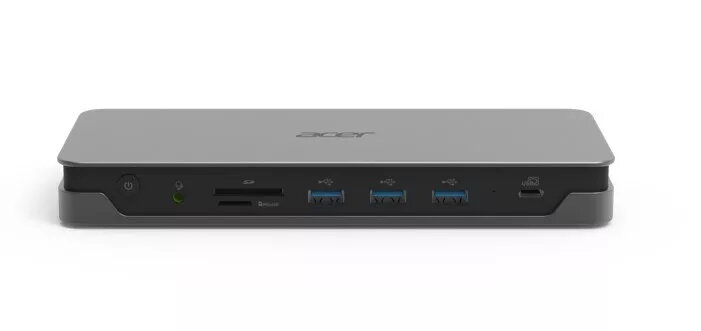
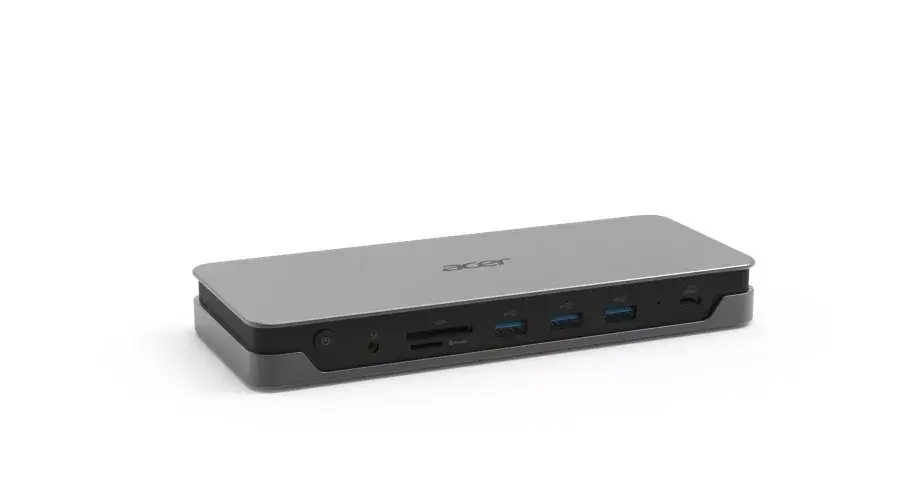
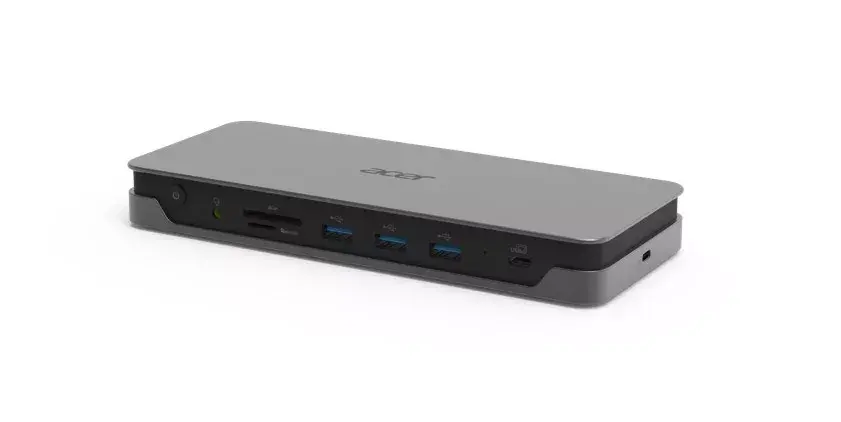
The Acer USB Type-C Gen 1 Docking Station is a comprehensive connectivity solution designed to transform your laptop into a fully functional workstation. By utilizing a single USB Type-C connection, this device expands your laptop's capabilities, allowing you to manage multiple peripherals, displays, and network connections simultaneously. Its compact and durable grey chassis ensures it fits seamlessly into any professional or home office environment, helping to reduce cable clutter while maintaining high performance.
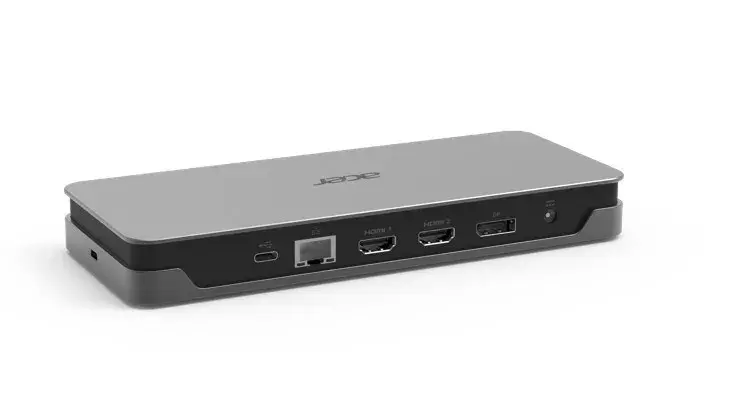
This docking station offers significant versatility by providing dual HDMI ports, which support extended display setups for improved multitasking. With three high-speed USB 3.2 Gen 1 Type-A ports, you can easily connect external drives, keyboards, mice, and other essential accessories without compromising on data transfer speeds. The inclusion of a Gigabit Ethernet port ensures a reliable, high-speed wired internet connection, which is often more stable than wireless alternatives. Additionally, the integrated SD card reader and Kensington lock slot provide added convenience and security for your hardware and data.
This docking station may not be suitable for users requiring high-power delivery for demanding gaming laptops or mobile workstations that require specific proprietary charging standards. It is also not intended for users who need specialized ports such as DisplayPort, VGA, or Thunderbolt 3/4 connectivity.
To use the Acer docking station, connect the integrated USB Type-C cable to your laptop's compatible port. Once connected, plug your HDMI monitors, USB peripherals, and Ethernet cable into the respective ports on the dock. The device is designed for plug-and-play functionality, though you should ensure your laptop's USB Type-C port supports video output and data transfer to utilize all features effectively.
Usage recommendations: To maintain optimal performance, keep the docking station in a well-ventilated area and avoid placing heavy objects on top of the unit. Always disconnect the device safely if you need to move your laptop for extended periods.
{{highlightedFeature.featureTitle}}:
{{getProductFeatureValueById(product, highlightedFeature.featureId)}}
{{ productComparisonGenerationError }}