Save time and money with our discounts!
In cart {{totalProductsCount}} item(s)
Your cart is empty
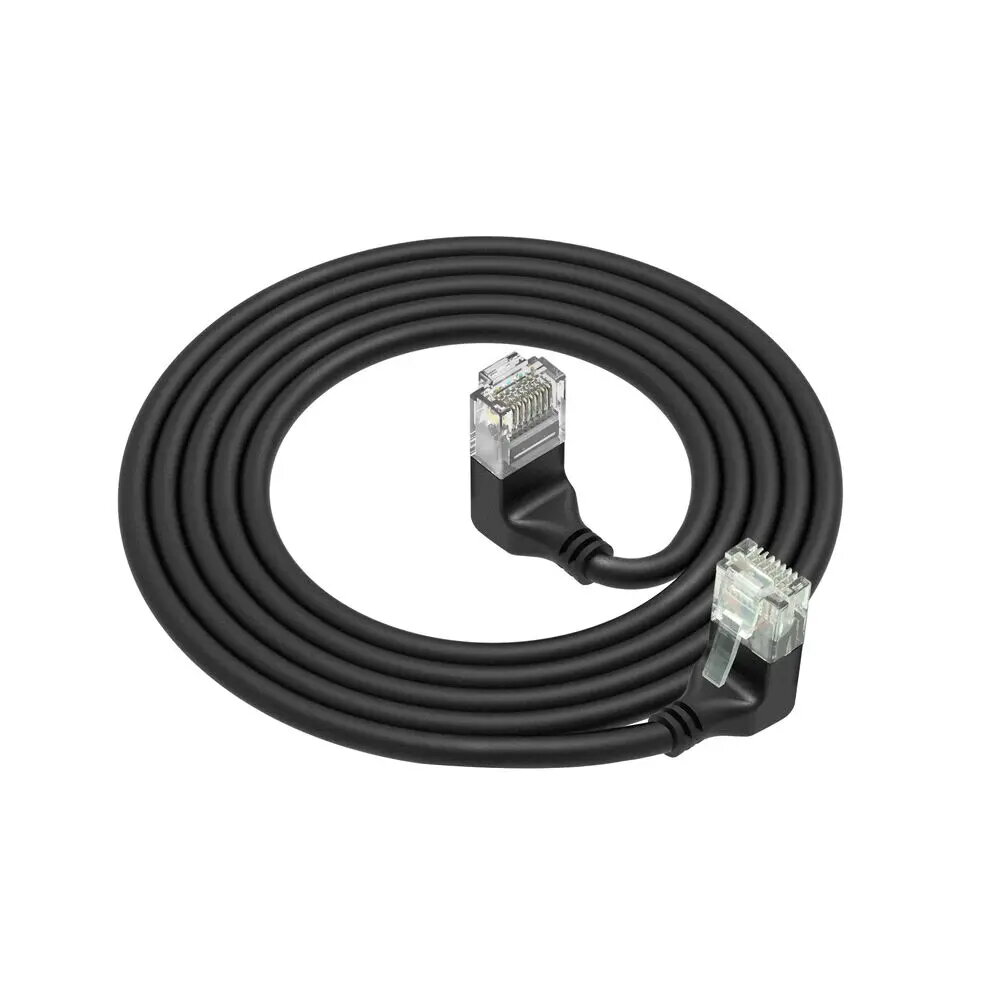
ACT DD7952 Cat6a U/UTP Network Patch Cable RJ-45 Male to Male Black 0.25 m
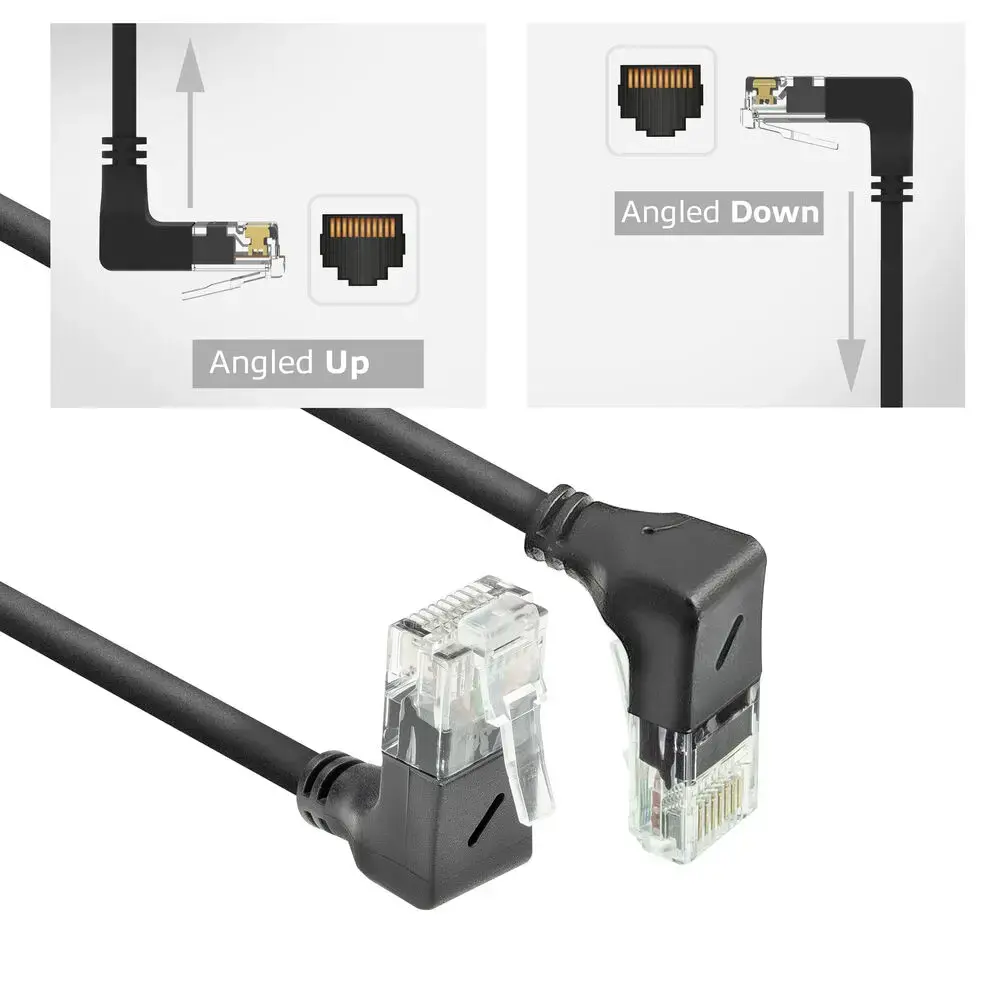
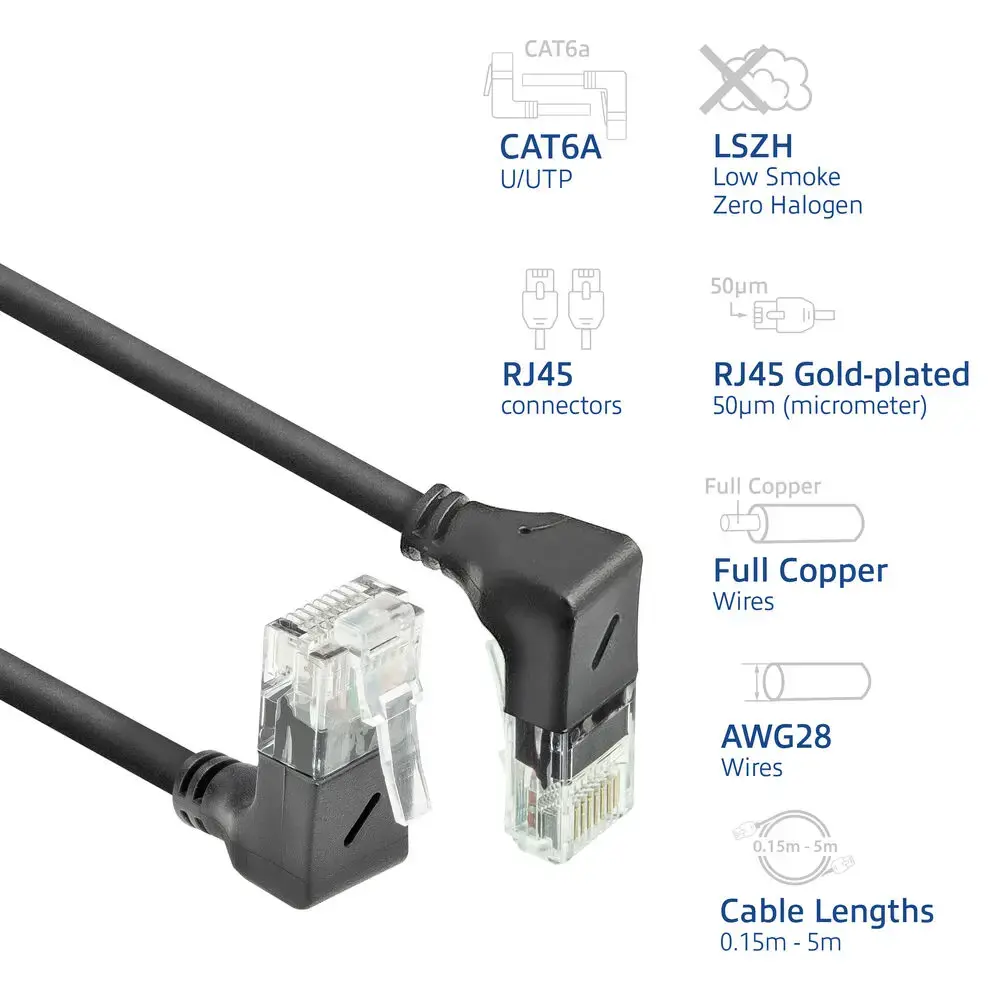
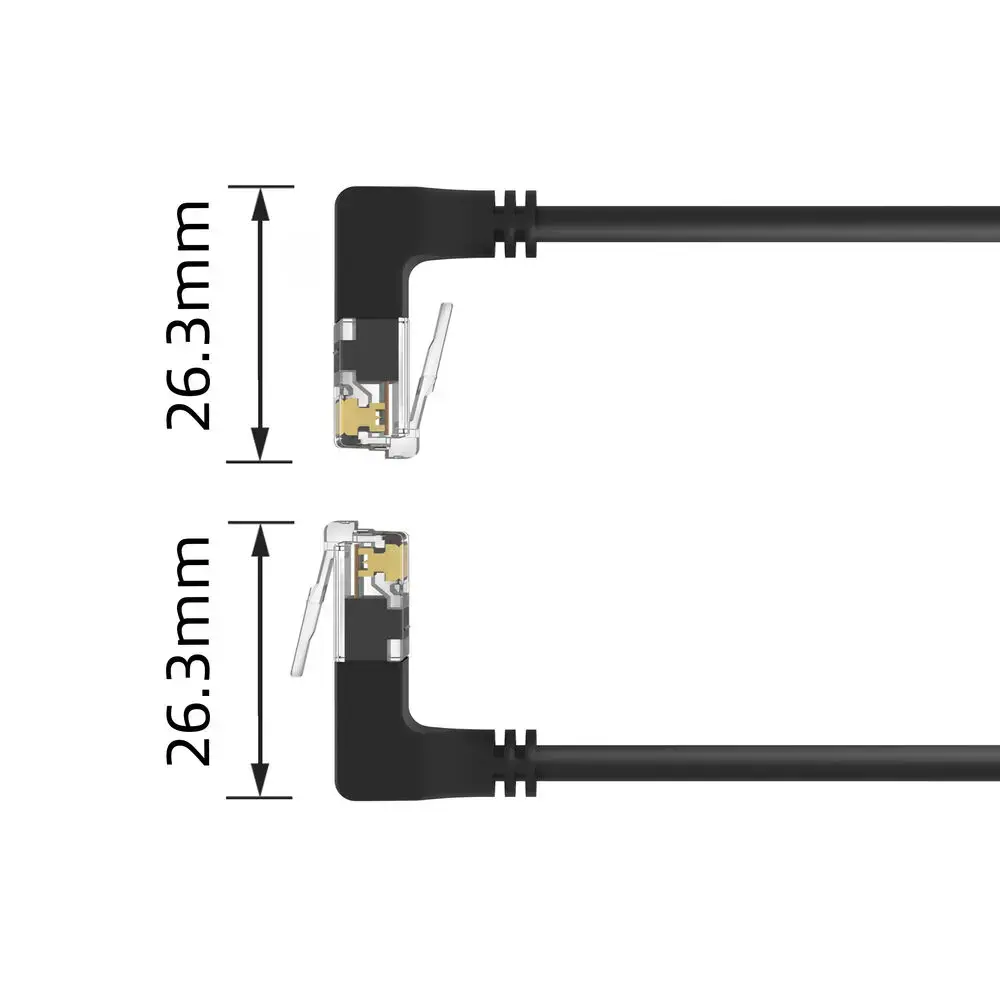
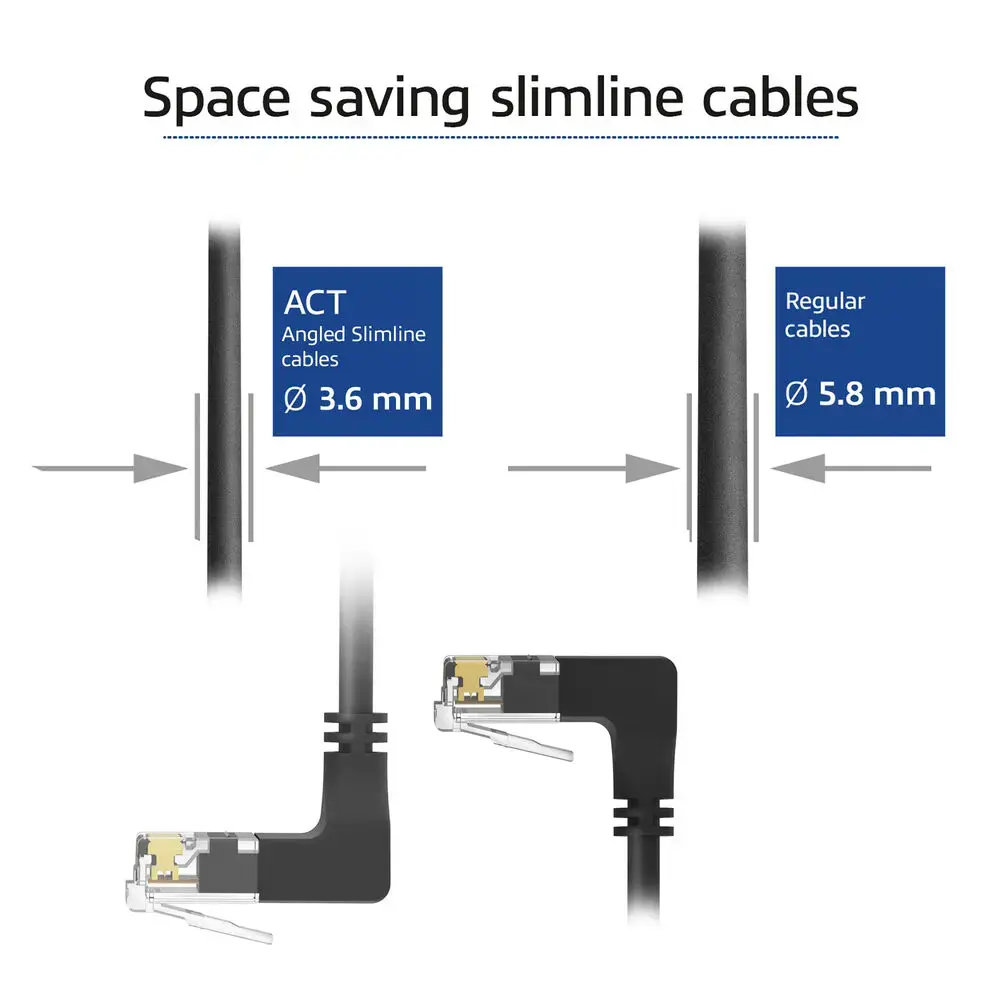
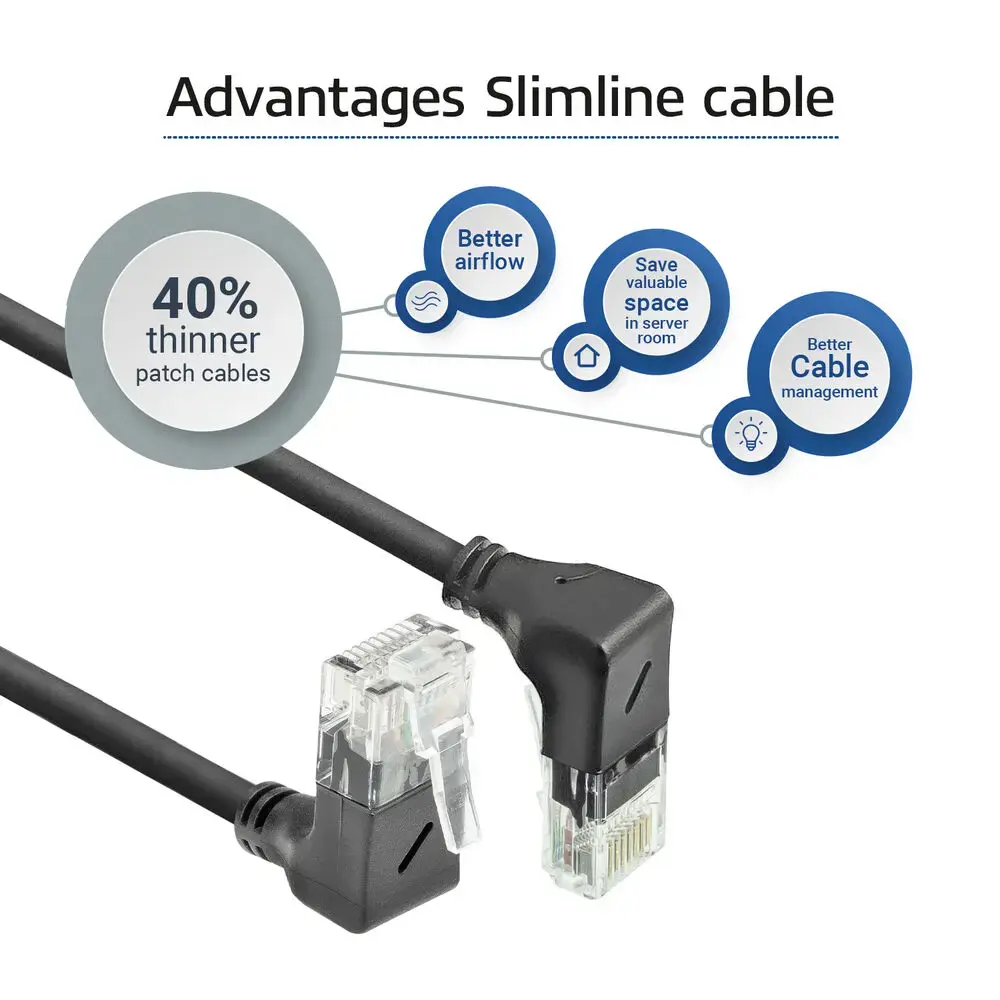
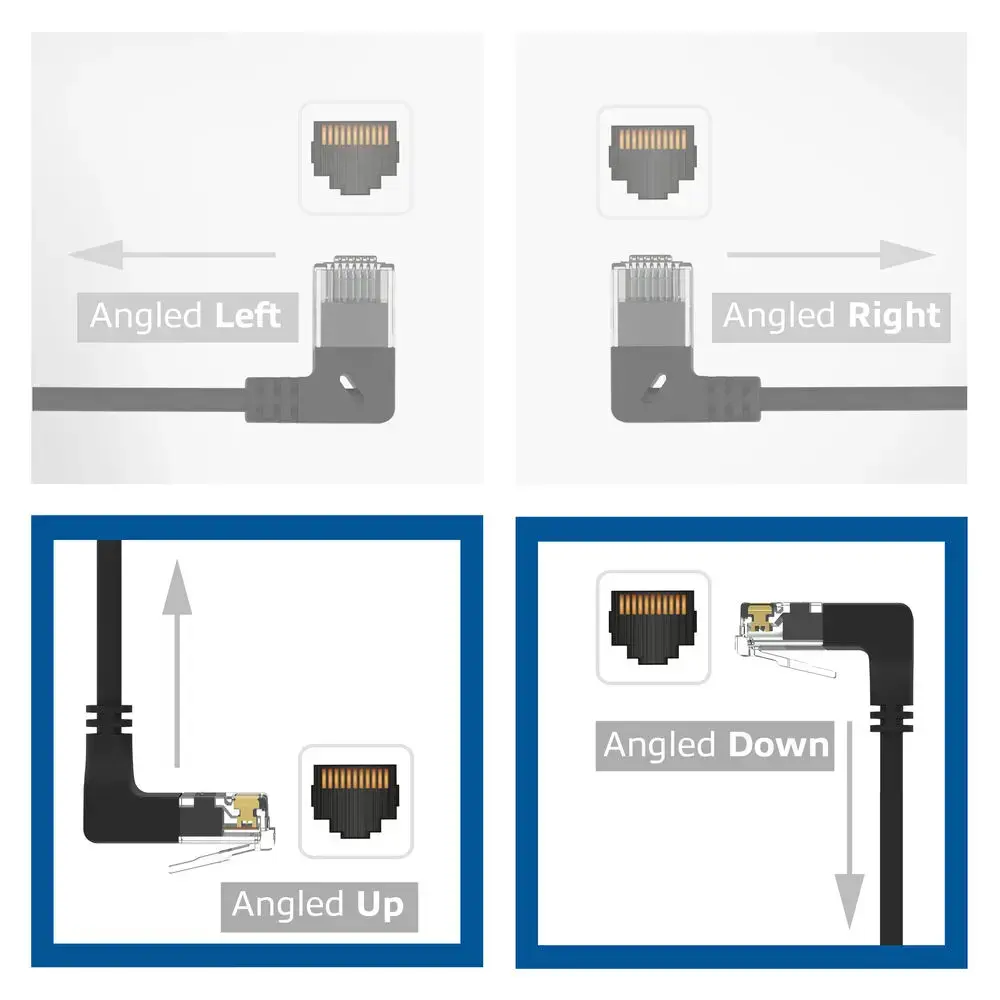
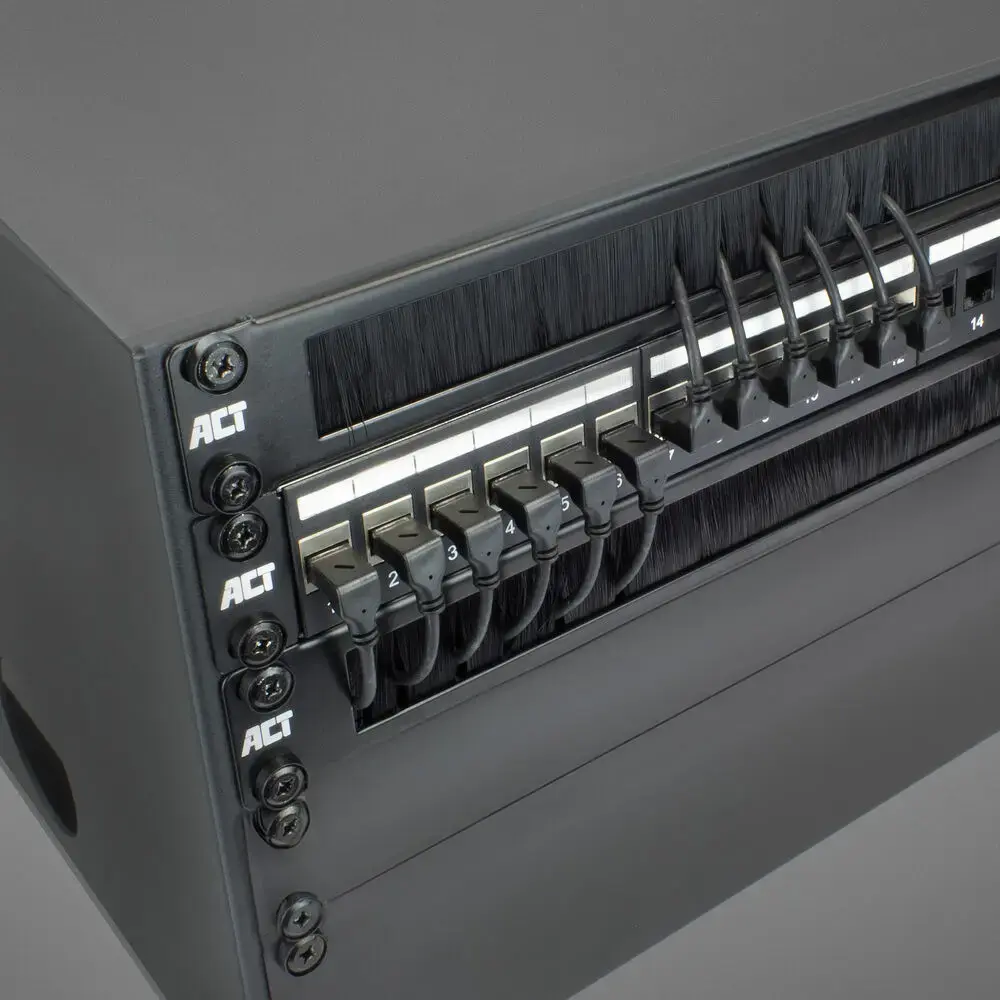
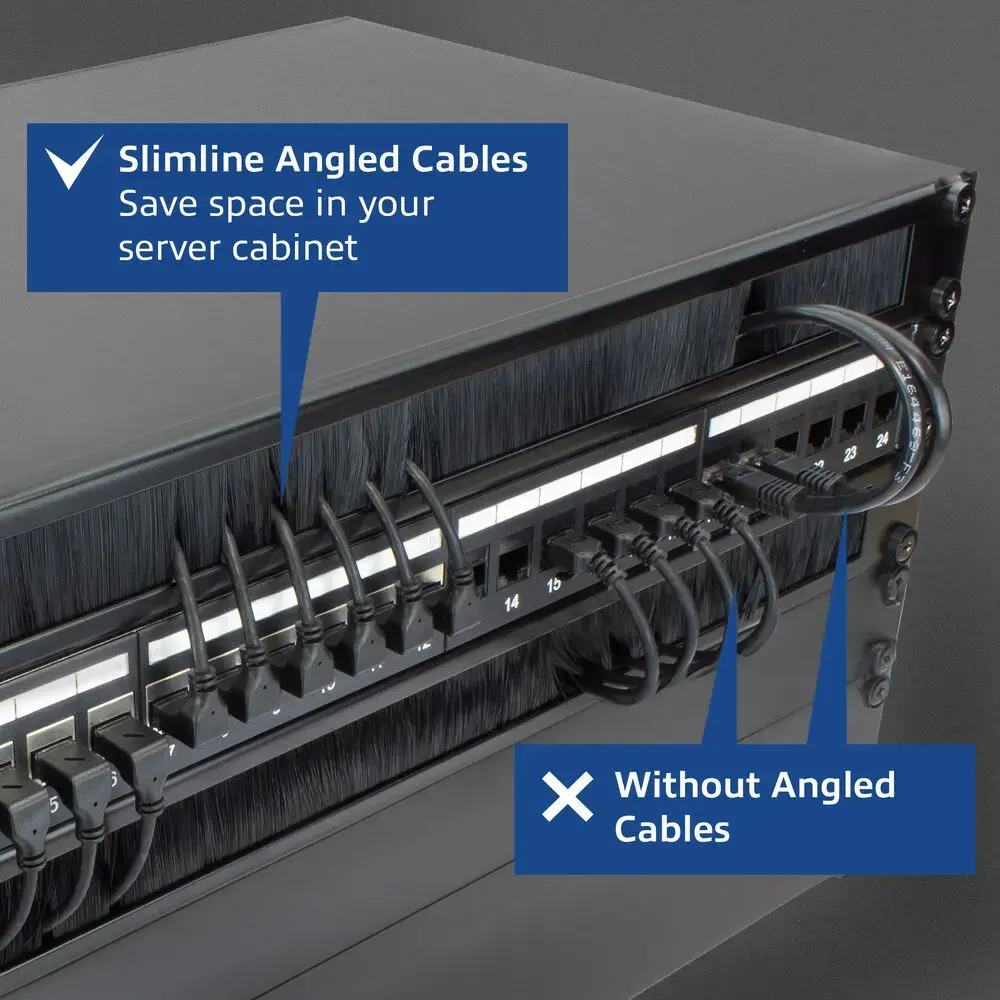
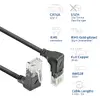
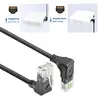
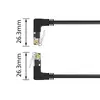
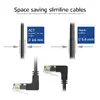
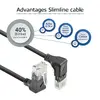
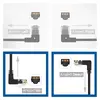
The ACT DD7952 Cat6a U/UTP Network Patch Cable is a compact and reliable solution designed for high-speed Ethernet connections in local area networks, office environments, and home setups. Measuring 0.25 meters in length, this slimline patch cable features male RJ-45 connectors on both ends with 50µ gold-plated contacts and full copper 28AWG wires. Engineered with a slim 3.6mm outer diameter jacket, it significantly improves airflow in server racks and network cabinets compared to standard patch cords. The cable is equipped with a 90° angled down RJ-45 connector and a 90° angled up RJ-45 connector, making it exceptionally well-suited for connecting devices in confined spaces without placing stress on the bend radius. Furthermore, it features a Low Smoke Zero Halogen jacket to minimize toxic gas emissions in the event of a fire or short circuit, ensuring safer operation in enclosed technical rooms.
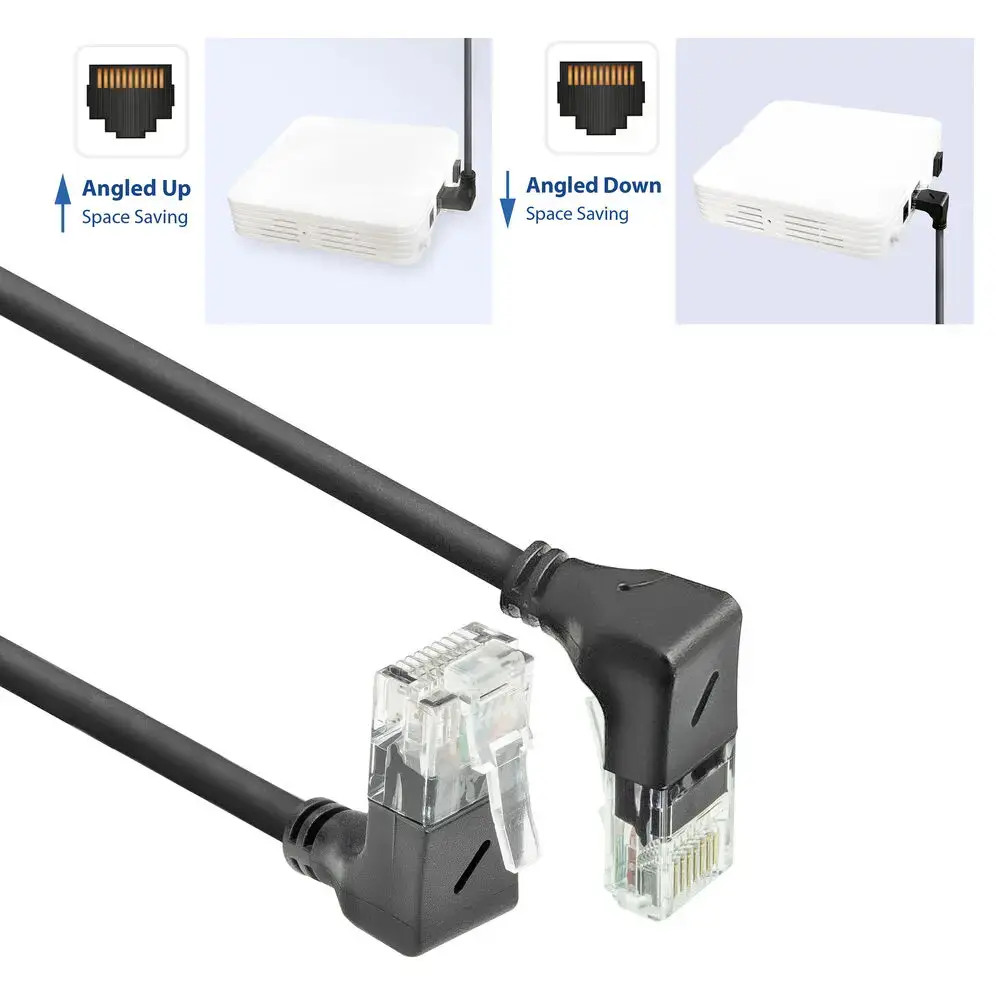
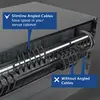
This network patch cable provides exceptional performance by combining high-speed data transmission capabilities with a space-saving design. The slimline 3.6mm profile allows for denser cable management and improved ventilation inside crowded network cabinets and server racks. The 90-degree angled connectors facilitate neat cable routing behind equipment and in tight wall outlets where standard straight connectors would not fit or would bend excessively. Full copper wiring and gold-plated contacts ensure stable signal integrity and reliable data transfer. Additionally, the Low Smoke Zero Halogen jacket enhances safety compliance for modern IT installations.
This cable may not be suitable for long-distance network runs due to its specific 0.25-meter length, as it is strictly designed for short interconnects. It is also not intended for outdoor installations or harsh industrial environments lacking environmental protection for standard unshielded cables.
To use this patch cable effectively, ensure that both connected network devices feature standard RJ-45 ports. Gently insert the 90-degree angled connectors into the respective ports, aligning the angles with the available space behind the equipment or inside the cabinet to prevent strain on the cable jacket or internal wires. Push the connectors firmly until the locking tabs click into place. Route the slim cable neatly along available cable management channels to maintain optimal airflow and keep the installation organized.
For optimal performance and longevity, avoid exceeding the minimum bend radius of the cable and do not place heavy objects on the jacket. Ensure the installation environment remains dry and within standard indoor operating temperatures.
{{highlightedFeature.featureTitle}}:
{{getProductFeatureValueById(product, highlightedFeature.featureId)}}
{{ productComparisonGenerationError }}