
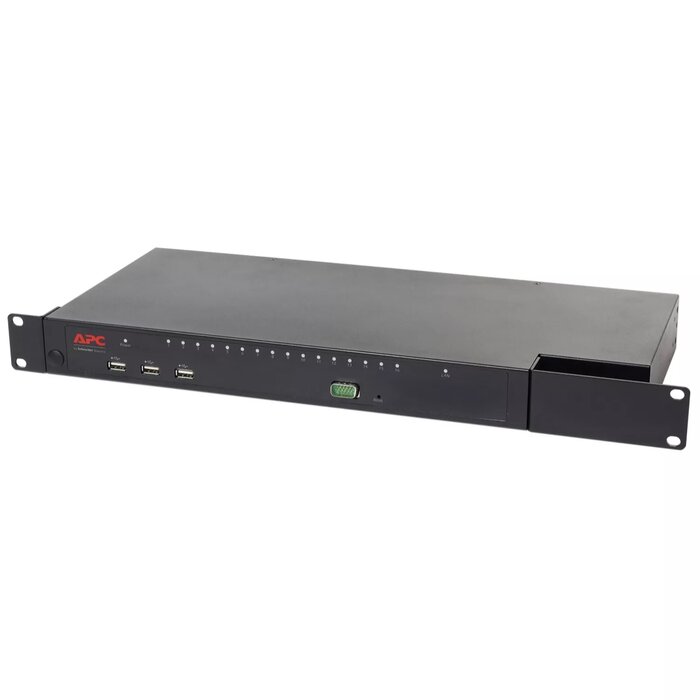
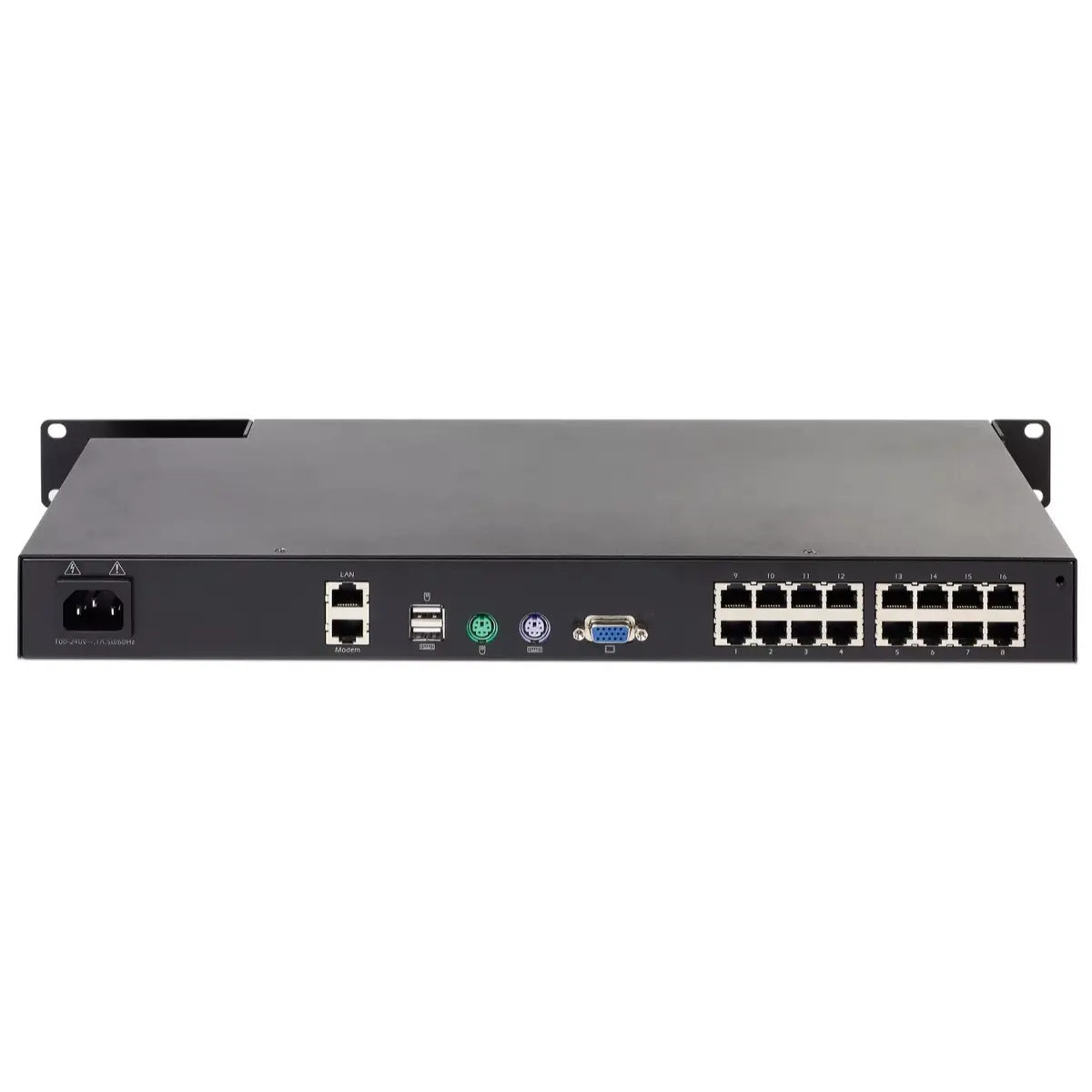
KVM Switch APC KVM1116R
{{selectedOffer && selectedOffer.price | formatAmount}}
{{selectedOffer && selectedOffer.price | formatAmount}}
Offer for legal entity, cashless payment.
Why is an item available only for a legal entity?
This is due to long delivery times and limited product warranties.
This is due to long delivery times and limited product warranties.
Short description
The APC KVM1116R is a 1U rack-mountable KVM switch designed for efficient control of multiple servers. It features PS/2 keyboard and mouse ports, VGA video output, and supports a frequency range of 50-60 Hz. Certified with C-tick, CE, and RoHS, this reliable switch ensures compliance with various standards. Its compact dimensions (424 mm width, 188 mm depth, 43 mm height) make it ideal for space-constrained environments.

Cheapest delivery:
Unisend LV
Pick-up points
Unisend LV
Cost
1.99 €
Deliver
{{selectedOffer.parcelStationDeliveryString}}
Customer service center
2b. Kengaraga str., Riga, Latvia, LV-1063
07.10.2026
{{selectedOffer.officeDeliveryString}}
free
Courier Delivery
Please note that in case of a large parcel additional delivery costs may apply!
From 4.99 € (Weight: 3.98 kg)
Parcel couriers
Unisend LV / Omniva LV / Latvijas Pasts nodaļa
12.10.2026
{{selectedOffer.parcelStationDeliveryString}}
From 1.99 €

Payment Methods:
Cash payment, Bank transfer, Bank cards on-line, Apple Pay, Google Pay, Leasing for legal entities
Leasing for legal entities:
from 64.54 euros per month
Available for private customers at price 1,860.99 €:
1 pcs.


