Leave your address - as soon as the price of the product goes down, you'll know about it right away
Notebook Adapter for LH1 Mounts Arctic AEMNT00036A
In cart {{totalProductsCount}} item(s)
Your cart is empty
Notebook Adapter for LH1 Mounts Arctic AEMNT00036A
Leave your address - as soon as the price of the product goes down, you'll know about it right away
Notebook Adapter for LH1 Mounts Arctic AEMNT00036A
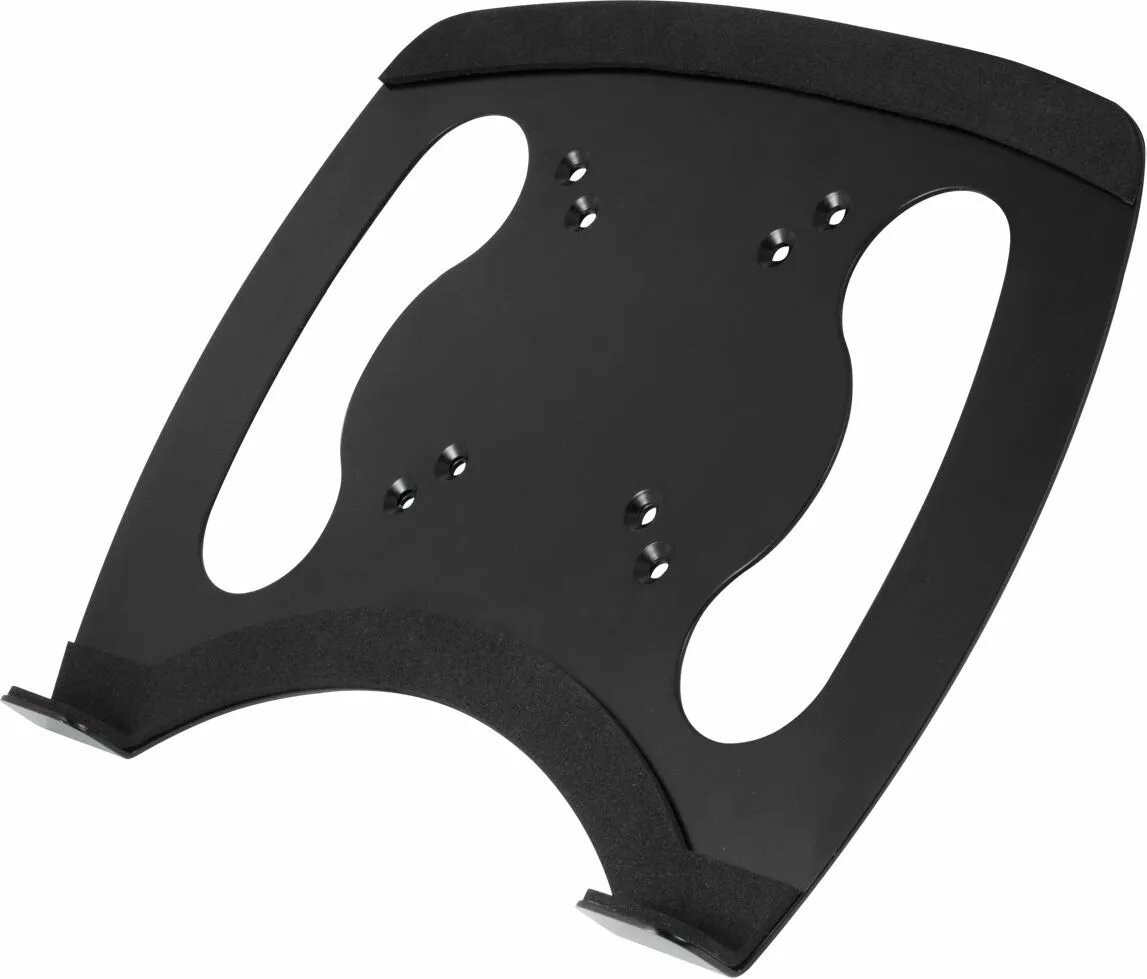
The Arctic Notebook Adapter for LH1 Mounts AEMNT00036A is an adapter designed to attach a laptop to LH1-compatible mounting systems and monitor arms. It provides a standardized interface between a notebook and LH1 mounts, enabling secure fixation and controlled adjustment. The adapter is intended for environments where a laptop needs to be elevated, positioned, or locked to an LH1 mounting interface such as desks, workstations, or retail counters.
This adapter offers a compact and reliable connection method for laptops and LH1 mounts, simplifying installation and removal while maintaining stable attachment during daily use. Its design ensures compatibility with standard LH1 interfaces, allowing straightforward integration with a variety of arms and mounts. The solution reduces desk clutter by enabling vertical or articulated positioning of the notebook and supports ergonomic arrangement of workspaces.
Attach the adapter to the laptop according to the manufacturer’s instructions for alignment and fastening, ensuring the laptop and adapter surfaces are clean and free of debris. Mount the adapter to an LH1-compatible arm or bracket by aligning the adapter interface with the LH1 mount and securing any locking mechanisms on the arm. Verify the connection is secure and test the range of motion before placing the laptop under regular use. Follow any weight or size guidance provided by the mount manufacturer to avoid overloading the arm.
Use this adapter with LH1-compatible mounts that support the weight and dimensions of your notebook. Periodically check attachment points and locking mechanisms for wear and tightness to maintain a stable and safe installation.
{{highlightedFeature.featureTitle}}:
{{getProductFeatureValueById(product, highlightedFeature.featureId)}}