Dreame vacuums for fast and efficient cleaning!
In cart {{totalProductsCount}} item(s)
Your cart is empty
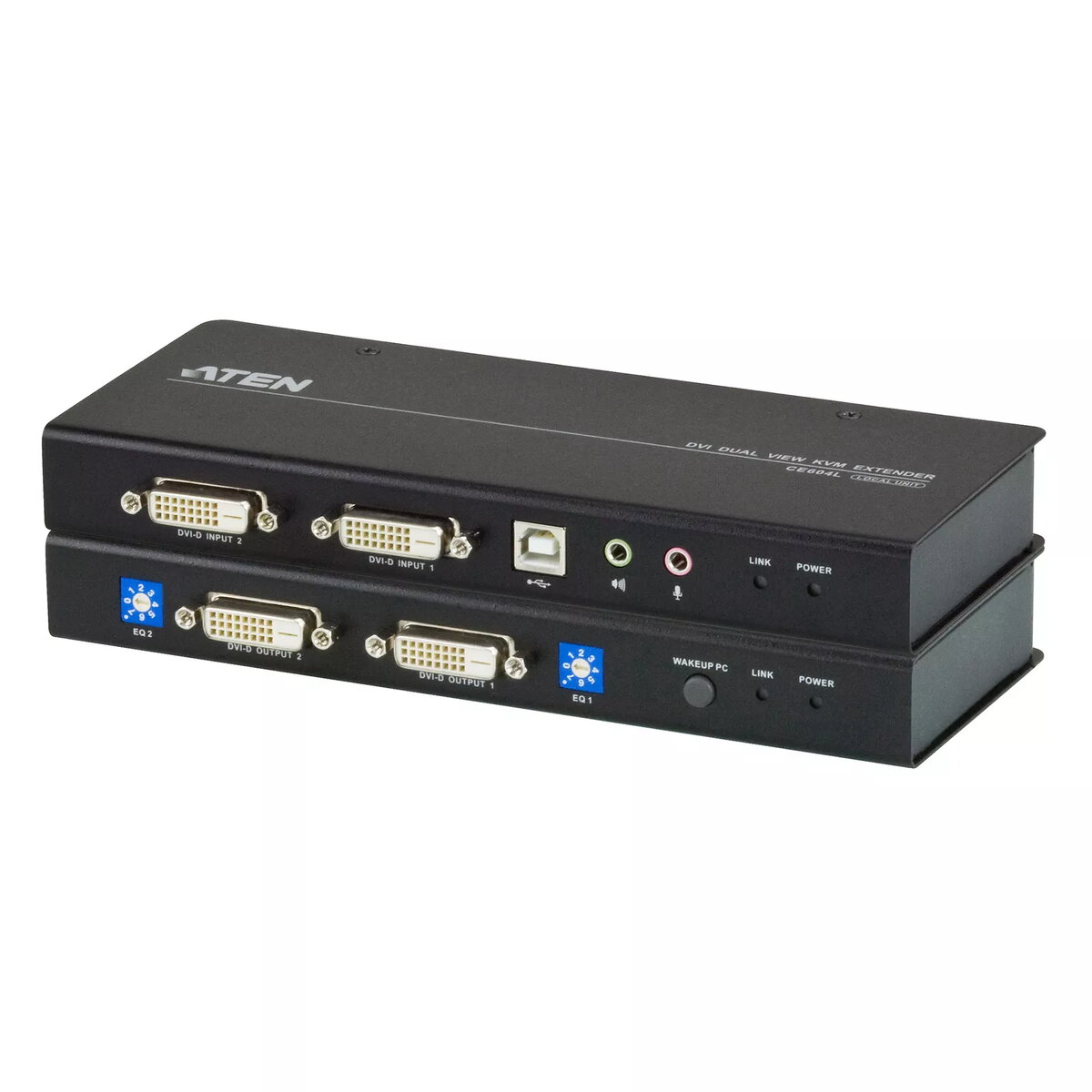
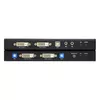
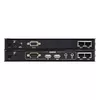
Console Extender ATEN CE604
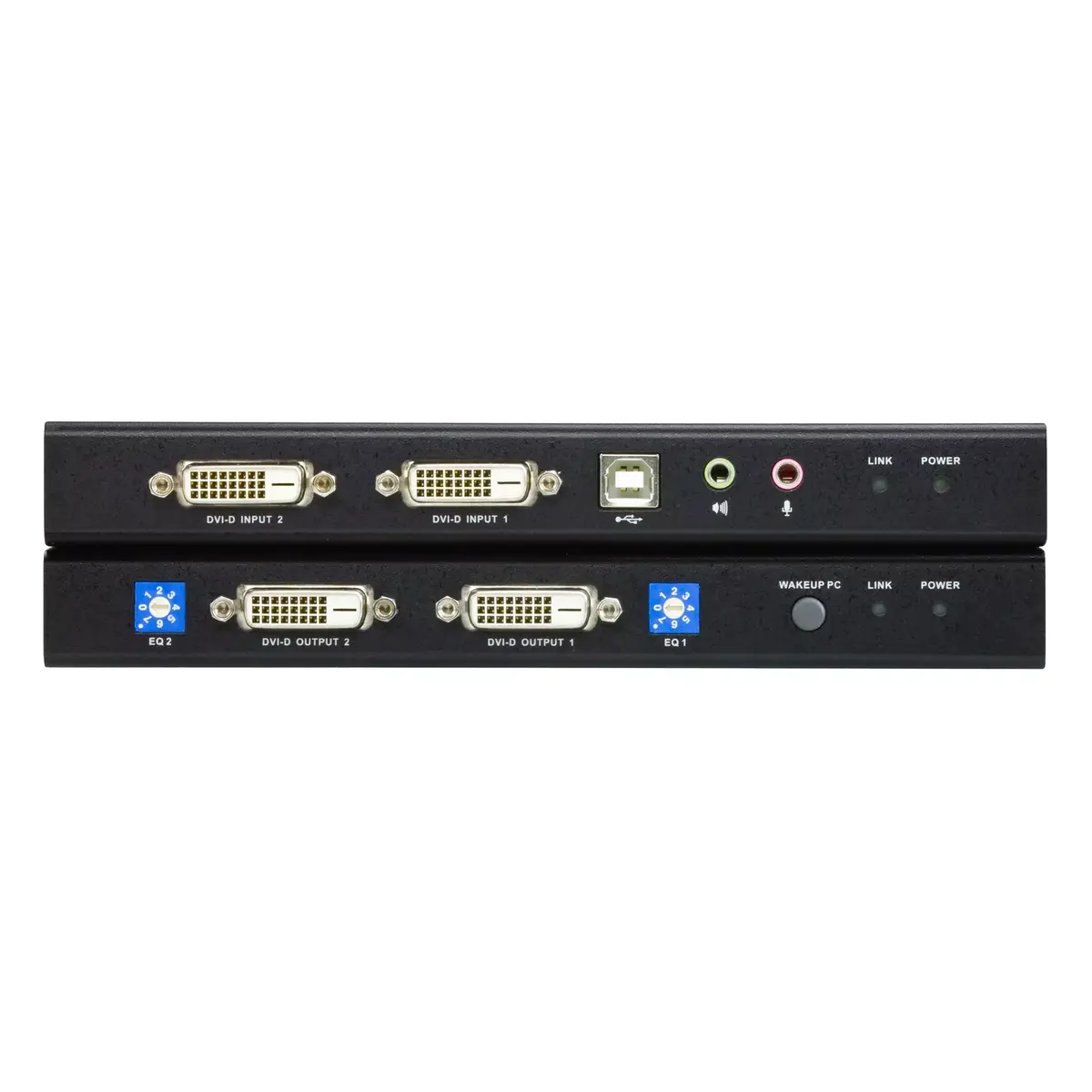
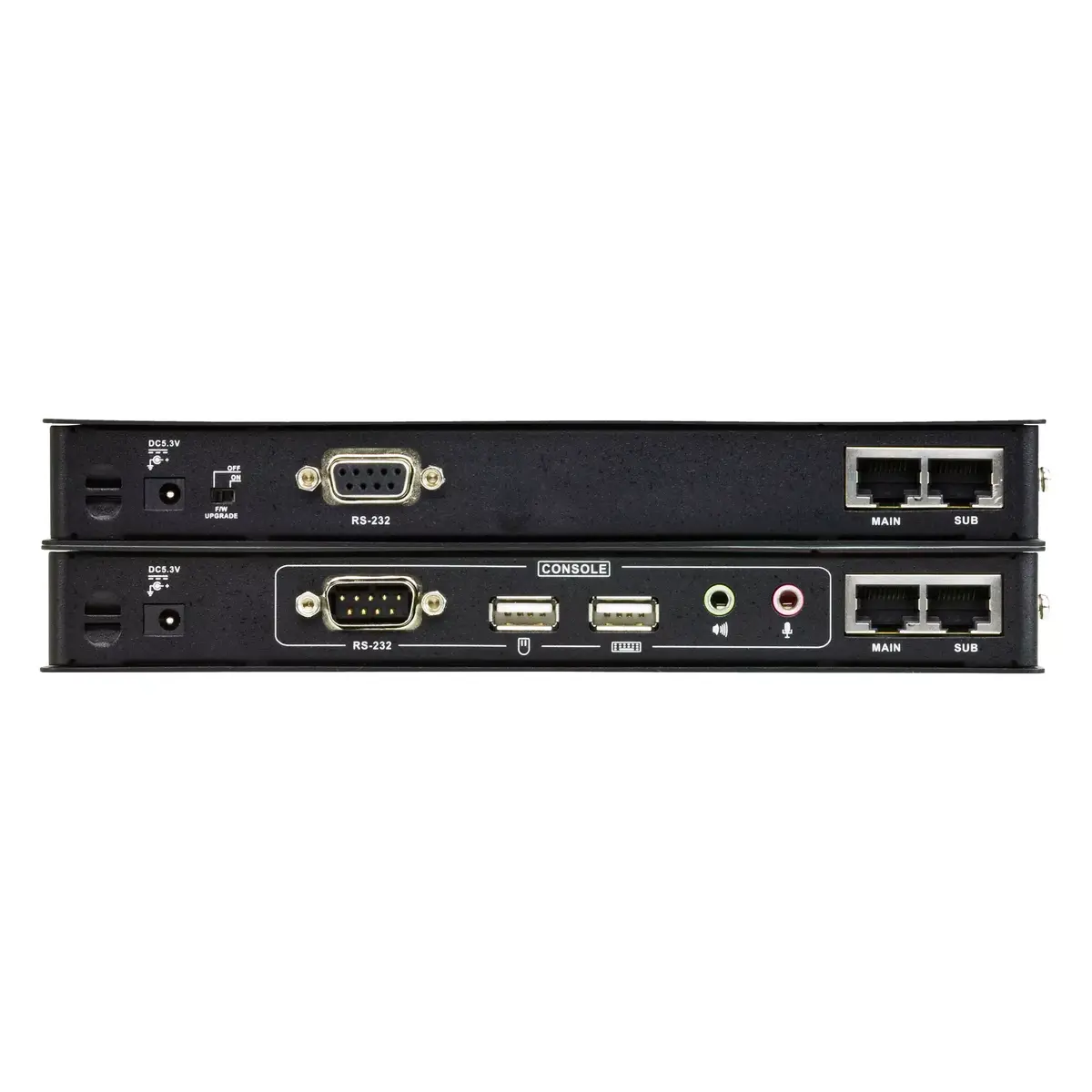
The ATEN CE604 Console Extender is a DVI Dual View USB-based KVM extender designed to extend DVI video and USB keyboard/mouse signals to a remote console up to 60 m away. It supports Dual View output so the video signal can be displayed on two monitors, and includes an RS-232 serial channel for connection to serial terminals or serial devices such as touchscreens and barcode scanners. The unit supports resolutions up to 1920 x 1200 at 60 Hz, weighs 0.48 kg and comes in a compact black enclosure suitable for control and security environments in financial and industrial markets.
The CE604 provides simultaneous dual-monitor output from a single local system while carrying USB HID signals for keyboard and mouse control. Its RS-232 serial functionality enables integration with external serial devices and system consoles. A PC Wake Up feature lets a user at the remote console power on the local PC with a pushbutton, reducing the need to access the local site. The included DVI cables and compact form factor simplify installation and help protect sensitive equipment by allowing the system to be located in a secure, controlled environment.
Install the local unit near the computer and connect its DVI and USB ports to the host system. Connect the remote unit to one or two monitors using DVI cables and connect a USB keyboard and mouse. Use serial cabling to attach serial devices to the RS-232 port if needed. Run the video and USB signals over the supported distance (up to 60 m) between the local and remote units, then power both units and verify display and input functionality. Use the pushbutton on the remote console to trigger the PC Wake Up feature when required.
Place the system equipment in a clean, secure environment to protect hardware and sensitive data, and route cables to avoid interference. For best video performance, use quality DVI cables and ensure the total cable run does not exceed specified limits. If serial devices are used, confirm correct RS-232 settings for baud rate and parity to match connected equipment.
{{highlightedFeature.featureTitle}}:
{{getProductFeatureValueById(product, highlightedFeature.featureId)}}
{{ productComparisonGenerationError }}