Filters you can trust. Pure water every day.
In cart {{totalProductsCount}} item(s)
Your cart is empty
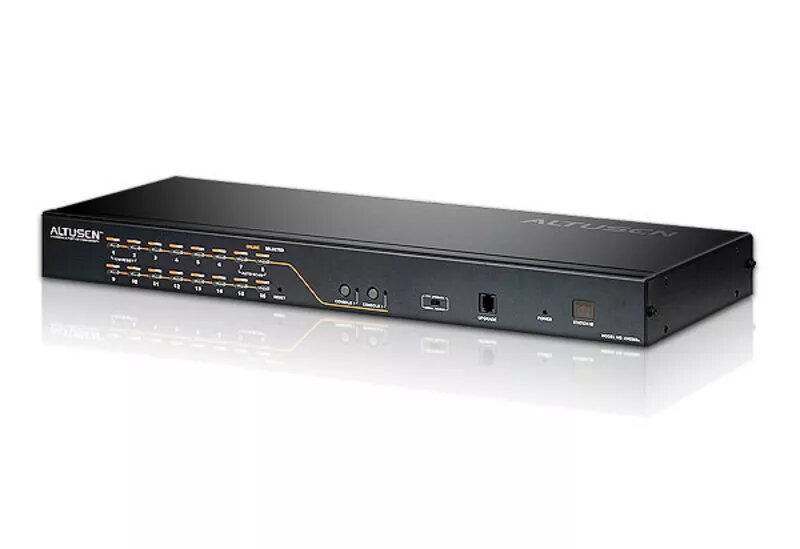
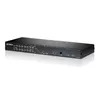
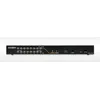
KVM switch ATEN KH2516A
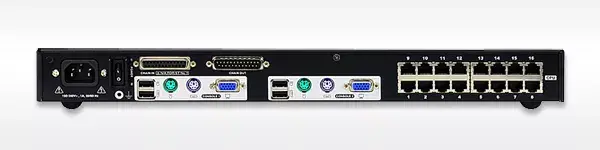
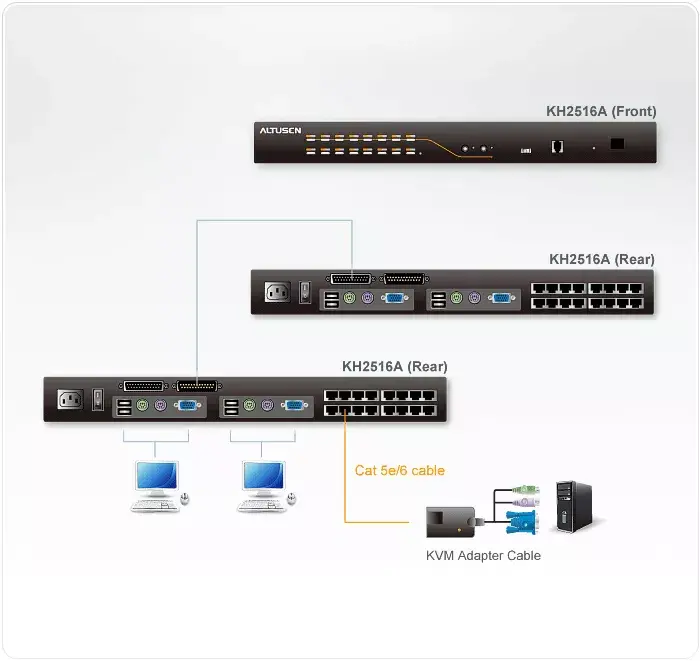
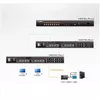
The ATEN KH2516A KVM switch enables control of multiple computers from a single keyboard, monitor and mouse. This high-density unit provides direct connection for up to 16 computers and supports daisy-chaining of up to 15 additional KH2516A switches to manage up to 256 systems from one console. The metal-housed device supports mixed console and computer interfaces (PS/2 and USB) and offers video support up to 1600x1200@60Hz over CAT5 cabling with compatible KA7000-series adapter cables.
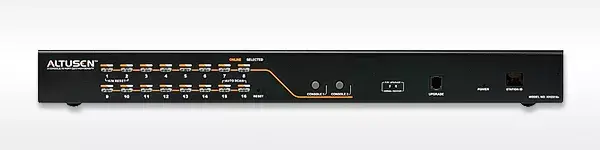
The KH2516A offers simultaneous independent control from two KVM consoles, flexible port operation modes (Occupy, Exclusive, Share), and three port selection methods: front-panel pushbuttons, hotkey and multi-language On-Screen Display (OSD). It includes multi-user account management with one administrator and up to ten user profiles, two-level password protection, firmware upgrade capability and adapter ID support. Broadcast and auto-scan functions simplify monitoring and batch operations across multiple computers.
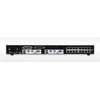
Install the KH2516A in a rack or on a flat surface using the supplied rack mount kit or foot pads. Connect each target computer to the switch using the appropriate KA7000-series KVM adapter cables or compatible cabling for PS/2 and USB interfaces. Attach keyboard, monitor and mouse to the console ports; power the unit using the supplied power cord. Select target ports via front-panel buttons, hotkeys or the OSD, and manage user access and port rights through the built-in account and permission settings. Use daisy chaining to expand the number of controlled computers when required.
For best video performance at longer distances, use the KA7000-series KVM adapter cables and verify cable quality. Configure administrator and user accounts with strong passwords, and set appropriate port operation modes (Occupy, Exclusive, Share) according to access needs. Keep firmware up to date using the supplied firmware upgrade cable to ensure compatibility and security.
{{highlightedFeature.featureTitle}}:
{{getProductFeatureValueById(product, highlightedFeature.featureId)}}
{{ productComparisonGenerationError }}