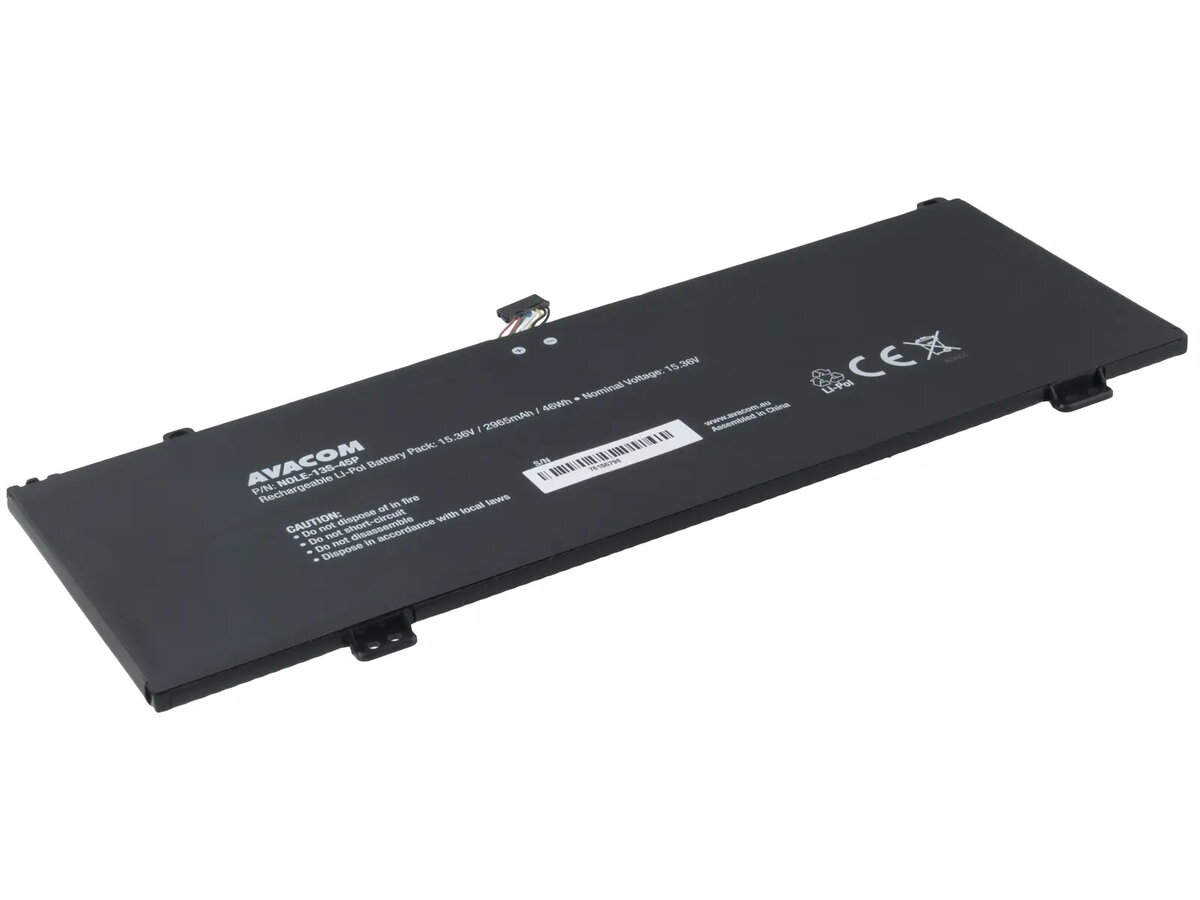
The AVACOM replacement battery for Lenovo ThinkBook 13s and 14s is a high-quality power solution engineered to restore your laptop's performance to its original factory standards. This lithium-polymer battery is designed specifically for compatibility with select Lenovo ThinkBook models, providing a reliable and stable energy source for daily computing tasks. With its precise engineering, it ensures a seamless fit and consistent power delivery, making it an excellent choice for users looking to replace an aging or depleted battery.
Advantages
This battery offers a dependable alternative to original equipment, featuring high-quality cells that maintain stable voltage and capacity over time. Its design prioritizes safety and longevity, ensuring that your laptop operates efficiently during mobile use. By choosing this replacement, you benefit from a product that meets strict technical requirements, allowing for extended unplugged operation and reliable performance during intensive work sessions.
Suitable for
- Lenovo ThinkBook 13s-IML
- Lenovo ThinkBook 13s-IWL
- Lenovo ThinkBook 14s-IML
- Lenovo ThinkBook 14s-IWL
This battery is not suitable for laptop models outside of the specified Lenovo ThinkBook 13s and 14s series. It should not be used in devices with different voltage requirements or physical dimensions, as this may cause damage to the laptop or the battery itself.
Key specifications
- Technology: Li-Pol
- Voltage: 15.36V
- Capacity: 2965mAh
- Energy: 46Wh
- Cell count: 4
- Dimensions: 243.00 x 97.80 x 5.00mm
- Weight: 183g
How to use
To install the battery, first ensure your laptop is completely powered off and disconnected from any power adapter. Carefully remove the bottom cover of your laptop according to the manufacturer's service manual. Disconnect the old battery connector from the motherboard before unscrewing the mounting points. Place the new AVACOM battery into the compartment, secure it with the screws, and reconnect the power cable. Once installed, replace the cover and charge the battery fully before the first use to calibrate the power management system.
What to consider before purchase
- Verify your laptop model number matches the supported series.
- Check the physical dimensions and connector type of your current battery.
- Ensure the battery is compatible with your specific laptop sub-model.
Usage recommendations
For optimal battery health, avoid deep discharges and keep the battery in a cool, dry environment. If the laptop will not be used for an extended period, store the battery at approximately 50% charge to maintain its chemical integrity.