Leave your address - as soon as the price of the product goes down, you'll know about it right away
Baseus Flite USB Type-C Hub 5000 Mbit/s HDMI RJ-45 USB 3.2
In cart {{totalProductsCount}} item(s)
Your cart is empty
Baseus Flite USB Type-C Hub 5000 Mbit/s HDMI RJ-45 USB 3.2
Leave your address - as soon as the price of the product goes down, you'll know about it right away
Baseus Flite USB Type-C Hub 5000 Mbit/s HDMI RJ-45 USB 3.2
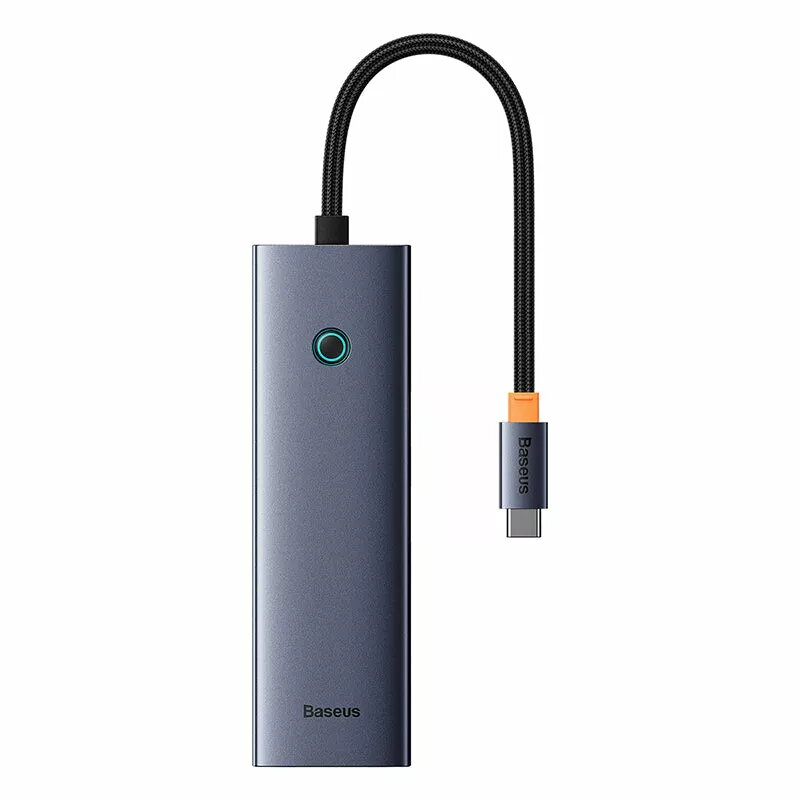
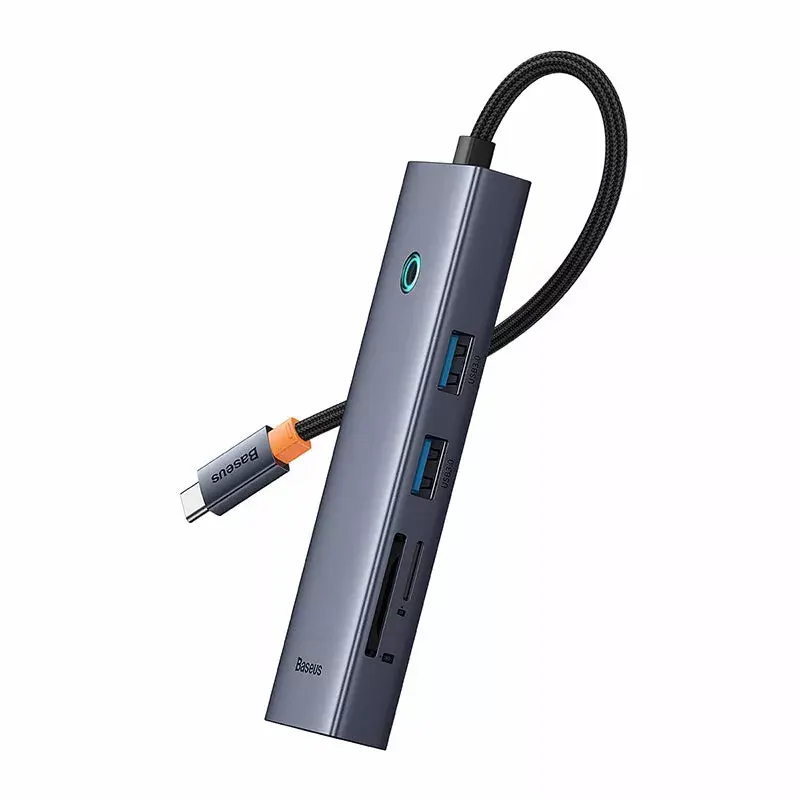
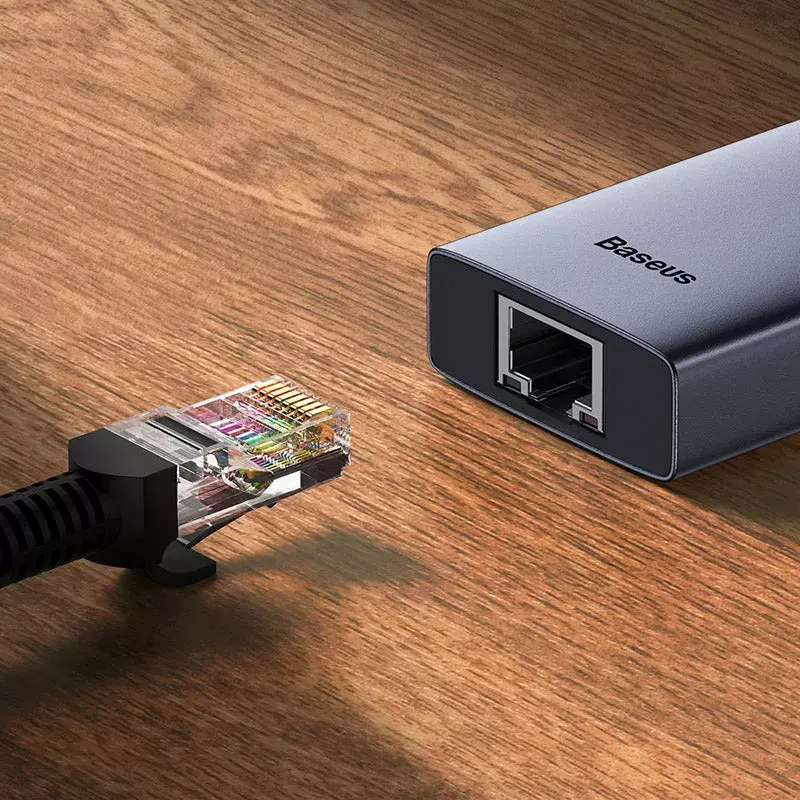
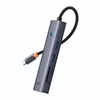
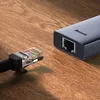
The Baseus Flite USB Type-C Hub expands a USB-C port into seven useful interfaces, including two USB-A ports with data transfer speeds up to 5 Gbps, an HDMI output supporting 4K at 60 Hz, a Gigabit RJ-45 Ethernet port (up to 1000 Mbps), SD and microSD card slots, and a USB-C power delivery port that supports up to 100 W fast charging. The compact, lightweight grey aluminium design makes the hub easy to carry and store while adding versatile connectivity to laptops and other USB-C devices.
This hub provides simultaneous connectivity for multiple peripherals and media, combining high-speed data transfer, 4K video output and stable wired networking in a single compact adapter. The built-in SD and microSD slots simplify access to memory cards, and the 100 W power delivery port enables fast charging of laptops and mobile devices while maintaining data and video connections. An indicator light shows when the video function is active.
Connect the Baseus Flite hub to a host device via its USB-C plug. Attach HDMI cables, USB peripherals, Ethernet cable or insert SD/microSD cards as required. If using laptop charging while connecting peripherals, connect a compatible USB-C PD charger to the hub’s power delivery port to supply up to 100 W. The hub’s indicator light will show when the video output is active. The hub manages and prioritises active ports automatically to maintain stable video, data and network performance.
Use a USB-C PD charger that supports the required wattage for your laptop to ensure proper charging. For reliable network performance, connect the hub to a wired Gigabit network and avoid using damaged cables. When connecting high-resolution displays, use certified HDMI cables to maintain 4K@60Hz output.
{{highlightedFeature.featureTitle}}:
{{getProductFeatureValueById(product, highlightedFeature.featureId)}}