

Leave your address - as soon as the price of the product goes down, you'll know about it right away
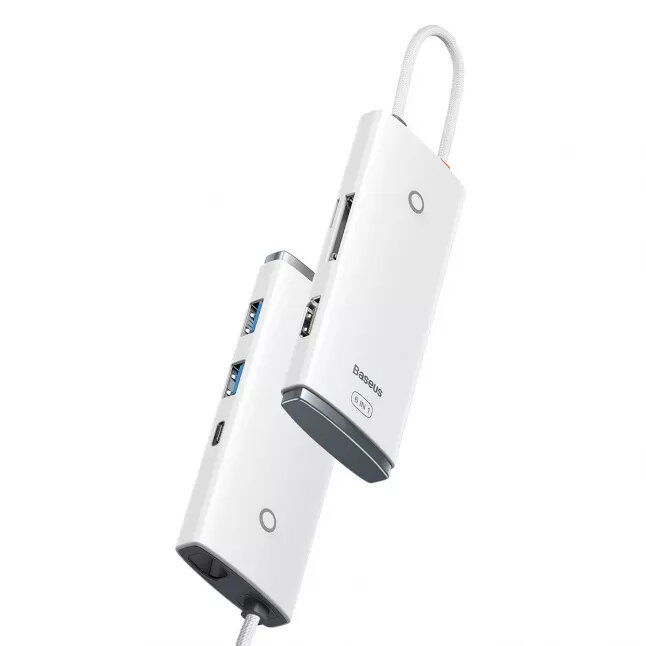
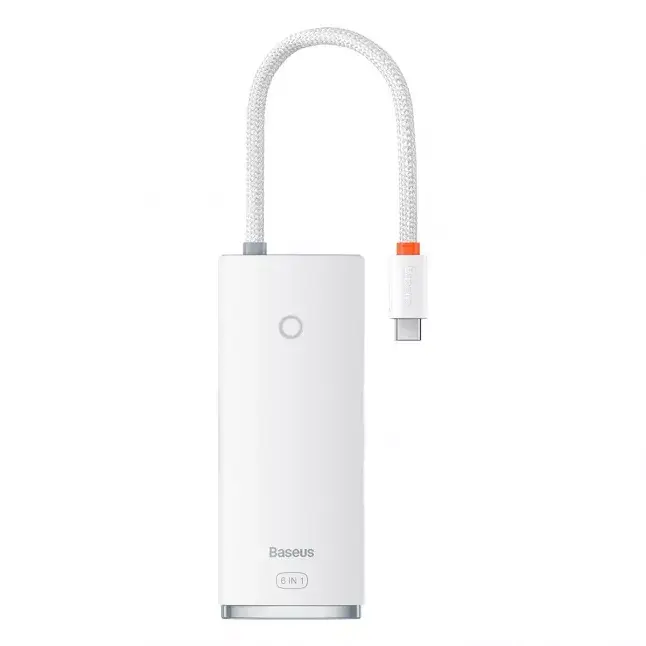
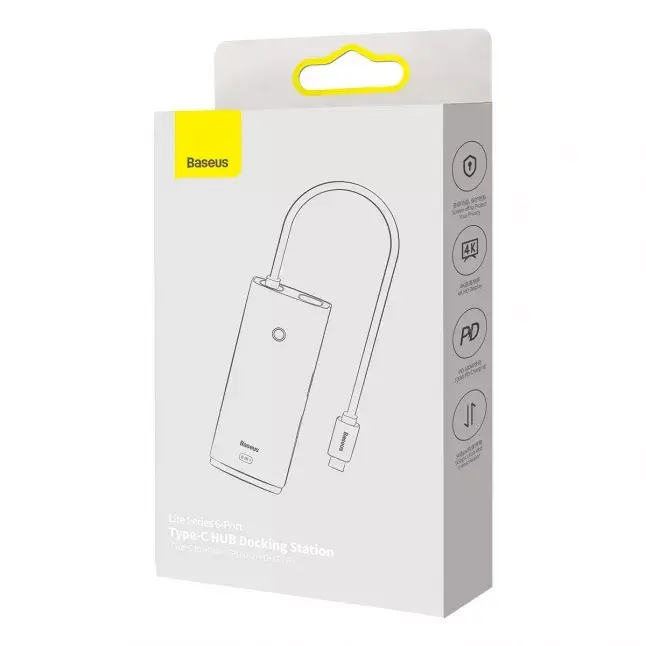
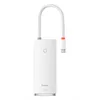
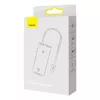
USB Hub Baseus Lite Series WKQX050102 — 2× USB 3.0, HDMI 1.4
In cart {{totalProductsCount}} item(s)
Your cart is empty
USB Hub Baseus Lite Series WKQX050102 — 2× USB 3.0, HDMI 1.4
Leave your address - as soon as the price of the product goes down, you'll know about it right away
USB Hub Baseus Lite Series WKQX050102 — 2× USB 3.0, HDMI 1.4
The Baseus Lite Series USB Hub WKQX050102 is a compact connectivity accessory that adds two USB 3.0 ports and one HDMI 1.4 output to a laptop or desktop. The hub is designed to expand available interfaces for connecting peripherals, external storage and an external monitor or projector. It supports high‑speed USB 3.0 data transfer and provides an HDMI 1.4 video output suitable for single external displays at standard HD and Full HD resolutions.
This lightweight USB hub offers plug‑and‑play operation without additional drivers on most systems, delivering USB 3.0 speeds for faster file transfers compared with USB 2.0. The integrated HDMI 1.4 port enables a straightforward connection to monitors and projectors for presentations or extended desktop setups. Its compact form factor makes it easy to carry with a laptop and reduces the need to switch cables frequently.
Connect the hub to a computer using the integrated cable or host connector, then attach USB devices to the USB 3.0 ports. Connect an HDMI cable from the hub's HDMI output to the display or projector. The operating system should detect connected USB devices automatically; for the external display, adjust display settings in the OS to duplicate or extend the desktop as required. Safely eject storage devices via the operating system before unplugging to prevent data loss.
Use high‑quality USB 3.0 and HDMI cables to maintain signal integrity. When connecting power‑hungry external drives, ensure the host provides sufficient bus power or use a separately powered hub if required. For optimal video compatibility, set the display resolution and refresh rate in your operating system according to the monitor's specifications.
{{highlightedFeature.featureTitle}}:
{{getProductFeatureValueById(product, highlightedFeature.featureId)}}