Dreame vacuums for fast and efficient cleaning!
In cart {{totalProductsCount}} item(s)
Your cart is empty
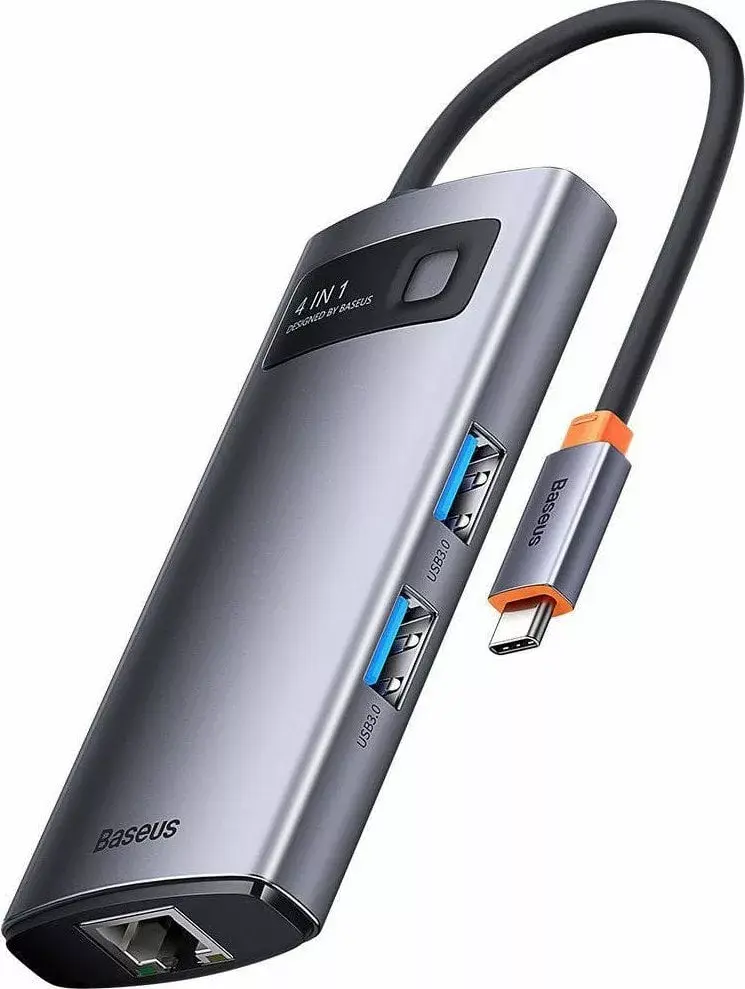
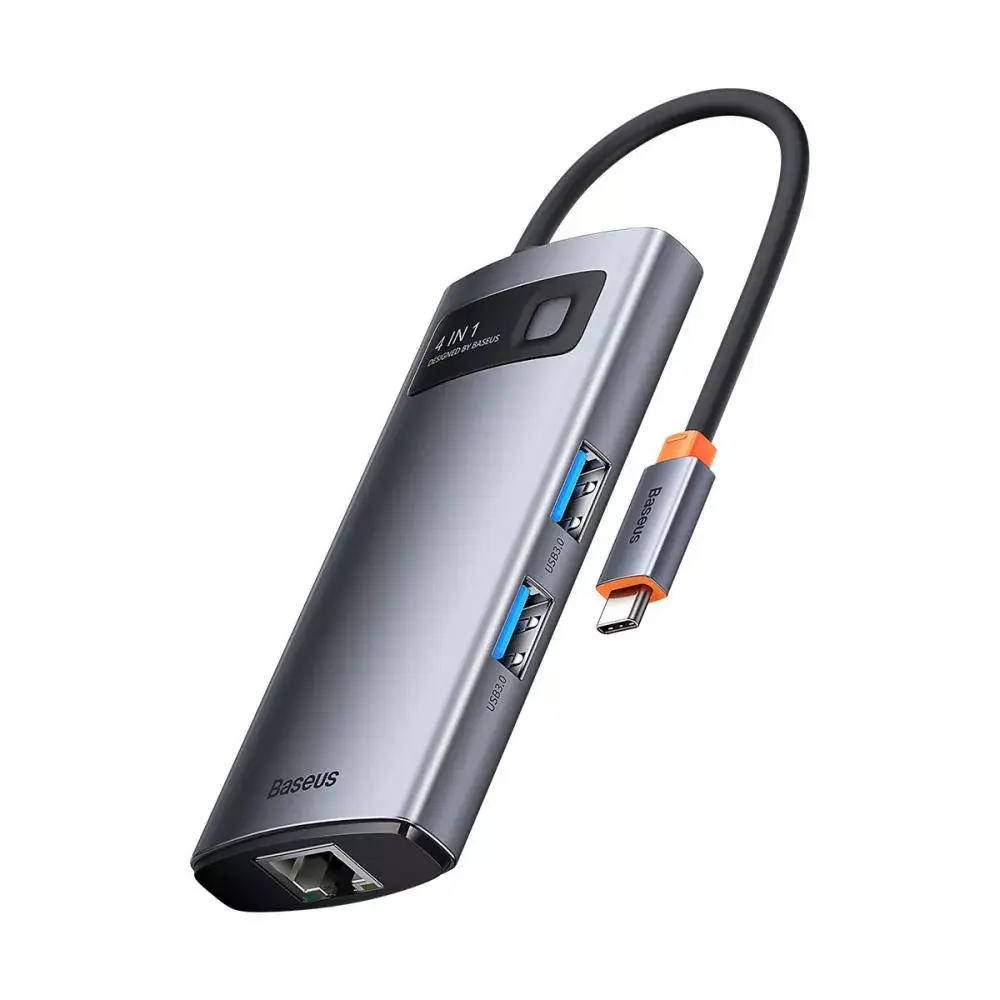
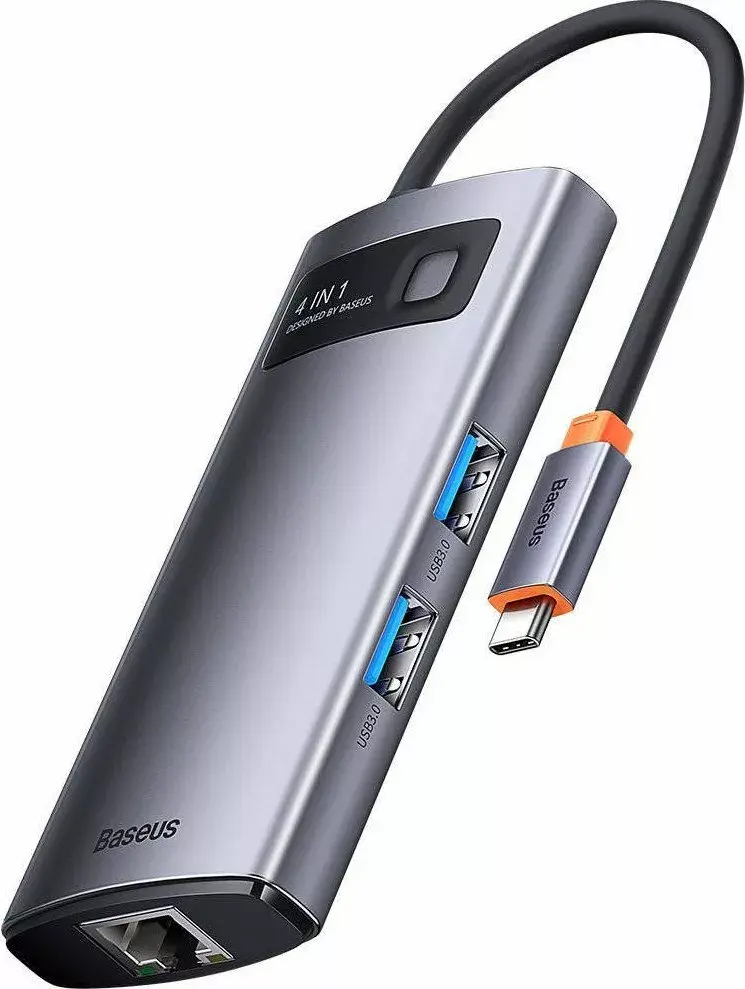
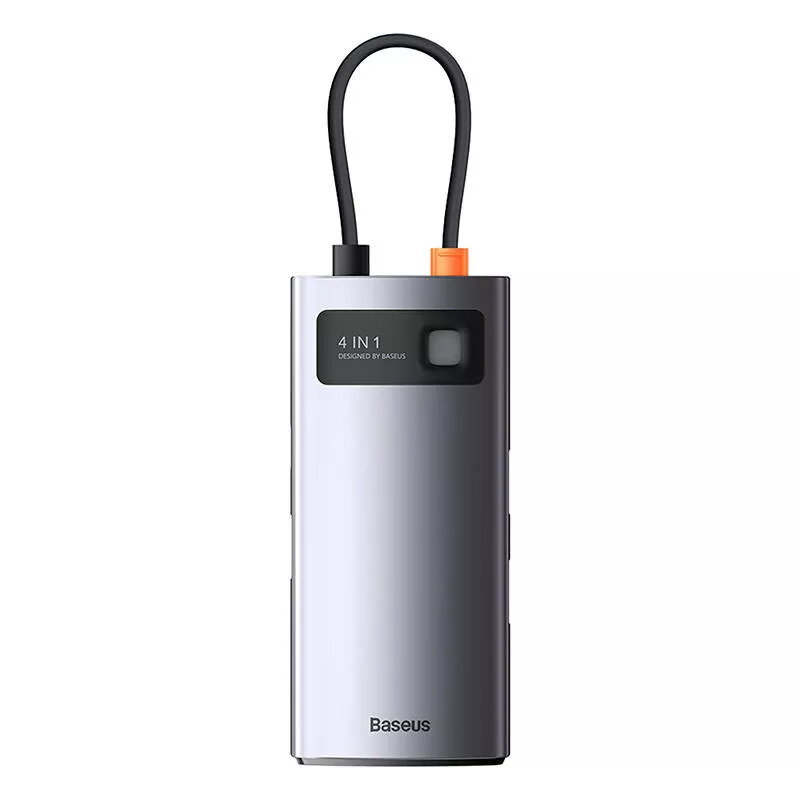
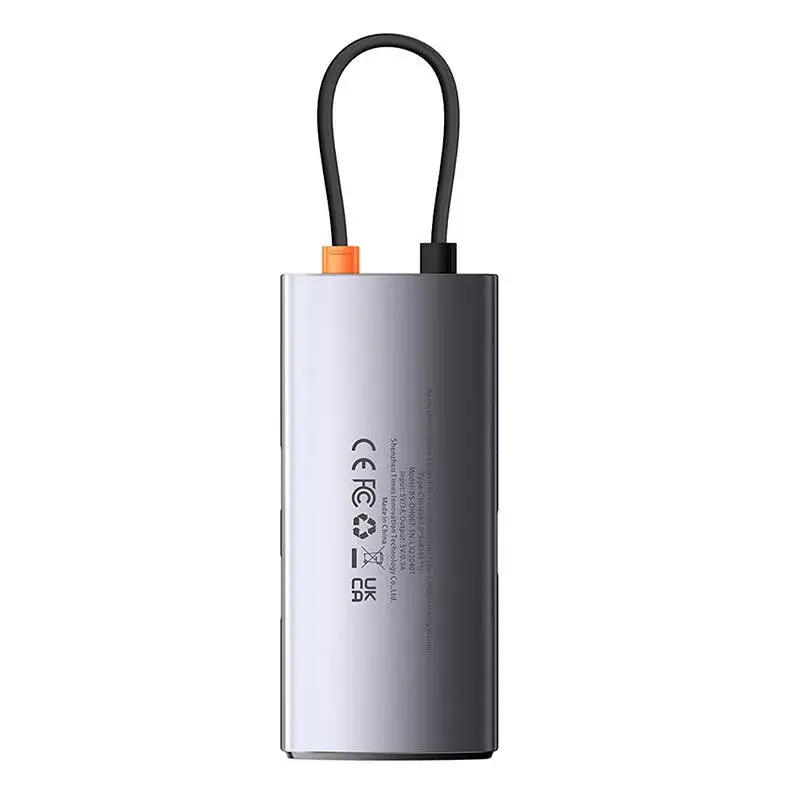
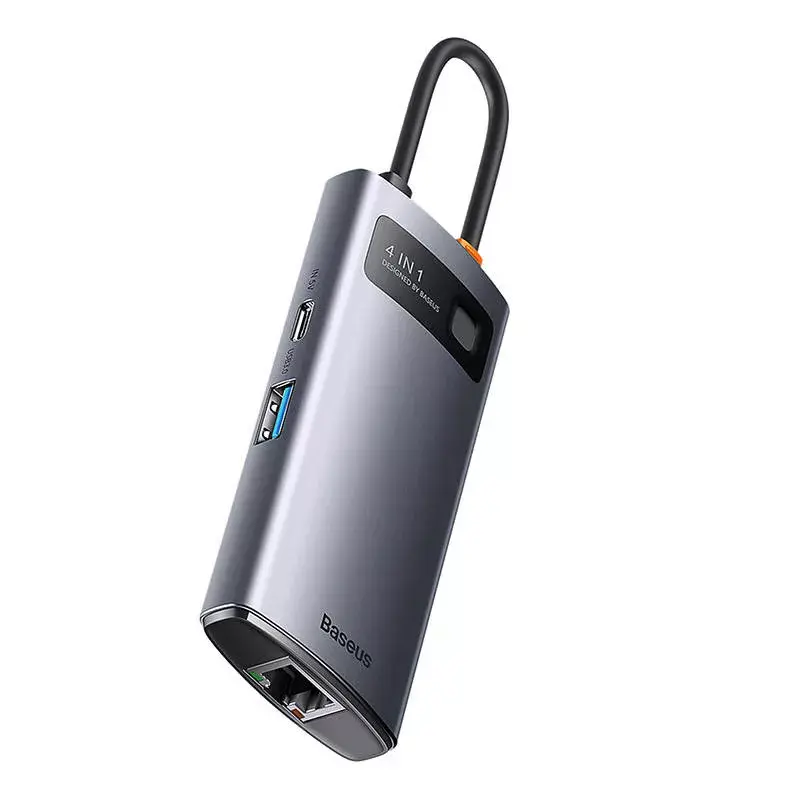
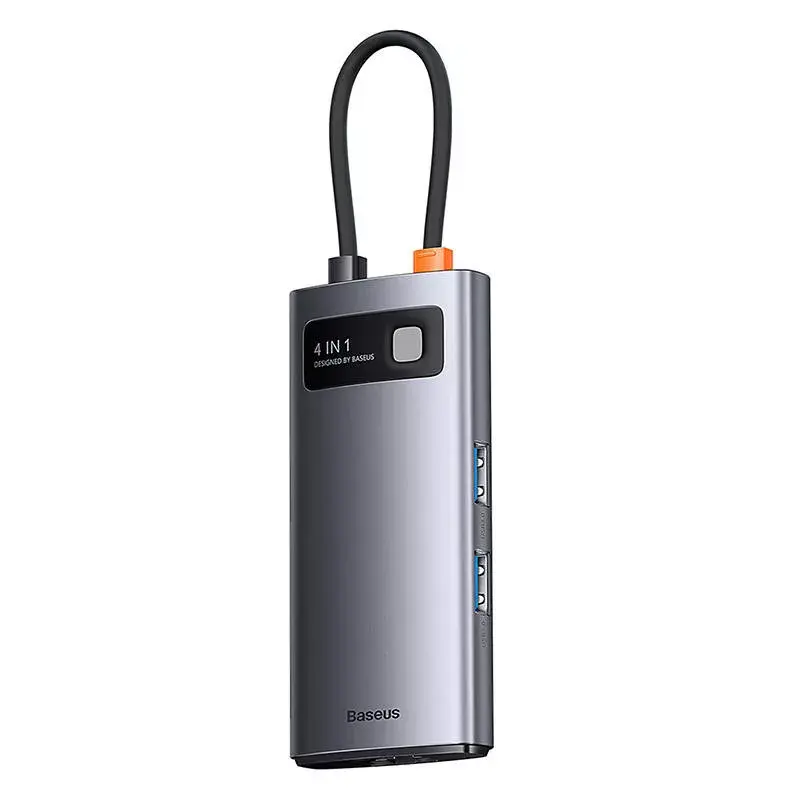
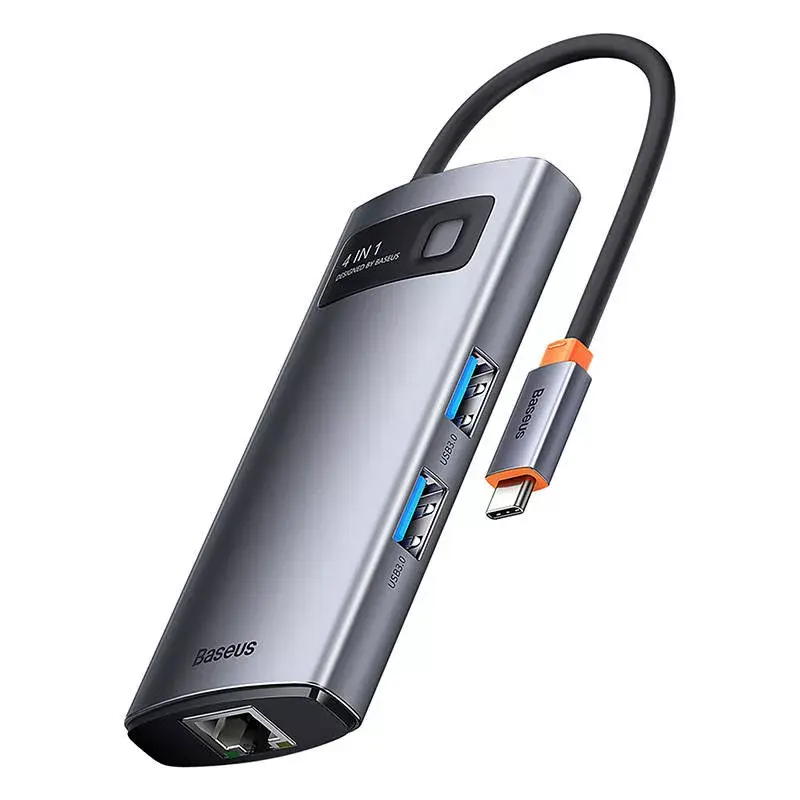
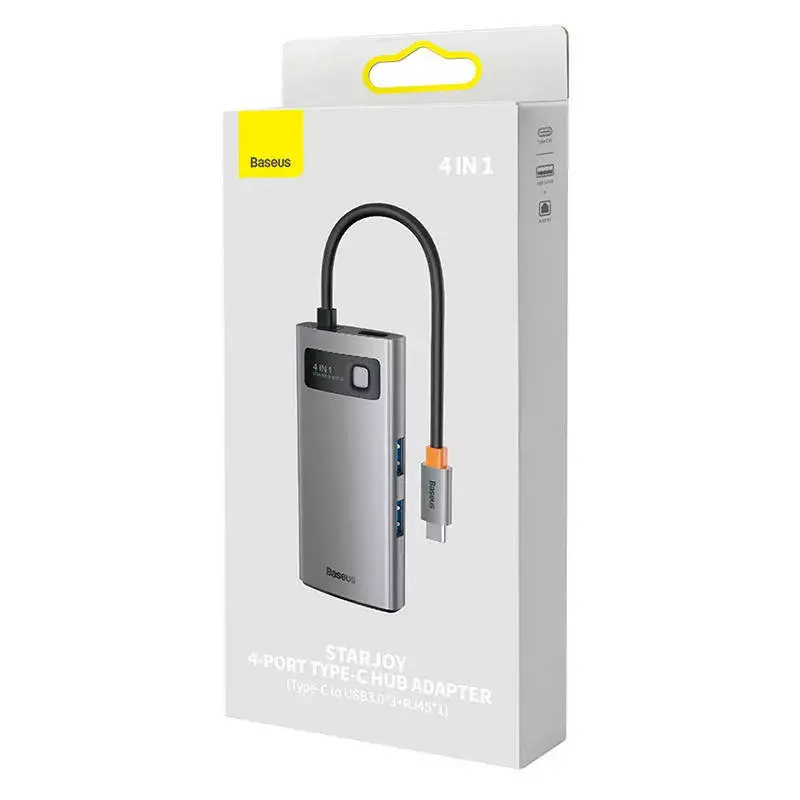
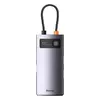
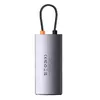
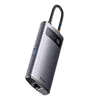
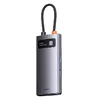
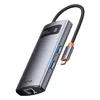
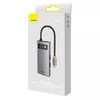
Baseus I/O HUB 4-in-1 USB-C Adapter with 3x USB-A 3.0 and 1x RJ-45
The Baseus I/O HUB 4-in-1 USB-C Adapter is a compact and efficient solution for users needing to expand the connectivity of modern laptops and tablets. By utilizing a single USB-C port, this hub provides three high-speed USB-A 3.0 ports for connecting peripherals and one RJ-45 Ethernet port to ensure a stable, high-speed wired internet connection. Its sleek design makes it a practical addition to any workspace, allowing for seamless integration of external drives, keyboards, mice, and network cables.
This adapter offers significant benefits for productivity by enabling the simultaneous connection of multiple devices. The inclusion of three USB 3.0 ports ensures rapid data transfer speeds, which is essential for handling large files or connecting high-performance accessories. Furthermore, the integrated RJ-45 port provides a reliable alternative to wireless connections, offering consistent network stability for video conferencing, large downloads, or professional tasks that require a secure internet link. Its lightweight and portable construction ensures that it can be easily transported for use in various environments.
This hub is designed specifically for devices with a USB-C interface and may not be compatible with older hardware lacking this port without an additional adapter. It does not provide video output capabilities, so it is not suitable for connecting external monitors or displays.
To use the hub, simply plug the USB-C connector into the corresponding port on your laptop or tablet. The device is typically plug-and-play, meaning it should be automatically recognized by your operating system without the need for manual driver installation. Once connected, you can plug your USB peripherals into the USB-A ports and connect your network cable to the RJ-45 port to begin using the extended functionality immediately.
For optimal performance, ensure that the hub is connected directly to the primary USB-C port of your computer. Avoid using unpowered extension cables, as these may limit data transfer speeds or network stability.
{{highlightedFeature.featureTitle}}:
{{getProductFeatureValueById(product, highlightedFeature.featureId)}}