{{ totalProductsCount }}

In cart {{totalProductsCount}} item(s)

Total:
{{sum | formatAmount}}

Your cart is empty

header-product Docking station Belkin USB-C Dual Display Docking Station USB 3.2 Gen 1 Type-C, 85W PD, HDMI, RJ-45, USB-A, USB-C, 3.5mm, Black
199.99 €

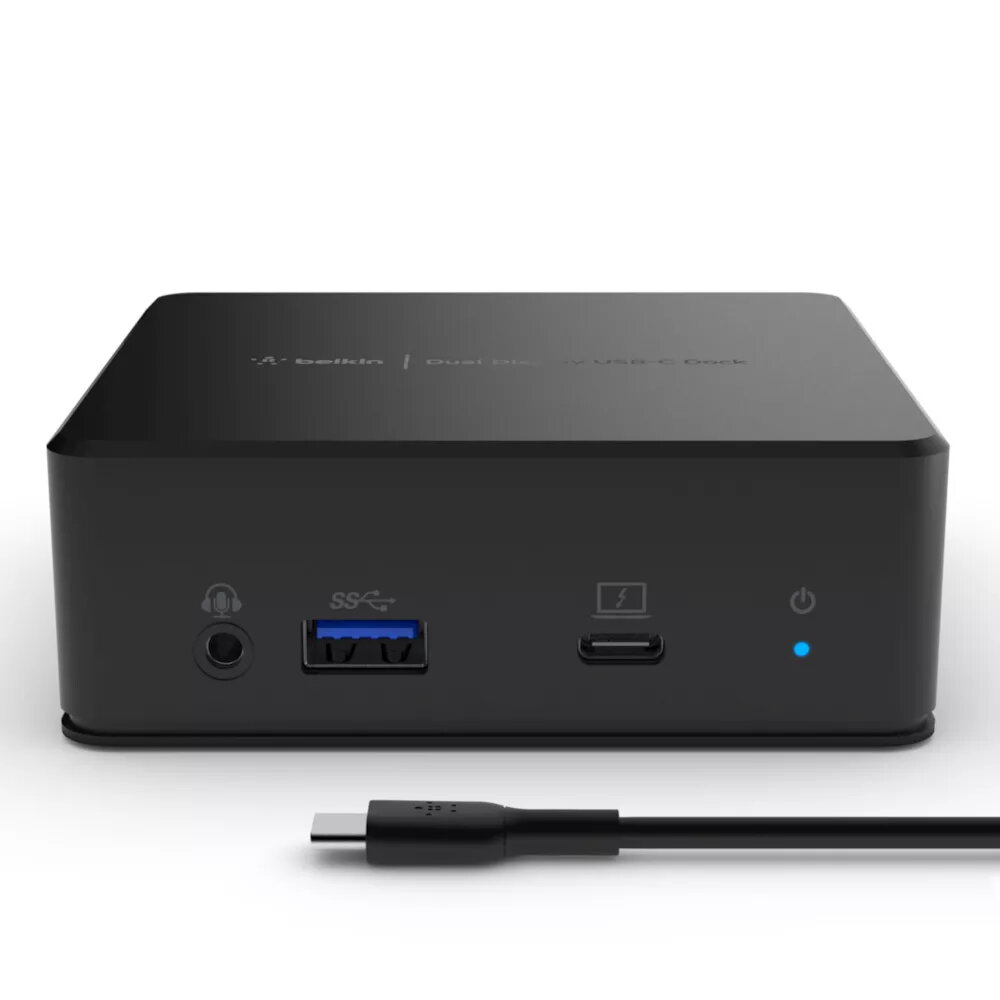
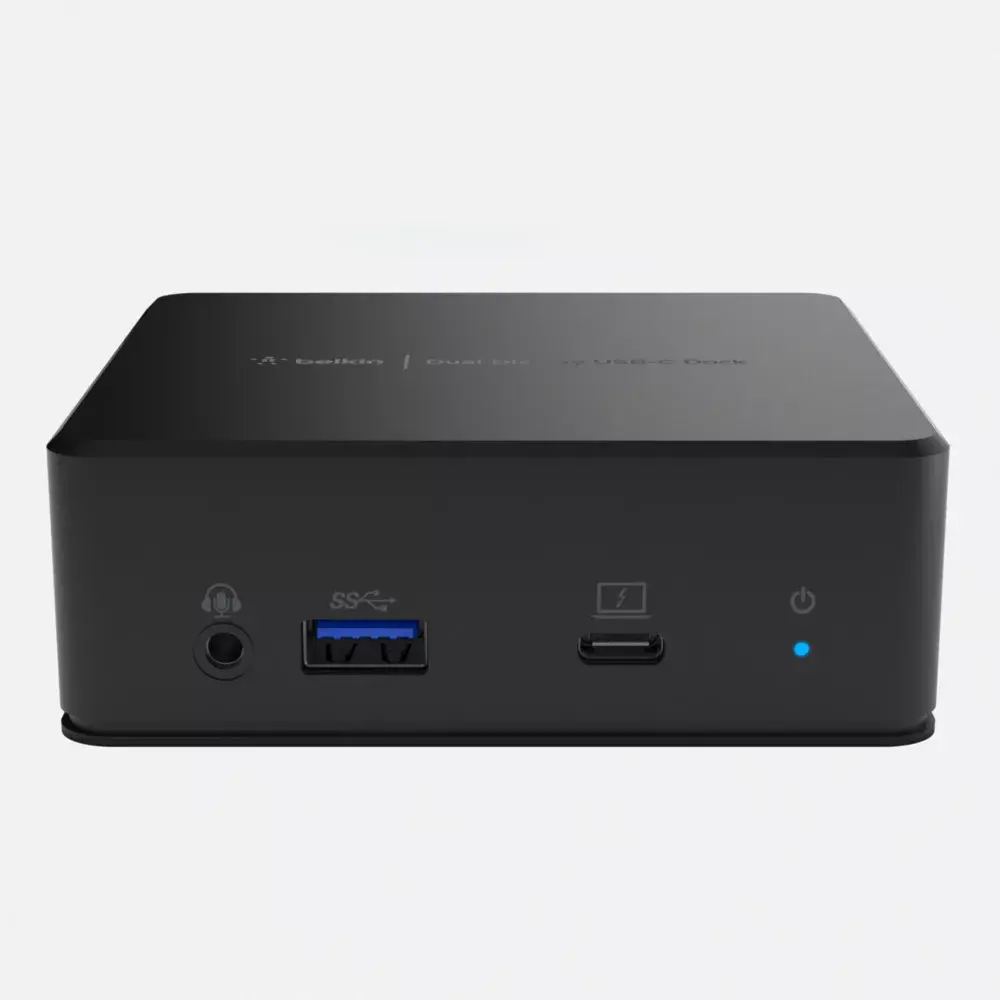
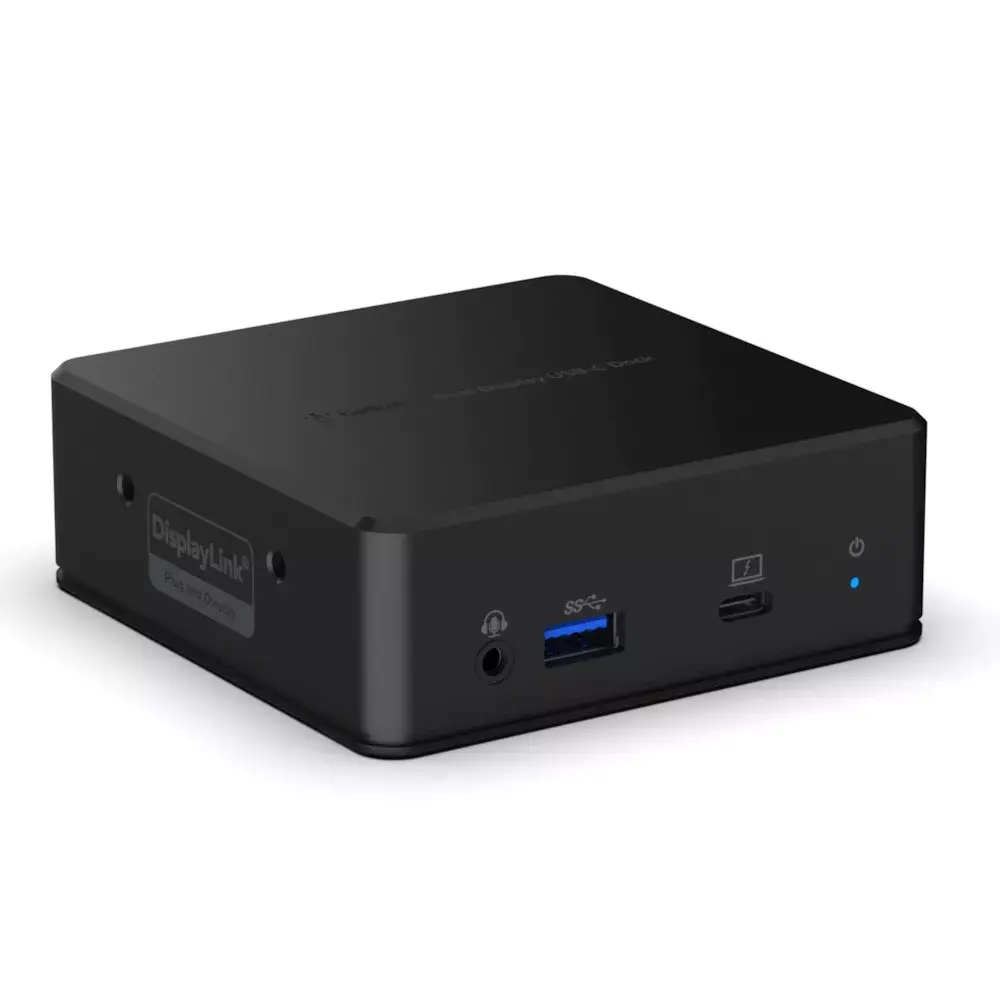
Docking station Belkin USB-C Dual Display Docking Station USB 3.2 Gen 1 Type-C, 85W PD, HDMI, RJ-45, USB-A, USB-C, 3.5mm, Black

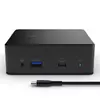
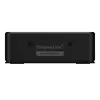
Belkin USB-C Dual Display Docking Station USB 3.2 Gen 1 Photo 1
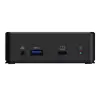
Belkin USB-C Dual Display Docking Station USB 3.2 Gen 1 Photo 2
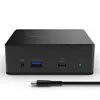
Belkin USB-C Dual Display Docking Station USB 3.2 Gen 1 Photo 3
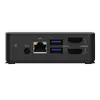
Belkin USB-C Dual Display Docking Station USB 3.2 Gen 1 Photo 4
Belkin USB-C Dual Display Docking Station USB 3.2 Gen 1 Photo 5
Belkin USB-C Dual Display Docking Station USB 3.2 Gen 1 Photo 6
Belkin USB-C Dual Display Docking Station USB 3.2 Gen 1 Photo 7
Belkin USB-C Dual Display Docking Station USB 3.2 Gen 1 Photo 8
Belkin USB-C Dual Display Docking Station USB 3.2 Gen 1 Photo 1
Belkin USB-C Dual Display Docking Station USB 3.2 Gen 1 Photo 2
Belkin USB-C Dual Display Docking Station USB 3.2 Gen 1 Photo 3
Belkin USB-C Dual Display Docking Station USB 3.2 Gen 1 Photo 4
Belkin USB-C Dual Display Docking Station USB 3.2 Gen 1 Photo 5
Belkin USB-C Dual Display Docking Station USB 3.2 Gen 1 Photo 6
Belkin USB-C Dual Display Docking Station USB 3.2 Gen 1 Photo 7
Belkin USB-C Dual Display Docking Station USB 3.2 Gen 1 Photo 8
Keep track of price changes You keep track of price changes
Watch the price drop

Leave your address - as soon as the price of the product goes down, you'll know about it right away

You keep track of price changes

Docking station Belkin USB-C Dual Display Docking Station USB 3.2 Gen 1 Type-C, 85W PD, HDMI, RJ-45, USB-A, USB-C, 3.5mm, Black

{{email}}
You keep track of price changes

Docking station Belkin USB-C Dual Display Docking Station USB 3.2 Gen 1 Type-C, 85W PD, HDMI, RJ-45, USB-A, USB-C, 3.5mm, Black

{{email}}
{{selectedOffer && selectedOffer.price | formatAmount}}

Short description

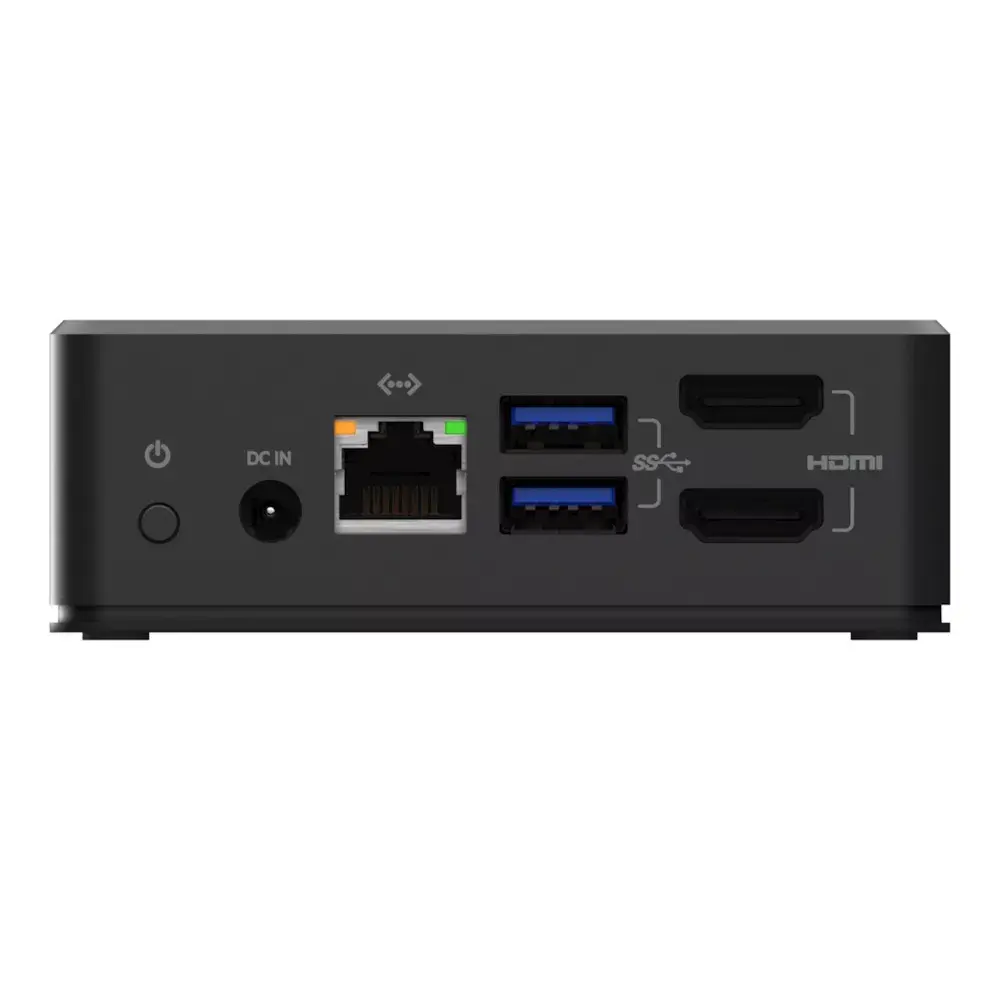
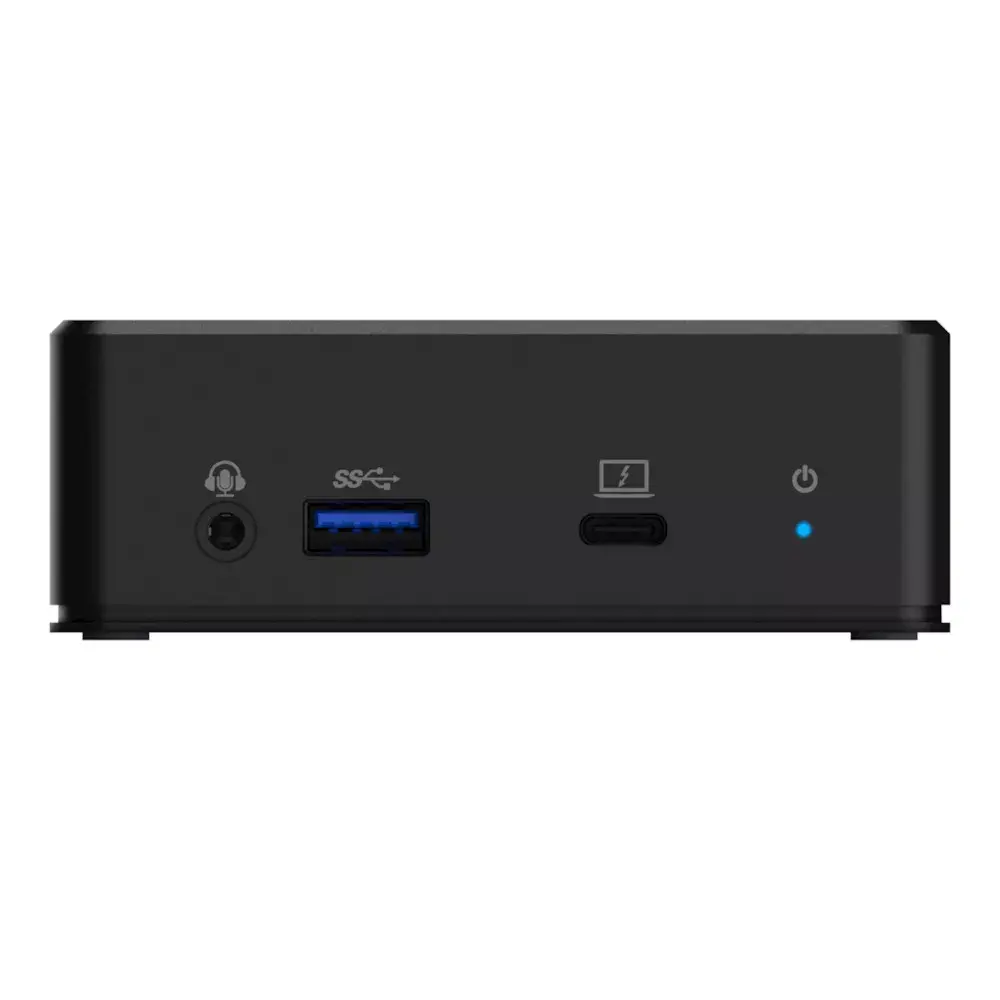
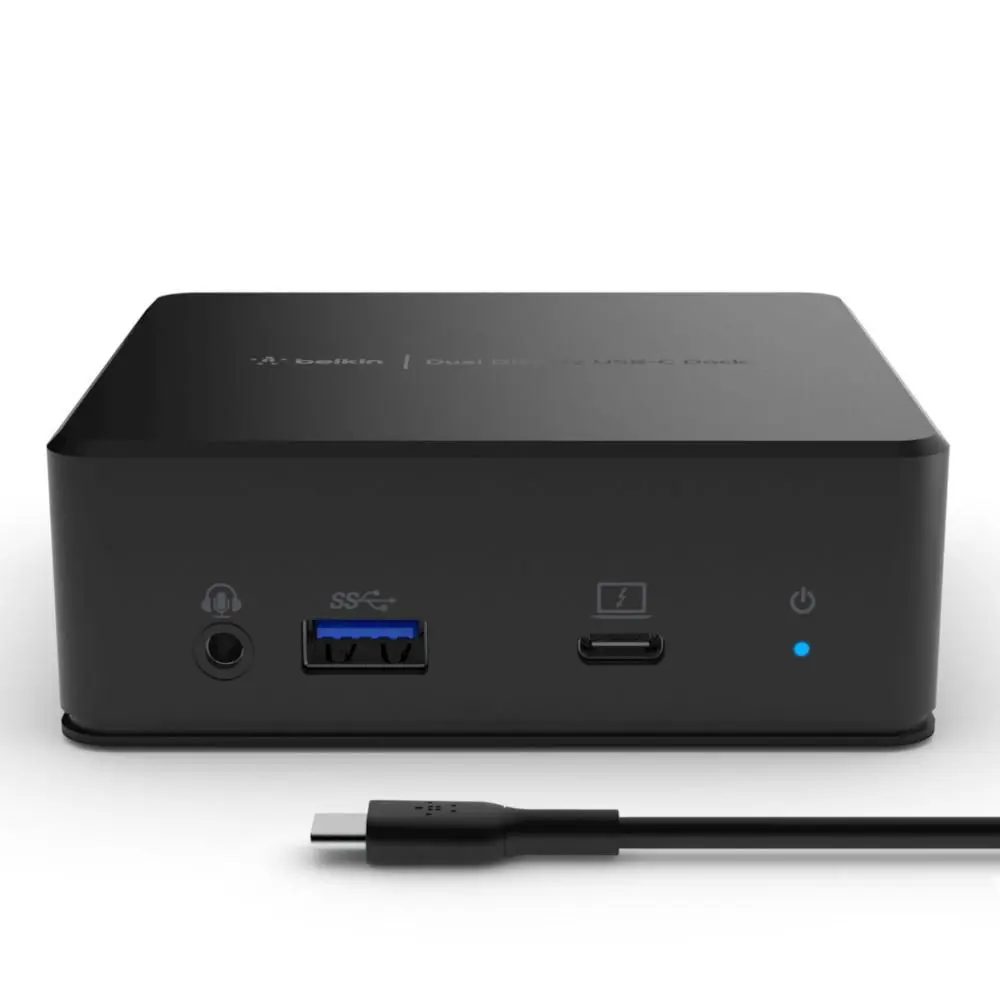
Belkin USB-C Dual Display Docking Station connects a USB‑C host (USB 3.2 Gen 1 / 3.1 Gen 1) to dual displays and peripherals. It provides up to 85 W USB Power Delivery for laptop charging and offers HDMI output(s), Gigabit Ethernet (RJ‑45), USB‑A and USB‑C data ports, a 3.5 mm audio jack and power LED. Suited for office and home use to expand connectivity and enable multi‑display setups.
Available at price 199.99 €: 2 pcs.
Total available for order: 4 pcs.
Warranty: 2 Years
SKU: 6024859
Charging device included Charging device included
free shipment

Cheapest delivery:

Unisend LV

Pick-up points

Unisend LV

Cost

1.99 €

Deliver

{{selectedOffer.parcelStationDeliveryString}}

Customer service center
2b. Kengaraga str., Riga, Latvia, LV-1063
03.11.2026 {{selectedOffer.officeDeliveryString}}
free
Courier Delivery Please note that in case of a large parcel additional delivery costs may apply!
06.11.2026 {{selectedOffer.courierDeliveryString}}
From 4.99 € (Weight: 1.31 kg)
Parcel couriers
Unisend LV / Venipak Pickup LV / Venipak Locker LV / DPD Paku skapis / Omniva LV / Latvijas Pasts pakomāts / Latvijas Pasts nodaļa
06.11.2026 {{selectedOffer.parcelStationDeliveryString}}
From 1.99 €
payment
Payment Methods:
Cash payment, Bank transfer, Bank cards on-line, Apple Pay, Google Pay
Available for private customers at price 231.99 €: 2 pcs.
Together cheaper
{{product.price | formatAmount}}
{{product.title}}
{{productBundle.reference.specialPrice | formatAmount}}
{{productBundle.title}}
{{productBundlePreviousPrice | formatAmount}}
{{productBundleSpecialPrice | formatAmount}}

You saving {{productBundleYouSave | formatAmount}}

Product information

Description

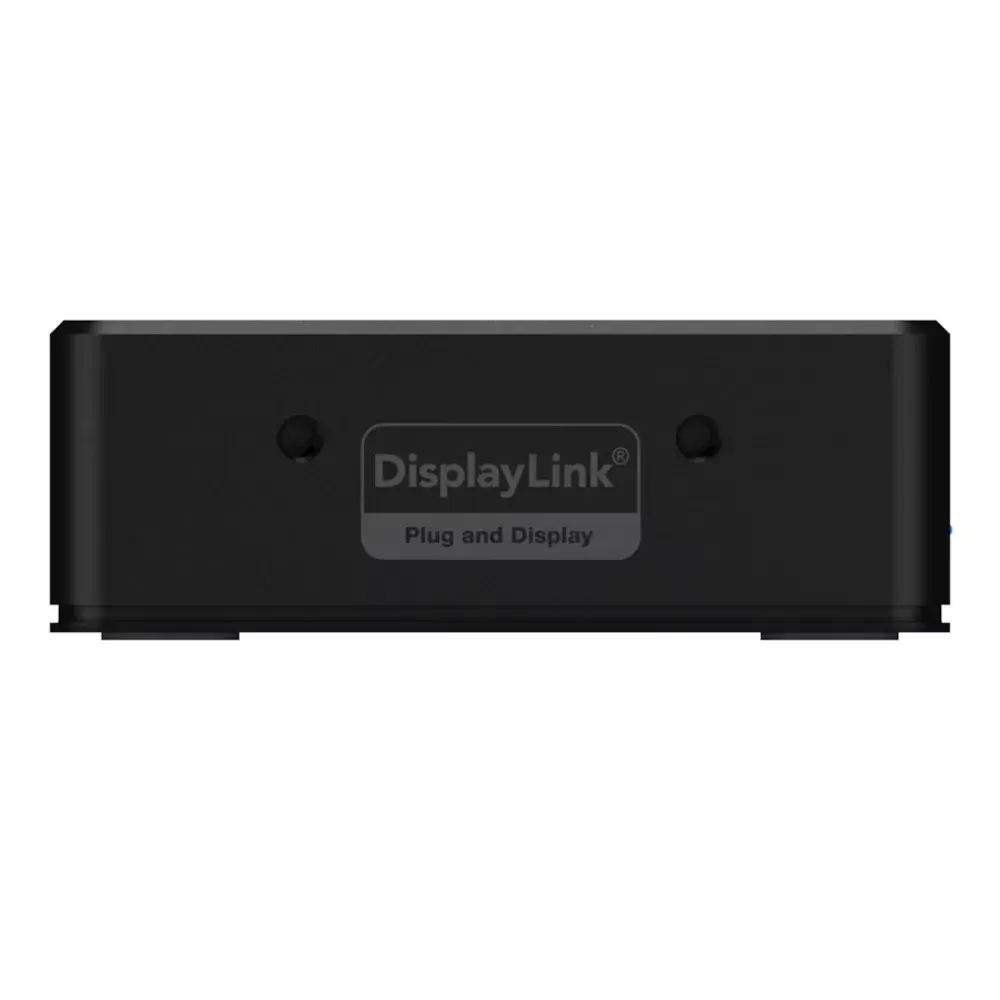
The Belkin USB-C Dual Display Docking Station (USB 3.2 Gen 1) is a compact hub designed to expand a laptop’s connectivity through a single USB-C connection. It supports dual 1080p displays via HDMI outputs, delivers up to 85 W USB Power Delivery for pass-through charging, and provides a range of ports including Gigabit Ethernet (RJ-45), USB-A and USB-C data ports, a 3.5 mm audio jack and a power LED. The dock uses DisplayLink-compatible graphics to enable multi-display setups across Windows, macOS and Chrome OS devices, and its mountable design includes a Kensington lock slot for physical security.

Advantages

This docking station consolidates power, video and peripheral connectivity into a single cable connection to a USB-C laptop, reducing desktop clutter and simplifying setup. With support for two HD displays, gigabit wired network access and up to 85 W pass-through power, the unit enables continuous laptop charging while running multiple peripherals. The use of DisplayLink-compatible technology increases compatibility with a wide range of monitors and host systems, and the inclusion of both USB-A and USB-C data ports plus an audio jack covers common accessory needs.

Suitable for

  • Office and home office users who need dual external monitors and wired network access
  • Remote workers and students requiring multiple peripherals (keyboard, mouse, external drive) connected through one cable
  • Users who need up to 85 W pass-through charging for mid- to high‑capacity laptops while working
  • Multi-platform environments using Windows, macOS or Chrome OS devices that benefit from DisplayLink graphics

When it may not be suitable

This dock is designed for dual 1080p (Full HD) output and USB 3.2 Gen 1 data rates; it is not intended for native 4K60 multi‑display workflows. Laptops without a USB-C port supporting data or DisplayPort alternate mode may require DisplayLink driver installation or might not support all video features. Devices requiring higher than 85 W charging will not reach maximum power through the pass-through port.

Key specifications

  • Host interface: USB-C (USB 3.2 Gen 1 / USB 3.1 Gen 1)
  • Video outputs: Dual HDMI supporting up to 1080p per display
  • Power delivery: Up to 85 W passthrough charging
  • Network: Gigabit Ethernet (RJ-45)
  • Data ports: USB-A and USB-C data ports (USB 3.x speeds)
  • Audio: 3.5 mm audio jack (headphone/microphone)
  • Security: Kensington lock slot for physical security
  • Indicator: Power LED

How to use

Connect the docking station to your laptop using the USB-C host cable. Attach one or two HDMI monitors to the dock’s HDMI outputs and, if needed, plug in a wired Ethernet cable to the RJ-45 port for network access. Connect USB peripherals such as keyboard, mouse and external drives to the USB-A or USB-C data ports. If your laptop requires it, install the DisplayLink driver for full multi‑display support. Ensure the dock is powered by its power adapter to enable pass-through charging up to 85 W and to operate all connected devices.

What to consider before purchase

  • Confirm your laptop’s USB-C port supports data transfer and/or DisplayLink functionality; some systems require driver installation
  • Check that 85 W pass-through power meets your laptop’s charging requirements
  • Verify target monitors’ resolution and refresh rate needs; this dock is optimized for dual 1080p displays
  • Assess available desk space and mounting options if you plan to use the dock’s mountable design

Usage recommendations

For reliable multi-display performance, install the latest DisplayLink drivers provided by the manufacturer, keep your laptop’s operating system updated, and use high-quality HDMI cables. For uninterrupted charging and full functionality, connect the dock to its power adapter and avoid chaining multiple high-power peripherals that together may exceed the dock’s power and data capabilities.

Specifications

USB 3.2 Gen 1 (3.1 Gen 1) Type-A ports quantity:
3
Host interface: Interface that enables a host controller to communicate with a driver.
USB 3.2 Gen 1 (3.1 Gen 1) Type-C
All features

Logistics data

Quantity per pack:
1 pc(s)
Harmonized System (HS) code:
84719000

Packaging content

AC adapter included:
Yes
Cables included:
USB Type-C to USB Type-C

Power

Power supply: The way in which the product is powered e.g. rechargeable battery, mains electricity connected via a plug and cable.
135 W

Performance

Windows operating systems supported: Windows vesions wich can be used with the device.
Yes
Mac operating systems supported: Mac operating systems e.g. OS X can be used with the device.
Yes
LED indicators:
Power
Hub interfaces: A hub is a device for connecting multiple devices together. The hub interface is where the hub connects to other devices via input/output (I/O) ports.
3.5mm, HDMI, RJ-45, USB 3.2 Gen 1 (3.1 Gen 1) Type-A, USB 3.2 Gen 1 (3.1 Gen 1) Type-C
Product colour: The colour e.g. red, blue, green, black, white.
Black

Weight & dimensions

Height: The measurement of the product from head to foot or from base to top.
33 mm
Depth: The distance from the front to the back of something.
95 mm
Width: The measurement or extent of something from side to side.
95 mm

Ports & interfaces

DC-in jack: The socket/plug where the DC electricity supply connects to the device.
Yes
Ethernet LAN (RJ-45) ports: Number of Ethernet LAN (RJ-45) ports (connecting interfaces) in the device. Ethernet LAN (RJ-45) ports allow a computer to connect to the ethernet.
1
HDMI version:
1.4
HDMI ports quantity: The number of sockets (ports) for HDMI connections. HDMI (High-Definition Multimedia Interface) is a compact audio/video interface for transferring uncompressed video data and compressed/uncompressed digital audio data from a HDMI-compliant device ("the source device") to a compatible computer monitor, video projector, digital television, or digital audio device. HDMI is a digital replacement for existing analog video standards.
2
USB Power Delivery (USB PD):
Yes
USB Power Delivery up to:
85 W
USB 3.2 Gen 1 (3.1 Gen 1) Type-C ports quantity: Number of USB 3.0 (3.1 Gen 1) ports with Type-C connector. USB 3.0 (3.1 Gen 1) is USB interface version which supports transfer rate up to 5 Gbit/s (SuperSpeed). USB Type-C connector has symmetrical design architecture and compatible with Thunderbolt 3 interface.
1
USB 3.2 Gen 1 (3.1 Gen 1) Type-A ports quantity:
3
Host interface: Interface that enables a host controller to communicate with a driver.
USB 3.2 Gen 1 (3.1 Gen 1) Type-C

Description

Machine translation.

Similar products

{{product.title}}
Show details Hide details

{{highlightedFeature.featureTitle}}:

{{getProductFeatureValueById(product, highlightedFeature.featureId)}}

{{product.price | formatAmount}}
Might be useful
{{product.manufacturerName}}
{{product.categoryName}}
{{product.title}}
{{product.specialPrice}}
{{product.price}}
Stock data
Warehouse Stock Delivery to the store Store Price
WH334 2 04.11.2026
231.99 €
Available only for legal entities
Warehouse Stock Delivery to the store Store Price
EU6 2 03.11.2026 Best delivery
199.99 € Best price
231.99 €
Stock: 2
Delivery Date: 04.11.2026
Warehouse: WH334
Available only for legal entities
199.99 €
Stock: 2
Delivery Date: 03.11.2026 Best delivery
Warehouse: EU6

Customer reviews

Customer questions

FAQ

How much does the Belkin USB-C Dual Display Docking Station USB 3.2 Gen 1 cost, and is it available for purchase?

The price is 199.99 € (valid at the time of publication and already includes all taxes). The item is available for order — 4 pcs. are in stock, and you can place your purchase right now with delivery across Latvia and Europe or choose pickup at the Riga collection point. We offer favorable purchase terms, including the option to split the payment into convenient monthly installments. Availability and price are updated in real time, so we recommend placing your order in advance.

If I order this product today, when will I receive my order?

If you place your order today, delivery will be as fast and convenient as possible. You will be able to pick up your order on 03.11.2026 at the Riga pickup point or choose delivery across Latvia and Europe. We carefully inspect every purchase and pack it securely for safe transportation.

What payment options are available?

AiO.lv offers several payment methods: Cash payment, Bank transfer, Bank cards on-line, Apple Pay, Google Pay. All transactions are 100% secure and encrypted.

Can this product be purchased for a company (with VAT)?

Yes. AiO.lv works with legal entities in Latvia and across Europe. The product price already includes VAT. For certain product categories, as well as for companies from other EU countries with a valid VAT number, a 0% VAT rate may apply. We issue the invoice immediately after the order is placed, support electronic BIS invoices, and automatically generate all necessary accounting documents. You can complete the purchase for a company online — simply select the company profile and choose bank transfer as the payment method during checkout.

What is the warranty period?

All Belkin products come with an official 2 Years warranty. It covers all manufacturing defects and malfunctions that may occur during use. The warranty is valid at all authorized Belkin service centers and through AiO.lv

Can the product be returned after purchase?

Yes, you can return the product within 14 days of purchase if you bought it as a consumer (not a legal entity). Returns are possible without giving any reason — the main condition is that the product retains its original appearance and full set of accessories. We will make the process as simple and convenient as possible: just contact our customer support team, and we will help you arrange the return.

Where should I contact for warranty service?

For warranty-related questions you can contact the AiO.lv (SIA VSPRO) customer support team. We will assist with consultation, warranty claim processing, and coordination with certified service centers.

How can I tell if this product suits my needs?

When making a choice, we recommend paying attention to the key features: usb 3.2 gen 1 (3.1 gen 1) type-a ports quantity, host interface, compatibility with your devices or usage conditions, material quality, functionality, and warranty terms. These characteristics will help you determine how well the model meets your needs.

warranty
14-Day Return Policy We are confident in our quality, but if the purchase doesn’t fit — you have 14 days to return the product with peace of mind.
shipping
Fast Delivery Get your orders as quickly as possible — right to your door, parcel lockers, or pickup points across Latvia and the EU.
payment
Secure Payment Pay the way you prefer: cash, VISA, MasterCard, Apple Pay, Google Pay, bank transfer, or 0% installment plan.
warranty
Quality Since 2008 AiO.lv has been on the market for over 18 years and has earned trust — with more than 6000 genuine positive reviews on Google.