Save time and money with our discounts!
In cart {{totalProductsCount}} item(s)
Your cart is empty
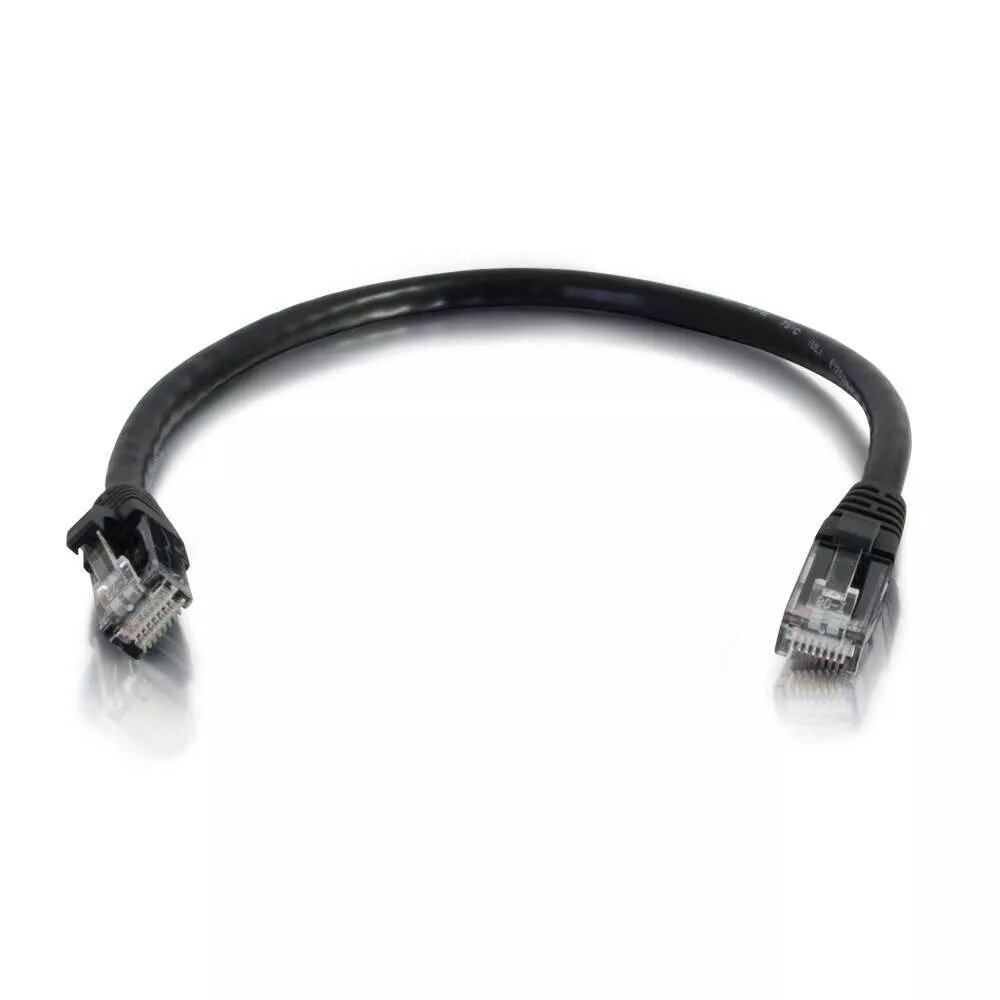
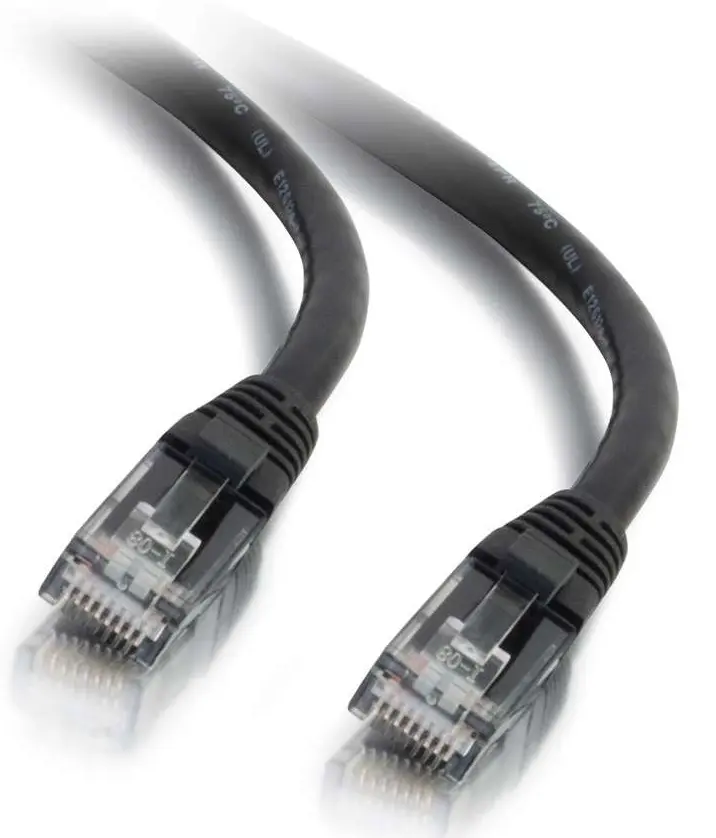
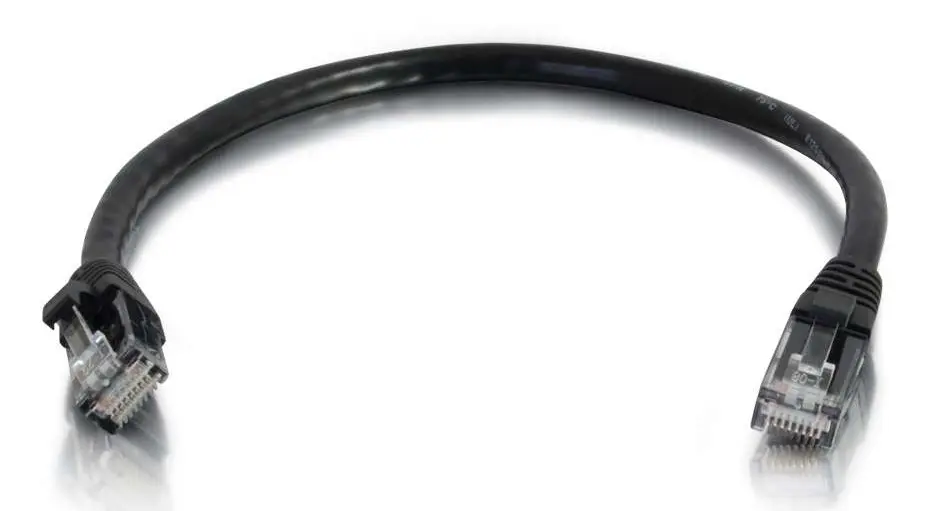
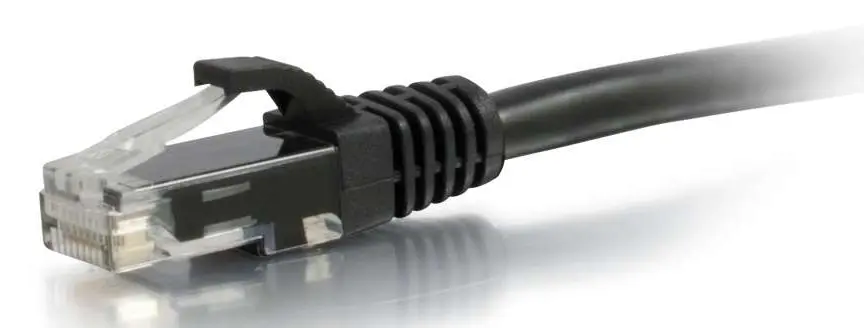
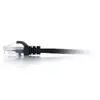
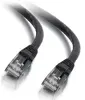
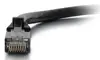
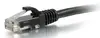
C2G Cat6 UTP Network Patch Cable 1 m RJ-45 Male to Male Black Snagless PVC Gold-Plated Contacts
The C2G Cat6 UTP Network Patch Cable with a length of 1 m is a reliable solution for connecting networking devices in home and office environments. Featuring male RJ-45 connectors on both ends, this black unshielded network patch cable is designed to support high-speed Ethernet connectivity and stable data transfer. The cable utilizes the Cat6 standard and U/UTP shielding, making it a suitable replacement for older Cat5E cables when higher bandwidth is required for transmitting video, sound, and data.
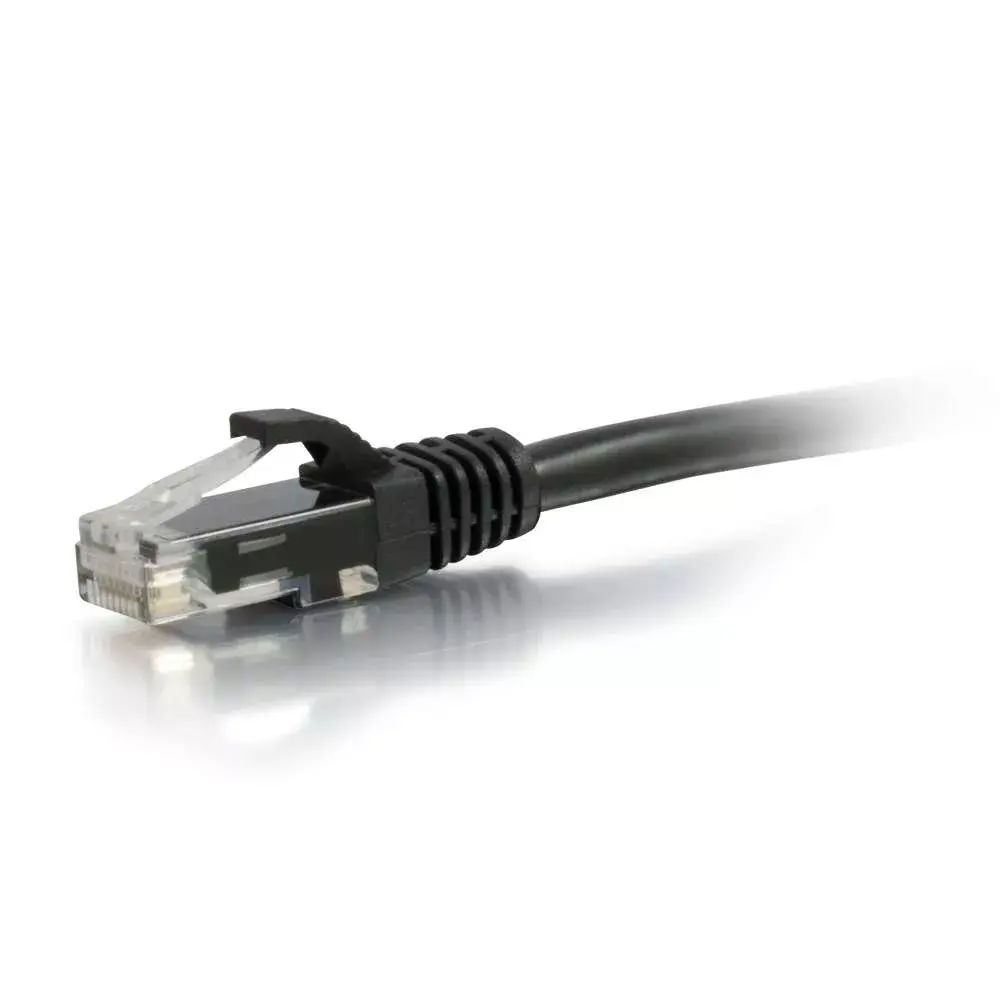
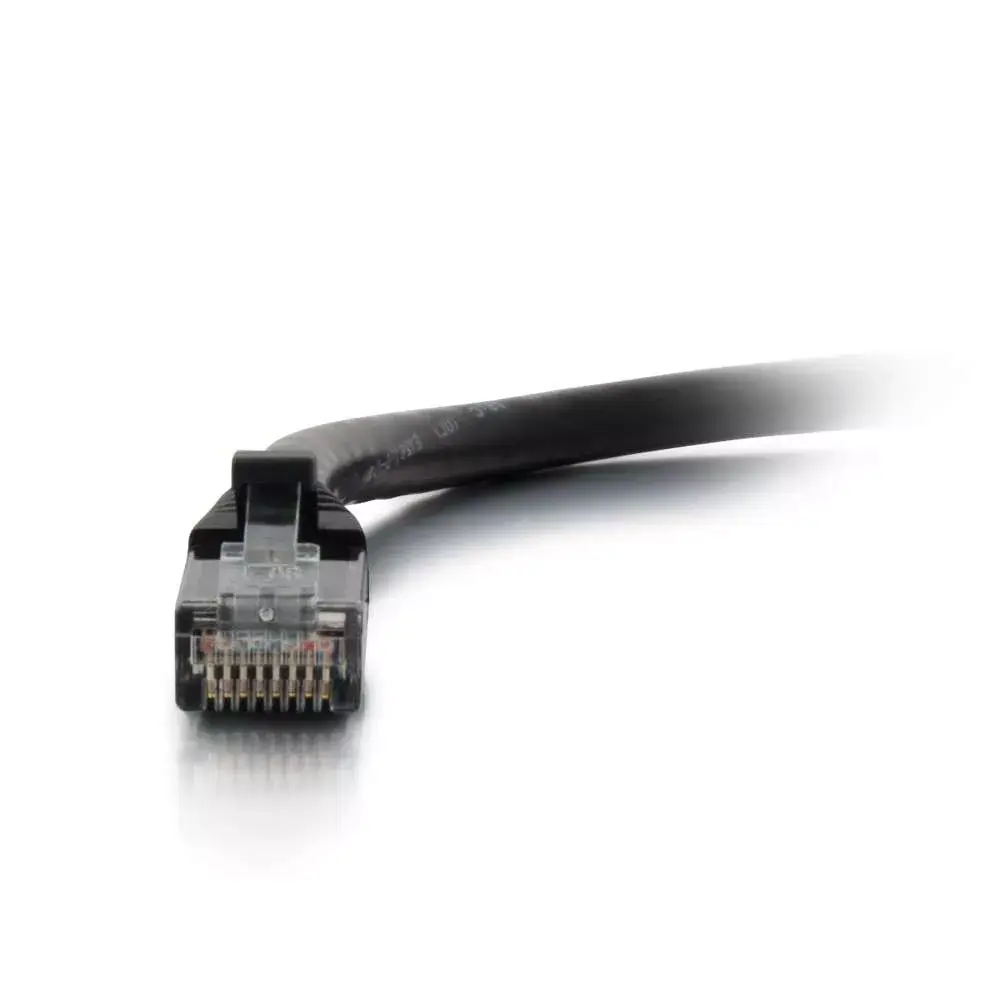
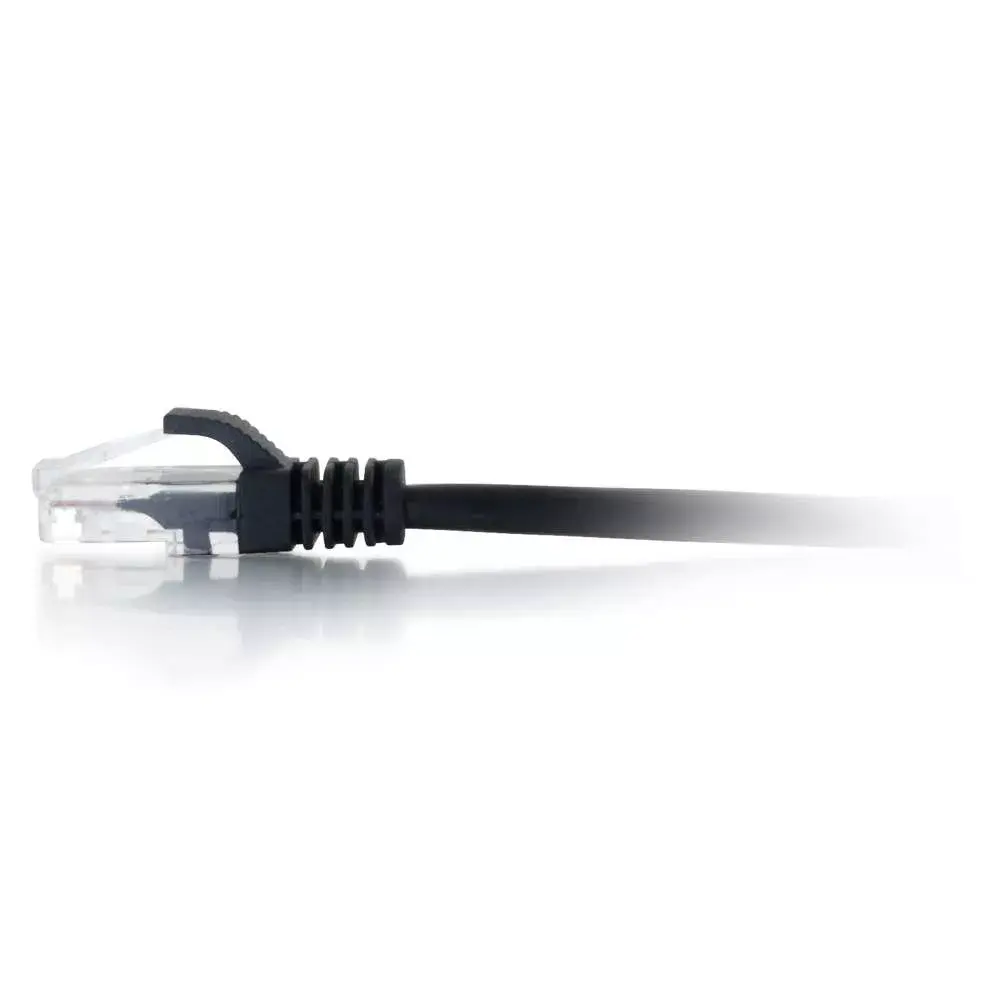
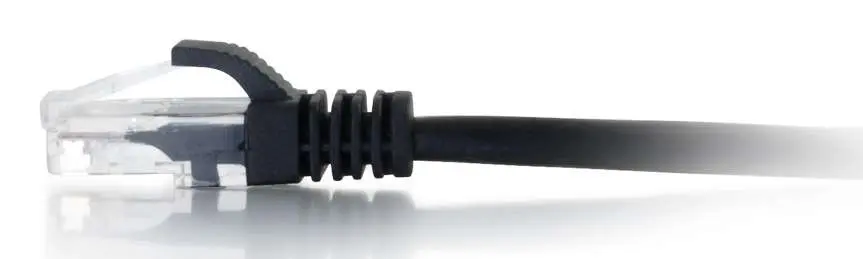
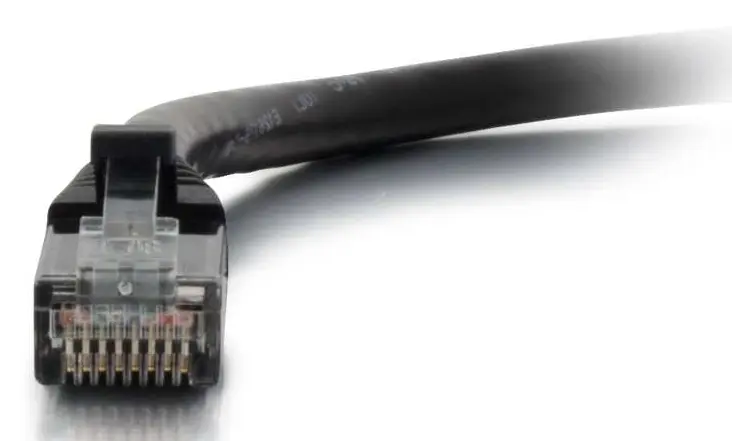
This network patch cable is equipped with gold-plated contacts on the RJ-45 connectors to ensure reliable signal transmission and minimize corrosion over time. The moulded, snagless boot design prevents unwanted cable snags during installation and provides essential strain relief to protect the connection points. With a length of 1 m, it offers optimal reach for connecting devices situated close to each other without creating excessive cable clutter.
This cable may not be suitable for long-distance runs between different rooms or buildings, as it is limited to a 1-meter length. Additionally, because it features unshielded U/UTP construction, it may not be appropriate for industrial environments with high levels of electromagnetic interference where shielded cables are strictly required.
To use the C2G Cat6 UTP network patch cable, insert one of the male RJ-45 connectors into the Ethernet port of your networking device, such as a computer, printer, or network switch, until you hear a secure click. Take the opposite end of the cable and plug it into the corresponding available port on your router, modem, or patch panel. Ensure that the snagless boot is not pinched or bent sharply during installation to maintain optimal signal integrity and physical durability.
Usage recommendations: Route the network cable away from electrical power lines and heat sources to prevent signal degradation. Avoid pulling the cable by the cord itself during disconnection; instead, press the plastic locking tab on the RJ-45 connector to safely release it from the port.
{{highlightedFeature.featureTitle}}:
{{getProductFeatureValueById(product, highlightedFeature.featureId)}}
{{ productComparisonGenerationError }}