
Save time and money with our discounts!
In cart {{totalProductsCount}} item(s)
Your cart is empty
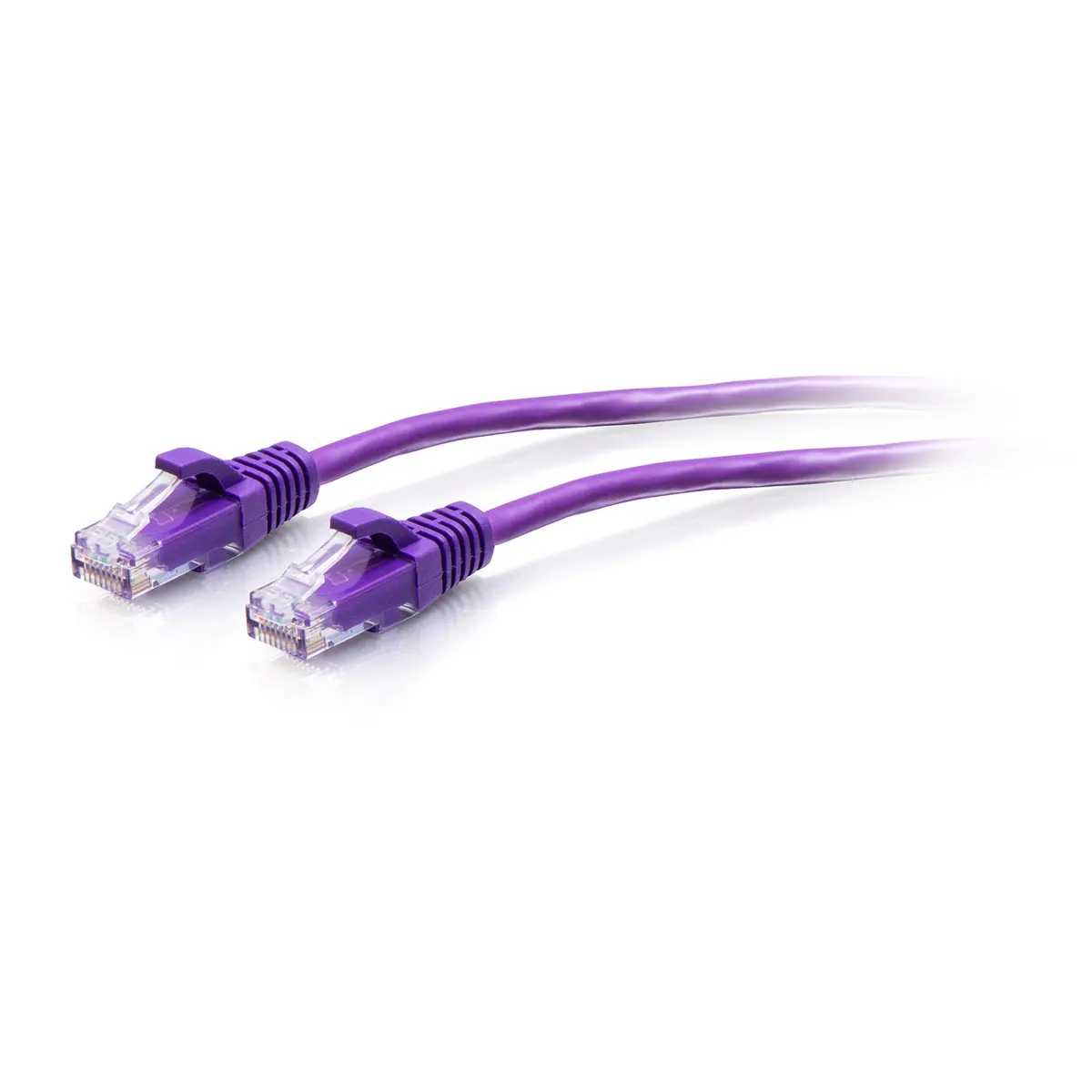
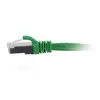
C2G Cat6a Snagless Unshielded UTP Slim Ethernet Patch Cable RJ-45 Male to Male 0.3m Purple
The C2G Cat6a Snagless Unshielded UTP Slim Ethernet Patch Cable RJ-45 Male to Male 0.3m Purple is a high-performance network cable designed to deliver reliable connectivity in modern digital environments. Measuring 0.3 meters in length, this purple patch cable combines a compact form factor with advanced Cat6a standards to support demanding networking tasks. It features male RJ-45 connectors on both ends with gold-plated contacts to ensure stable signal transmission and resistance to corrosion.
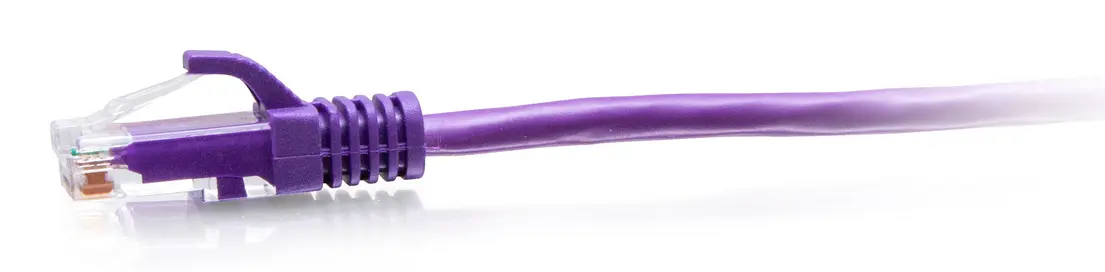
This slim Ethernet cable offers significant physical and performance benefits for modern networks. Its reduced diameter design improves airflow in congested spaces, making it superior to standard cables in high-density environments. The integrated snagless boot prevents the connector latch from catching or breaking during installation and removal, providing additional strain relief. Furthermore, the unshielded UTP construction combined with Cat6a capabilities allows it to handle data transfer rates up to 10000 Mbit/s efficiently.
This cable is not suitable for long-distance runs as it measures only 0.3 meters in length. Additionally, because it features unshielded UTP construction, it may not be appropriate for industrial environments with high electromagnetic interference where shielded cables are required.
To use the cable, insert the RJ-45 male connector of the C2G patch cable into the Ethernet port of your networking device, such as a switch, router, or computer, until you hear a click. Ensure the connection is secure and that the cable is not subjected to sharp bends or excessive pulling forces. The snagless boot can be pressed down easily during unplugging.
Usage recommendations: Route the cable carefully in tight spaces to maintain proper airflow and prevent strain on the connectors. Use the purple color to easily identify and categorize specific network lines within your setup.
{{highlightedFeature.featureTitle}}:
{{getProductFeatureValueById(product, highlightedFeature.featureId)}}
{{ productComparisonGenerationError }}