{{ totalProductsCount }}

In cart {{totalProductsCount}} item(s)

Total:
{{sum | formatAmount}}

Your cart is empty

header-product USB-C 3‑in‑1 Hub CANYON DS-3 Dark Grey — USB-C to USB-A + HDMI + PD passthrough

USB-C 3‑in‑1 Hub CANYON DS-3 Dark Grey — USB-C to USB-A + HDMI + PD passthrough

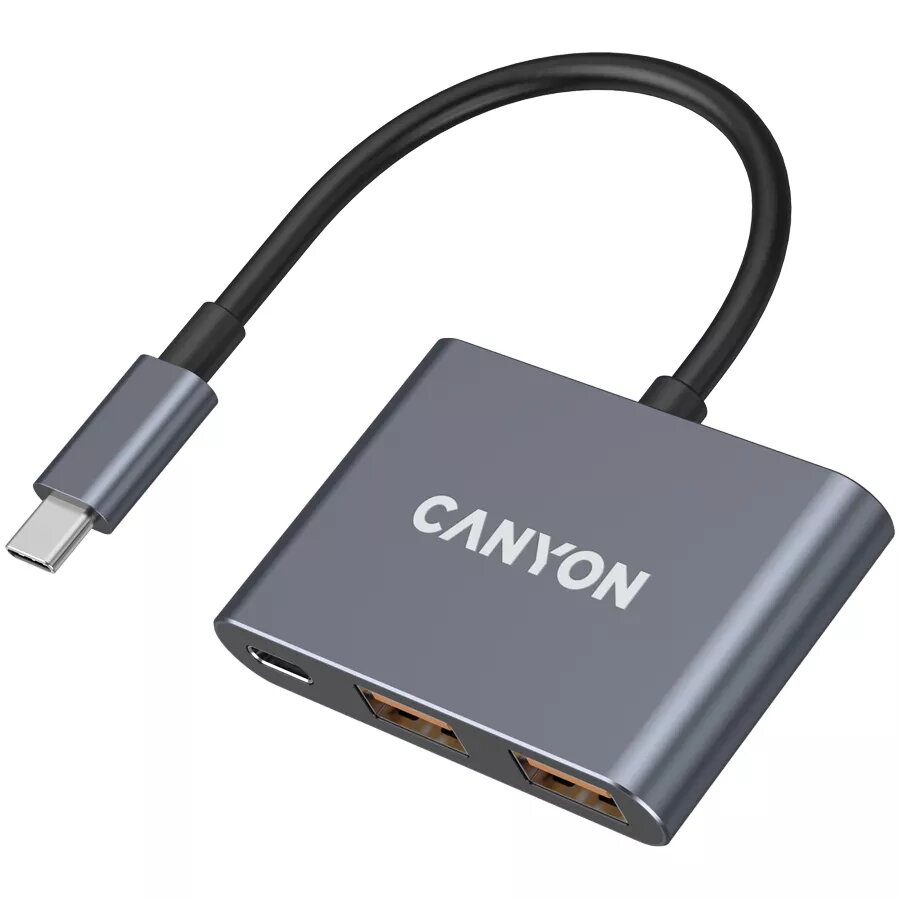
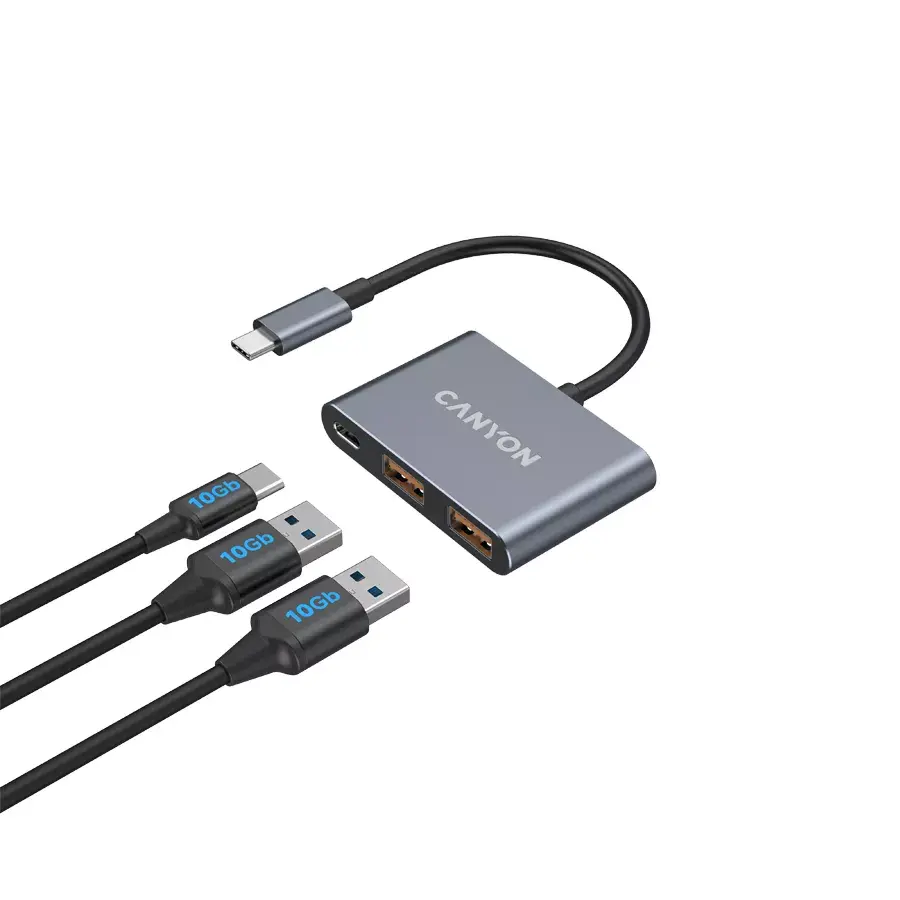
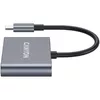
USB-C 3in1 Hub CANYON DS-3 Photo 1
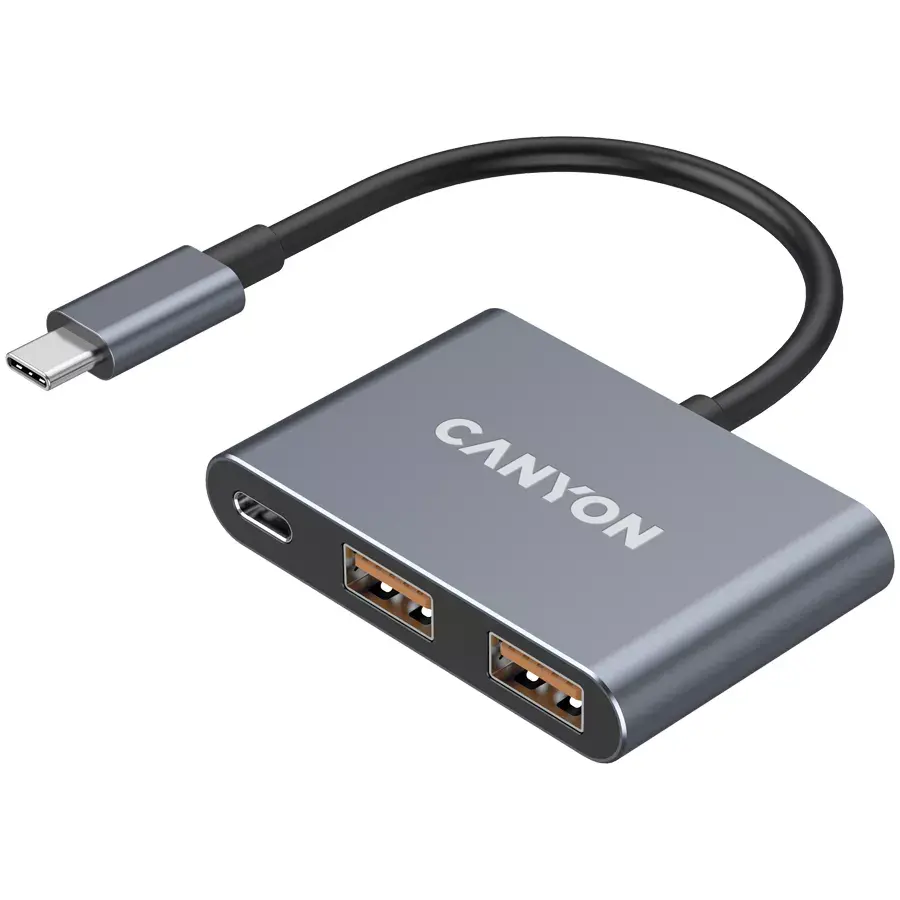
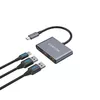
USB-C 3in1 Hub CANYON DS-3 Photo 2
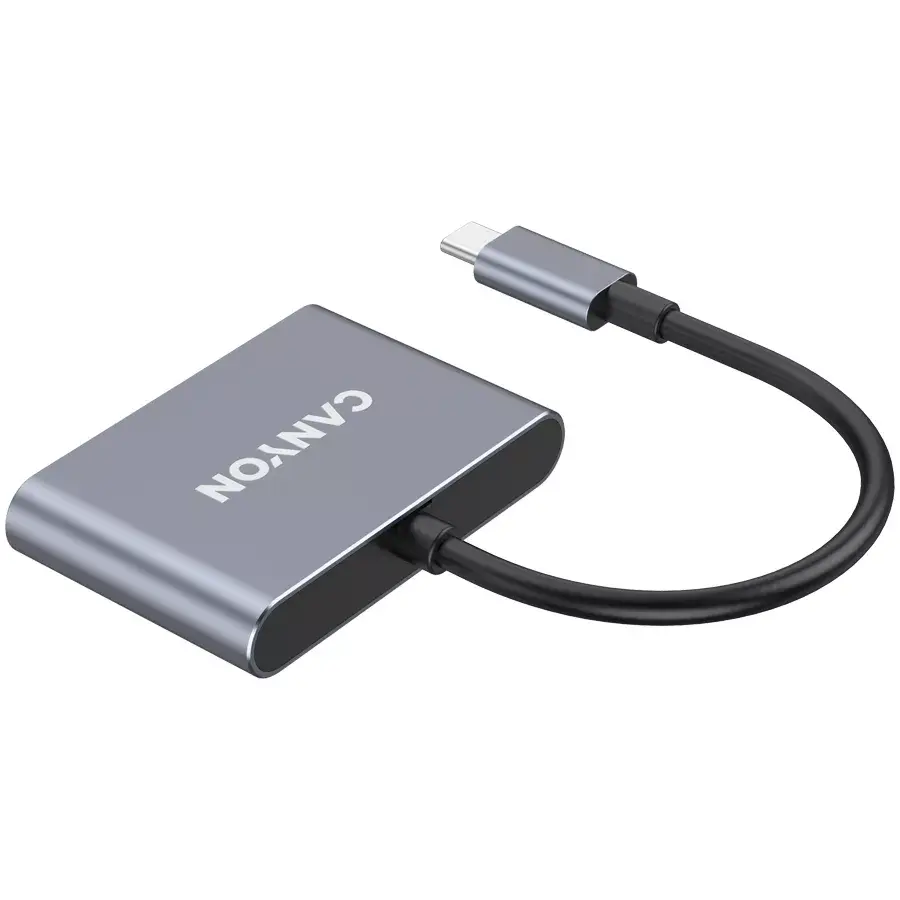
USB-C 3in1 Hub CANYON DS-3 Photo 3
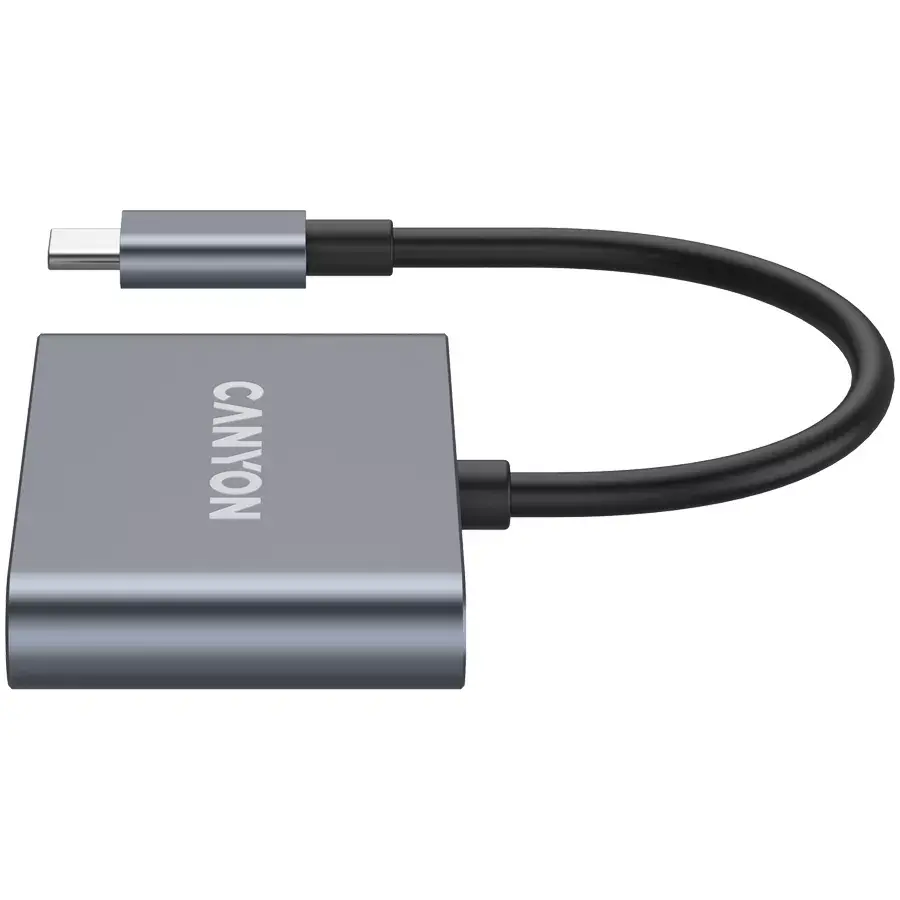
USB-C 3in1 Hub CANYON DS-3 Photo 4
USB-C 3in1 Hub CANYON DS-3 Photo 5
USB-C 3in1 Hub CANYON DS-3 Photo 1
USB-C 3in1 Hub CANYON DS-3 Photo 2
USB-C 3in1 Hub CANYON DS-3 Photo 3
USB-C 3in1 Hub CANYON DS-3 Photo 4
USB-C 3in1 Hub CANYON DS-3 Photo 5
Out of stock.
View similar!

Short description

CANYON DS‑3 is a compact USB‑C 3‑in‑1 hub in dark grey that expands a single USB‑C port with USB‑A, HDMI and USB‑C Power Delivery passthrough. It enables connecting peripherals, an external display via HDMI, and charging your laptop or device while using the hub. Ideal for laptops and tablets with limited ports for office, remote work and presentations.
Warranty: 2 Years
SKU: 11274815
delivery
Information regarding the items availability for purchase will be posted on this site
price
Item cost information will be published on this site
Together cheaper
{{product.price | formatAmount}}
{{product.title}}
{{productBundle.reference.specialPrice | formatAmount}}
{{productBundle.title}}
{{productBundlePreviousPrice | formatAmount}}
{{productBundleSpecialPrice | formatAmount}}

You saving {{productBundleYouSave | formatAmount}}

Product information

Description

CANYON DS-3 is a compact USB-C 3-in-1 hub in dark grey that expands a single USB-C port into USB-A, HDMI and USB-C Power Delivery passthrough. The hub allows connection of legacy USB peripherals, an external display via HDMI up to 4K (depending on host and display), and simultaneous power delivery to charge a laptop or device while other peripherals are connected. Its small footprint and neutral dark grey finish make it suitable for workspaces with limited ports, on-the-go setups, presentations and remote work.

Advantages

The CANYON DS-3 hub combines three essential interfaces in one compact unit, providing versatile connectivity without occupying multiple ports. It supports data transfer to USB-A devices, video output to HDMI displays and power passthrough via USB-C PD, enabling uninterrupted device charging. The dark grey housing is designed for durability and discreet integration with most laptop and tablet designs.

Suitable for

  • Connecting USB-A peripherals such as keyboards, mice and external drives
  • Extending laptop or tablet display to an external monitor, TV or projector via HDMI
  • Charging a laptop or device while using external devices through USB-C Power Delivery passthrough
  • Mobile work, meetings and presentations where a compact multiport adapter is required

Key specifications

  • Interface: USB-C host input; USB-A output; HDMI video output; USB-C Power Delivery passthrough
  • Video output: HDMI (supports external display connections; resolution depends on host and display capabilities)
  • Power delivery: USB-C passthrough for charging while hub is in use (power delivery capability depends on connected charger and host device)
  • Data transfer: USB-A port for connecting peripherals and storage devices
  • Design: compact form factor, dark grey finish, integrated cable to connect to host USB-C port

How to use

Connect the integrated USB-C plug of the DS-3 hub into a compatible USB-C port on your laptop or tablet. Plug your USB-A devices, such as a mouse or external drive, into the USB-A port. Attach an external monitor, TV or projector to the HDMI port using a standard HDMI cable. If simultaneous charging is needed, connect a USB-C charger to the hub's USB-C PD passthrough port; the hub will forward power to the host device while other ports remain active. Ensure the host device supports video output and USB-C power delivery if those functions are required.

Usage recommendations

Use a USB-C charger with sufficient wattage and a quality HDMI cable rated for your desired display resolution. For best results, check your laptop or tablet specifications to confirm support for external video output and power delivery over USB-C. Avoid applying excessive force to ports and store the hub in a protective sleeve when transported to reduce wear.

Description

Machine translation. Load original

Similar products

{{product.title}} Show details Hide details

{{highlightedFeature.featureTitle}}:

{{getProductFeatureValueById(product, highlightedFeature.featureId)}}

{{product.price | formatAmount}}
Might be useful
{{product.manufacturerName}}
{{product.categoryName}}
{{product.title}}
{{product.specialPrice}}
{{product.price}}

Customer reviews

Customer questions

FAQ

What payment options are available?

AiO.lv offers several payment methods: Bank transfer. All transactions are 100% secure and encrypted.

Can this product be purchased for a company (with VAT)?

Yes. AiO.lv works with legal entities in Latvia and across Europe. The product price already includes VAT. For certain product categories, as well as for companies from other EU countries with a valid VAT number, a 0% VAT rate may apply. We issue the invoice immediately after the order is placed, support electronic BIS invoices, and automatically generate all necessary accounting documents. You can complete the purchase for a company online — simply select the company profile and choose bank transfer as the payment method during checkout.

What is the warranty period?

All CANYON products come with an official 2 Years warranty. It covers all manufacturing defects and malfunctions that may occur during use. The warranty is valid at all authorized CANYON service centers and through AiO.lv

Can the product be returned after purchase?

Yes, you can return the product within 14 days of purchase if you bought it as a consumer (not a legal entity). Returns are possible without giving any reason — the main condition is that the product retains its original appearance and full set of accessories. We will make the process as simple and convenient as possible: just contact our customer support team, and we will help you arrange the return.

Where should I contact for warranty service?

For warranty-related questions you can contact the AiO.lv (SIA VSPRO) customer support team. We will assist with consultation, warranty claim processing, and coordination with certified service centers.

warranty
14-Day Return Policy We are confident in our quality, but if the purchase doesn’t fit — you have 14 days to return the product with peace of mind.
shipping
Fast Delivery Get your orders as quickly as possible — right to your door, parcel lockers, or pickup points across Latvia and the EU.
payment
Secure Payment Pay the way you prefer: cash, VISA, MasterCard, Apple Pay, Google Pay, bank transfer, or 0% installment plan.
warranty
Quality Since 2008 AiO.lv has been on the market for over 18 years and has earned trust — with more than 6000 genuine positive reviews on Google.