
A curated selection of maximum value offers!
In cart {{totalProductsCount}} item(s)
Your cart is empty
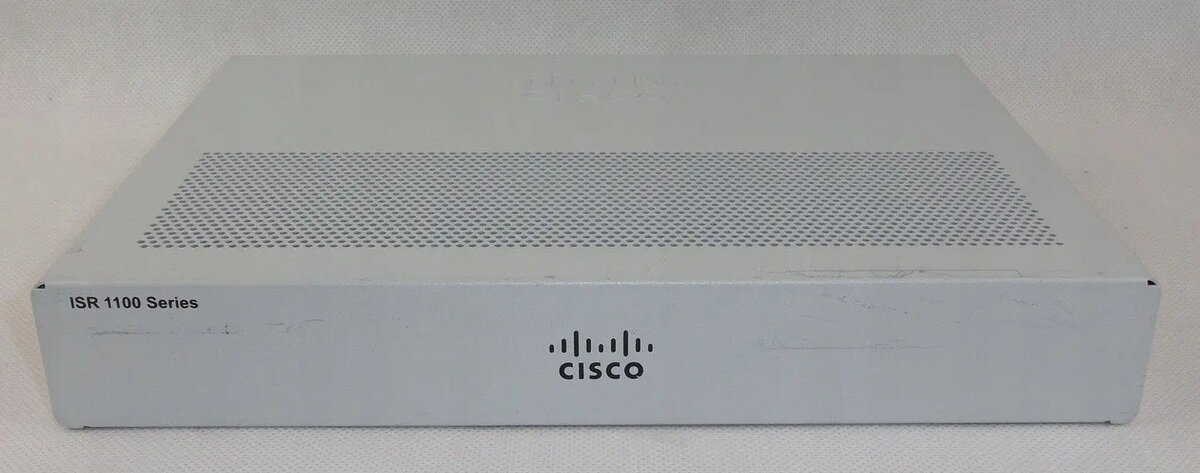
Router Cisco C1161-8P with 8-port 1GbE switch and 1 Gigabit WAN port
Cisco C1161-8P with 8-port 1GbE switch and 1 Gigabit WAN port is a compact wired networking device intended for small offices and branch locations. It combines an integrated 8-port 1 Gigabit Ethernet switch with a dedicated Gigabit WAN uplink to provide stable wired connectivity for multiple devices. The unit supports essential routing and switching functions and is designed to deliver predictable throughput and simple physical network consolidation in environments that require reliable Ethernet performance.
The integrated 8-port 1GbE switch reduces the need for additional switches, saving rack or desk space while keeping copper-based access points consolidated. A single 1 Gigabit WAN port provides a high-speed uplink for broadband or managed WAN connections. The device's compact form factor and straightforward port layout simplify installation and cable management. Built on Cisco networking design, it supports standard Layer 2 switching and basic Layer 3 routing features needed for small-site deployments.
Install the unit on a stable surface or in a small rack area and connect the 1 Gigabit WAN port to your broadband modem or upstream network device. Connect LAN devices such as PCs, printers and access points to the switch ports using standard CAT5e/CAT6 cables. Configure IP addressing, routing and any VLAN or switching parameters via the device's management interface according to your network design. Verify link status LEDs and perform a basic connectivity test to confirm that LAN clients can reach the WAN uplink and required network resources.
Place the router in a ventilated area away from heat sources and avoid stacking other equipment directly on top. Use shielded or unshielded twisted-pair cabling rated for Gigabit speeds (CAT5e or higher) and label cables for easier maintenance. For small business networks, allocate static IPs or reserve DHCP addresses for critical devices and implement basic security measures such as access control lists or management interface protection.
{{highlightedFeature.featureTitle}}:
{{getProductFeatureValueById(product, highlightedFeature.featureId)}}
{{ productComparisonGenerationError }}