

Save time and money with our discounts!
In cart {{totalProductsCount}} item(s)
Your cart is empty
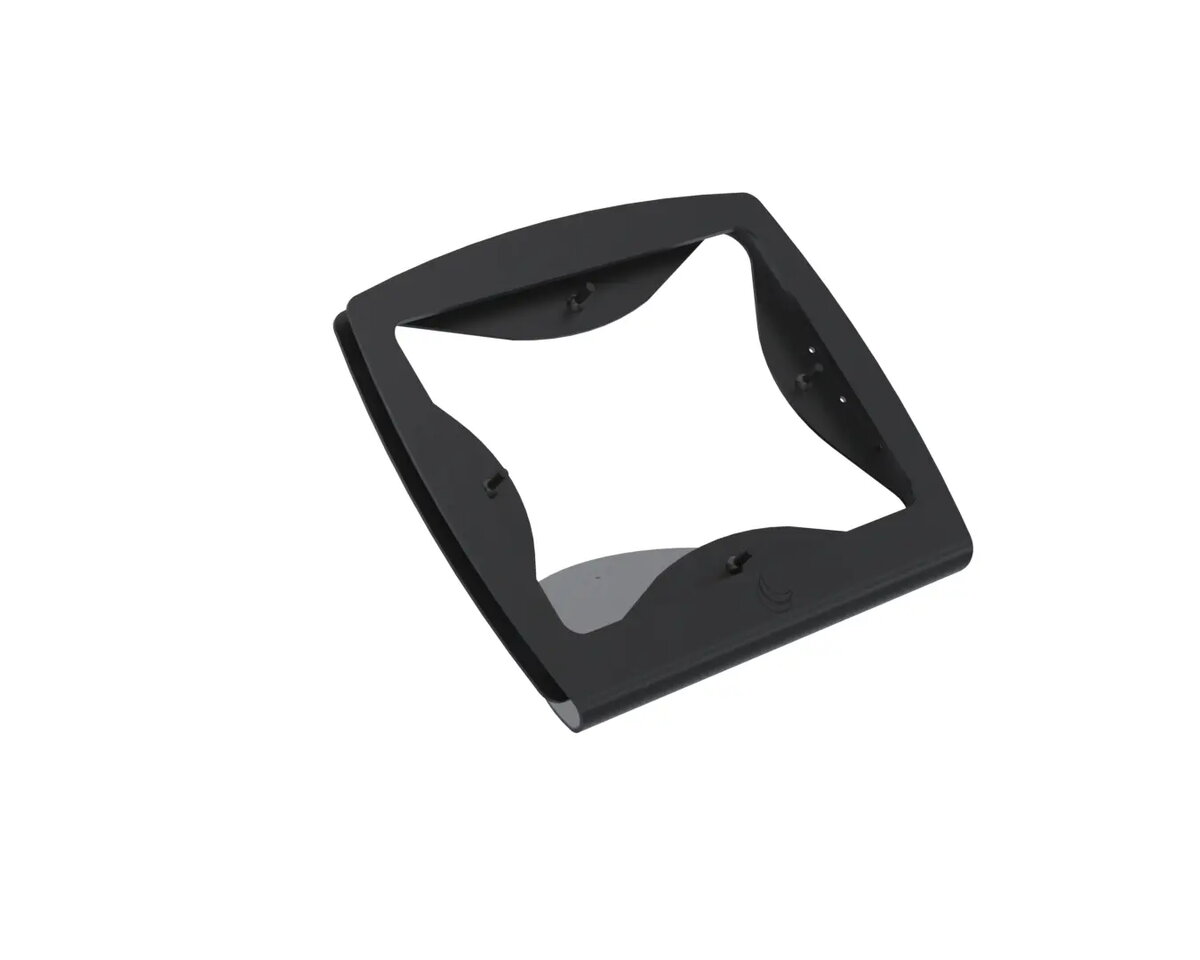
Compulocks TabPOS C-Frame Tablet and mPOS Mount for 10.2, 10.5 and 11-inch Tablets with Hinge
The Compulocks TabPOS C-Frame is a professional-grade tablet and mPOS mount engineered to provide a secure and ergonomic solution for 10.2, 10.5, and 11-inch tablets. Designed with a durable metal construction and a sleek black finish, this mount integrates seamlessly into retail, hospitality, and service environments. The inclusion of an integrated hinge mount allows for flexible viewing angles, ensuring that both staff and customers can interact with the device comfortably and efficiently.
This mount offers exceptional stability and reliability for high-traffic business settings. Its robust metal design ensures long-term durability, while the integrated hinge mechanism provides the versatility needed to adjust the screen position for optimal visibility. The system is designed for quick, tool-free installation, allowing businesses to deploy their point-of-sale solutions rapidly. Furthermore, the built-in cable management system maintains a clean and professional workspace by concealing wires, and the security screw lock provides peace of mind against unauthorized device removal.
This mount is specifically designed for tablets within the 10.2 to 11-inch size range and may not be compatible with smaller or significantly larger devices. It is intended for fixed-position use and is not suitable for mobile applications where the tablet needs to be frequently removed from the mount.
To use the Compulocks TabPOS C-Frame, securely attach the hinge mount to your counter or designated surface. Place your compatible tablet into the C-Frame enclosure, ensuring it is properly aligned. Once positioned, use the provided security screw to lock the frame, preventing the tablet from being removed. Adjust the hinge to your preferred viewing angle to suit your specific point-of-sale or customer interaction needs.
For optimal performance and longevity, ensure the mount is installed on a stable, flat surface. Regularly check the security screw to ensure it remains tightened, and keep the hinge mechanism free of debris to maintain smooth adjustment capabilities.
{{highlightedFeature.featureTitle}}:
{{getProductFeatureValueById(product, highlightedFeature.featureId)}}
{{ productComparisonGenerationError }}
