Leave your address - as soon as the price of the product goes down, you'll know about it right away
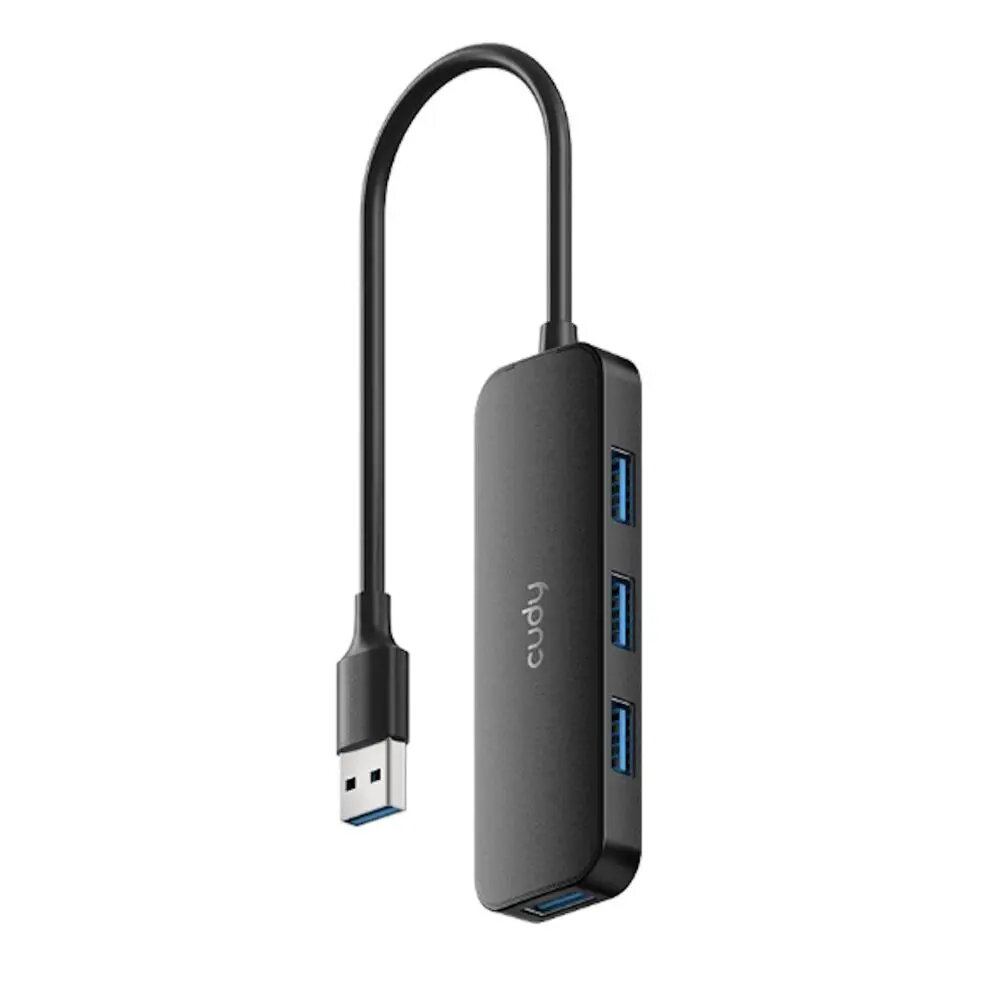
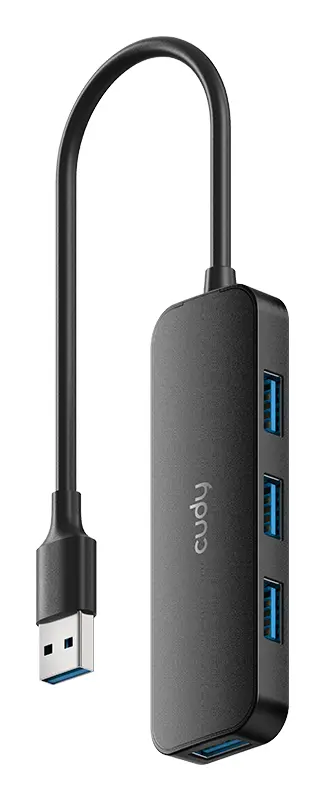
USB hub Cudy UH40A 4-port USB 3.0 5 Gbps, data-only, compact, black
In cart {{totalProductsCount}} item(s)
Your cart is empty
USB hub Cudy UH40A 4-port USB 3.0 5 Gbps, data-only, compact, black
Leave your address - as soon as the price of the product goes down, you'll know about it right away
USB hub Cudy UH40A 4-port USB 3.0 5 Gbps, data-only, compact, black
Cudy UH40A is a compact 4-port USB 3.0 hub that expands a single USB port into four high-speed data connections. The hub supports USB 3.0 transfer rates up to 5 Gbps for compatible devices and is designed for data-only use, making it suitable for connecting external hard drives, USB flash drives, printers and other peripherals that require high-speed data exchange. The small, lightweight design and black finish make the hub convenient for laptops, desktops and travel, while plug-and-play operation avoids the need for additional drivers or external power adapters for most typical devices.
The hub provides four USB 3.0 ports with up to 5 Gbps theoretical throughput on each connection when supported by host and device hardware, enabling fast file transfers and reduced wait time for large data operations. Its data-only design focuses on expanding USB connections without power delivery complexity, and the compact footprint conserves desk space. The device is compatible with common operating systems and offers simple plug-and-play setup for immediate use.
Connect the hub to a computer’s USB port using the integrated cable or supplied connector, then attach USB devices to the hub’s downstream ports. The operating system should recognize the hub and connected devices automatically, allowing file transfers, printing or peripheral operation without additional driver installation in most environments. For best throughput, connect both host and devices to USB 3.0 ports; if a device or host supports only USB 2.0, speeds will be limited accordingly.
Use the hub with host computers and peripherals that support USB 3.0 to achieve maximum transfer rates. Avoid connecting high-current devices such as some external hard drives that require dedicated power—if a device is not recognized or operates unreliably, use a powered USB hub or a directly powered connection. Keep the hub on a stable surface and avoid pulling on cables to protect connectors.
{{highlightedFeature.featureTitle}}:
{{getProductFeatureValueById(product, highlightedFeature.featureId)}}
| Warehouse | Stock | Delivery to the store | Store Price | |
| BT22 | 37 | Tuesday Best delivery | 7.49 € Best price | |
| WH354 | 30 | 06.07.2026 | 12.49 € |
|
7.49 €
Stock:
37
Delivery Date:
Tuesday
Best delivery
Warehouse: BT22
|
|
12.49 €
Stock:
30
Delivery Date:
06.07.2026
Warehouse: WH354
|