
Powerful EcoFlow stations for energy anywhere!
In cart {{totalProductsCount}} item(s)
Your cart is empty
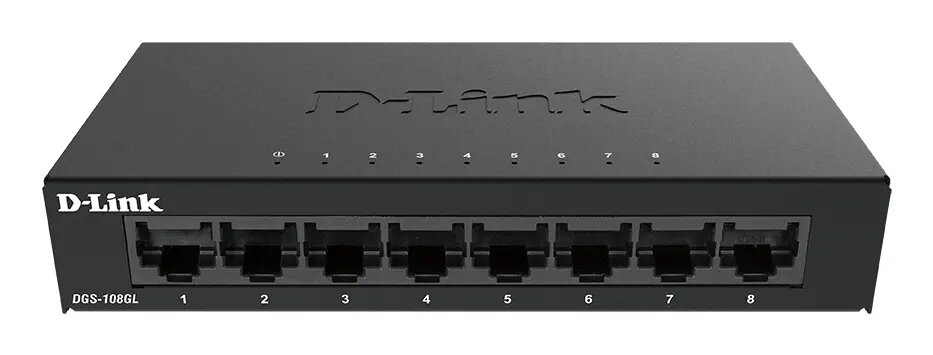
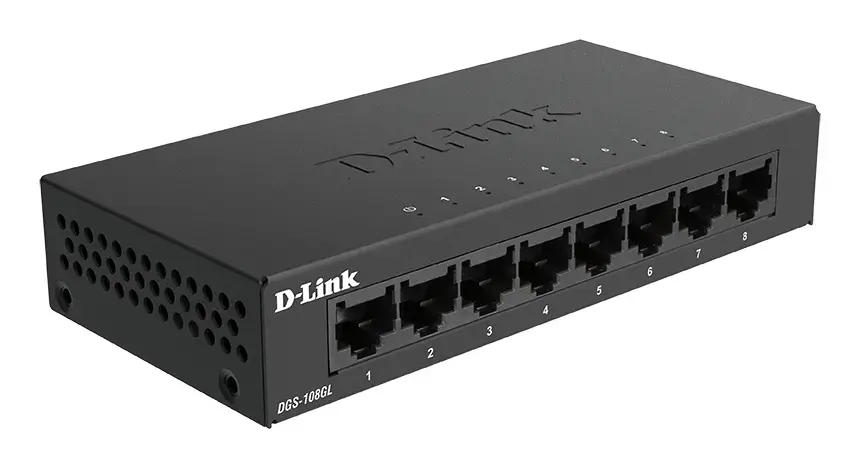
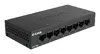
D-Link DGS-108GL 8-Port Unmanaged Gigabit Ethernet Switch
The D-Link DGS-108GL is an unmanaged Gigabit Ethernet switch designed to provide reliable, high-speed connectivity for home and small office environments. Featuring 8 RJ-45 ports, this device allows for the seamless expansion of your local network, supporting data transfer speeds of up to 1000 Mbps per port. Its robust metal construction and fanless design ensure silent operation and long-term durability, making it an ideal choice for quiet workspaces.
This switch offers a straightforward plug-and-play experience, eliminating the need for complex software configurations or technical expertise. By utilizing Gigabit Ethernet technology, it significantly reduces the time required to transfer large files and ensures smooth performance for bandwidth-intensive tasks. The inclusion of IEEE 802.3az Energy-Efficient Ethernet standards allows the device to automatically adjust power consumption based on link status and cable length, promoting lower energy costs. Furthermore, the integrated Quality of Service (QoS) functionality automatically prioritizes critical network traffic, such as video calls and streaming, to prevent buffering and latency issues.
This device may not be suitable for enterprise-level networks that require advanced management features such as VLAN tagging, SNMP monitoring, or port mirroring. Additionally, as it is an unmanaged switch, it does not provide tools for granular traffic control or security authentication protocols.
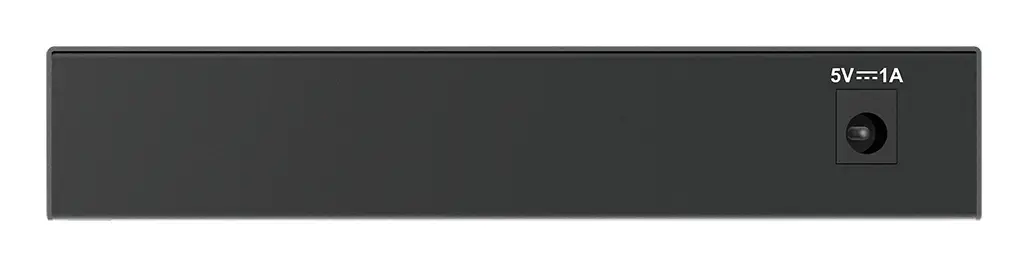
To set up the D-Link DGS-108GL, simply connect the provided power adapter to the DC-in jack and plug it into a standard wall outlet. Connect your router or modem to one of the ports using an Ethernet cable to provide internet access to the switch. Subsequently, connect your peripheral devices, such as computers, gaming consoles, or network-attached storage, to the remaining available ports. The device will automatically detect the connection speed and duplex mode for each port, requiring no further input from the user.
For optimal performance and longevity, ensure the switch is placed in a well-ventilated area to allow the metal housing to dissipate heat effectively. Avoid placing heavy objects on top of the unit and ensure that the Ethernet cables are not tightly bent or damaged.
{{highlightedFeature.featureTitle}}:
{{getProductFeatureValueById(product, highlightedFeature.featureId)}}