-
Windows operating systems supported:
Windows vesions wich can be used with the device.
-
Windows 7 Enterprise x64, Windows 7, Windows 7 Home Basic, Windows 7 Home Basic x64, Windows 7 Home Premium, Windows 7 Home Premium x64, Windows 7 Professional, Windows 7 Professional x64, Windows 7 Starter, Windows 7 Starter x64, Windows 7 Ultimate, Windows 7 Ultimate x64, Windows 7 x64, Windows 8, Windows 8 Enterprise, Windows 8 Enterprise x64, Windows 8 Pro, Windows 8 Pro x64, Windows 8 x64, Windows 8.1, Windows 8.1 Enterprise, Windows 8.1 Enterprise x64, Windows 8.1 Pro, Windows 8.1 Pro x64, Windows 8.1 x64, Windows 7 Enterprise, Windows 10, Windows 10 Education, Windows 10 Education x64, Windows 10 Enterprise, Windows 10 Enterprise x64, Windows 10 Home, Windows 10 IOT Core, Windows 10 IoT Enterprise, Windows 10 Pro, Windows 10 Pro x64, Windows 10 x64, Windows 10 Home x64
-
Mac operating systems supported:
Mac operating systems e.g. OS X can be used with the device.
-
Mac OS X 10.8 Mountain Lion
-
Plug and Play:
Indicates whether this product supports is "plug and play". Plug and play is hardware or software that, after being installed ("plugged in"), can immediately be used ("played with"), as opposed to hardware or software which requires configuration.
-
Yes
-
LED indicators:
-
Power
-
Hub interfaces:
A hub is a device for connecting multiple devices together. The hub interface is where the hub connects to other devices via input/output (I/O) ports.
-
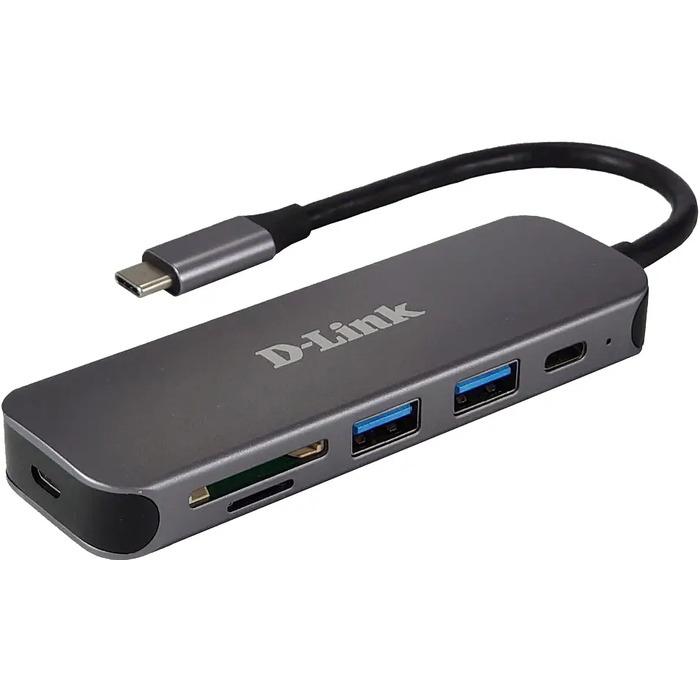
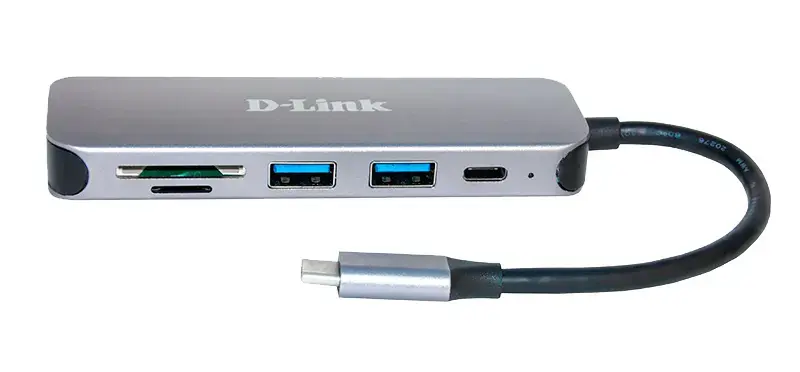
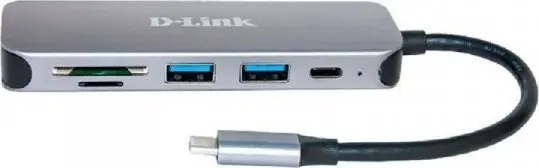
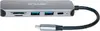
USB 3.2 Gen 1 (3.1 Gen 1) Type-C, USB 3.2 Gen 1 (3.1 Gen 1) Type-A
-
Product colour:
The colour e.g. red, blue, green, black, white.
-
Grey
-
Compatible memory cards:
Types of memory cards which can be used with this product.
-
SDXC, SDHC, SD, MicroSD (TransFlash)
-
Card reader integrated:
A card reader is a device that enables reading and, in some cases, writing data to and from a memory card.
-
Yes