
{{ totalProductsCount }}

In cart {{totalProductsCount}} item(s)

Total:
{{sum | formatAmount}}

Your cart is empty

header-product Docking station Dell Thunderbolt Dock TB16 with 180W Power Delivery and Dual DisplayPort

Docking station Dell Thunderbolt Dock TB16 with 180W Power Delivery and Dual DisplayPort

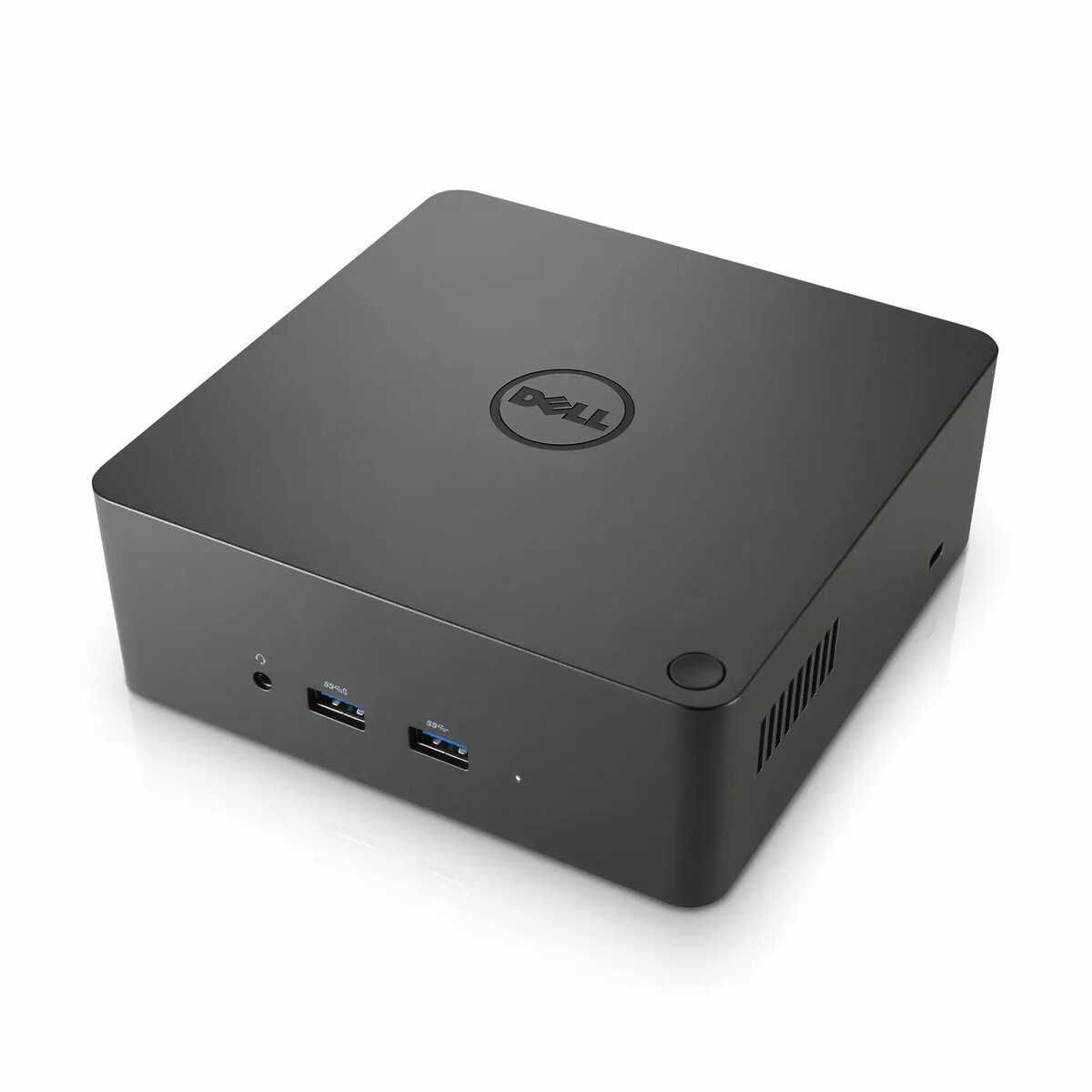
Docking station Dell Thunderbolt Dock TB16 Photo 1
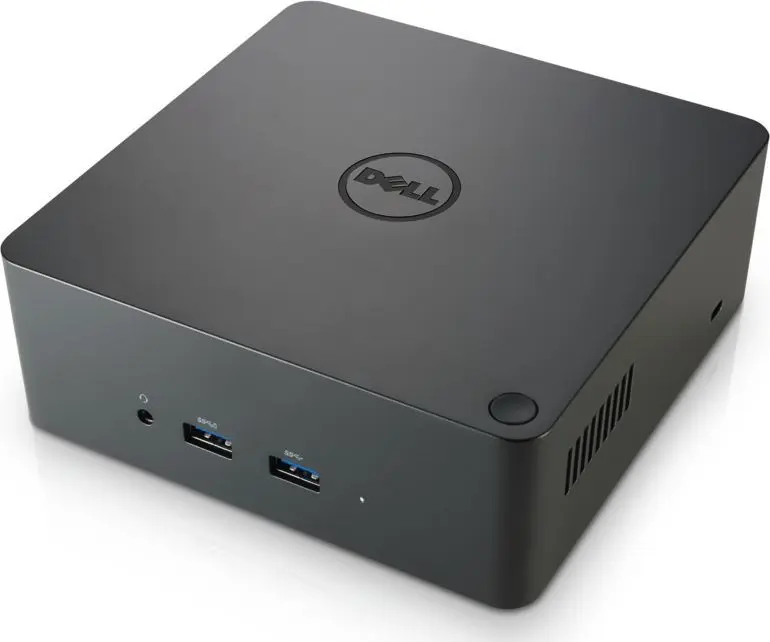
Docking station Dell Thunderbolt Dock TB16 Photo 2
Docking station Dell Thunderbolt Dock TB16 Photo 1
Docking station Dell Thunderbolt Dock TB16 Photo 2
Out of stock.
View similar!

Short description

Dell Thunderbolt Dock TB16 is a docking station offering 180W Power Delivery and dual DisplayPort outputs. It connects compatible laptops via Thunderbolt to provide power, video, and peripheral connectivity. Use it to drive two external monitors, charge the host device, and expand ports for keyboards, mice, storage and network — ideal for office or mobile workstations.
Warranty: 2 Years
SKU: 961447

delivery
Information regarding the items availability for purchase will be posted on this site
price
Item cost information will be published on this site
Together cheaper
{{product.price | formatAmount}}
{{product.title}}
{{productBundle.reference.specialPrice | formatAmount}}
{{productBundle.title}}
{{productBundlePreviousPrice | formatAmount}}
{{productBundleSpecialPrice | formatAmount}}

You saving {{productBundleYouSave | formatAmount}}

Product information

Description

The Dell Thunderbolt Dock TB16 with 180W Power Delivery and Dual DisplayPort is a professional docking station that connects compatible laptops via a single Thunderbolt cable to provide power, multiple video outputs and expanded peripheral connectivity. Designed for workstations and business laptops with Thunderbolt support, it supplies up to 180W to power and charge the host device while offering two DisplayPort outputs for driving dual external monitors and a range of ports to attach keyboards, mice, storage devices and wired networks.

Advantages

This docking station consolidates power delivery, video and data connections into one Thunderbolt link, reducing cable clutter and simplifying hot-dock workflows. With 180W Power Delivery it supports higher-power mobile workstations and maintains system charging while under load. Dual DisplayPort outputs enable extended or mirrored desktop configurations across two high-resolution monitors. The dock also provides a variety of host-facing ports for peripherals and wired Ethernet connectivity, enabling a stable and versatile desktop setup.

Suitable for

  • Office professionals using business or mobile workstation laptops with Thunderbolt support
  • Users who need to connect two external monitors for multitasking and extended desktop workflows
  • Environments requiring a single-cable docking solution to provide power, video, network and USB connectivity

Key specifications

  • Power Delivery: up to 180W to the connected laptop
  • Video outputs: two DisplayPort connectors supporting dual-monitor setups
  • Host interface: Thunderbolt connection for power, video and data
  • Peripheral ports: multiple USB ports for keyboards, mice and storage devices
  • Network: wired Ethernet port for stable LAN connectivity
  • Form factor: compact desktop dock designed for fixed workstation use

How to use

Connect the dock to a compatible laptop using the Thunderbolt cable; the dock will provide power to charge the host device and present available video, USB and Ethernet connections to the system. Attach one or two external monitors to the DisplayPort outputs and configure display settings in the operating system to select mirrored or extended desktop modes. Plug in keyboards, mice, external drives or other USB peripherals to the dock’s USB ports and connect the Ethernet cable for wired network access. Confirm that the laptop’s Thunderbolt support and any required drivers or firmware are up to date for full functionality.

Usage recommendations

Use the dock on a stable work surface and connect the laptop’s Thunderbolt cable first, then monitors and peripherals. For consistent charging and display performance, verify that the host laptop supports Thunderbolt power delivery and that firmware/drivers are current. When driving high-resolution displays or running demanding applications, keep ventilation around the dock and host device to avoid thermal throttling.

Description

Machine translation.

Similar products

{{product.title}}
Show details Hide details

{{highlightedFeature.featureTitle}}:

{{getProductFeatureValueById(product, highlightedFeature.featureId)}}

{{product.price | formatAmount}}
Might be useful
{{product.manufacturerName}}
{{product.categoryName}}
{{product.title}}
{{product.specialPrice}}
{{product.price}}

Customer reviews

Customer questions

FAQ

What payment options are available?

AiO.lv offers several payment methods: Bank transfer. All transactions are 100% secure and encrypted.

Can this product be purchased for a company (with VAT)?

Yes. AiO.lv works with legal entities in Latvia and across Europe. The product price already includes VAT. For certain product categories, as well as for companies from other EU countries with a valid VAT number, a 0% VAT rate may apply. We issue the invoice immediately after the order is placed, support electronic BIS invoices, and automatically generate all necessary accounting documents. You can complete the purchase for a company online — simply select the company profile and choose bank transfer as the payment method during checkout.

What is the warranty period?

All Dell products come with an official 2 Years warranty. It covers all manufacturing defects and malfunctions that may occur during use. The warranty is valid at all authorized Dell service centers and through AiO.lv

Can the product be returned after purchase?

Yes, you can return the product within 14 days of purchase if you bought it as a consumer (not a legal entity). Returns are possible without giving any reason — the main condition is that the product retains its original appearance and full set of accessories. We will make the process as simple and convenient as possible: just contact our customer support team, and we will help you arrange the return.

Where should I contact for warranty service?

For warranty-related questions you can contact the AiO.lv (SIA VSPRO) customer support team. We will assist with consultation, warranty claim processing, and coordination with certified service centers.
warranty
14-Day Return Policy
We are confident in our quality, but if the purchase doesn’t fit — you have 14 days to return the product with peace of mind.
shipping
Fast Delivery
Get your orders as quickly as possible — right to your door, parcel lockers, or pickup points across Latvia and the EU.
payment
Secure Payment
Pay the way you prefer: cash, VISA, MasterCard, Apple Pay, Google Pay, bank transfer, or 0% installment plan.
warranty
Quality Since 2008
AiO.lv has been on the market for over 18 years and has earned trust — with more than 6000 genuine positive reviews on Google.