{{ totalProductsCount }}

In cart {{totalProductsCount}} item(s)

Total:
{{sum | formatAmount}}

Your cart is empty

header-product Docking Station DELL WD19DC

Docking Station DELL WD19DC

Docking Station DELL WD19DC Photo 1
Docking Station DELL WD19DC Photo 2
Docking Station DELL WD19DC Photo 3
Docking Station DELL WD19DC Photo 4
Docking Station DELL WD19DC Photo 5
Docking Station DELL WD19DC Photo 6
Docking Station DELL WD19DC Photo 7
Docking Station DELL WD19DC Photo 1
Docking Station DELL WD19DC Photo 2
Docking Station DELL WD19DC Photo 3
Docking Station DELL WD19DC Photo 4
Docking Station DELL WD19DC Photo 5
Docking Station DELL WD19DC Photo 6
Docking Station DELL WD19DC Photo 7
Out of stock.
View similar!

Short description

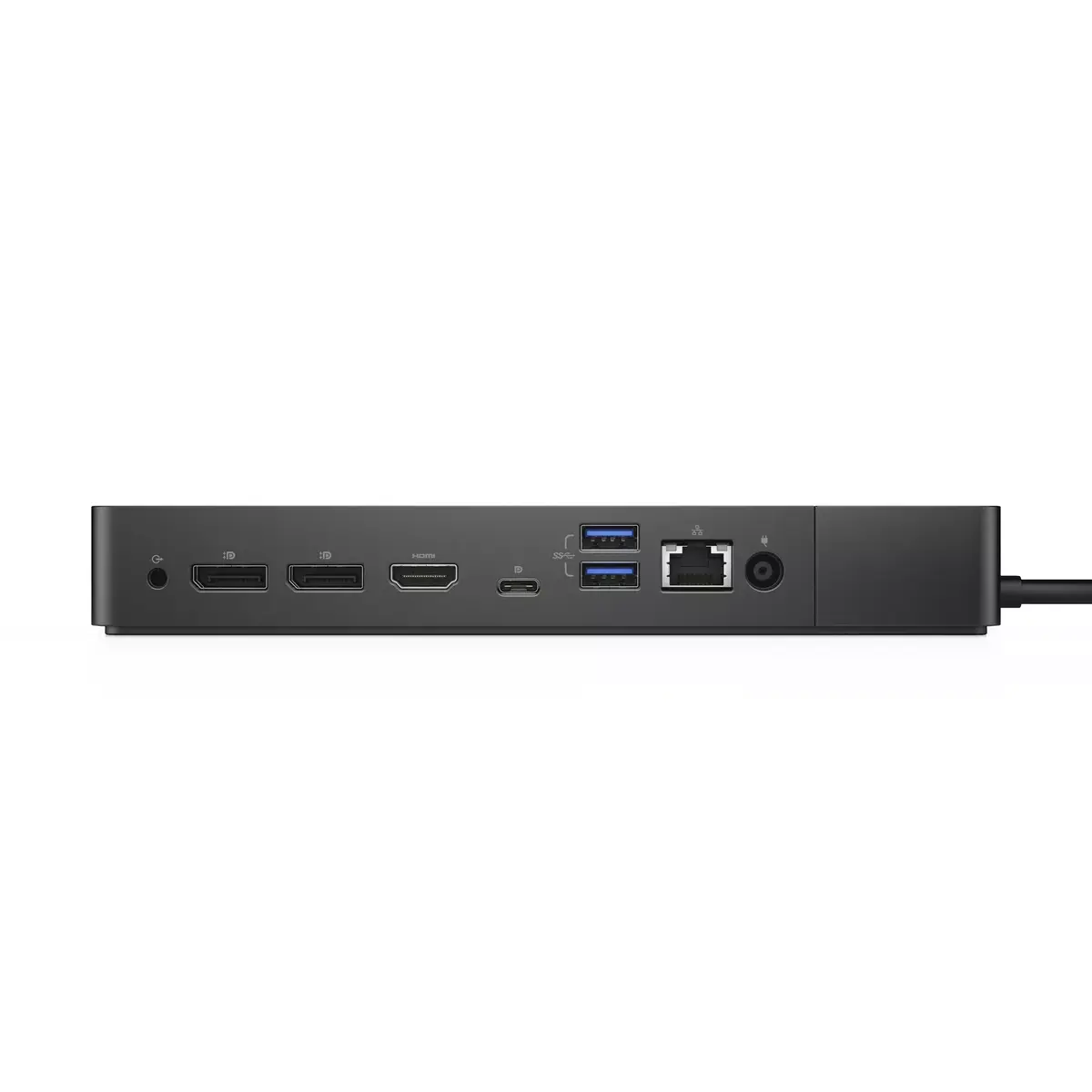
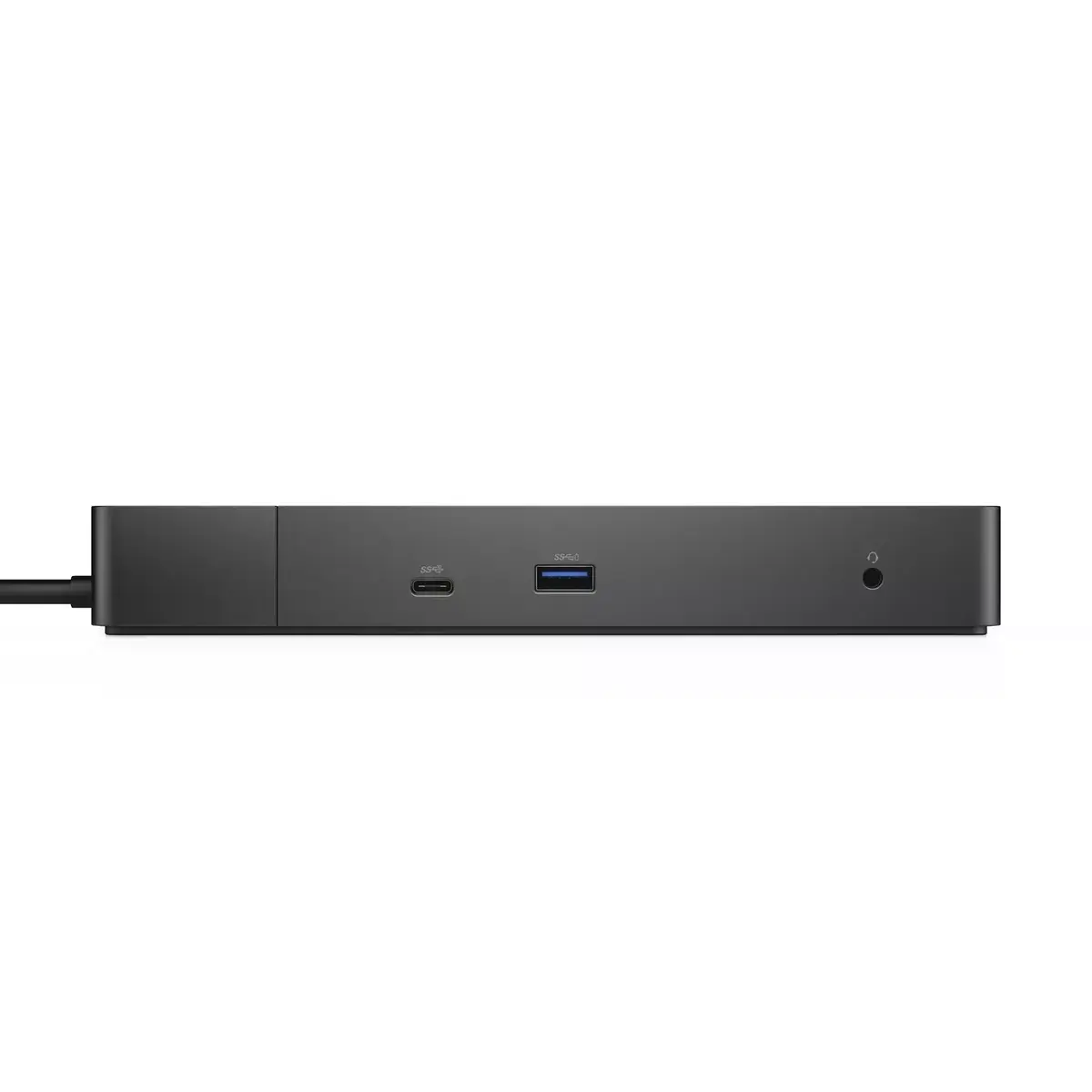
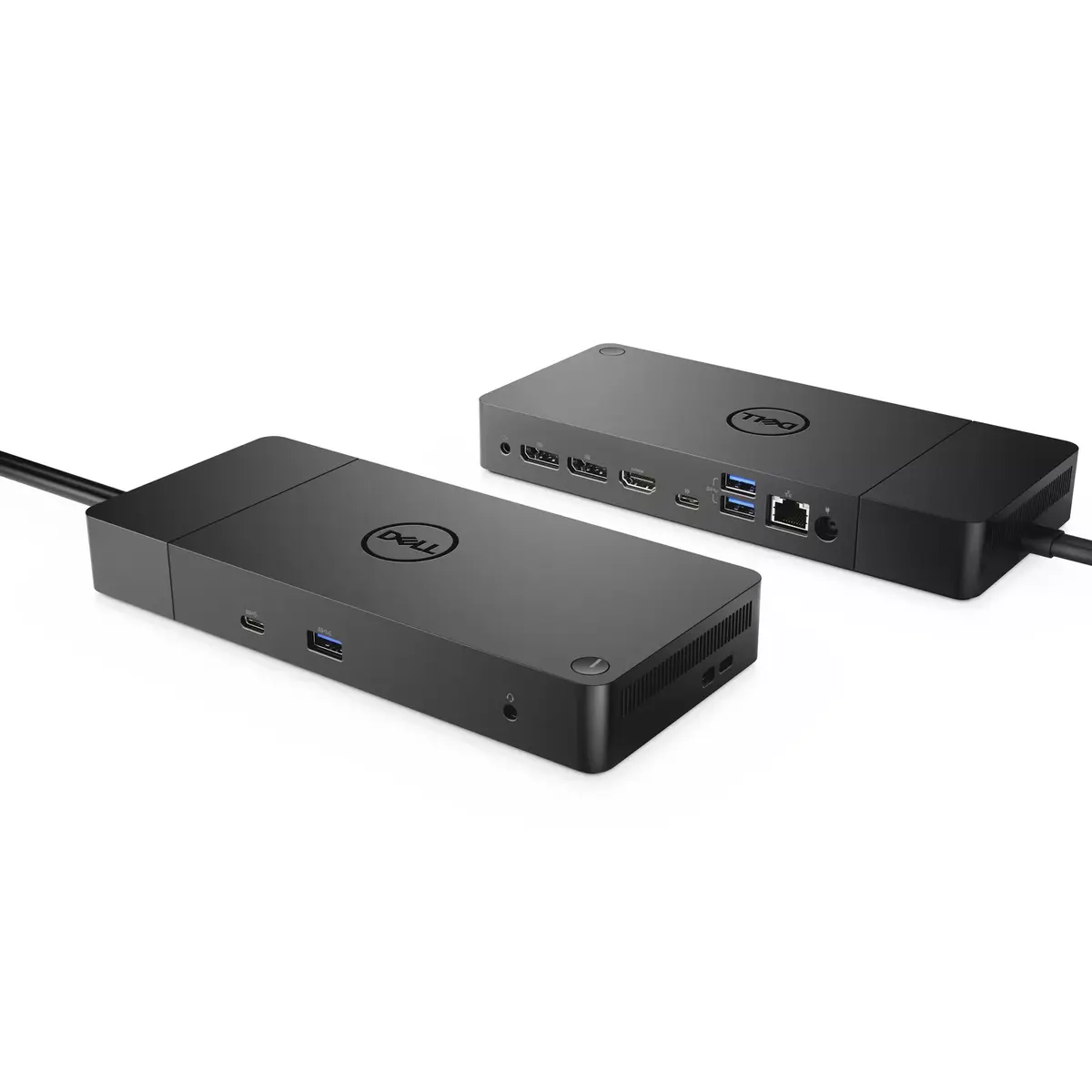
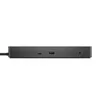
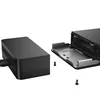
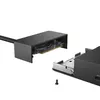
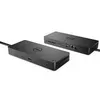
The DELL WD19DC is a wired docking station featuring USB 3.2 Gen 1 Type-C connectivity. It supports HDMI 2.0b and Ethernet LAN data rates of 10/100/1000 Mbit/s. With a data transfer rate of 10 Gbit/s and a powerful 210 W power supply, it is designed for efficient performance and versatility. The sleek black design complements any workspace.
Warranty: 2 Years
SKU: 3503370

delivery
Information regarding the items availability for purchase will be posted on this site
price
Item cost information will be published on this site
Together cheaper
{{product.price | formatAmount}}
{{product.title}}
{{productBundle.reference.specialPrice | formatAmount}}
{{productBundle.title}}
{{productBundlePreviousPrice | formatAmount}}
{{productBundleSpecialPrice | formatAmount}}

You saving {{productBundleYouSave | formatAmount}}

Product information

Description

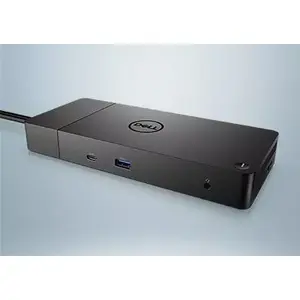
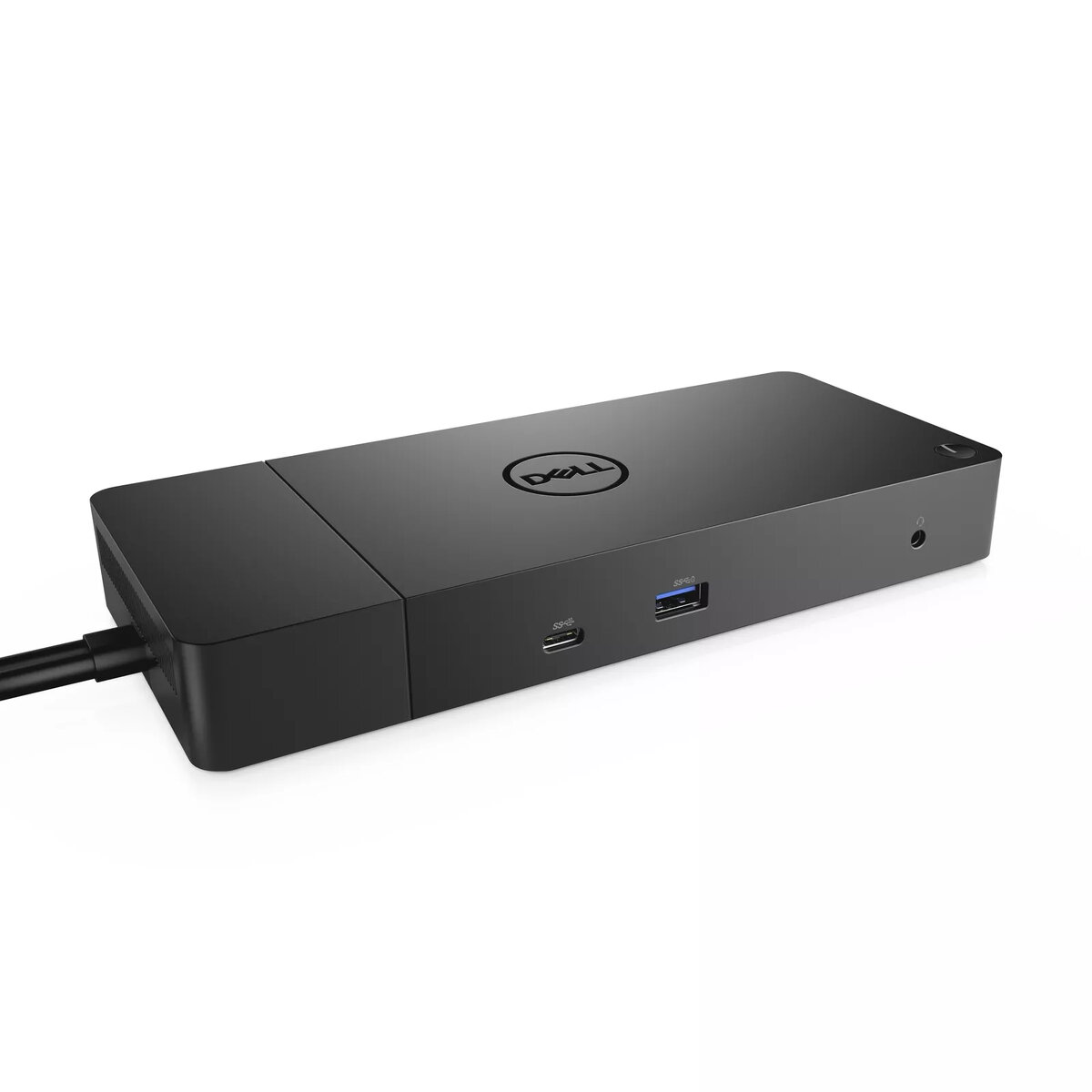
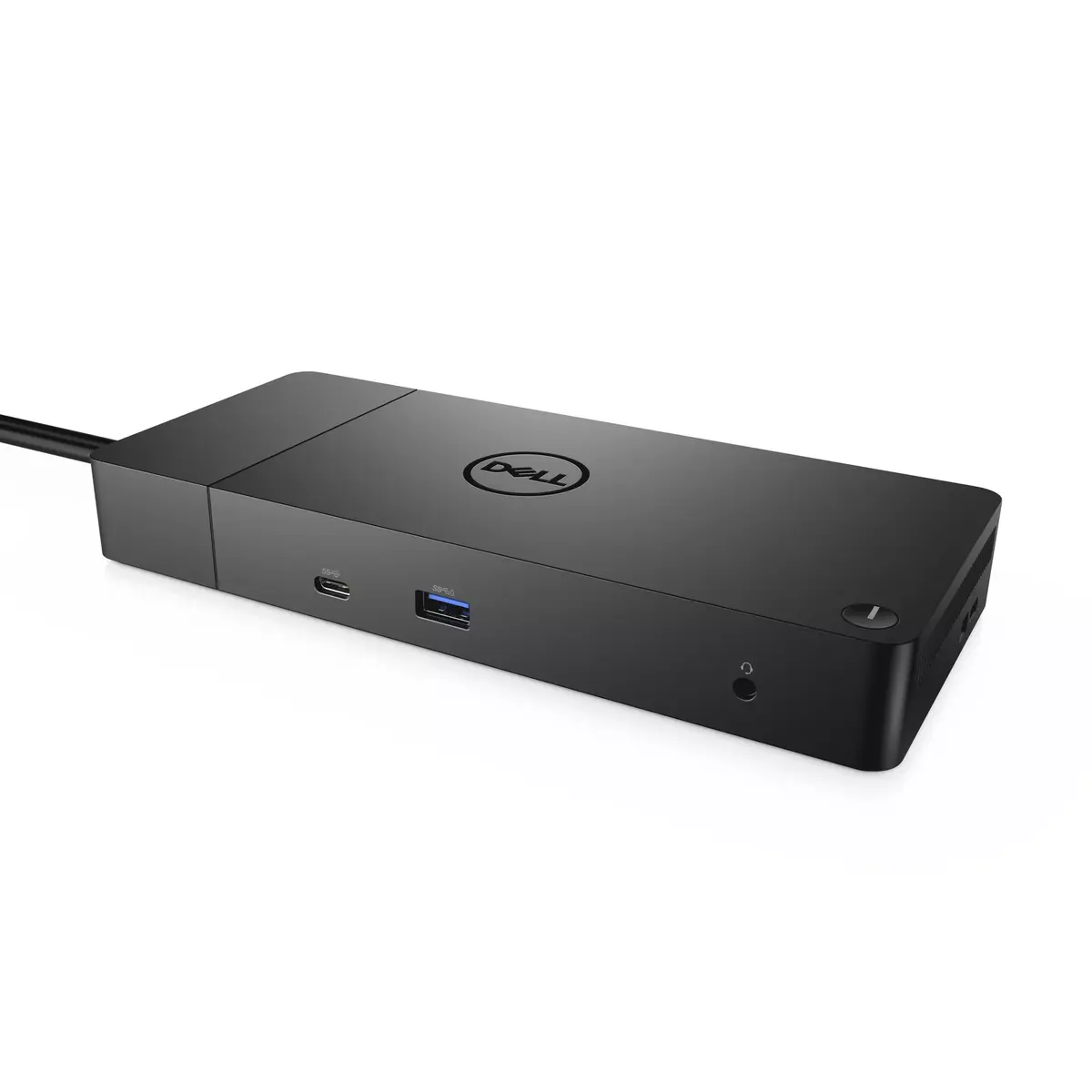
The DELL WD19DC is a wired docking station with USB 3.2 Gen 1 Type-C connectivity, designed to expand a laptop or PC with multiple ports while delivering up to 210 W power. It supports HDMI 2.0b video output, Gigabit Ethernet (10/100/1000 Mbit/s) and high-speed data transfers at up to 10 Gbit/s. The dock comes in a black finish and is intended for users who need a compact, high-power solution to connect peripherals and external displays.

Advantages

The docking station provides a robust 210 W power supply to support power-hungry systems and fast charging. It offers a mix of ports including USB Type-C, three USB Type-A ports and a dedicated Gigabit Ethernet port for reliable network connectivity. HDMI 2.0b ensures compatibility with 4K displays at common refresh rates, while the 10 Gbit/s data capability enables quick file transfers. The wired design minimizes latency and provides stable connections for peripherals.

Suitable for

  • Connecting multiple peripherals (keyboard, mouse, external drives)
  • Driving external monitors via HDMI 2.0b
  • Reliable wired network access using Gigabit Ethernet
  • Charging and powering laptops that accept USB-C power delivery up to 210 W

Key specifications

  • Model: DELL WD19DC (MPN: W125771177)
  • Connectivity: Wired USB 3.2 Gen 1 Type-C
  • USB Type-A ports: 3 (USB 3.2 Gen 1 / 3.1 Gen 1)
  • HDMI ports: 1 (HDMI 2.0b)
  • Ethernet: 1 x RJ-45, 10/100/1000 Mbit/s
  • Data transfer rate: up to 10 Gbit/s
  • Power supply: up to 210 W
  • Colour: Black

How to use

Connect the docking station to a compatible laptop or PC using the supplied USB-C cable, ensuring the host device supports USB-C docking and power delivery. Attach monitors to the HDMI port and peripherals to the USB-A ports or the USB-C port as required. Plug the dock into its power source to enable the 210 W power delivery and network connectivity via the RJ-45 port. Follow your device’s display settings to configure external monitor arrangement and resolution.

Usage recommendations

For stable performance, use the supplied power adapter and a USB-C host port that supports power delivery. Verify your laptop’s maximum supported charging wattage and display output capabilities to ensure full functionality of HDMI and power delivery features.

Specifications

Connectivity technology:
Wired
USB 3.2 Gen 1 (3.1 Gen 1) Type-A ports quantity:
3
Ethernet LAN (RJ-45) ports:
1
HDMI ports quantity:
1
Product colour:
Black
All features

Ports & interfaces

Line-out:
Yes
Connectivity technology:
Wired
USB connector type:
USB Type-C
Ethernet LAN (RJ-45) ports:
1
Microphone in:
No
DC-in jack:
Yes
Host interface:
USB 3.2 Gen 1 (3.1 Gen 1) Type-C
HDMI ports quantity:
1
HDMI version:
2.0b
DisplayPorts quantity:
2
Combo headphone/mic port:
Yes
USB 3.2 Gen 1 (3.1 Gen 1) Type-A ports quantity:
3
USB 3.2 Gen 1 (3.1 Gen 1) Type-C ports quantity:
1
USB 3.2 Gen 2 (3.1 Gen 2) Type-C ports quantity:
1

Network

Ethernet LAN:
Yes
Wake-on-LAN ready:
Yes
Ethernet LAN data rates:
100, 1000, 10

Performance

Data transfer rate:
10 Gbit/s
Product colour:
Black
Card reader integrated:
No
On/off switch:
Yes
Number of displays supported:
4
VESA mounting:
Yes

Power

Power supply:
210 W
Power source type:
DC

Logistics data

Harmonized System (HS) code:
84733020

Description

Machine translation. Load original

Reasons to buy

Power your connections

Power your day: Dell ExpressCharge allows you to charge up to 80% in one hour, making it the most efficient way to manage the workday.

Adaptable to your workload: Conveniently choose between a single USB-C cable or dual USB-C functionality, a feature compatible with our Precision 7000 workstations. Plus, with magnetically separable USB-C cables, it is easy to get the flexibility you need.

Unmatched charging: Triple your power delivery and charge even faster with a dock that delivers up to 210W of power with dual USB-C connectors.
Power your connections

Built for the future

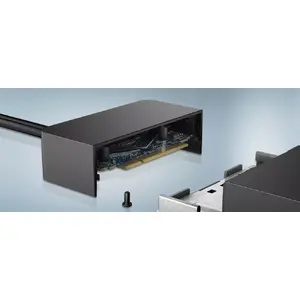
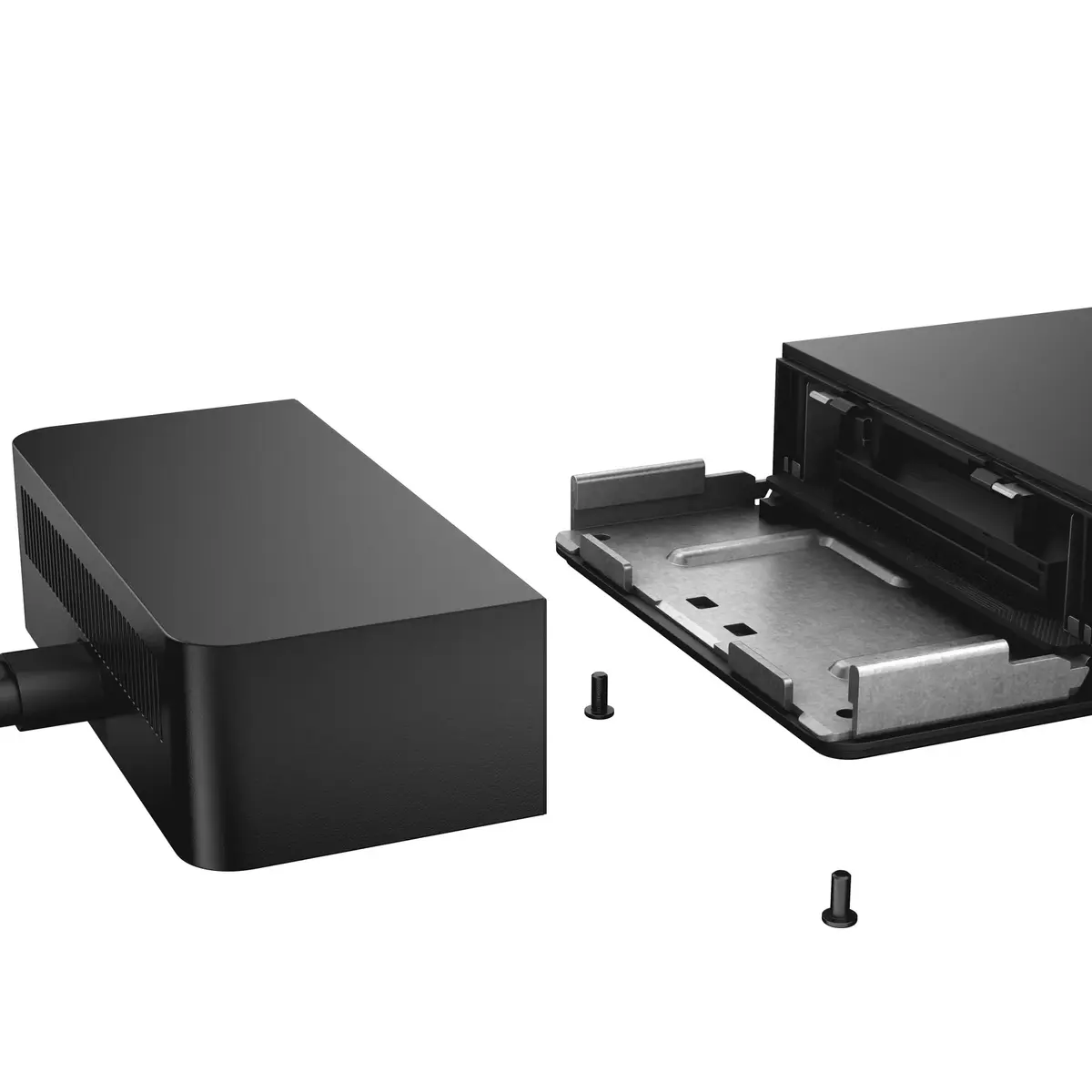
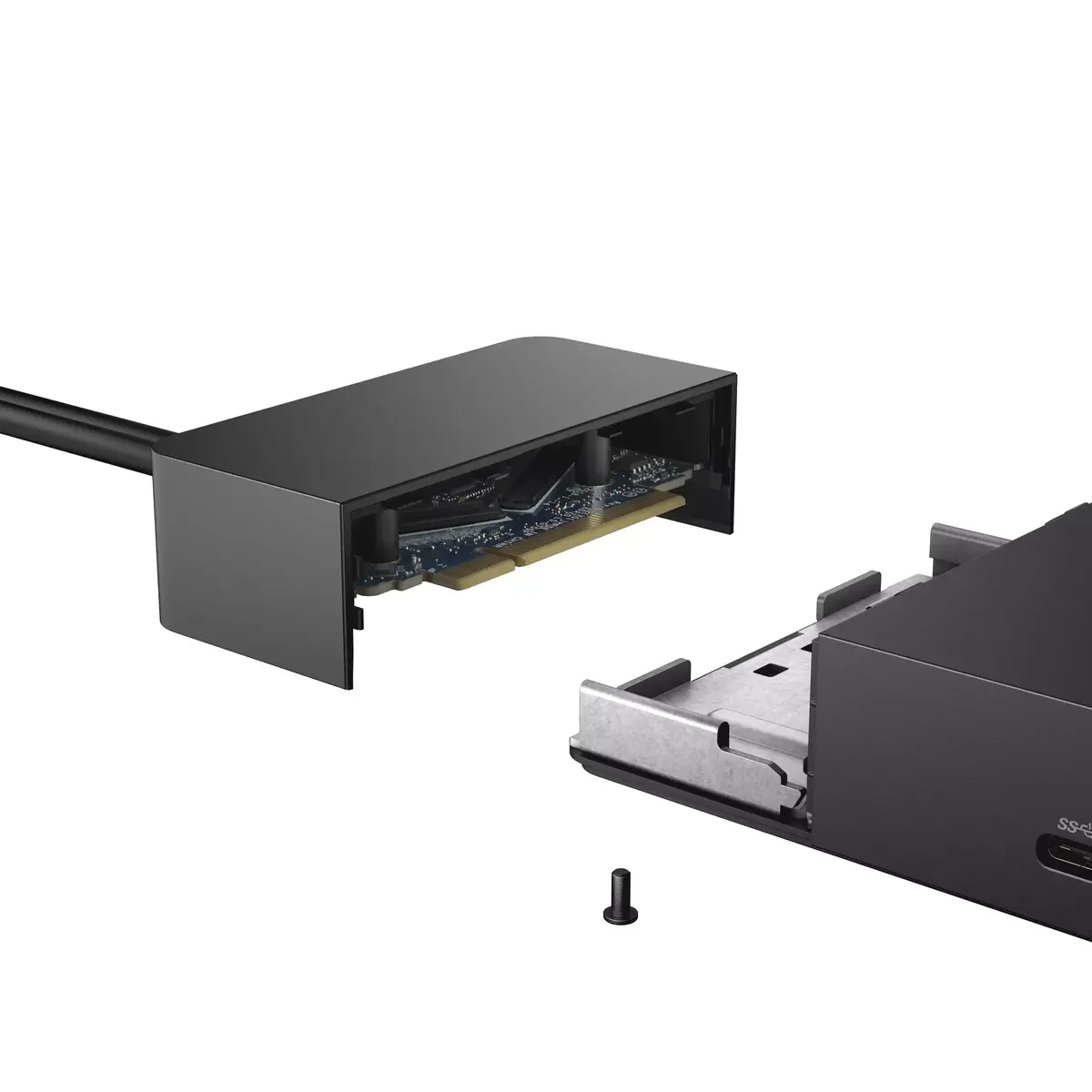
Mix and match: Evolve as your needs change with our most powerful and reliable dock. The future-ready design lets you swap out modules with ease if you need to do field replacements or upgrade your systems.

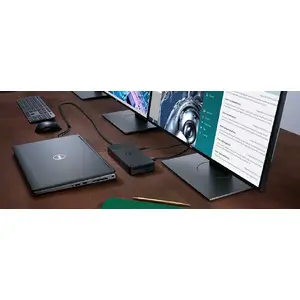
Ultimate connectivity: Dual USB-C connectivity makes it easier than ever to deliver power, data, audio and video as well as connect to system peripherals, no matter what system you use. Plus, with support for up to four displays, including a single 5K and dual 4K monitors, you can connect to everything you need.

Clean and clutter-free: Stay productive by mounting your dock behind your monitor or under your desk with the optional, secure VESA Mount, that offers the complete flexibility with the built-in 0.8 meter cable.

Information in a flash: With data transfer speeds of up to 10Gbps, you can stay productive when connected to all your devices.
Built for the future

Optimize your workspace

Smooth and seamless: Work without disruptions utilizing a single firmware on our most manageable docks ever. Plus, with Dell Client Command Suite and Microsoft System Center Configuration Manager, you can quickly and easily update your firmware without rebooting your dock.

Secure manageability: Keep your information safe with MAC Address pass-thru and remote port-disablement. Plus, with features like PXE Boot, Wake-on-LAN and more, it’s easier than ever to stay productive while managing your dock.
Optimize your workspace

Similar products

{{product.title}} Show details Hide details

{{highlightedFeature.featureTitle}}:

{{getProductFeatureValueById(product, highlightedFeature.featureId)}}

{{product.price | formatAmount}}
Might be useful
{{product.manufacturerName}}
{{product.categoryName}}
{{product.title}}
{{product.specialPrice}}
{{product.price}}

Customer reviews

Customer questions

FAQ

What payment options are available?

AiO.lv offers several payment methods: Bank transfer. All transactions are 100% secure and encrypted.

Can this product be purchased for a company (with VAT)?

Yes. AiO.lv works with legal entities in Latvia and across Europe. The product price already includes VAT. For certain product categories, as well as for companies from other EU countries with a valid VAT number, a 0% VAT rate may apply. We issue the invoice immediately after the order is placed, support electronic BIS invoices, and automatically generate all necessary accounting documents. You can complete the purchase for a company online — simply select the company profile and choose bank transfer as the payment method during checkout.

What is the warranty period?

All Dell products come with an official 2 Years warranty. It covers all manufacturing defects and malfunctions that may occur during use. The warranty is valid at all authorized Dell service centers and through AiO.lv

Can the product be returned after purchase?

Yes, you can return the product within 14 days of purchase if you bought it as a consumer (not a legal entity). Returns are possible without giving any reason — the main condition is that the product retains its original appearance and full set of accessories. We will make the process as simple and convenient as possible: just contact our customer support team, and we will help you arrange the return.

Where should I contact for warranty service?

For warranty-related questions you can contact the AiO.lv (SIA VSPRO) customer support team. We will assist with consultation, warranty claim processing, and coordination with certified service centers.

How can I tell if this product suits my needs?

When making a choice, we recommend paying attention to the key features: connectivity technology, usb 3.2 gen 1 (3.1 gen 1) type-a ports quantity, ethernet lan (rj-45) ports, hdmi ports quantity, product colour, compatibility with your devices or usage conditions, material quality, functionality, and warranty terms. These characteristics will help you determine how well the model meets your needs.
warranty
14-Day Return Policy We are confident in our quality, but if the purchase doesn’t fit — you have 14 days to return the product with peace of mind.
shipping
Fast Delivery Get your orders as quickly as possible — right to your door, parcel lockers, or pickup points across Latvia and the EU.
payment
Secure Payment Pay the way you prefer: cash, VISA, MasterCard, Apple Pay, Google Pay, bank transfer, or 0% installment plan.
warranty
Quality Since 2008 AiO.lv has been on the market for over 18 years and has earned trust — with more than 6000 genuine positive reviews on Google.