{{ totalProductsCount }}

In cart {{totalProductsCount}} item(s)

Total:
{{sum | formatAmount}}

Your cart is empty

header-product Docking Station DELL Performance Dock WD19DCS
514.99 €

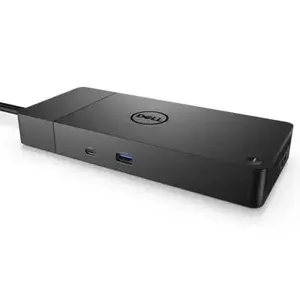
Docking Station DELL Performance Dock WD19DCS

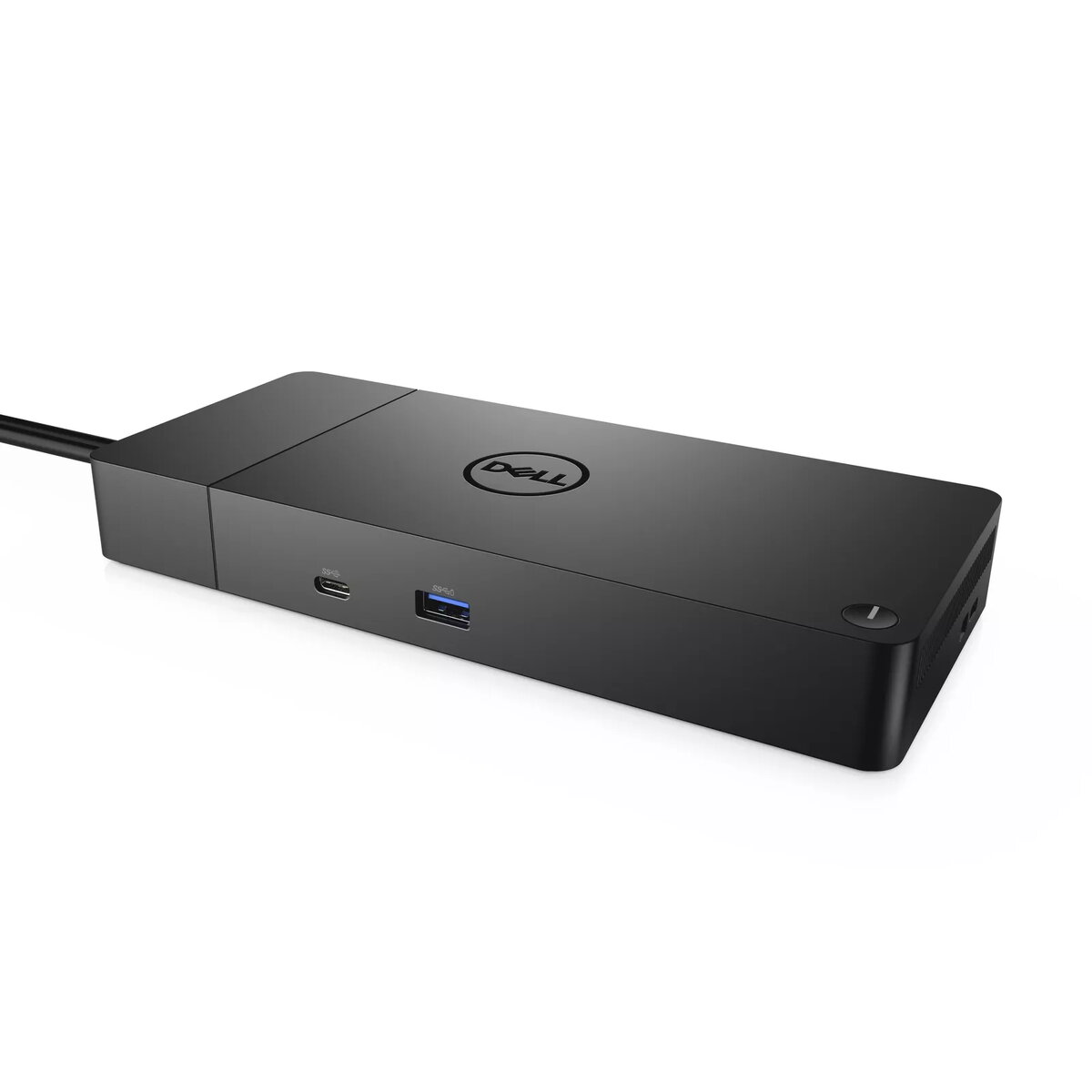
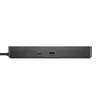
Docking Station DELL Performance Dock WD19DCS Photo 1
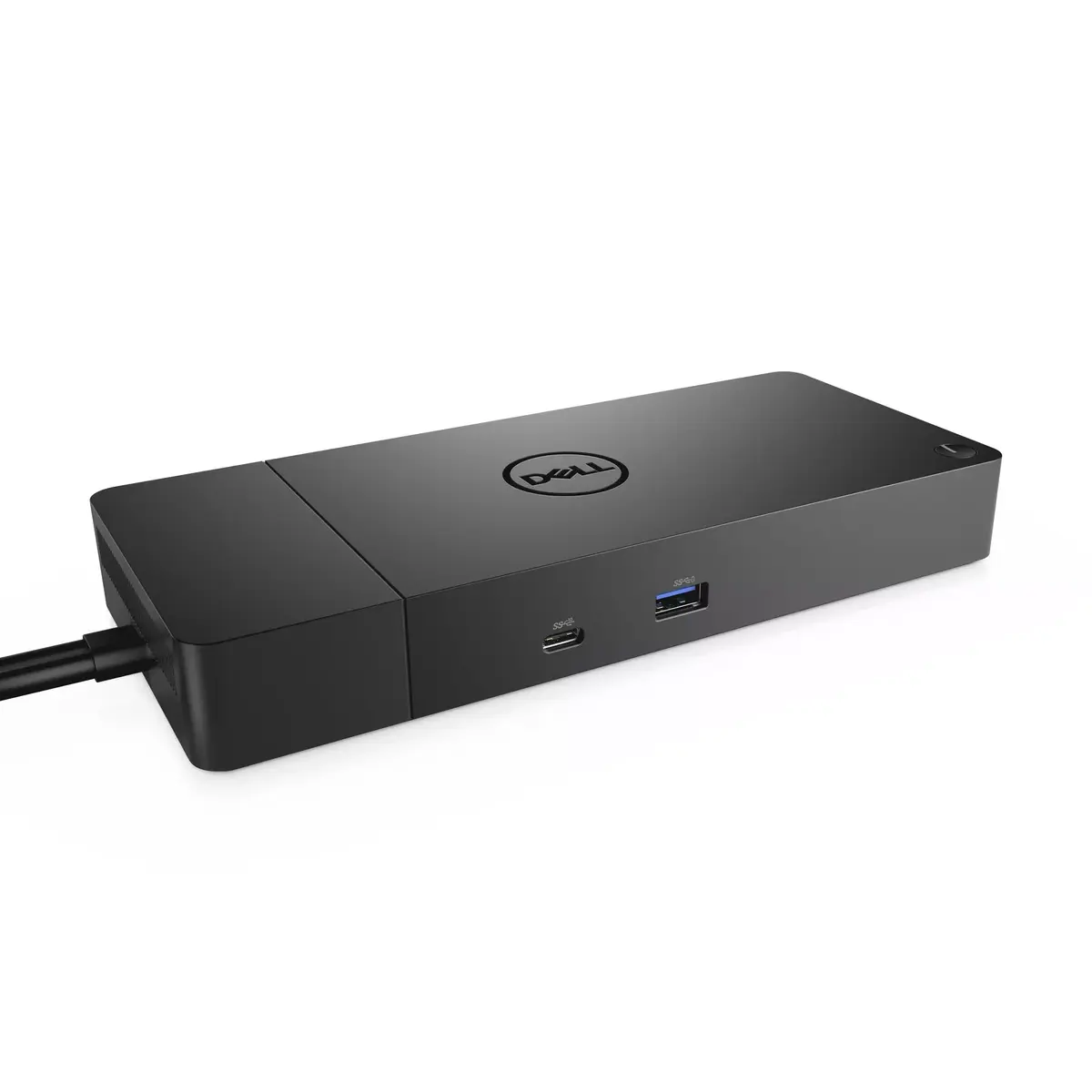
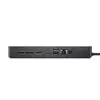
Docking Station DELL Performance Dock WD19DCS Photo 2
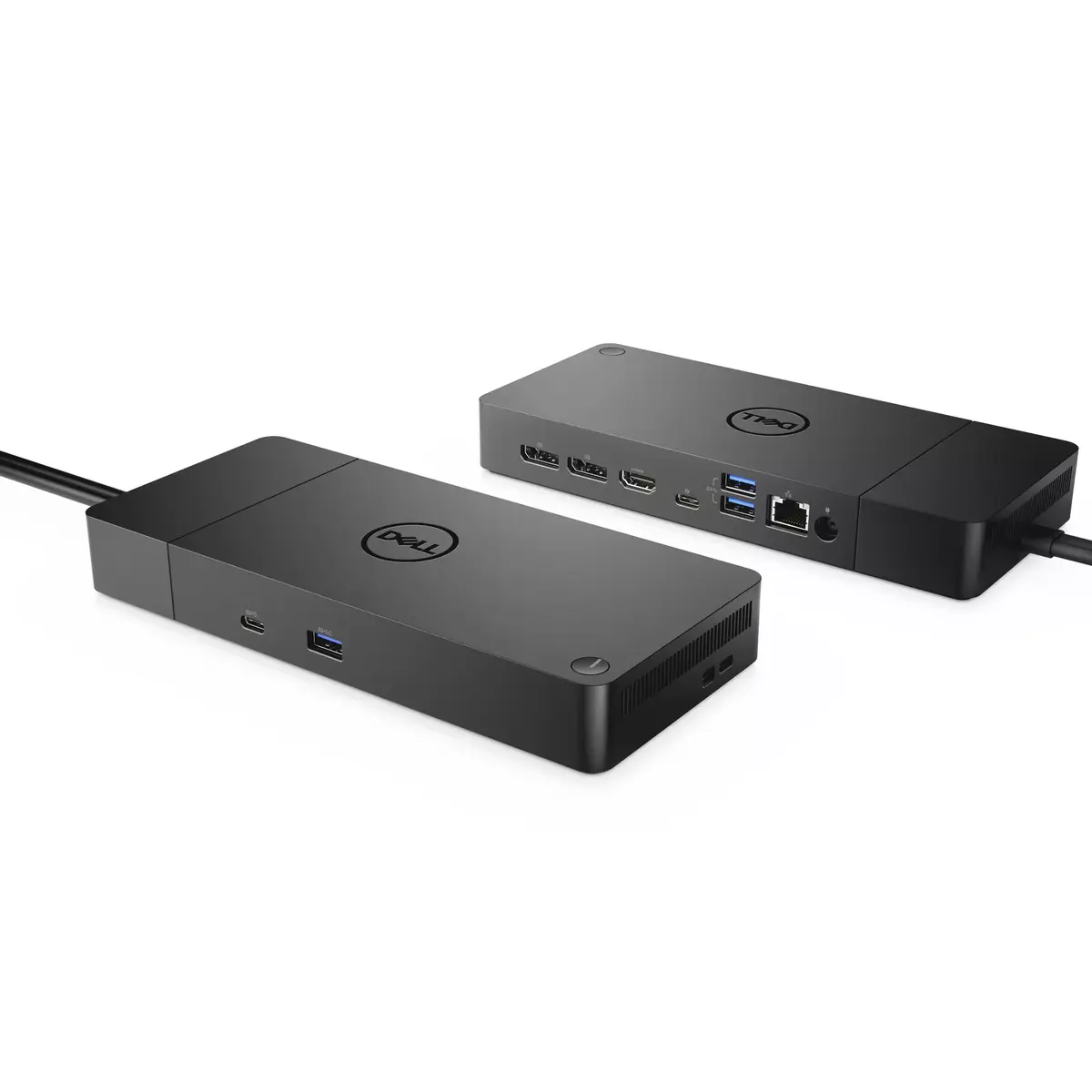
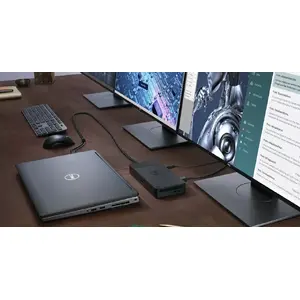
Docking Station DELL Performance Dock WD19DCS Photo 3
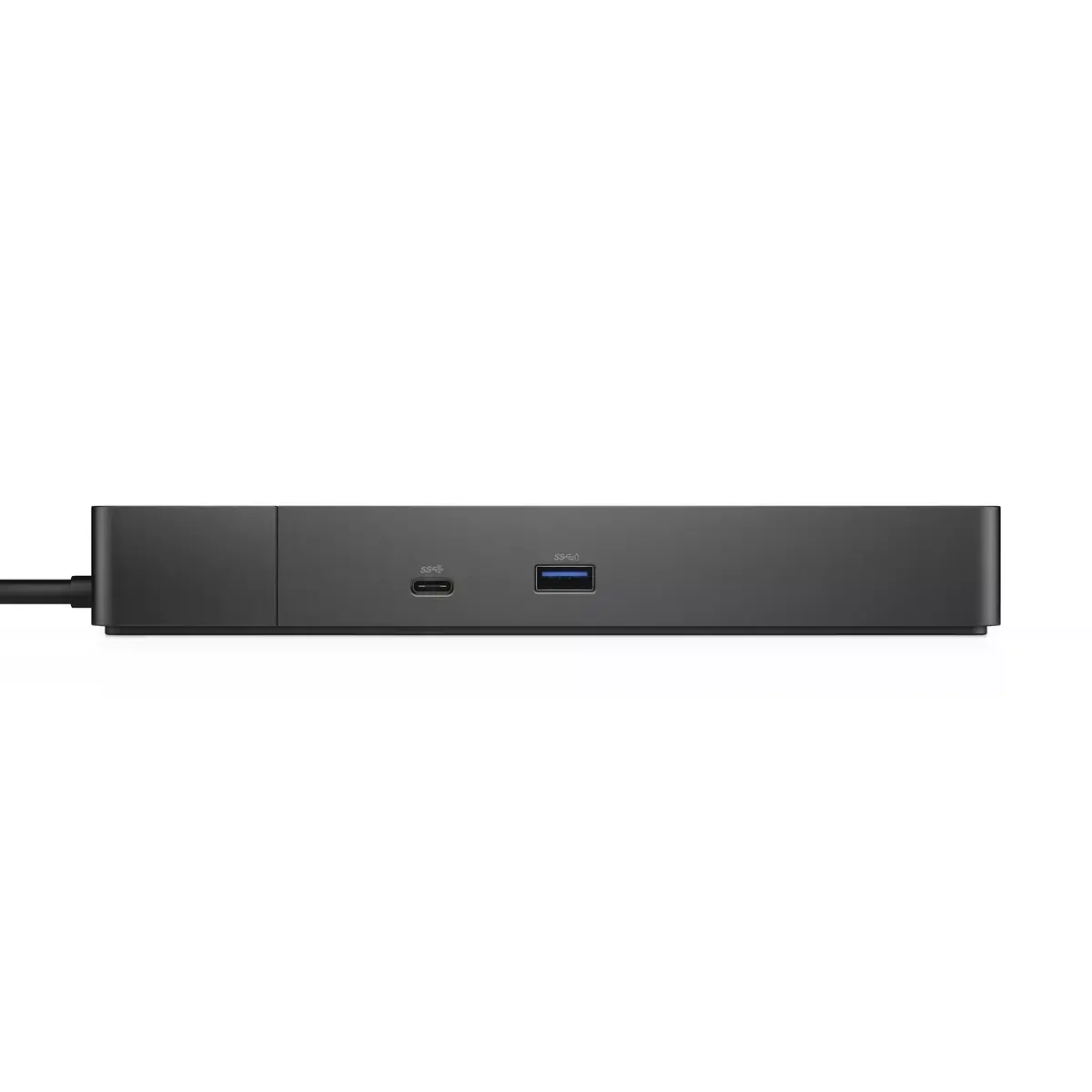
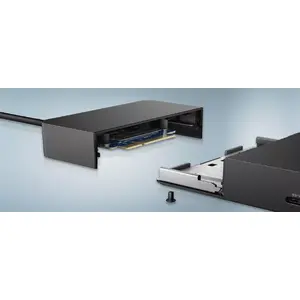
Docking Station DELL Performance Dock WD19DCS Photo 4
Docking Station DELL Performance Dock WD19DCS Photo 5
Docking Station DELL Performance Dock WD19DCS Photo 1
Docking Station DELL Performance Dock WD19DCS Photo 2
Docking Station DELL Performance Dock WD19DCS Photo 3
Docking Station DELL Performance Dock WD19DCS Photo 4
Docking Station DELL Performance Dock WD19DCS Photo 5
Keep track of price changes You keep track of price changes
Watch the price drop

Leave your address - as soon as the price of the product goes down, you'll know about it right away

You keep track of price changes

Docking Station DELL Performance Dock WD19DCS

{{email}}
You keep track of price changes

Docking Station DELL Performance Dock WD19DCS

{{email}}
{{selectedOffer && selectedOffer.price | formatAmount}}

Short description

The DELL Performance Dock WD19DCS features wired connectivity with USB 3.2 Gen 2 Type-C interface, supporting Ethernet LAN data rates of 10/100/1000 Mbit/s. It offers a maximum digital resolution of 5120 x 2880 pixels, powered by AC/DC with a voltage range of 120-230V. Compatible with Windows 10 and its variants, this dock enhances productivity with multiple connection options.
Available at price 514.99 €: 59 pcs.
Total available for order: 118 pcs.
Warranty: 2 Years
SKU: 4121519
free shipment

Cheapest delivery:

Venipak Locker LV

Pick-up points

Venipak Locker LV

Cost

1.89 €

Deliver

{{selectedOffer.parcelStationDeliveryString}}

Customer service center
2b. Kengaraga str., Riga, Latvia, LV-1063
09.07.2026 {{selectedOffer.officeDeliveryString}}
free
Courier Delivery Please note that in case of a large parcel additional delivery costs may apply!
14.07.2026 {{selectedOffer.courierDeliveryString}}
From 4.99 € (Weight: 0.59 kg)
Parcel couriers
Venipak Locker LV / Latvijas Pasts pakomāts / Unisend LV / DPD Paku skapis / Omniva LV / Venipak Pickup LV / Latvijas Pasts nodaļa
14.07.2026 {{selectedOffer.parcelStationDeliveryString}}
From 1.89 €
payment
Payment Methods:
Bank transfer
Together cheaper
{{product.price | formatAmount}}
{{product.title}}
{{productBundle.reference.specialPrice | formatAmount}}
{{productBundle.title}}
{{productBundlePreviousPrice | formatAmount}}
{{productBundleSpecialPrice | formatAmount}}

You saving {{productBundleYouSave | formatAmount}}

Product information

Description

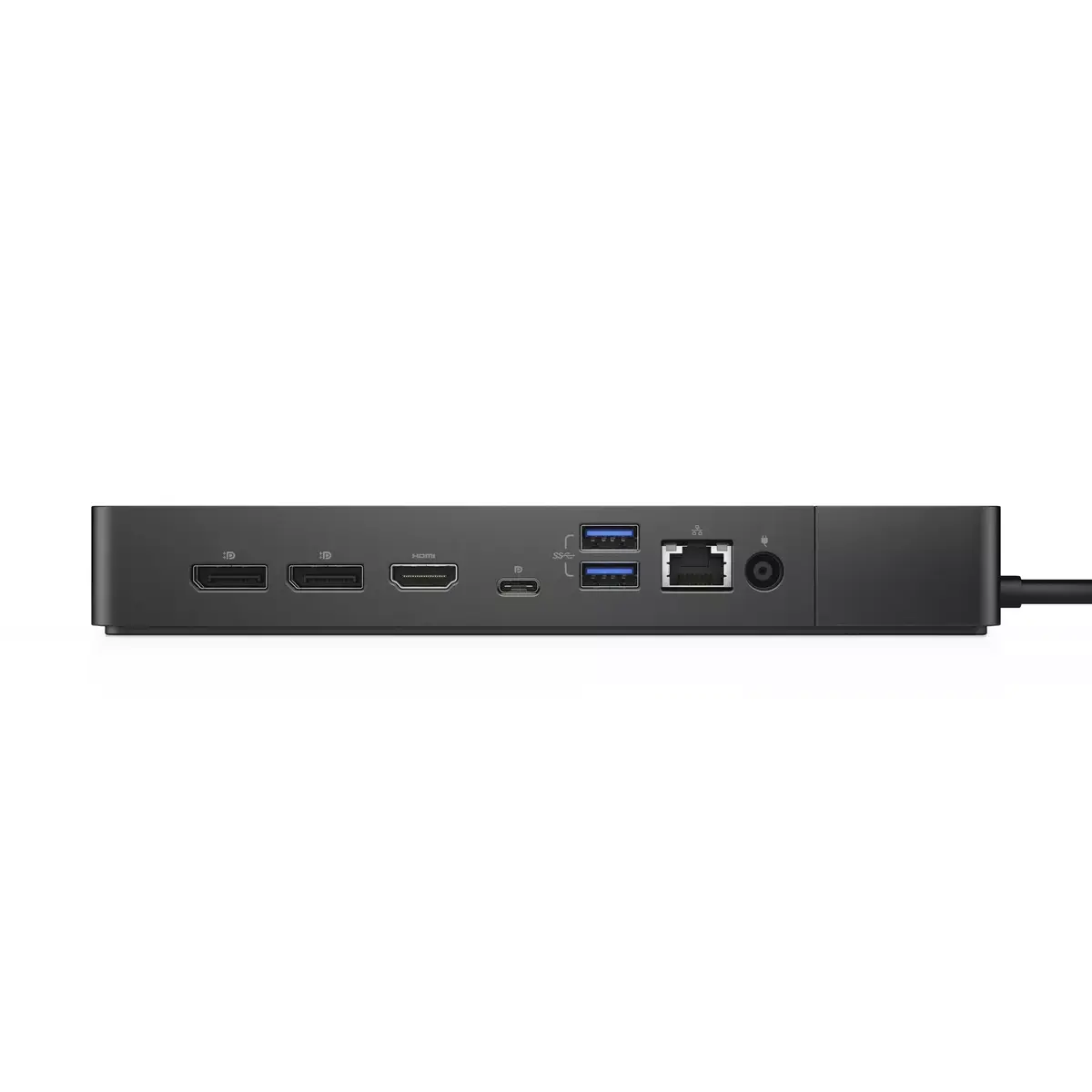
The DELL Performance Dock WD19DCS is a modular USB-C docking station designed to boost PC power delivery up to 240W and provide multiple wired connectivity options. It supports a USB 3.2 Gen 2 Type-C host connection, Gigabit Ethernet, one HDMI output and several USB-A downstream ports, enabling connection of displays, wired networks and peripherals for improved workstation productivity. The dock is powered by AC/DC with an input voltage range of 120–230V and supports display resolutions up to 5120 x 2880 pixels. Compatible with Windows 10 variants, it features a compact black enclosure and a weight of approximately 0.585 kg.

Advantages

The dock delivers high power delivery to compatible laptops, simplifies cable management with a single USB-C connection, and provides a range of ports including multiple USB-A ports and Gigabit Ethernet. Its modular, future-ready design allows easy integration with modern USB-C systems while supporting high-resolution external displays. The compact black housing keeps the workstation tidy without adding significant weight.

Suitable for

  • Office workstations connecting multiple peripherals and monitors
  • Home offices requiring a wired Ethernet connection and external display
  • Mobile professionals who need fast power delivery and a single-cable dock

Key specifications

  • Host interface: USB 3.2 Gen 2 Type-C
  • Power delivery: up to 240W
  • Maximum supported digital resolution: 5120 x 2880 pixels
  • Ethernet: 10/100/1000 Mbit/s (Gigabit Ethernet)
  • Downstream ports: three USB 3.2 Gen 1 (Type-A) ports and one HDMI output
  • Power supply: AC/DC input, 120–230V
  • Colour: Black
  • Weight: approx. 0.585 kg

How to use

Connect the dock to a compatible laptop using the USB-C host cable, plug the dock's power adapter into an AC outlet within the 120–230V range, then attach external displays, Ethernet cable and USB peripherals to the corresponding ports. Ensure the laptop supports USB-C power delivery and video over USB-C for full functionality. Install or update any required drivers or firmware on Windows 10 if prompted to enable all features.

Usage recommendations

Place the dock on a stable surface with adequate ventilation, use the supplied power adapter, and connect displays and high-power devices after the dock has been powered to avoid transient power issues. For optimal performance, use certified USB-C cables and verify driver updates from Dell.

Specifications

USB 3.2 Gen 1 (3.1 Gen 1) Type-A ports quantity:
3
USB 2.0 ports quantity:
0
Connectivity technology:
Wired
HDMI ports quantity:
1
Ethernet LAN (RJ-45) ports:
1
Weight:
0.585 kg
Product colour:
Black
All features

Ports & interfaces

Connectivity technology:
Wired
USB 2.0 ports quantity:
0
Ethernet LAN (RJ-45) ports:
1
Headphone outputs:
0
Microphone in:
No
DC-in jack:
Yes
Host interface:
USB 3.2 Gen 2 (3.1 Gen 2) Type-C
HDMI ports quantity:
1
HDMI version:
2.0
DisplayPorts quantity:
2
DisplayPort version:
1.4
USB 3.2 Gen 1 (3.1 Gen 1) Type-A ports quantity:
3
PowerShare:
Yes

Network

Ethernet LAN:
Yes
Ethernet LAN data rates:
1000, 100, 10

Performance

LED indicators:
Y
Product colour:
Black
Card reader integrated:
No
Maximum digital resolution:
5120 x 2880
On/off switch:
Yes
Windows operating systems supported:
Windows 10 x64, Windows 10, Windows 10 Education, Windows 10 Education x64, Windows 10 Enterprise, Windows 10 Enterprise x64, Windows 10 Home, Windows 10 Home x64, Windows 10 IOT Core, Windows 10 IoT Enterprise, Windows 10 Pro, Windows 10 Pro x64
VESA mounting:
Yes

Technical details

Total carbon footprint (kg of CO2e):
41

Weight & dimensions

Weight:
0.585 kg
Height:
29 mm
Width:
205 mm
Depth:
90 mm

Power

Power supply:
240 W
Power source type:
DC
Power cable length:
0.8 m
AC input frequency:
50 - 60
AC input voltage:
120 - 230

Operational conditions

Operating relative humidity (H-H):
10 - 80
Storage temperature (T-T):
-20 - 60
Operating temperature (T-T):
0 - 35
Storage relative humidity (H-H):
5 - 90

Software

Linux operating systems supported:
Y

Logistics data

Quantity per pack:
1 pc(s)
Harmonized System (HS) code:
84733020

Packaging data

Package depth:
315 mm
Package height:
62 mm
Package width:
300 mm

Carbon footprint

Carbon emissions, manufacturing (kg of CO2e):
30
Carbon emissions, logistics (kg of CO2e):
8
Carbon emissions, energy usage (kg of CO2e):
6
Carbon emissions, end-of-life (kg of CO2e):
-3
Total carbon emissions, w/o use phase (kg of CO2e):
35

Description

Machine translation. Load original

Reasons to buy

Power your connections

Power your day: Dell ExpressCharge allows you to charge up to 80% in one hour, making it the most efficient way to manage the workday.

Adaptable to your workload: Conveniently choose between a single USB-C cable or dual USB-C functionality, a feature compatible with our Precision 7000 workstations. Plus, with magnetically separable USB-C cables, it is easy to get the flexibility you need.

Unmatched charging: Triple your power delivery and charge even faster with a dock that delivers up to 240W of power with dual USB-C connectors.

Power your connections

Built for the future

Mix and match: Evolve as your needs change with our most powerful and reliable dock. The future-ready design lets you swap out modules with ease if you need to do field replacements or upgrade your systems.

Ultimate connectivity: Dual USB-C connectivity makes it easier than ever to deliver power, data, audio and video as well as connect to system peripherals, no matter what system you use. Plus, with support for up to four displays, including a single 5K and dual 4K monitors, you can connect to everything you need.

Clean and clutter-free: Stay productive by mounting your dock behind your monitor or under your desk with the optional, secure VESA Mount, that offers the complete flexibility with the built-in 0.8 meter cable.

Information in a flash: With data transfer speeds of up to 10Gbps, you can stay productive when connected to all your devices.

Built for the future

Optimize your workspace

Smooth and seamless: Work without disruptions utilizing a single firmware on our most manageable docks ever. Plus, with Dell Client Command Suite and Microsoft System Center Configuration Manager, you can quickly and easily update your firmware without rebooting your dock.

Secure manageability: Keep your information safe with MAC Address pass-thru and remote port-disablement. Plus, with features like PXE Boot, Wake-on-LAN and more, it’s easier than ever to stay productive while managing your dock.

Optimize your workspace

Similar products

{{product.title}} Show details Hide details

{{highlightedFeature.featureTitle}}:

{{getProductFeatureValueById(product, highlightedFeature.featureId)}}

{{product.price | formatAmount}}
Might be useful
{{product.manufacturerName}}
{{product.categoryName}}
{{product.title}}
{{product.specialPrice}}
{{product.price}}
Stock data
Available only for legal entities
Warehouse Stock Delivery to the store Store Price
EU6 59 09.07.2026 Best delivery 514.99 €
WH109 59 23.07.2026 545.99 €
Available only for legal entities
514.99 €
Stock: 59
Delivery Date: 09.07.2026 Best delivery
Warehouse: EU6
545.99 €
Stock: 59
Delivery Date: 23.07.2026
Warehouse: WH109

Customer reviews

Customer questions

FAQ

How much does the Docking Station DELL Performance Dock WD19DCS cost, and is it available for purchase?

The price is 514.99 € (valid at the time of publication and already includes all taxes). The item is available for order — 118 pcs. are in stock, and you can place your purchase right now with delivery across Latvia and Europe or choose pickup at the Riga collection point. We offer favorable purchase terms, including the option to split the payment into convenient monthly installments. Availability and price are updated in real time, so we recommend placing your order in advance.

If I order this product today, when will I receive my order?

If you place your order today, delivery will be as fast and convenient as possible. You will be able to pick up your order on 09.07.2026 at the Riga pickup point or choose delivery across Latvia and Europe. We carefully inspect every purchase and pack it securely for safe transportation.

What payment options are available?

AiO.lv offers several payment methods: Bank transfer. All transactions are 100% secure and encrypted.

Can this product be purchased for a company (with VAT)?

Yes. AiO.lv works with legal entities in Latvia and across Europe. The product price already includes VAT. For certain product categories, as well as for companies from other EU countries with a valid VAT number, a 0% VAT rate may apply. We issue the invoice immediately after the order is placed, support electronic BIS invoices, and automatically generate all necessary accounting documents. You can complete the purchase for a company online — simply select the company profile and choose bank transfer as the payment method during checkout.

What is the warranty period?

All Dell products come with an official 2 Years warranty. It covers all manufacturing defects and malfunctions that may occur during use. The warranty is valid at all authorized Dell service centers and through AiO.lv

Can the product be returned after purchase?

Yes, you can return the product within 14 days of purchase if you bought it as a consumer (not a legal entity). Returns are possible without giving any reason — the main condition is that the product retains its original appearance and full set of accessories. We will make the process as simple and convenient as possible: just contact our customer support team, and we will help you arrange the return.

Where should I contact for warranty service?

For warranty-related questions you can contact the AiO.lv (SIA VSPRO) customer support team. We will assist with consultation, warranty claim processing, and coordination with certified service centers.

How can I tell if this product suits my needs?

When making a choice, we recommend paying attention to the key features: usb 3.2 gen 1 (3.1 gen 1) type-a ports quantity, usb 2.0 ports quantity, connectivity technology, hdmi ports quantity, ethernet lan (rj-45) ports, weight, product colour, compatibility with your devices or usage conditions, material quality, functionality, and warranty terms. These characteristics will help you determine how well the model meets your needs.

warranty
14-Day Return Policy We are confident in our quality, but if the purchase doesn’t fit — you have 14 days to return the product with peace of mind.
shipping
Fast Delivery Get your orders as quickly as possible — right to your door, parcel lockers, or pickup points across Latvia and the EU.
payment
Secure Payment Pay the way you prefer: cash, VISA, MasterCard, Apple Pay, Google Pay, bank transfer, or 0% installment plan.
warranty
Quality Since 2008 AiO.lv has been on the market for over 18 years and has earned trust — with more than 6000 genuine positive reviews on Google.