-
Type:
Characteristics of the device.
-
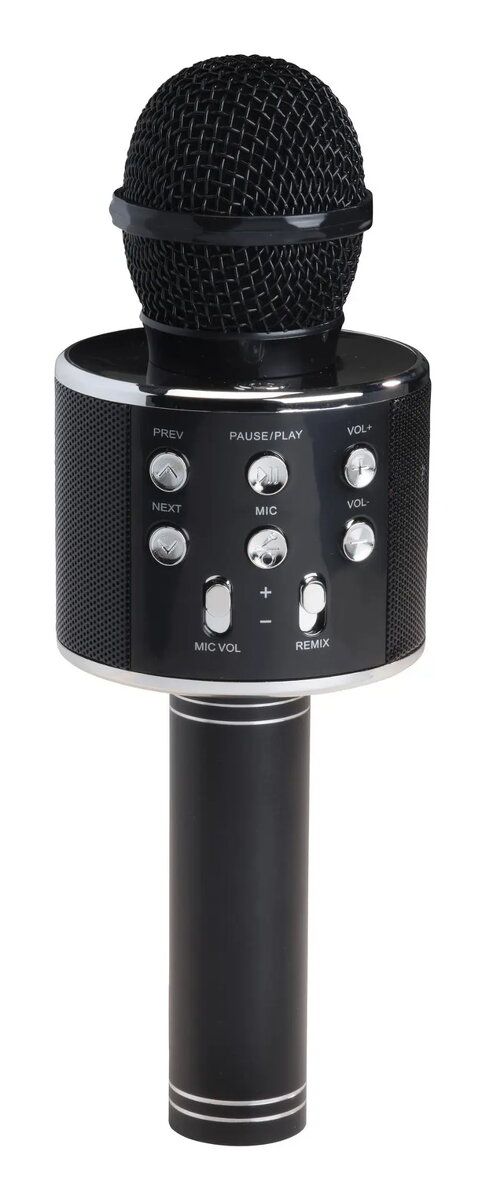
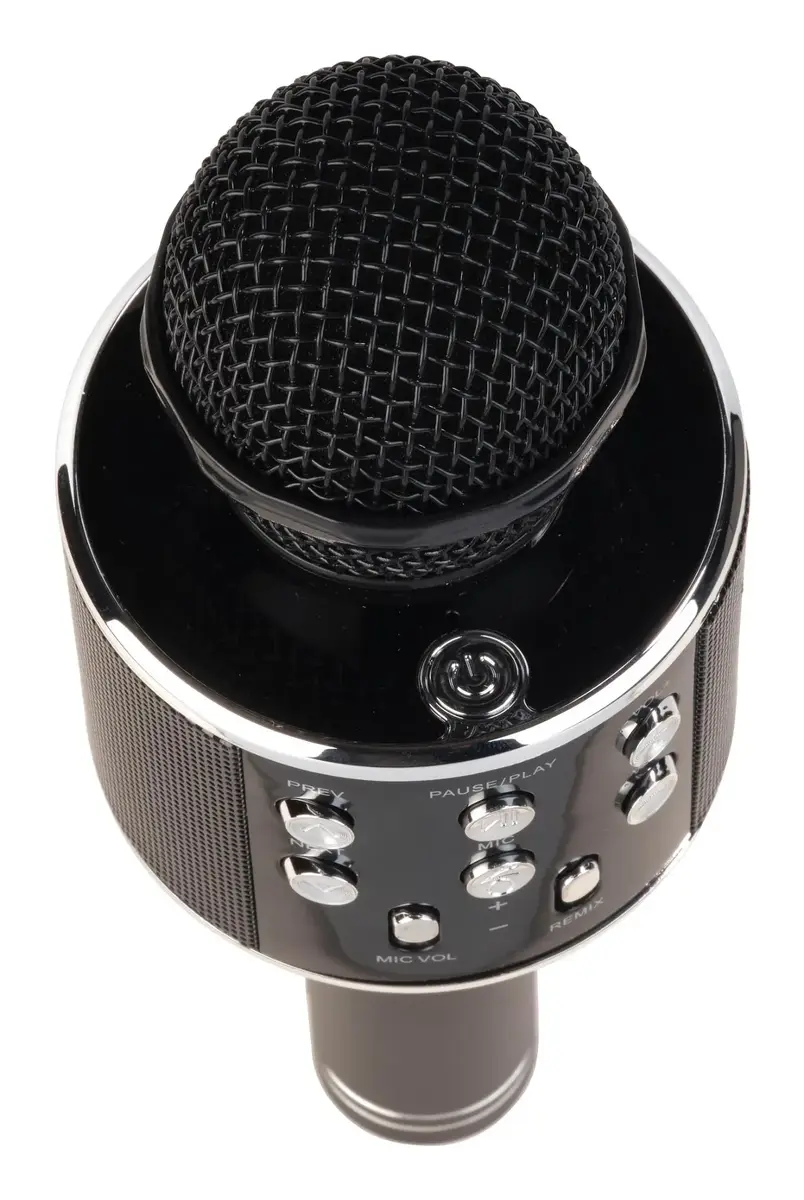
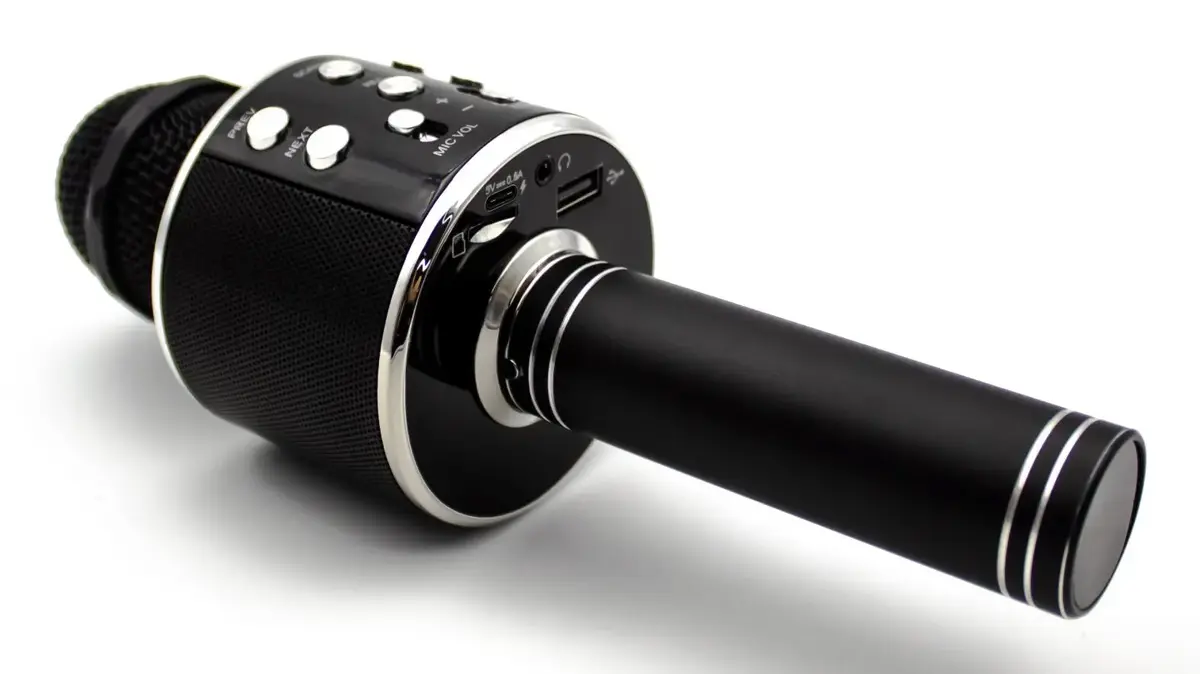
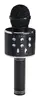
Karaoke microphone
-
Battery technology:
The type of battery in the device, e.g. nickel–cadmium (NiCd).
-
Lithium-Ion (Li-Ion)
-
Compatible memory cards:
Types of memory cards which can be used with this product.
-
MicroSD (TransFlash)
-
Plug and Play:
Indicates whether this product supports is "plug and play". Plug and play is hardware or software that, after being installed ("plugged in"), can immediately be used ("played with"), as opposed to hardware or software which requires configuration.
-
Yes
-
Battery type:
Description of battery supplied with the product, such battery form factor (e.g. AA/AAA).
-
Built-in battery
-
Battery capacity:
A measure of the charge stored by the battery. Determined by the mass of active material contained in the battery.
-
1200 mAh
-
Bluetooth version:
The type of bluetooth technology in the product e.g. Bluetooth Smart (v4.0).
-
5.0
-
Power source:
What is providing power for the product e.g. mains electricity.
-
Battery
-
Height:
The measurement of the product from head to foot or from base to top.
-
230 mm
-
Width:
The measurement or extent of something from side to side.
-
75 mm
-
Depth:
The distance from the front to the back of something.
-
75 mm
-
Connectivity technology:
The technology that enables connectivity of the device, e.g. wired or wireless.
-
Wireless
-
Speaker power:
-
5 W
-
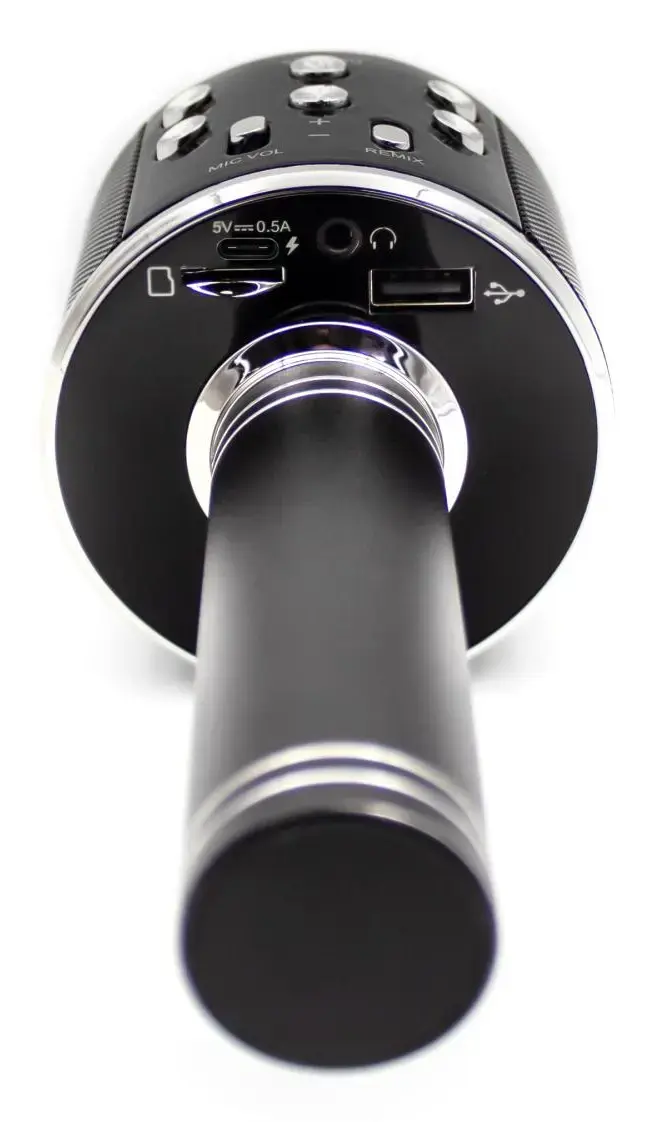
USB connector type:
The type of USB connector/port that this product has.
-
USB Type-A, USB Type-C
-
Product colour:
The colour e.g. red, blue, green, black, white.
-
Black
-
Maximum operating distance:
The maximum distance from which you can operate the device.
-
10 m
-
Talk time:
The total time a battery can power a device for calls. As the device drains the battery during a call, the talktime left in the battery is diminished until the device is turned off or the battery recharged. The longer the talktime the less frequently you will need to recharge. Talktime, expressed in hours and minutes, is much shorter than standby time because transmission requires more power.
-
5 h
-
Built-in speaker(s):
The device contains speaker(s) to produce sound.
-
Yes
-
Control type:
The way in which the device is controlled.
-
Buttons, Slider
-
Card reader integrated:
A card reader is a device that enables reading and, in some cases, writing data to and from a memory card.
-
Yes
-
AUX in:
-
Yes
-
Package type:
The type of product package e.g. box.
-
Box
-
Battery voltage:
The voltage (V) of the battery.
-
3.7 V
-
Number of products included:
The number of products that are included in the package.
-
1 pc(s)
-
On/off switch:
The button which is pressed to switch the device on or off.
-
Yes
-
Device interface:
The ports (sockets) where the device connects with other devices.
-
Bluetooth/3.5 mm
-
Microphone weight:
-
337 g
-
Power supply included:
There is a power supply with this product.
-
No
-
Recommended gender:
The kind of user to whom the product is most appropriate.
-
Any gender
-
Market segment:
-
Consumer
-
Batteries required:
-
No
-
USB port:
The device features a socket into which a USB cable can be plugged.
-
Yes
-
Compliance certificates:
Indicates which regulatory, safety, and environmental standards the product complies with, as verified by recognized authorities or certification bodies.
-
CE