A curated selection of maximum value offers!
In cart {{totalProductsCount}} item(s)
Your cart is empty
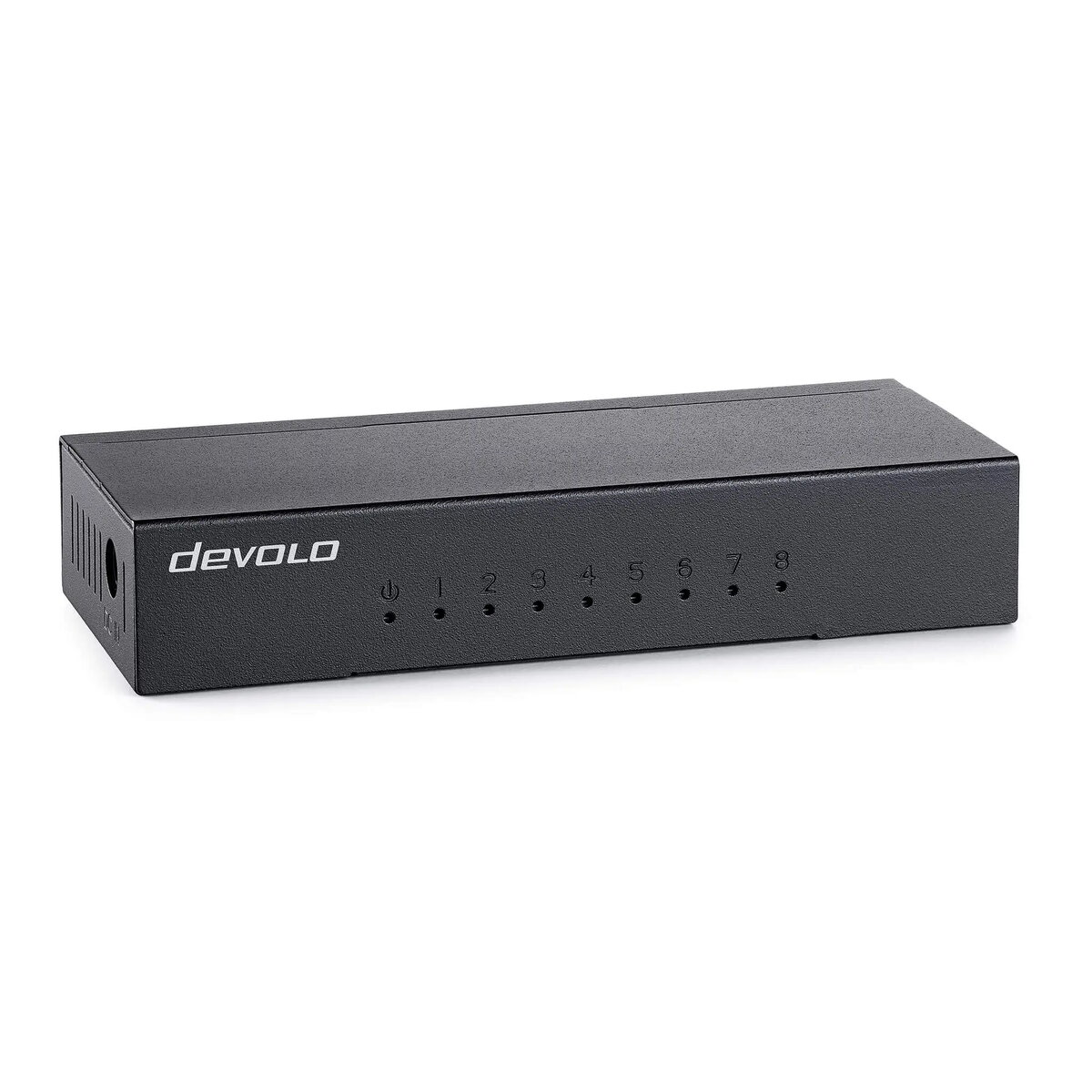
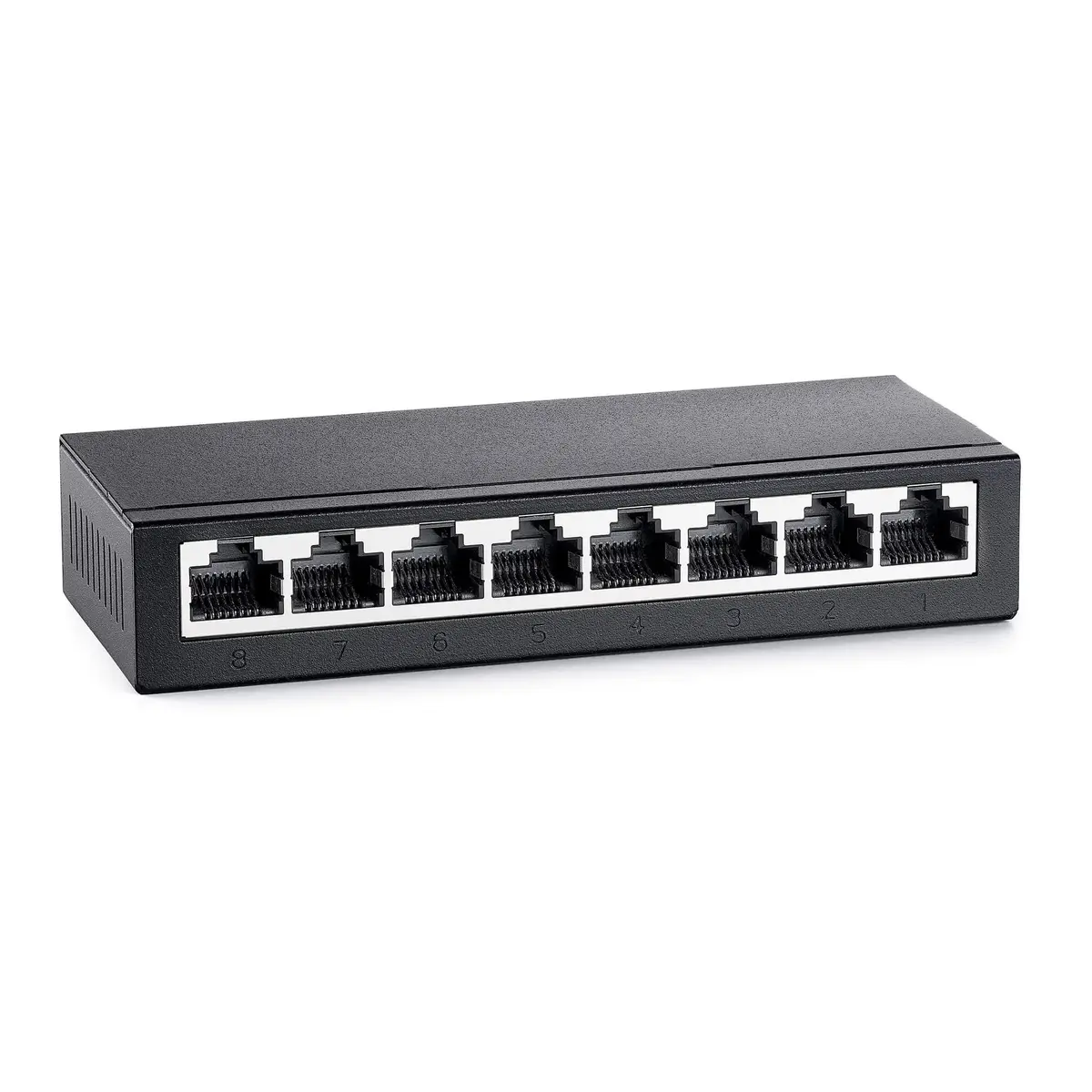
Devolo 7234 Unmanaged Network Switch with 8 Gigabit Ethernet RJ-45 Ports Desktop Black
The Devolo 7234 Unmanaged Network Switch with 8 Gigabit Ethernet RJ-45 Ports Desktop Black is designed to expand wired local area network connections efficiently. This reliable networking device provides stable connectivity for multiple devices simultaneously, ensuring high-speed data transmission up to 1000 Mbps. Featuring an unmanaged setup, it allows for instant plug-and-play installation without the need for complex configuration. Housed in a compact black desktop form factor, it integrates seamlessly into both home and office environments.
The switch offers a straightforward plug-and-play operation that requires no software installation or technical configuration, making it accessible for any user. With eight high-speed Gigabit Ethernet ports, it easily connects multiple wired network clients while maintaining optimal data transfer speeds. The device supports various IEEE networking standards to ensure broad compatibility and reliable performance. Additionally, the included power supply unit ensures the switch is ready to operate right out of the box.
This device may not be suitable for advanced enterprise networks that require remote management, VLAN configuration, or traffic prioritization features, as it is a strictly unmanaged switch. It also lacks Power over Ethernet capabilities, meaning it cannot supply electrical power to connected devices like IP cameras or VoIP phones through network cables.
To set up the network switch, place it on a flat desktop surface near a power outlet. Connect the provided power supply unit to the switch and plug it into a wall socket. Use standard Ethernet cables to connect your router or main internet source to one of the ports on the switch. You can then connect additional wired network devices, such as computers or printers, to the remaining open ports. The device automatically detects connected equipment and establishes the network link without requiring further user input.
For optimal performance, place the network switch in a well-ventilated area away from direct heat sources and ensure that high-quality Ethernet cables are used for all wired connections.
{{highlightedFeature.featureTitle}}:
{{getProductFeatureValueById(product, highlightedFeature.featureId)}}
{{ productComparisonGenerationError }}