Leave your address - as soon as the price of the product goes down, you'll know about it right away
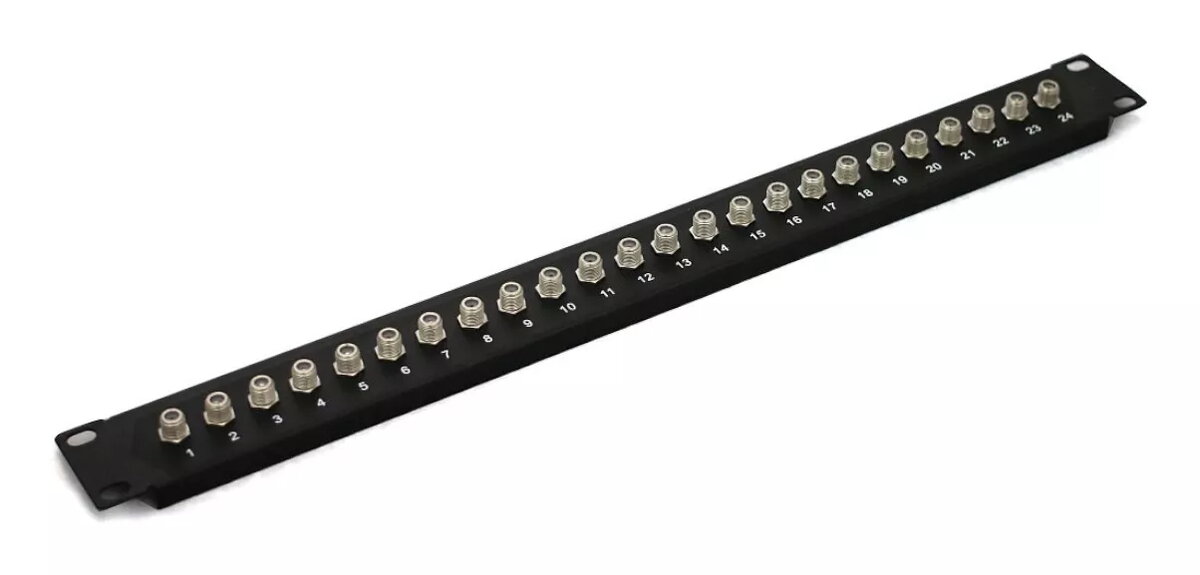
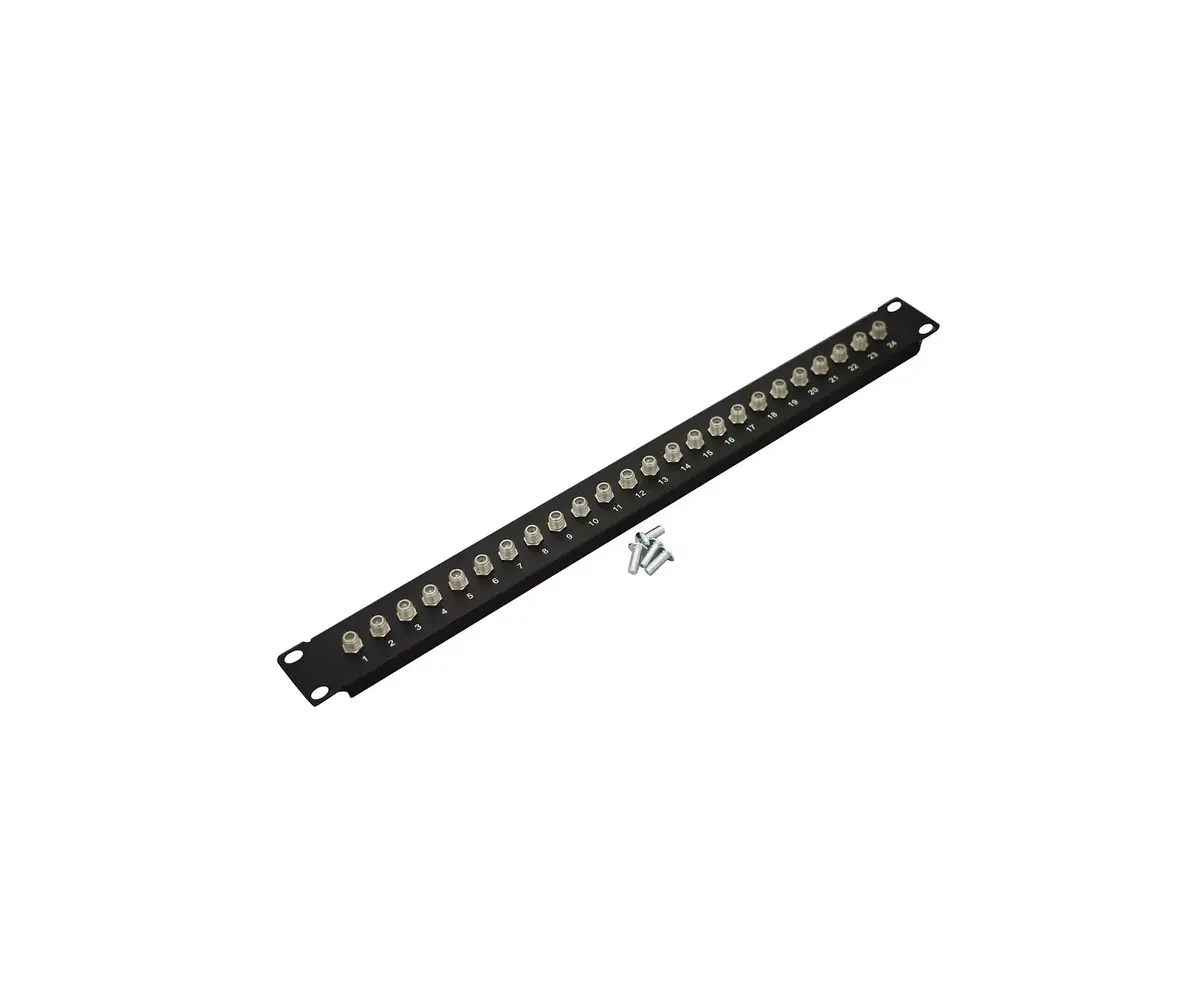
Digitus CL-19-1U-24F 19-inch 1U Patch Panel with 24 F-Type Ports
In cart {{totalProductsCount}} item(s)
Your cart is empty
Digitus CL-19-1U-24F 19-inch 1U Patch Panel with 24 F-Type Ports
Leave your address - as soon as the price of the product goes down, you'll know about it right away
Digitus CL-19-1U-24F 19-inch 1U Patch Panel with 24 F-Type Ports
The Digitus CL-19-1U-24F is a professional 19-inch rack-mount patch panel engineered for high-density cable management in coaxial network environments. Designed to occupy a standard 1U rack space, this unit features 24 F-type ports, providing a centralized and organized connection point for your infrastructure. Its robust construction and black finish ensure it integrates seamlessly into professional server rooms, data centers, and telecommunications cabinets, maintaining signal integrity and cable order.
This patch panel offers a significant improvement in cable organization by providing a dedicated, fixed location for up to 24 coaxial connections. The 1U form factor maximizes rack space efficiency, allowing for high-density installations without compromising accessibility. Its durable design ensures long-term reliability in demanding environments, while the standardized F-type interface guarantees compatibility with a wide range of coaxial cabling systems, simplifying both initial installation and future maintenance tasks.
This patch panel is specifically designed for F-type coaxial connections and is not compatible with fiber optic or RJ45 Ethernet cabling. It is intended for standard 19-inch rack enclosures and may not fit in non-standard or wall-mount cabinets that do not support 1U rack-mount equipment.
To install the patch panel, secure the unit into the front rails of your 19-inch server rack using appropriate rack screws. Once mounted, connect your incoming coaxial cables to the rear of the F-type ports. Use patch cables to connect the front-facing ports to your active equipment or distribution switches. Ensure all connections are tightened securely to maintain optimal signal quality and prevent accidental disconnection.
For optimal performance, label each port clearly to facilitate easier troubleshooting and future network modifications. Ensure that cables are properly managed using cable ties or horizontal managers to reduce strain on the F-type connectors.
{{highlightedFeature.featureTitle}}:
{{getProductFeatureValueById(product, highlightedFeature.featureId)}}