Dreame vacuums for fast and efficient cleaning!
In cart {{totalProductsCount}} item(s)
Your cart is empty
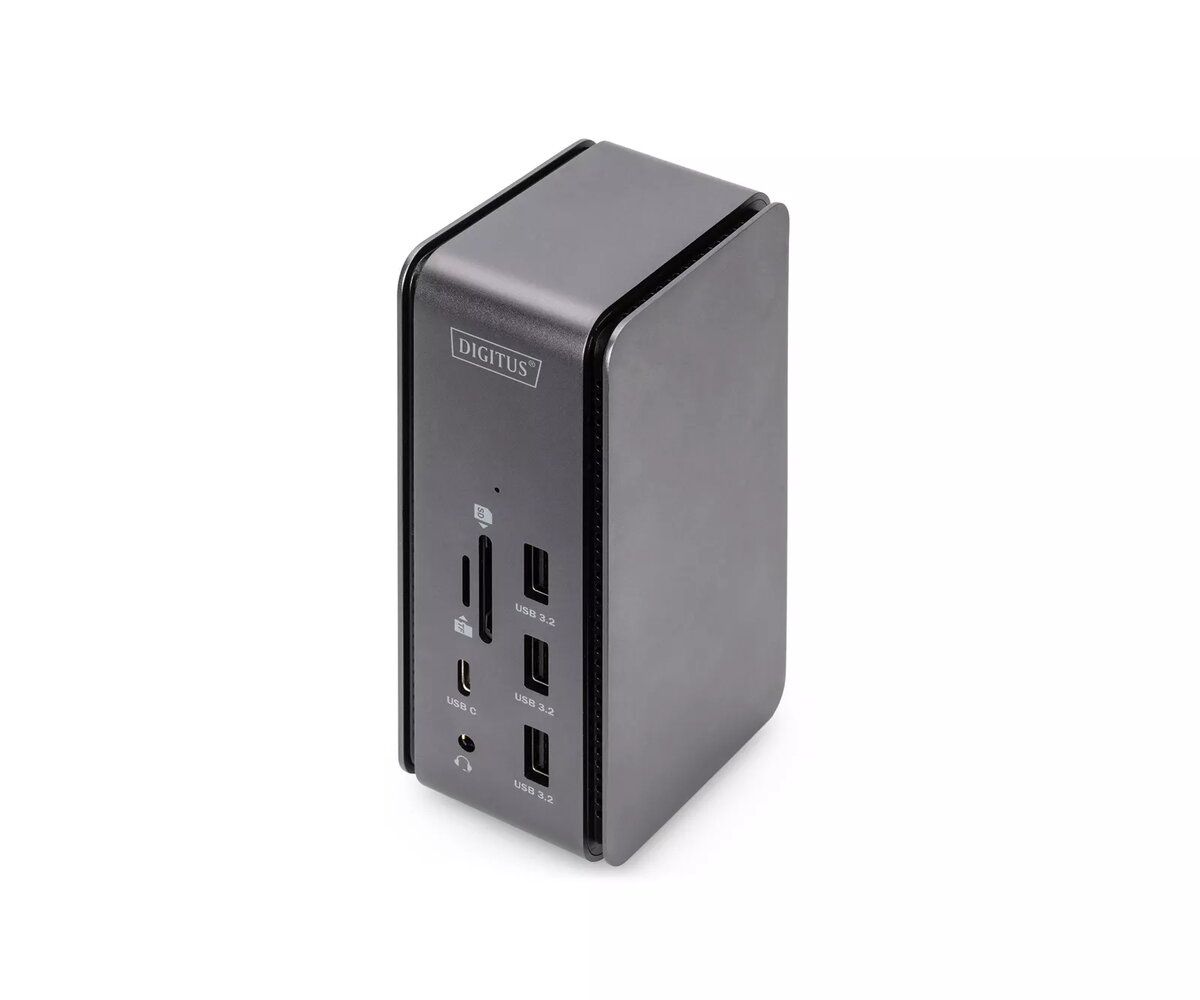
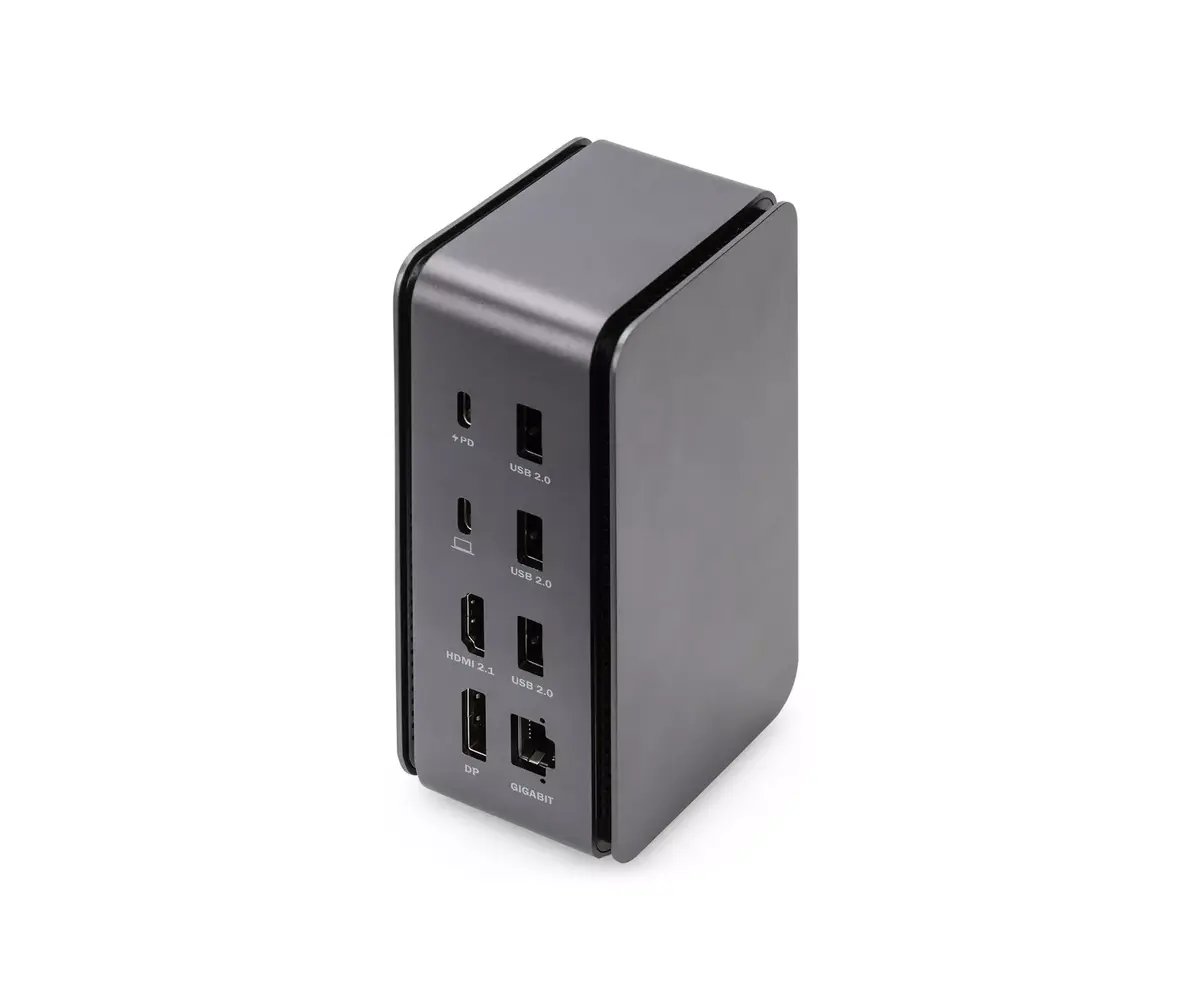
DIGITUS DA-70897 USB4 Docking Station 8K USB Type-C Wired Black and Grey with Ethernet LAN, Card Reader, and 100 W Power Delivery
The DIGITUS DA-70897 USB4 Docking Station 8K is a versatile wired connectivity solution designed to expand the potential of modern laptops and workstations. Featuring a sleek black and grey design, this docking station integrates 14 additional ports into a single USB Type-C connection, transforming a portable computer into a fully functional desktop workstation. It supports high-resolution visual output up to 7680 x 4320 pixels, making it an excellent choice for professionals who demand exceptional display clarity and high-bandwidth data transfer.
This docking station delivers comprehensive connectivity through a single interface, combining video outputs, data transfer ports, power delivery, network access, and audio in one compact device. It supports dual monitor setups with both DisplayPort 1.4 and HDMI 2.1 interfaces, allowing simultaneous display connections. With USB Power Delivery up to 100 W, it charges connected notebooks rapidly while in use. The inclusion of multiple USB Type-A and Type-C ports, an integrated Gigabit Ethernet LAN port, parallel-operating card readers for MMC and MicroSD formats, and a 3.5 mm audio jack ensures all peripheral devices connect seamlessly without bottlenecks.
This docking station may not be fully compatible with laptops that lack support for DisplayPort Alternate Mode and USB Power Delivery on their USB Type-C ports. Additionally, users of Apple MacBook devices with an M1 chipset are limited to connecting only a single external monitor, restricting the dual-display capability.
Connect the docking station to a power source using a compatible power adapter, then plug the attached USB Type-C cable into a free, compatible USB Type-C port on your notebook. Ensure your notebook supports DisplayPort Alternate Mode and USB Power Delivery for full functionality. Connect your external monitors to the DisplayPort or HDMI ports, and attach your peripherals such as a keyboard, mouse, network cable, and memory cards to the respective slots. The device operates on a Plug and Play basis for most systems, enabling immediate access to all connected accessories.
For optimal performance, always connect the docking station directly to a primary USB Type-C port on your notebook rather than through an external unpowered hub. Ensure that connected monitors and graphics card drivers are updated to support high-resolution outputs like 8K or 4K correctly.
{{highlightedFeature.featureTitle}}:
{{getProductFeatureValueById(product, highlightedFeature.featureId)}}
{{ productComparisonGenerationError }}