Leave your address - as soon as the price of the product goes down, you'll know about it right away
Digitus 3-Port MST Video Hub USB-C to 3x HDMI 3840x2160 Black
In cart {{totalProductsCount}} item(s)
Your cart is empty
Digitus 3-Port MST Video Hub USB-C to 3x HDMI 3840x2160 Black
Leave your address - as soon as the price of the product goes down, you'll know about it right away
Digitus 3-Port MST Video Hub USB-C to 3x HDMI 3840x2160 Black
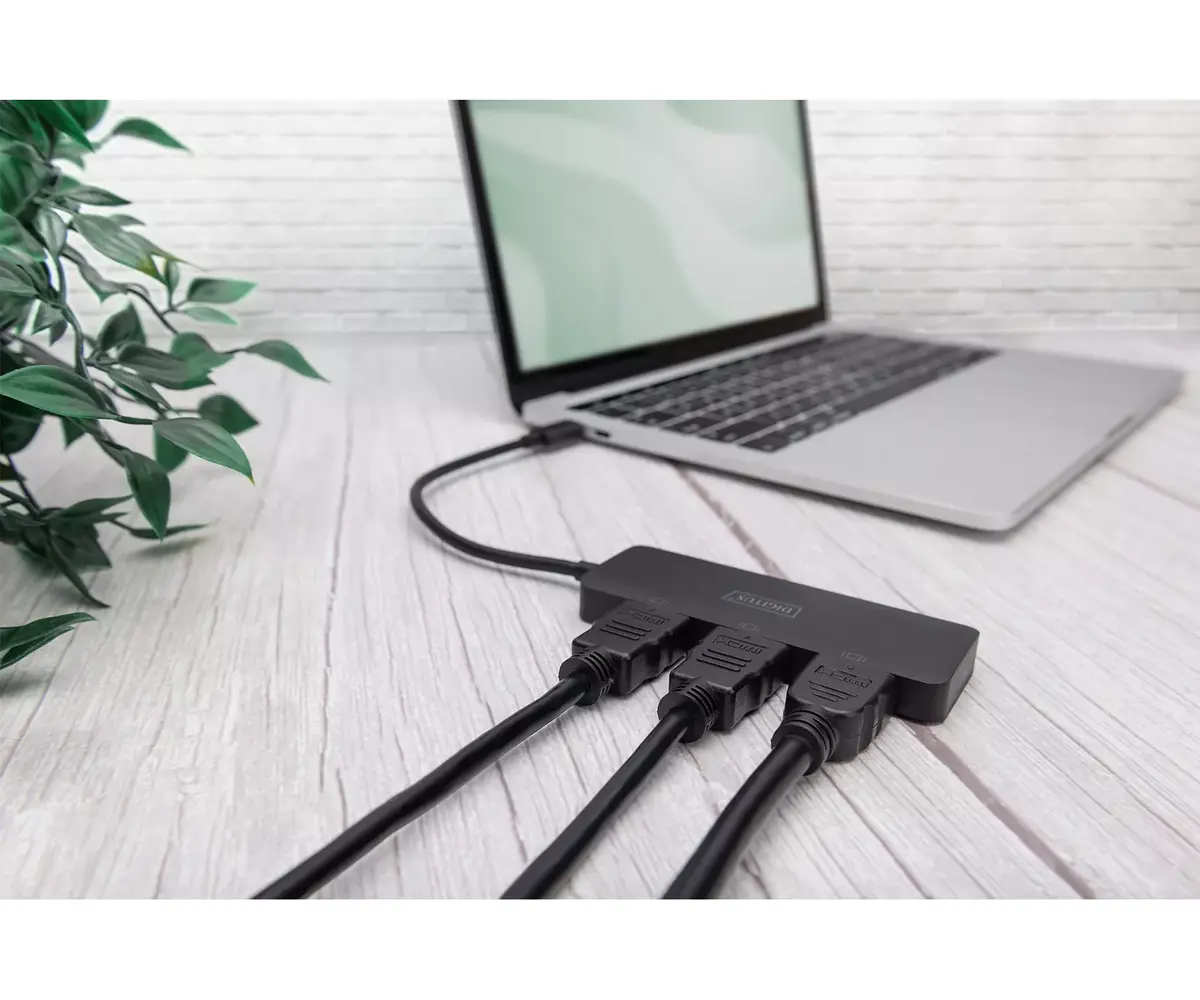
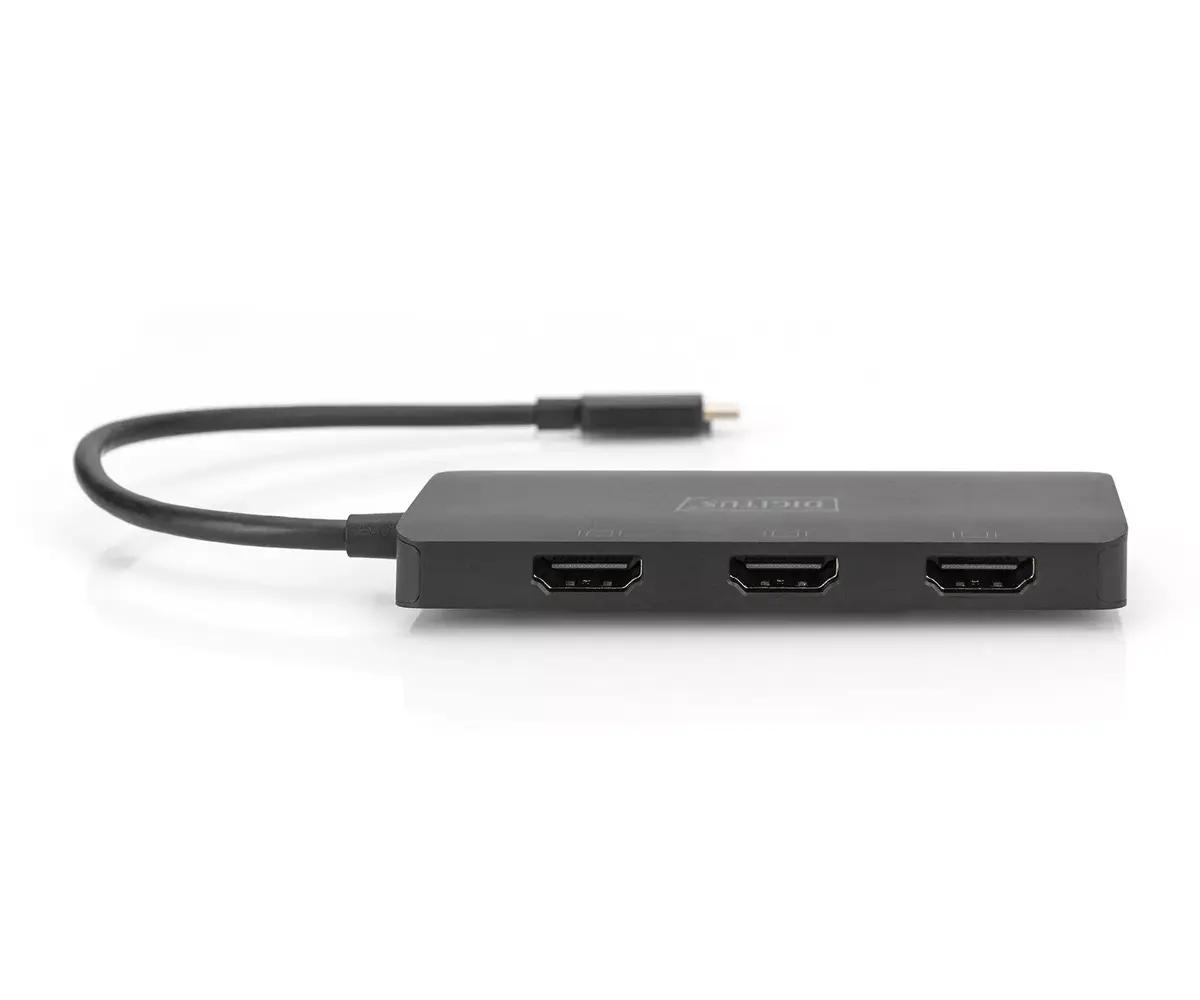
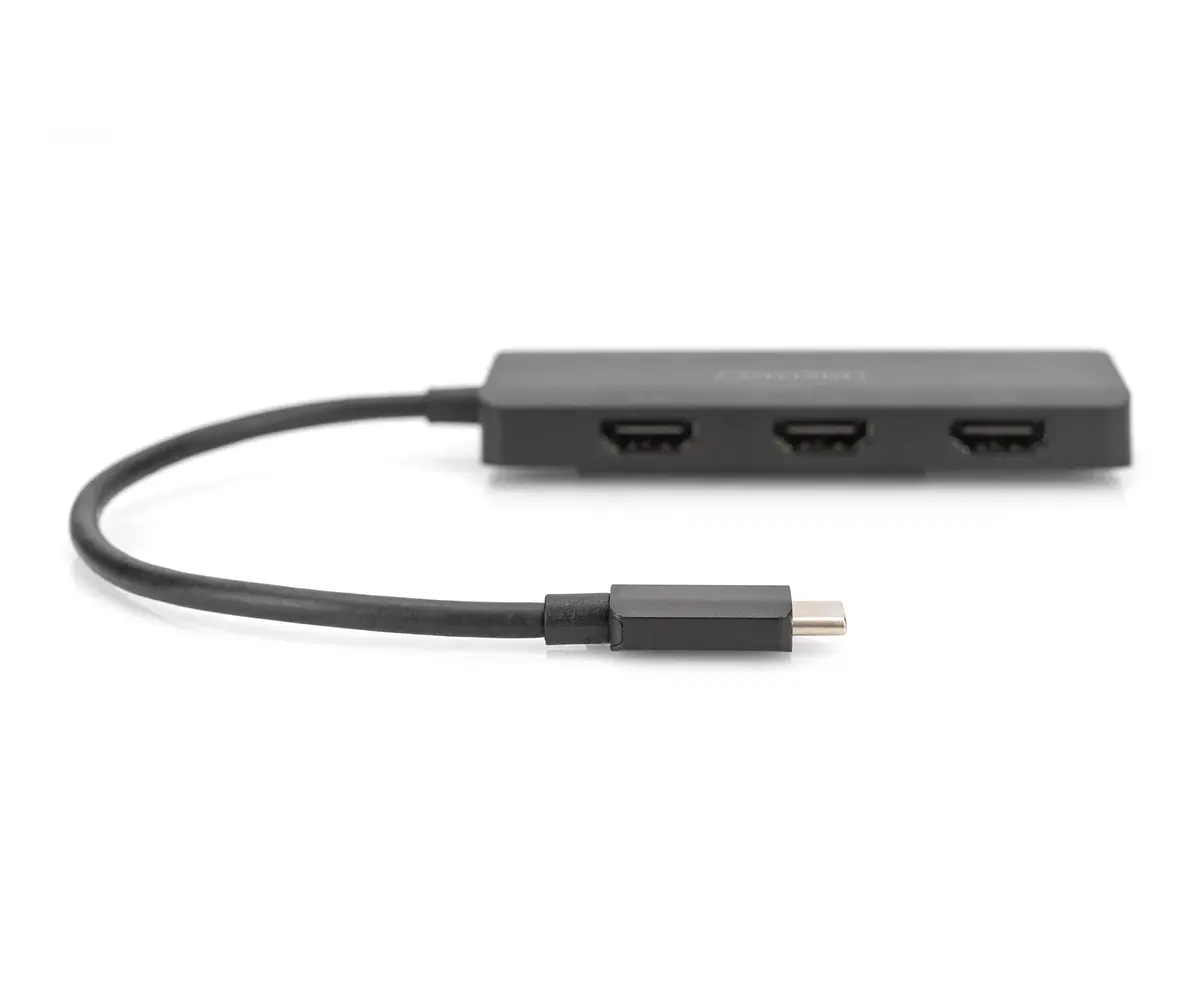
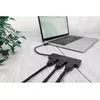
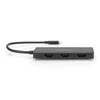
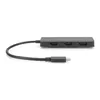
The Digitus 3-Port MST Video Hub connects up to three HDMI monitors to a single USB-C video output on a notebook or PC, enabling multi-screen setups for improved productivity. It supports DisplayPort Alt Mode (DP 1.4) with up to 8.1 Gbps per channel (32.4 Gbps across four channels), HDR, and HDCP 2.2/1.4. The hub is bus-powered via USB-C and requires no drivers; configuration is done through Windows display settings. Physical attributes include an ABS black housing and compact dimensions that facilitate integration into a workspace.
The hub supports multiple display configurations (mirror, extend, distribute) and MST/SST modes to route independent or shared video streams to three external screens. It provides high-resolution support—up to 4K/60Hz for a single display in certain configurations—and maintains compatibility with Windows 10 and 11. Bus power eliminates the need for an external power adapter, and no additional software installation is required.
Connect the hub to the computer’s USB-C video output that supports DisplayPort Alt Mode. Attach up to three HDMI monitors to the hub’s HDMI outputs. Power is supplied through the USB-C connection, so no external power supply is needed. Configure display arrangement and modes (mirror, extend, distribute) in Windows display settings. No drivers or additional software installation is required.
For optimal performance, use a USB-C port on the host device that explicitly supports DisplayPort Alt Mode and ensure connected HDMI cables and monitors support the desired resolutions and refresh rates (for example, use HDMI cables rated for 4K/60Hz when configuring a 4K/60Hz display).
{{highlightedFeature.featureTitle}}:
{{getProductFeatureValueById(product, highlightedFeature.featureId)}}