Hurry and order now – up to 50% off!
In cart {{totalProductsCount}} item(s)
Your cart is empty
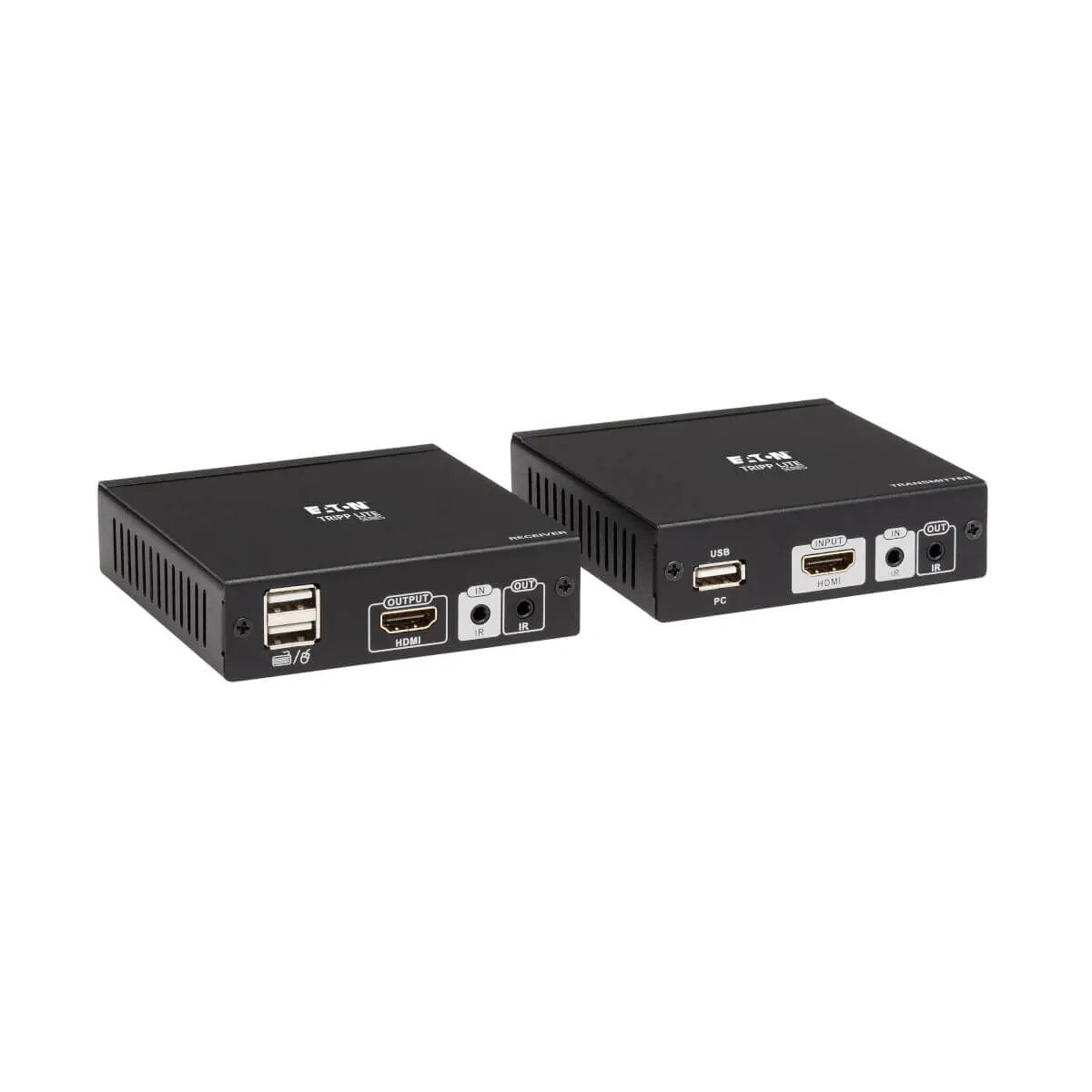
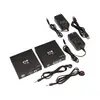
KVM Console Extender Tripp Lite B013-HU-4K 4K 30Hz 230ft
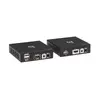
The Tripp Lite B013-HU-4K KVM console extender transmits HDMI audio/video, USB for keyboard and mouse, and IR remote signals over Cat6 cable to extend a source device up to 230 feet (70 m). It supports 1080p at full distance and 4K (3840 x 2160 at 30 Hz) at shorter ranges, allowing the source computer or media player to be located in a separate room or enclosed cabinet while the display and input devices remain remote.
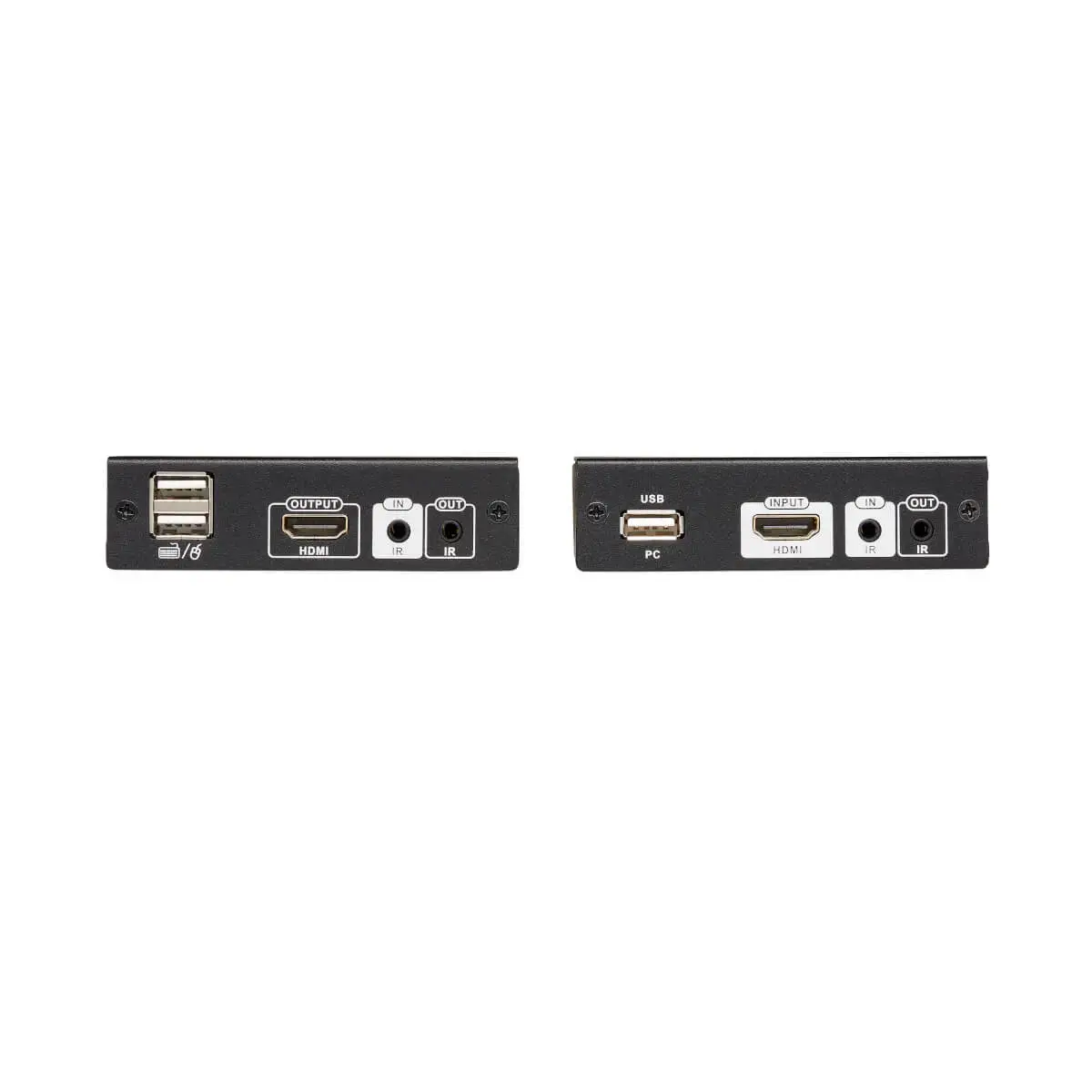
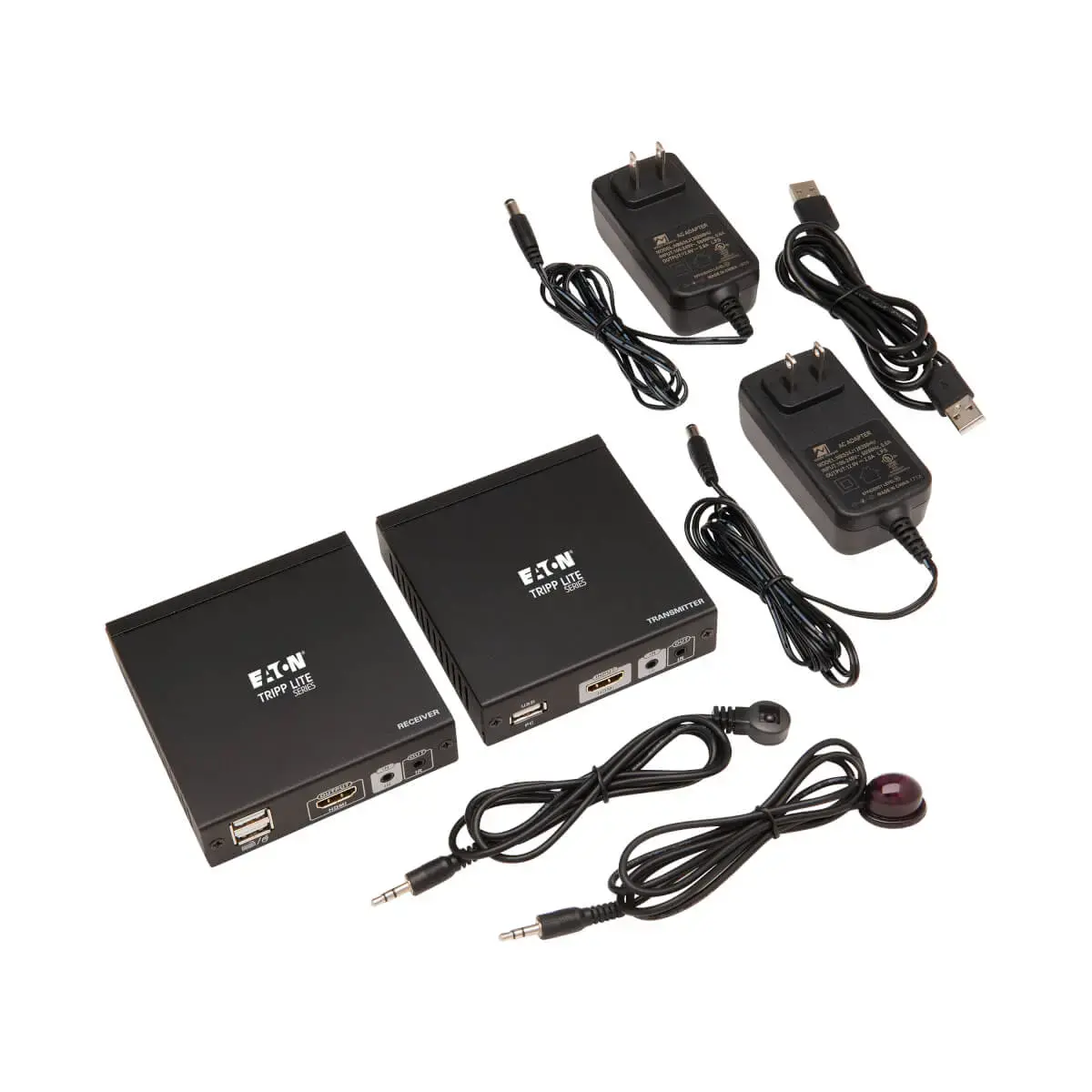
This extender provides zero-latency video and audio transmission, supports uncompressed LPCM and high-quality compressed audio formats, and enables bi-directional IR pass-through for remote control of the source. Dual USB ports on the receiver let you connect a keyboard and mouse at the display end to control the source. The kit ships with a transmitter and receiver and operates plug-and-play without additional software.
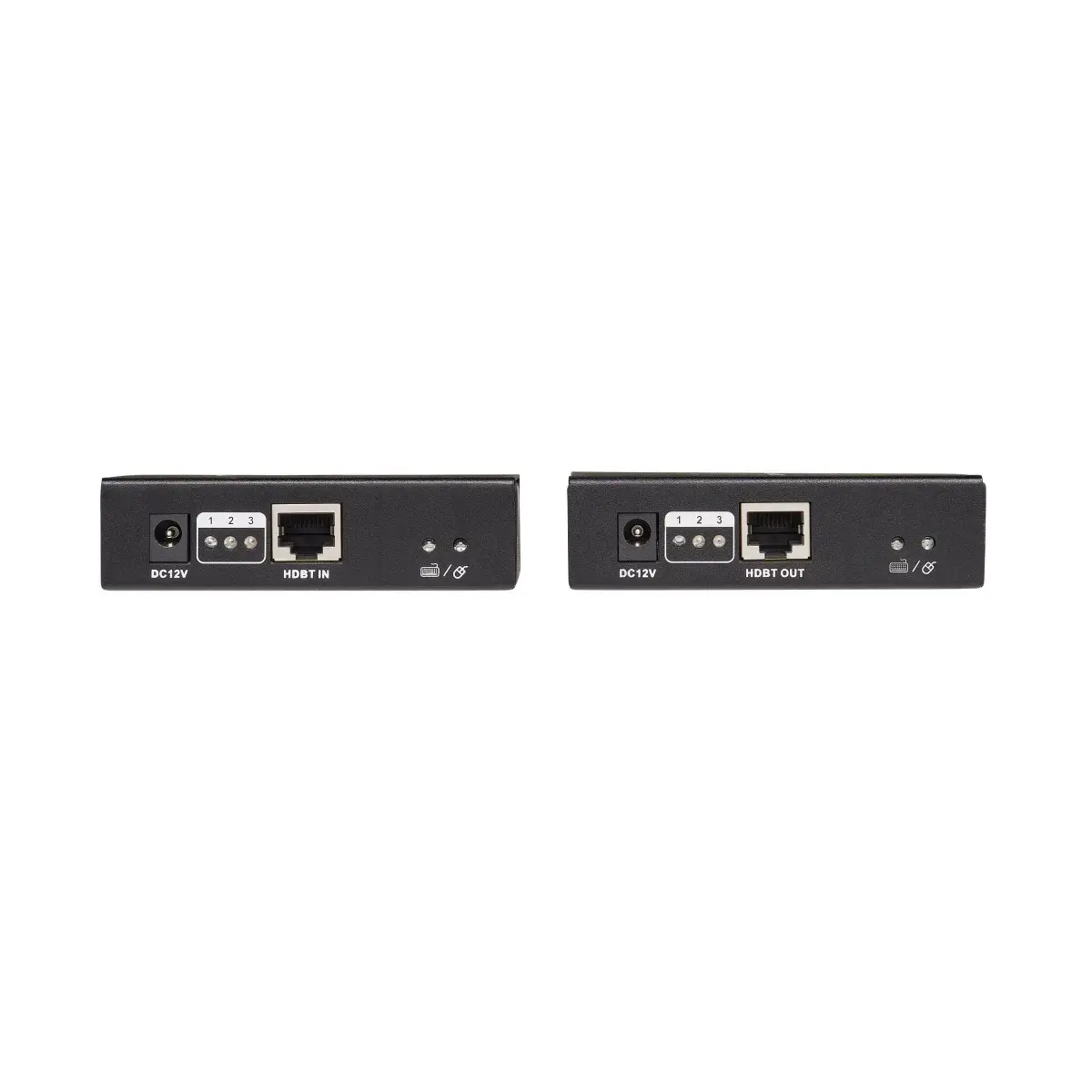
The extender requires Cat6 cabling between units; distances listed assume appropriate Cat6/6a cabling and installation. While it supports 4K at 30 Hz up to approximately 130 feet (40 m), it is optimized for 1080p up to 230 feet (70 m). It does not replace the need for a network switch or managed AV infrastructure when more complex distribution is required.
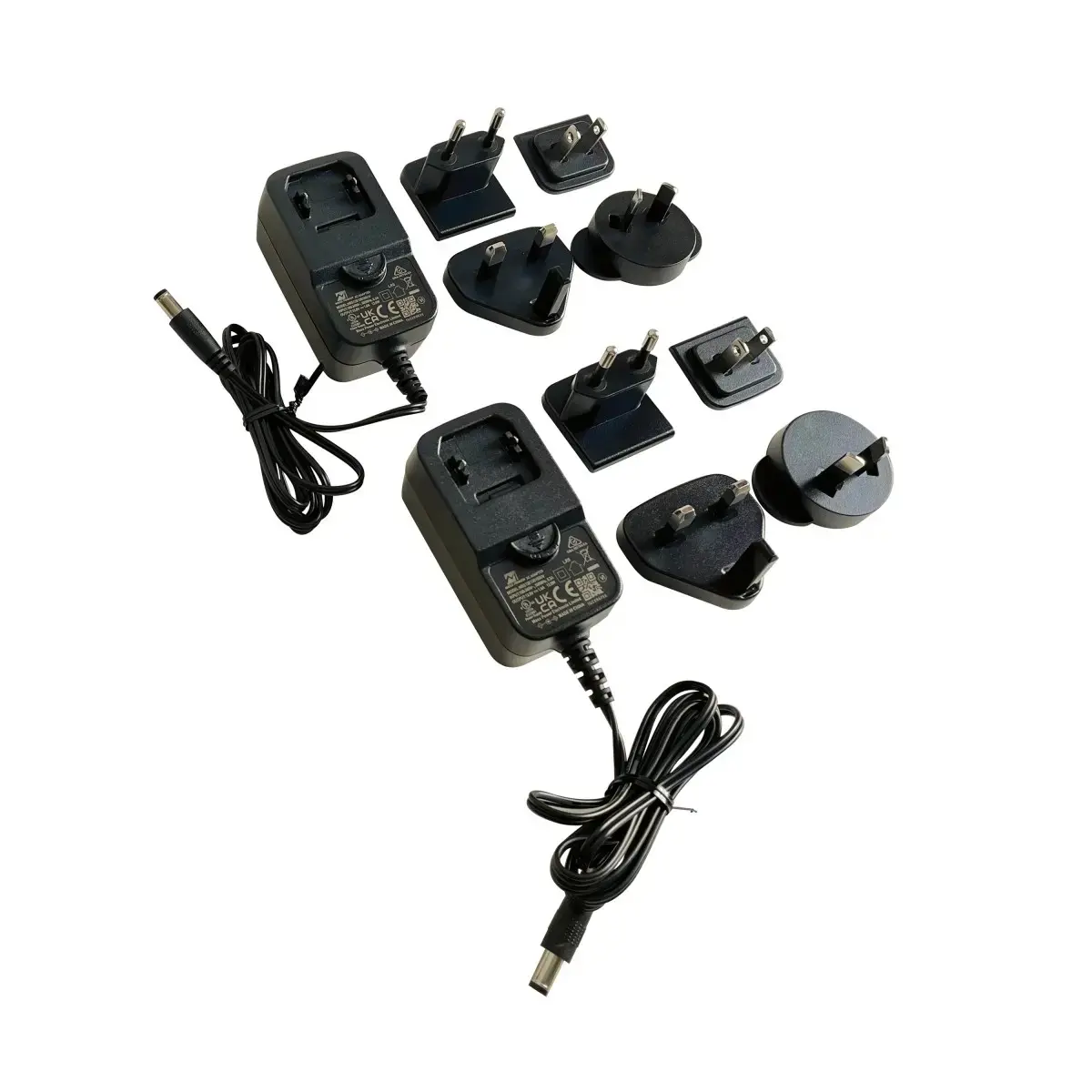
Install the transmitter near the source device and the receiver near the display. Connect the source's HDMI output to the transmitter and connect the display's HDMI input to the receiver. Run Cat6 cable between the transmitter and receiver, connect USB peripherals to the receiver to control the source, and position IR emitters/receivers so they have line of sight to the source and remote. Power both units and verify LED indicators show a stable link before use.
For reliable performance, use high-quality Cat6 or Cat6a cable, keep cable runs within the specified distances for your chosen resolution, and ensure the transmitter and receiver have clear IR line of sight. Store source equipment in an enclosed, ventilated cabinet if noise or dust is a concern, while placing displays and input devices at the receiver location.
{{highlightedFeature.featureTitle}}:
{{getProductFeatureValueById(product, highlightedFeature.featureId)}}
{{ productComparisonGenerationError }}