
Leave your address - as soon as the price of the product goes down, you'll know about it right away
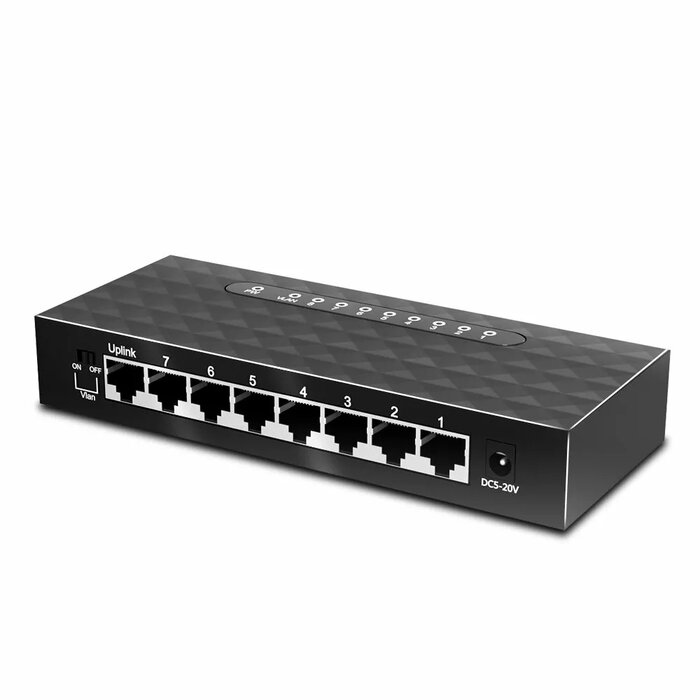
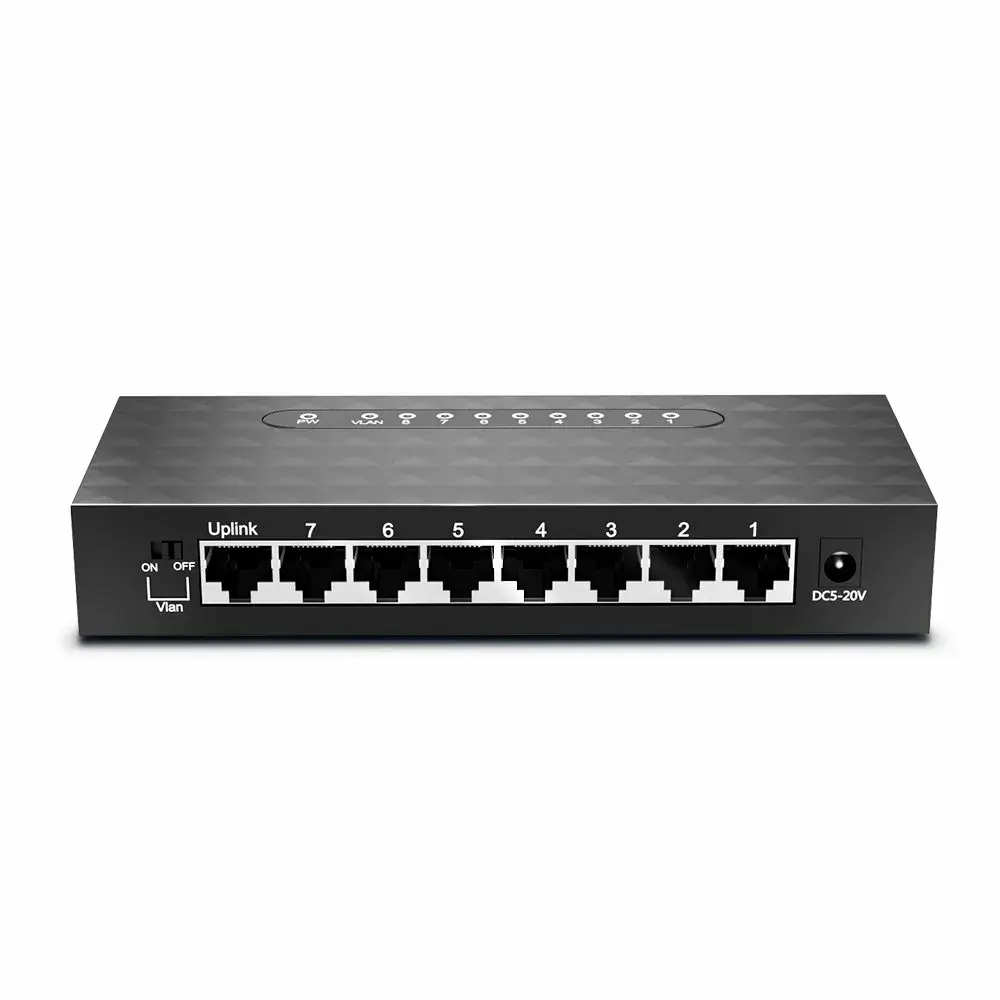
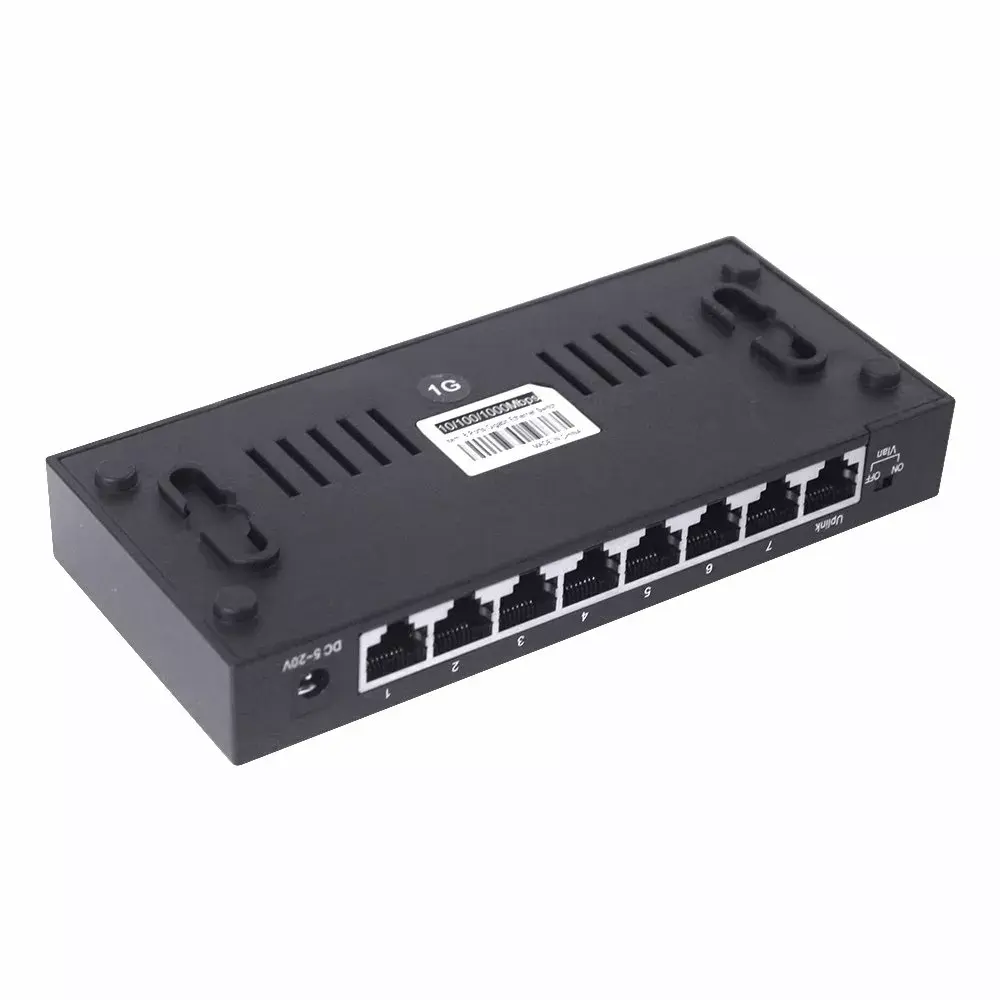
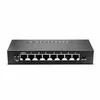
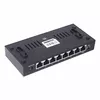
Network switch EDUP EP-SG7810 8-port 10/100/1000 Mbps with VLAN support
In cart {{totalProductsCount}} item(s)
Your cart is empty
Network switch EDUP EP-SG7810 8-port 10/100/1000 Mbps with VLAN support
Leave your address - as soon as the price of the product goes down, you'll know about it right away
Network switch EDUP EP-SG7810 8-port 10/100/1000 Mbps with VLAN support
EDUP EP-SG7810 is an 8-port gigabit network switch that provides 10/100/1000 Mbps wired connectivity with hardware VLAN support. Designed for small offices and home networks, the switch uses a single-chip non-blocking architecture with embedded PHYs to deliver wire-speed forwarding, jumbo frame support up to 9216 bytes, and a built-in 8K MAC address table for reliable L2/L3 switching. The compact unit includes management and security features such as ACLs, IEEE 802.1Q VLANs, spanning tree variants and basic QoS controls to help segment and prioritise network traffic.
The EDUP EP-SG7810 offers full-duplex gigabit ports and support for jumbo packets to improve throughput for mixed traffic. Hardware ACL and flexible VLAN options—including port-, tag- and protocol-based VLAN—enable traffic separation and policy enforcement. QoS mechanisms (eight priority queues per port, min-max scheduling, WFQ) and rate-limiting meters help control bandwidth usage, while IEEE 802.1x and port/MAC-based access control increase security. Energy-saving features and support for link aggregation, loop detection and LLDP/OAM enhance reliability and deployment flexibility.
Install the EDUP EP-SG7810 on a flat surface or rack shelf and connect each Ethernet device to the RJ45 ports using CAT5e or better cables. For basic plug-and-play operation, devices will negotiate link speed and duplex automatically. To configure VLANs, ACLs, QoS or link aggregation, access the switch management interface (refer to the product manual for the specific management method supported) and apply desired settings per port or per VLAN. Use the Realtek Cable Test feature to verify cable quality and the LLDP/OAM functions to discover neighboring devices.
Use CAT5e or CAT6 cables for reliable gigabit links, enable VLANs to separate traffic types, and apply ACLs and QoS rules where needed to prioritise latency-sensitive services. Monitor port statistics via SNMP/RMON and enable storm control on uplink ports to protect the network from broadcast or multicast storms.
{{highlightedFeature.featureTitle}}:
{{getProductFeatureValueById(product, highlightedFeature.featureId)}}