
Powerful EcoFlow stations for energy anywhere!
In cart {{totalProductsCount}} item(s)
Your cart is empty
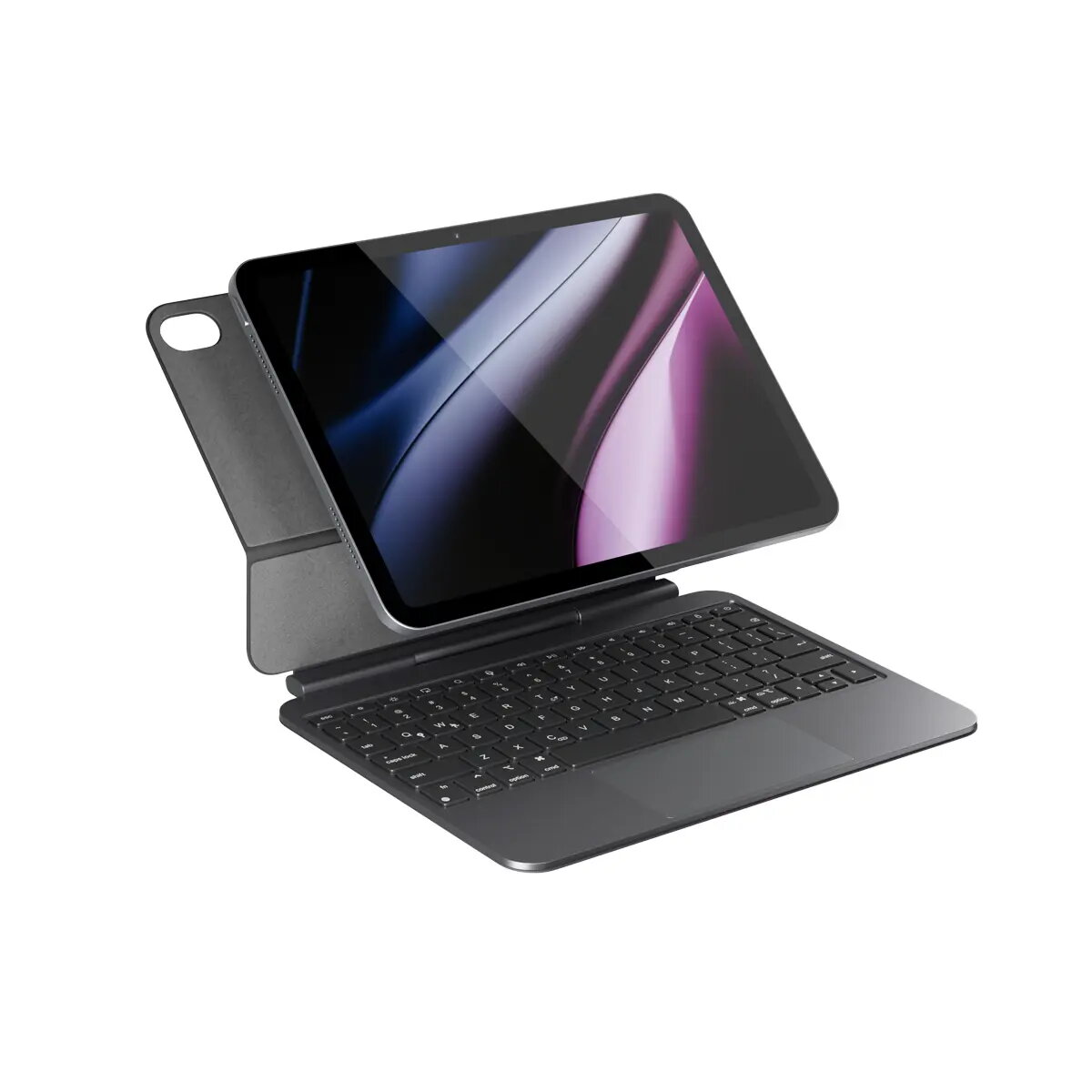
Keyboard Epico UltraBoard EK40 for iPad 10.9''/11'' A16 US Bluetooth — wireless keyboard for iPad models
Epico UltraBoard EK40 is a Bluetooth wireless keyboard designed for iPad 10.9'' and 11'' models with the A16 chip, in a US layout. The keyboard offers a compact form factor and wireless connectivity to provide a practical typing solution for email, document editing and everyday productivity on supported iPad sizes. The product is intended to be used with iPad models that match the specified display sizes and chipset, offering a portable input option without wired connections.
The UltraBoard EK40 connects via Bluetooth to compatible iPad devices, enabling a cable-free setup and quick pairing. Its US keyboard layout is suitable for users who prefer that arrangement for typing, shortcuts and coding. The compact design reduces bulk when carrying the iPad and keyboard together, and the wireless operation allows flexible positioning and comfortable typing in different environments.
Switch on the keyboard and enable Bluetooth on the iPad. Put the keyboard into pairing mode as described in the manufacturer's instructions, then select the keyboard from the iPad's Bluetooth device list. Once paired, open the app where you want to type and use the physical keys as you would on a standard keyboard. Keep the keyboard charged according to normal usage patterns and recharge when battery level is low to maintain uninterrupted operation.
For reliable performance, ensure your iPad is running a supported iOS version and that Bluetooth is enabled. Place the keyboard within the recommended wireless range from the iPad, avoid prolonged exposure to liquids or extreme temperatures, and follow charging guidelines from the manufacturer to preserve battery health.
{{highlightedFeature.featureTitle}}:
{{getProductFeatureValueById(product, highlightedFeature.featureId)}}
{{ productComparisonGenerationError }}