
Esperanza EA161 USB 2.0 Hub with 4 Ports
{{selectedOffer && selectedOffer.price | formatAmount}}
{{selectedOffer && selectedOffer.price | formatAmount}}
Short description
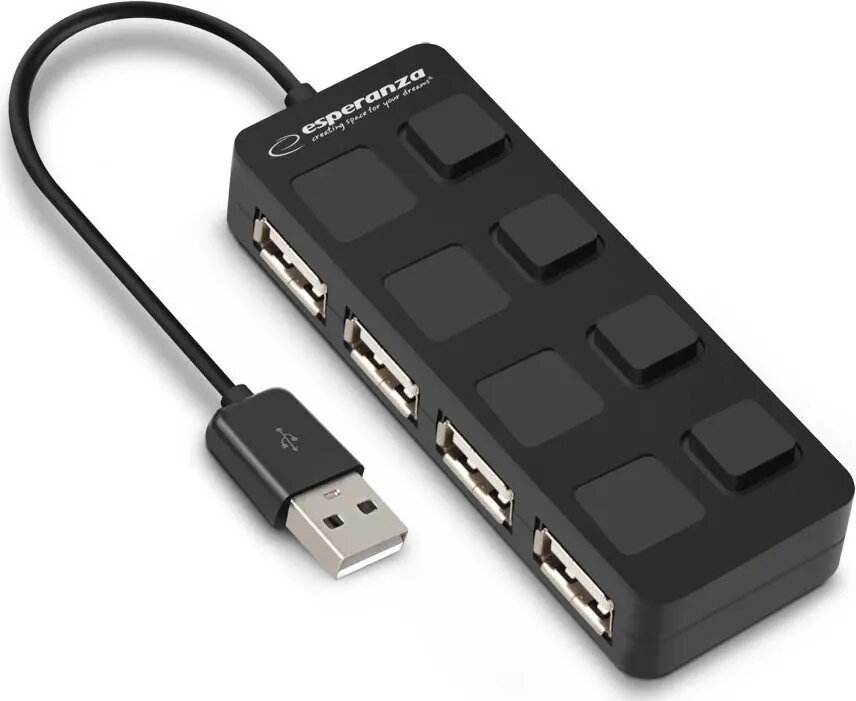
The Esperanza EA161 is a compact USB 2.0 hub featuring 4 high-speed ports, designed to expand the connectivity of your computer or laptop. It allows for the simultaneous connection of multiple peripheral devices such as mice, keyboards, flash drives, and printers. This plug-and-play device ensures reliable data transfer and is an essential accessory for managing multiple USB connections efficiently.
Cheapest delivery:
Unisend LV
Pick-up points
Unisend LV
Cost
1.99 €
Deliver
{{selectedOffer.parcelStationDeliveryString}}
Customer service center
2b. Kengaraga str., Riga, Latvia, LV-1063
12.10.2026
{{selectedOffer.officeDeliveryString}}
free
Courier Delivery
Please note that in case of a large parcel additional delivery costs may apply!
From 4.99 €
Parcel couriers
Unisend LV / Venipak Pickup LV / Venipak Locker LV / DPD Paku skapis / Omniva LV / Latvijas Pasts pakomāts / Latvijas Pasts nodaļa
15.10.2026
{{selectedOffer.parcelStationDeliveryString}}
From 1.99 €

Payment Methods:
Bank transfer, Bank cards on-line, Apple Pay, Google Pay


