

Save time and money with our discounts!
In cart {{totalProductsCount}} item(s)
Your cart is empty
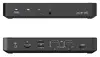
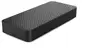
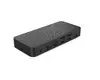
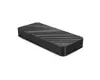
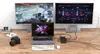
eSTUFF GLB232004 Wired Laptop Docking Station with USB Power Delivery up to 100 W, Gigabit Ethernet, and 60 Hz Refresh Rate Support in Black
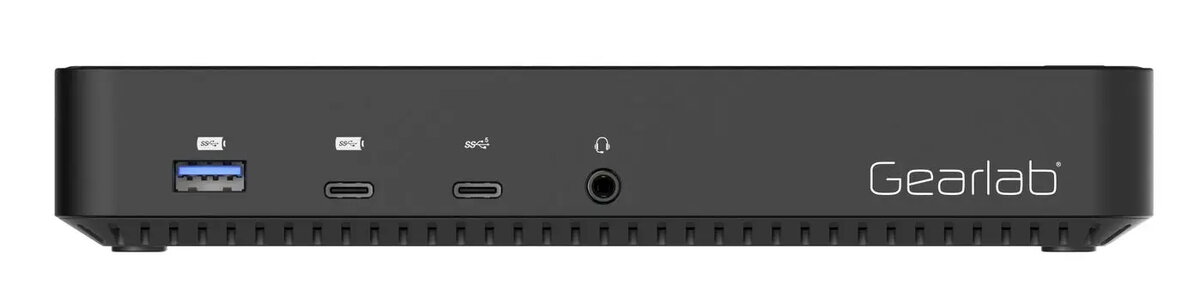
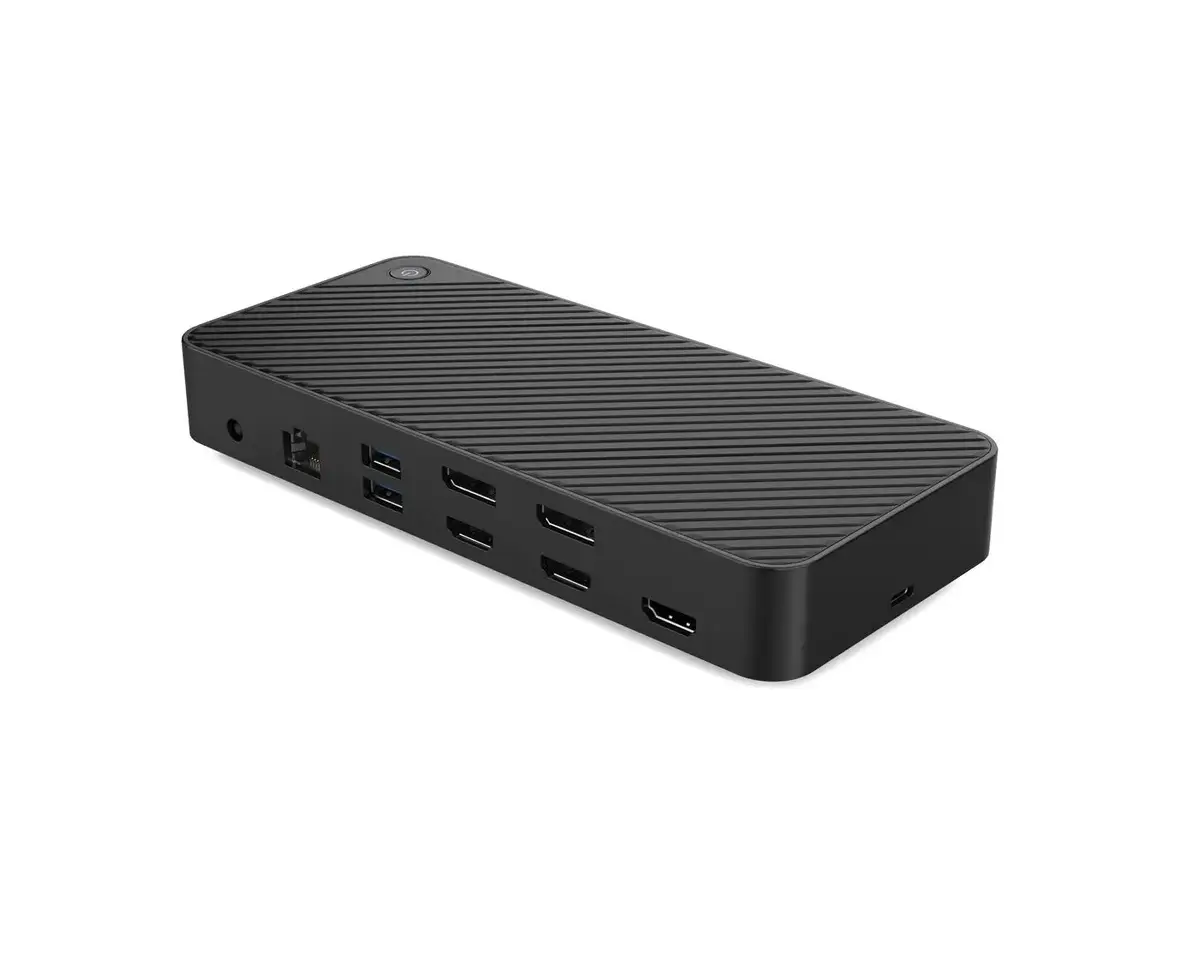
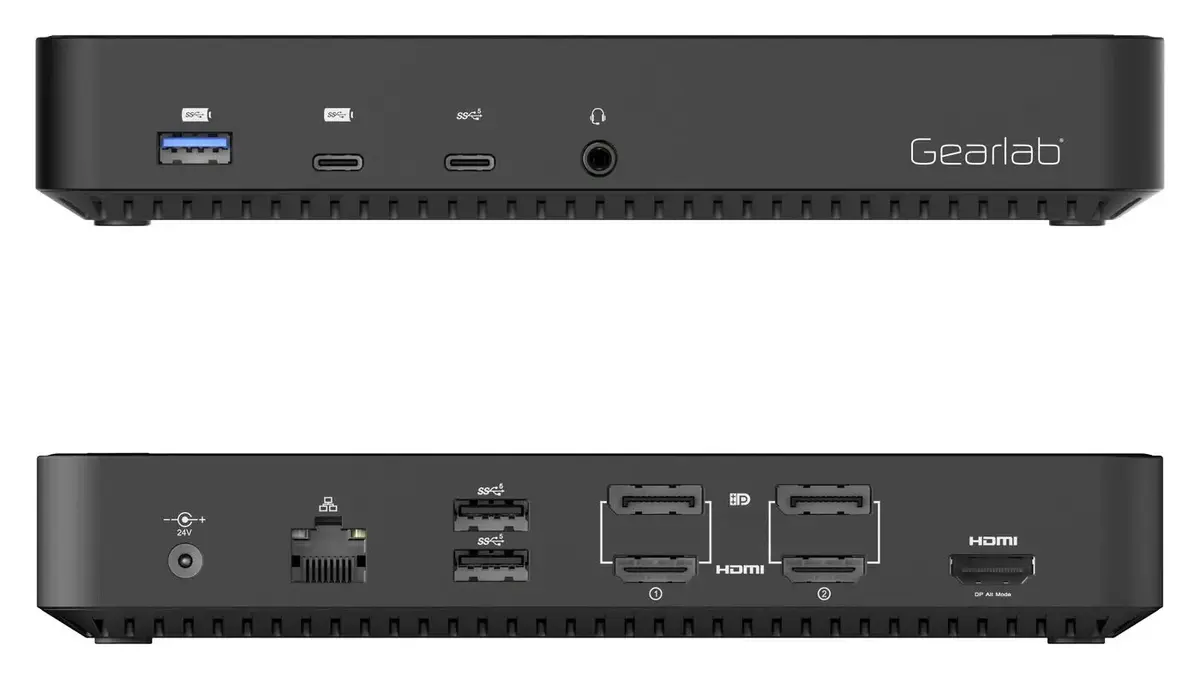
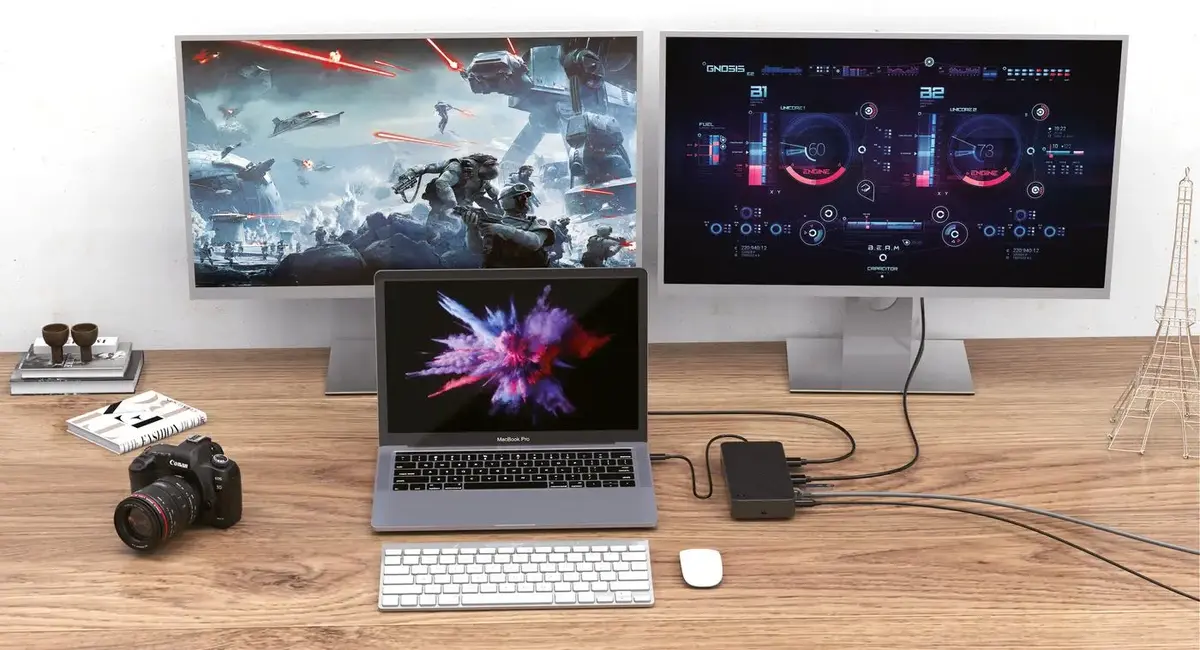
The eSTUFF GLB232004 Wired Laptop Docking Station with USB Power Delivery up to 100 W, Gigabit Ethernet, and 60 Hz Refresh Rate Support in Black is a versatile port replicator designed to expand your mobile workstation connectivity. Featuring universal brand compatibility, this wired docking station integrates seamlessly into office environments to power laptops, connect external displays with high refresh rates, and provide stable wired network access through a single hybrid connection.
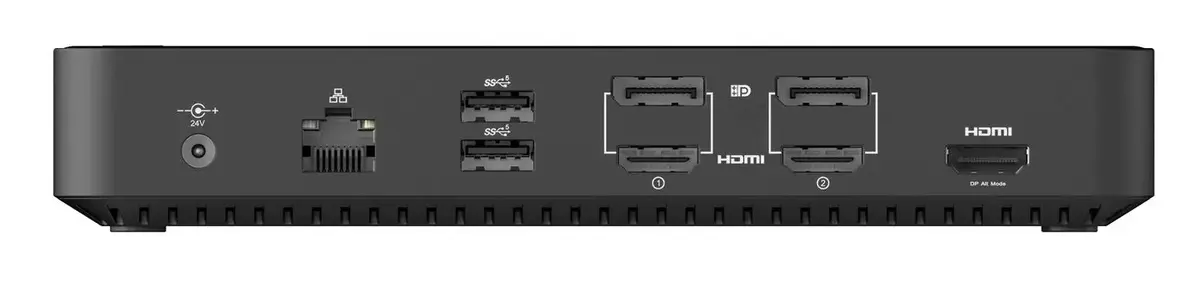
This wired laptop docking station offers efficient power delivery up to 100 W, ensuring your connected laptop stays charged during demanding tasks. High-speed data transfer rates reaching 10 Gbit/s allow for quick file sharing and external drive performance. The inclusion of a Gigabit Ethernet LAN port guarantees a reliable and fast wired network connection, while the integrated 3.5 mm headphone jack supports direct audio output. Universal compatibility ensures the device works across various laptop brands using the included hybrid cable setup.
This docking station may not be suitable if your setup requires an integrated card reader, as this model does not include one. Additionally, users requiring simple plug-and-play without installing specific DisplayLink drivers should verify OS compatibility beforehand.
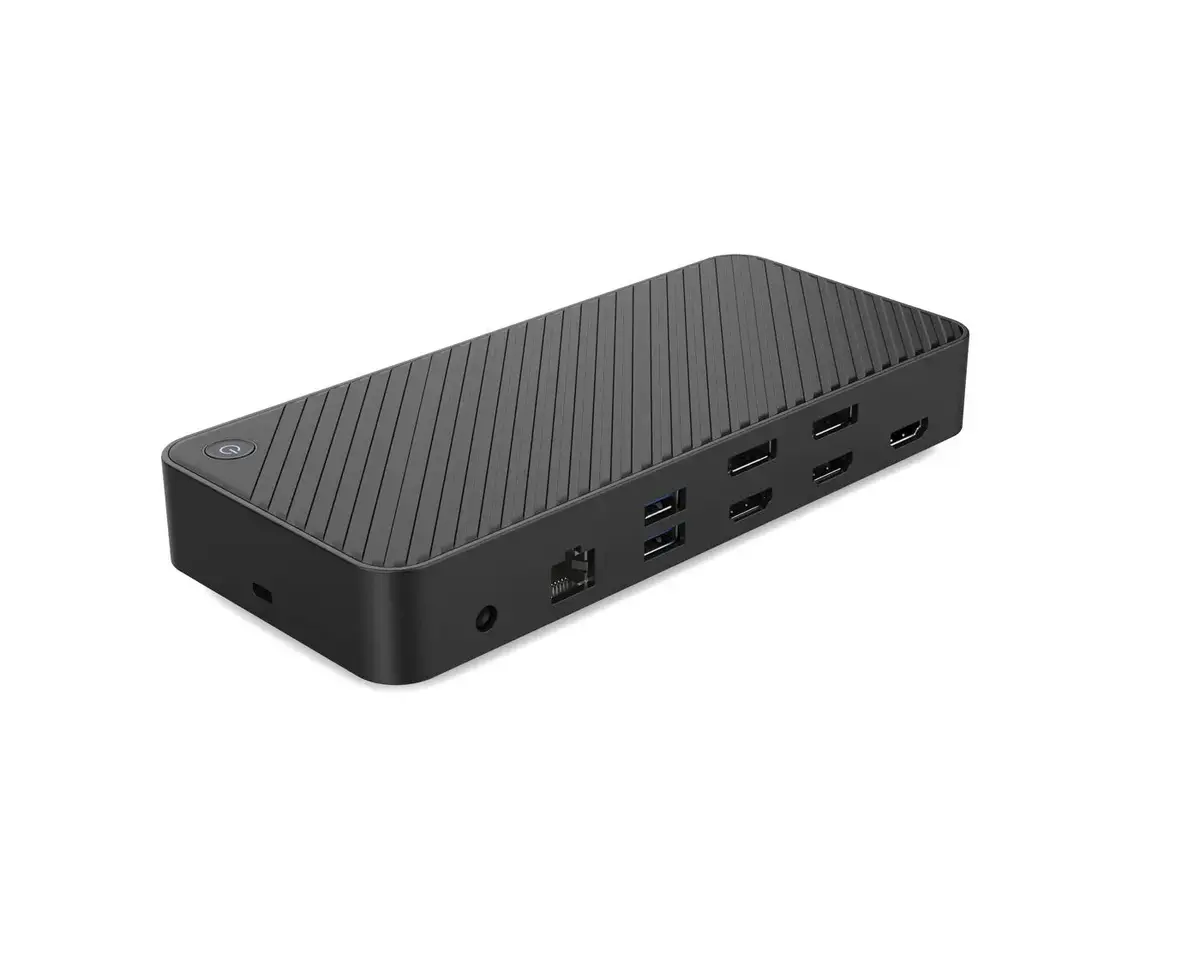
Connect the docking station to a power source using the provided power supply and appropriate power cord. Attach the hybrid USB cable from the docking station to your laptop's port. Install the necessary DisplayLink drivers from the manufacturer website to ensure proper video output and display functionality. Connect your peripherals, such as monitors, ethernet cables, headphones, and USB devices, to the corresponding ports on the docking station.
For optimal performance and stability, ensure that you download and install the latest DisplayLink drivers from the official website before connecting multiple monitors or high-resolution displays.
{{highlightedFeature.featureTitle}}:
{{getProductFeatureValueById(product, highlightedFeature.featureId)}}
{{ productComparisonGenerationError }}