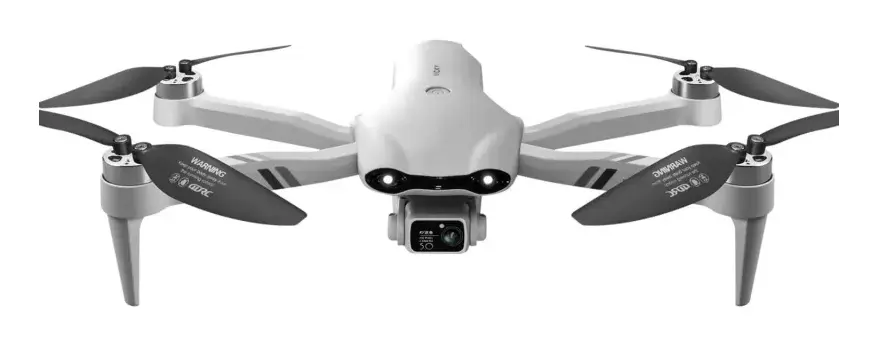
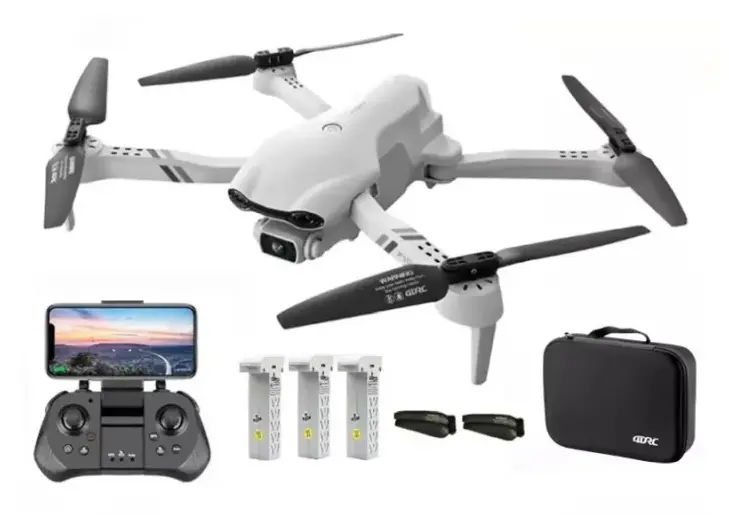
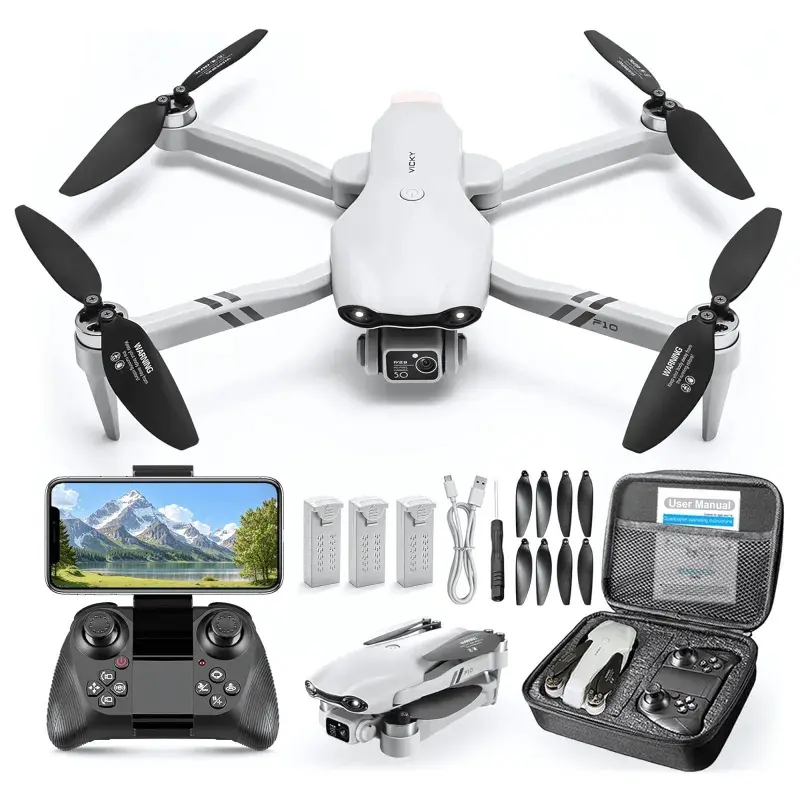
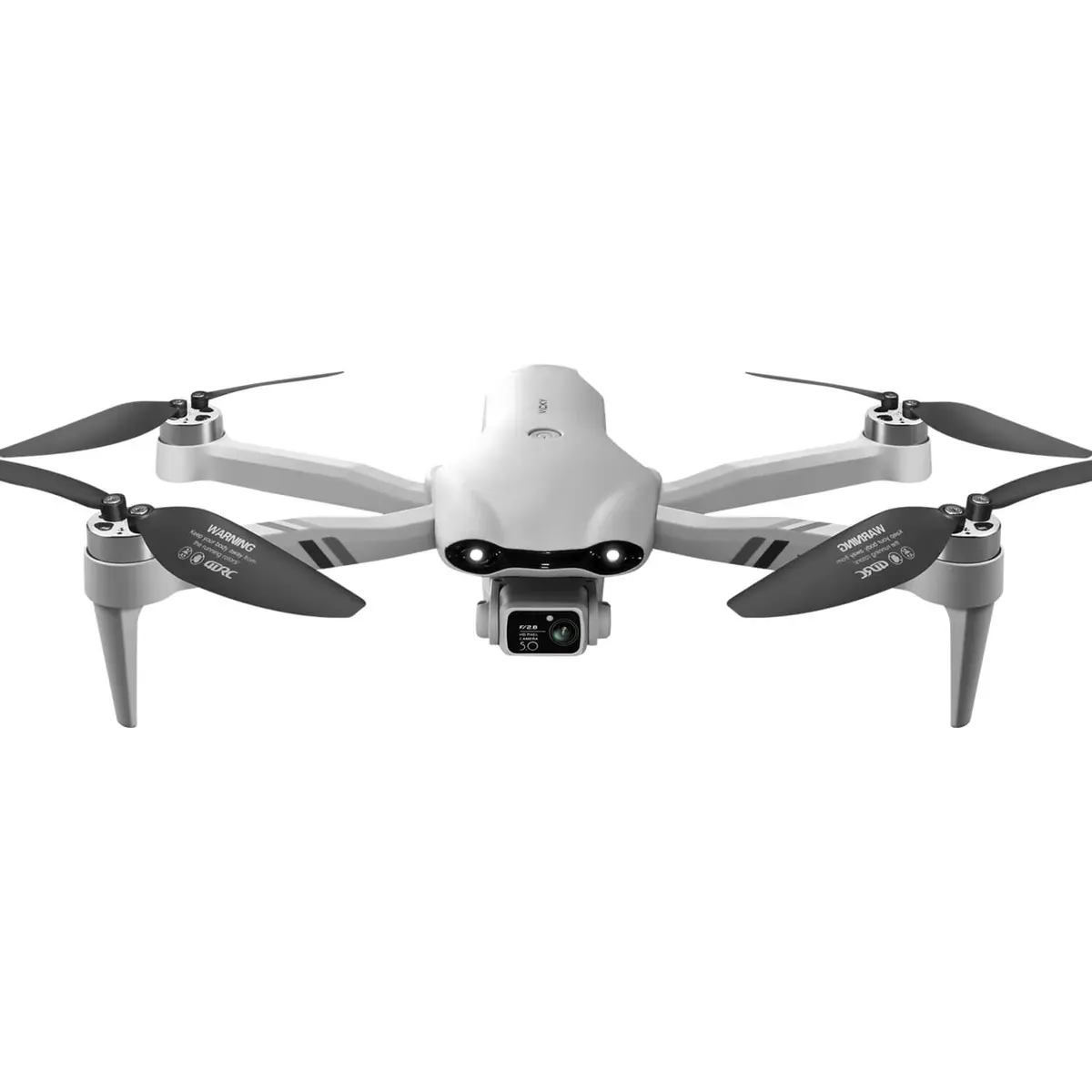
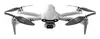
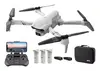
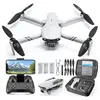
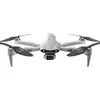
The Extralink Smart Life F10 Drone with Three Batteries is a versatile quadcopter designed for aerial photography and recreational use, offering reliable performance and an extended operational duration. Supplied with three 3.7V 1600mAh power sources, this flying device ensures prolonged flight times without the constant need for immediate recharging, making it an excellent option for hobbyists and aerial enthusiasts seeking a complete ready-to-fly setup.
Advantages
The Extralink Smart Life F10 combines intuitive operation with practical technical solutions to deliver a stable and enjoyable piloting experience. The inclusion of three individual batteries significantly extends total operational time, allowing users to capture more footage during a single outing. Its foldable arm design simplifies transport and storage, while the game console-style controller provides an ergonomic and familiar grip for effortless steering. Advanced stabilization technologies, including a 6-axis gyroscope and a bottom-mounted optical flow sensor, work together to maintain consistent hover and smooth flight paths. Furthermore, the wide-angle camera with a 120-degree field of view and manual tilt adjustment enables users to record expansive scenes and stream real-time FPV video directly to a compatible Android or iOS smartphone via a dedicated application.
Suitable for
- Recreational aerial photography and capturing wide-angle landscapes
- Beginner and intermediate drone hobbyists learning to pilot
- Short-range outdoor aerial recording and real-time FPV viewing
- Casual flights in low-light conditions supported by built-in LED lights
When it may not be suitable
This drone is not designed for professional filmmaking, commercial aerial surveying, or advanced long-range mapping missions. Due to its lightweight quadcopter design, it may also struggle to maintain stable flight performance in strong winds or adverse weather conditions.
Key specifications
- Three 3.7V 1600mAh batteries included
- Flight time up to 15 minutes per single charge
- Wide-angle camera with a 120-degree field of view and 45-degree manual tilt
- G-sensor control technology and optical flow position hold
- 6-axis gyroscope for flight stabilization
- Foldable arm construction for easy transport
- Live FPV video transmission via mobile application for Android and iOS
- Micro-USB battery charging interface
How to use
To begin using the Extralink Smart Life F10 drone, fully charge the provided batteries using a standard USB wall charger and a micro-USB cable. Insert one battery into the drone compartment, unfold the arms, and place the aircraft on a flat surface. Power on the drone and the game console-style controller, then pair them according to the manual instructions. Connect your smartphone to the controller Wi-Fi network and open the companion application to enable live image transmission. Use the automatic takeoff button to ascend, and rely on the hover mode and G-sensor technology for intuitive steering and stable positioning during flight.
What to consider before purchase
- Verify local regulations and airspace restrictions regarding recreational drone usage in your area.
- Ensure you own a compatible Android or iOS smartphone with the required application installed for live video streaming.
- Acknowledge that battery flight times of up to 15 minutes may vary depending on weather conditions and flight intensity.
- Note that this model is intended primarily for recreational hobby use and basic aerial photography rather than professional applications.
Usage recommendations
Always operate the drone within your direct line of sight, conduct pre-flight checks on all moving parts and battery levels, and avoid flying in high winds or near populated areas to ensure safe and reliable operation.