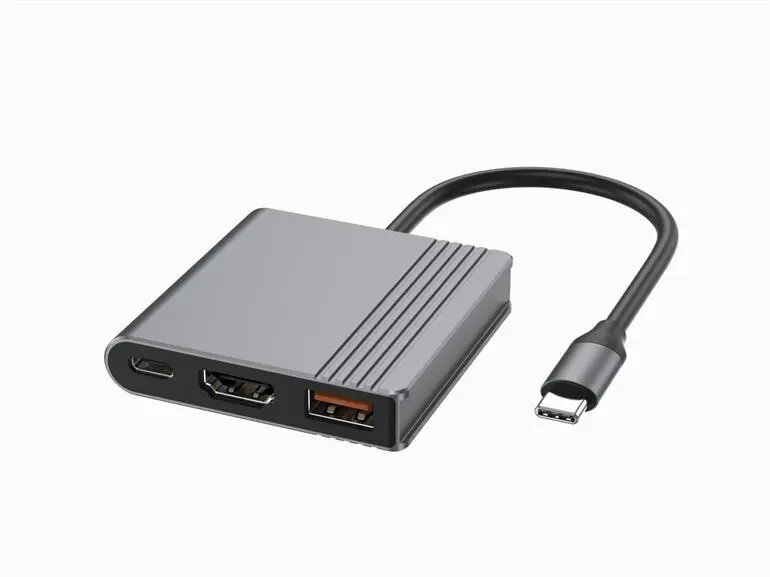
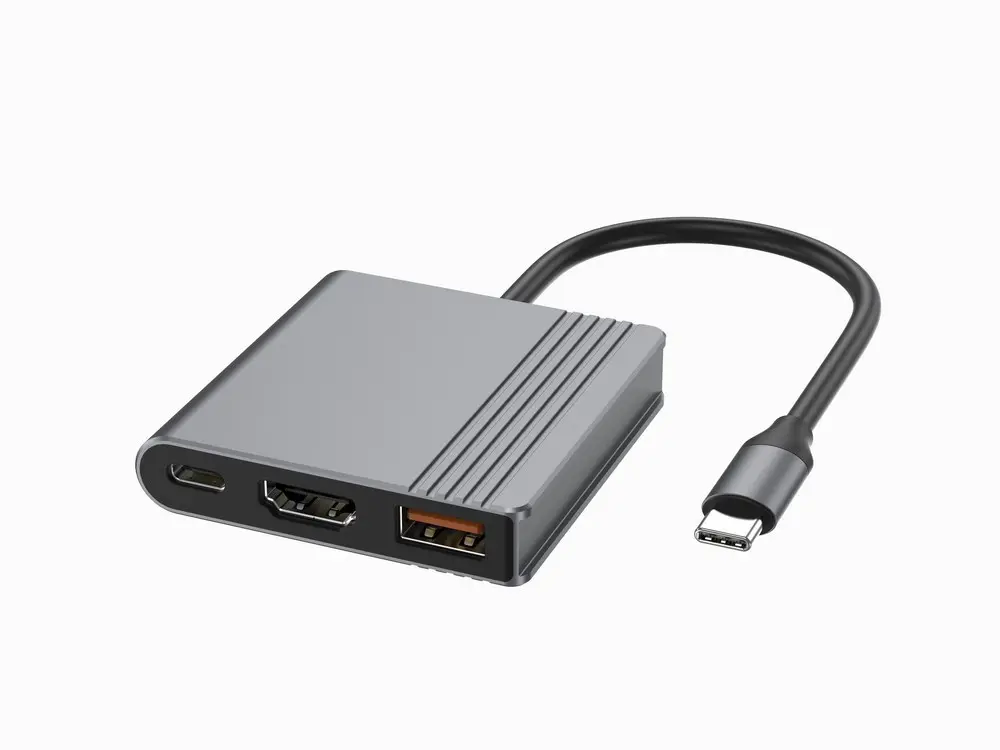
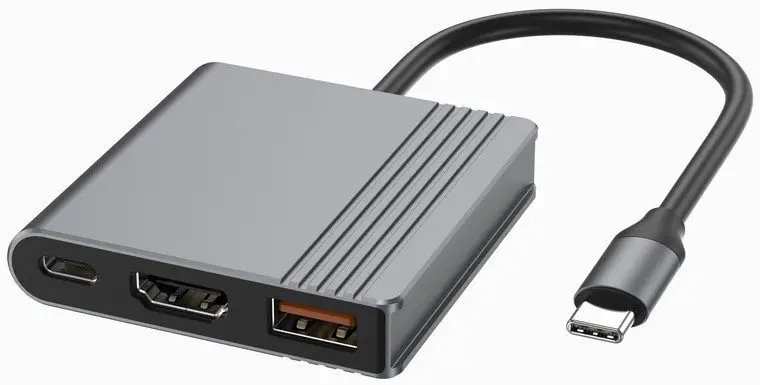
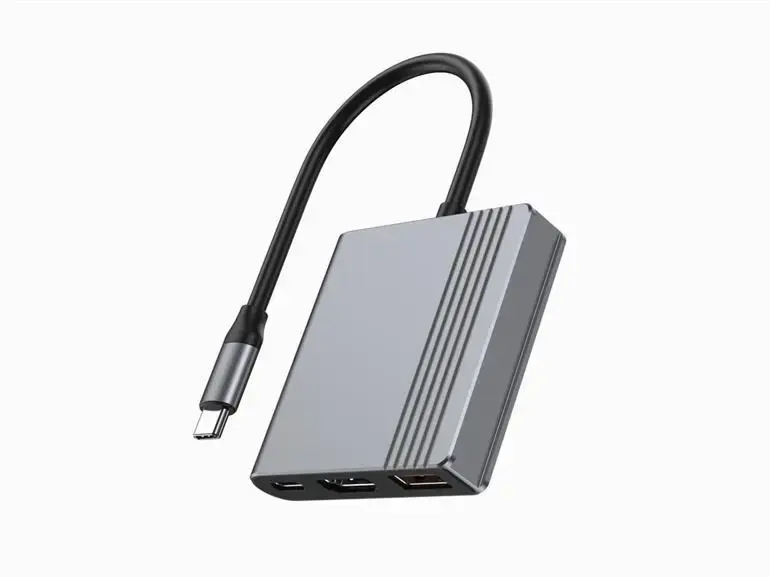
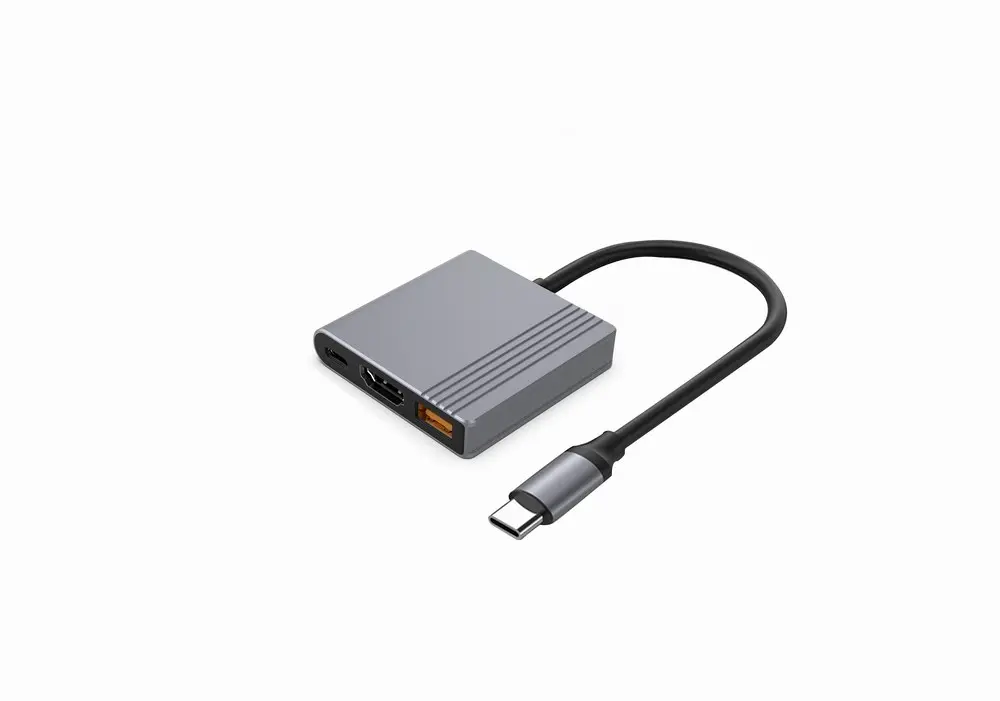
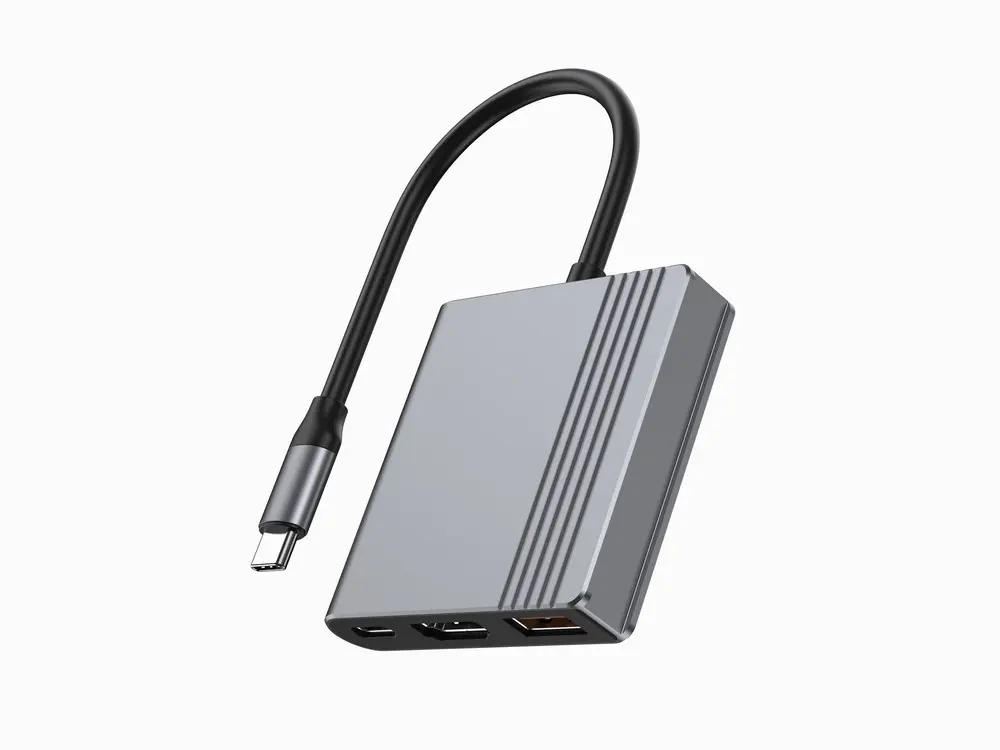
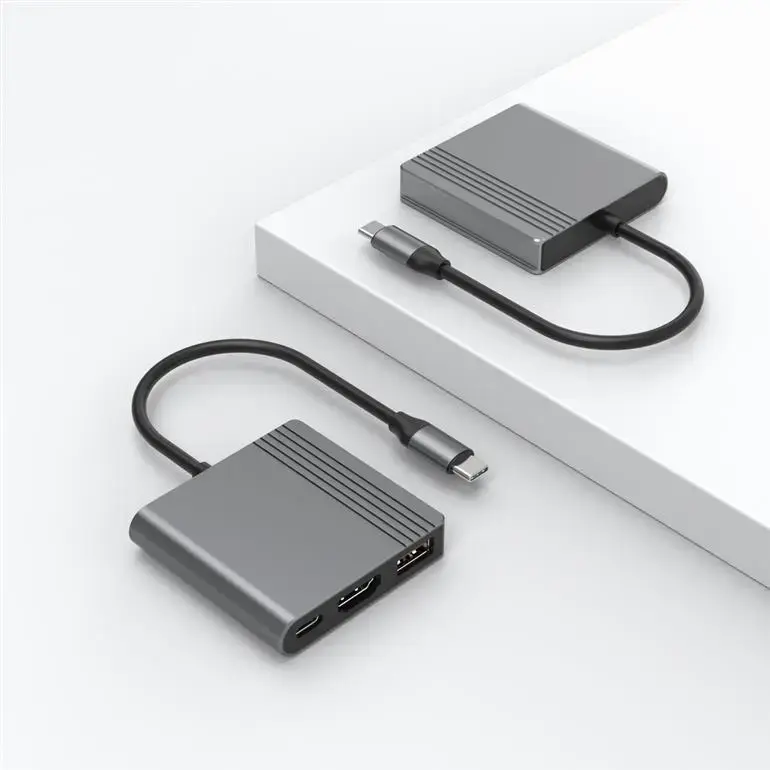
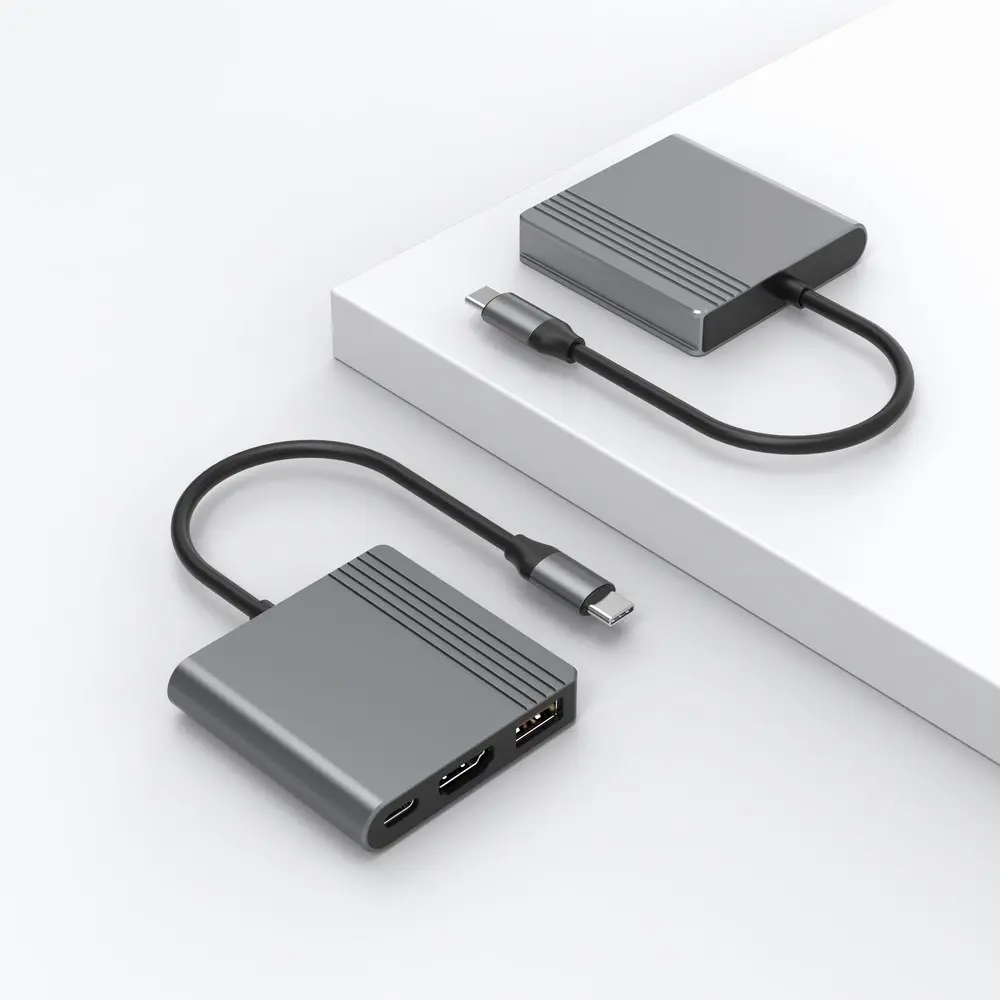
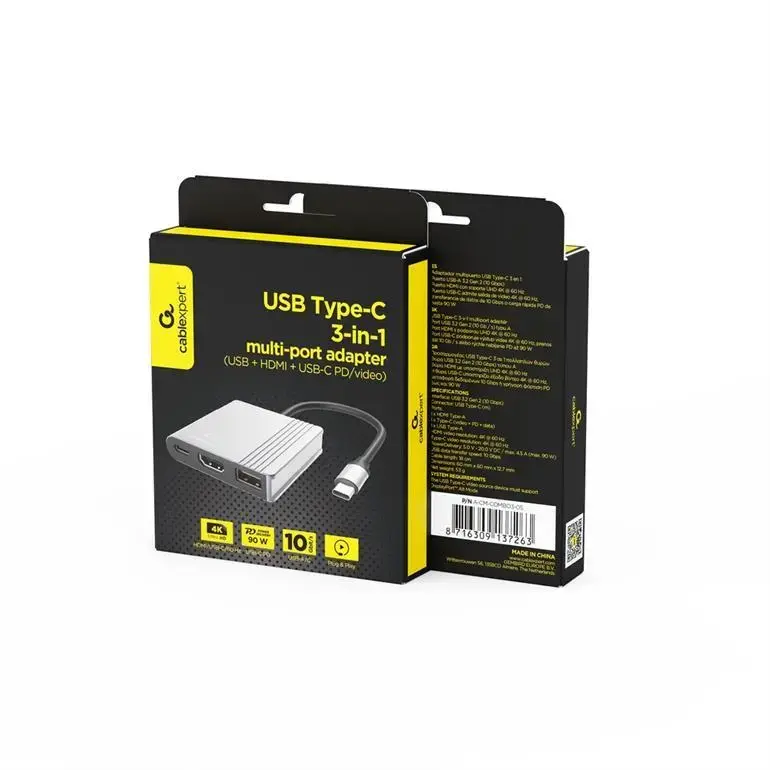
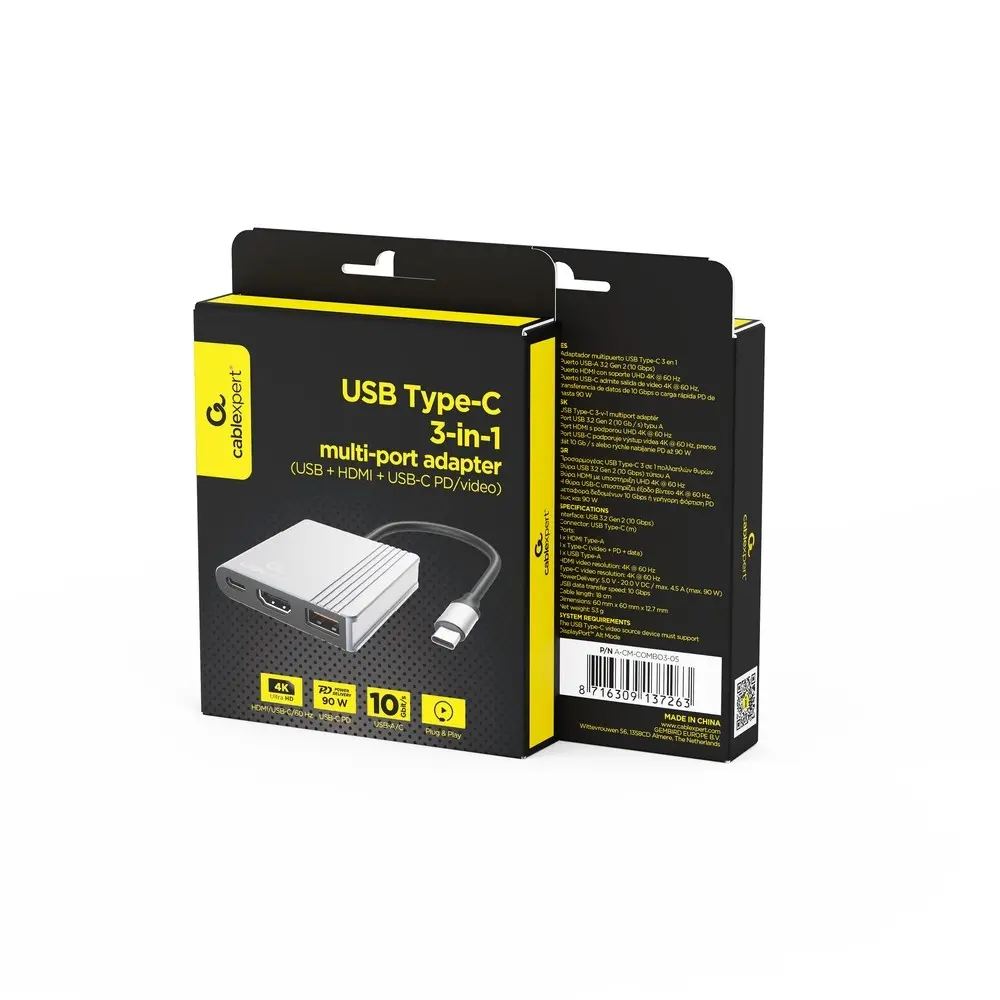
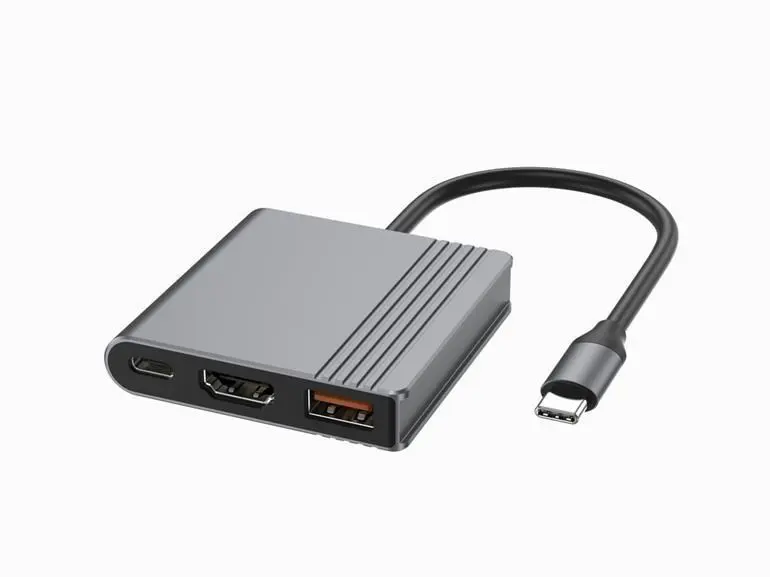
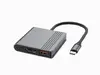
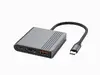
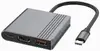
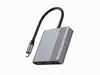
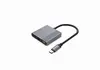
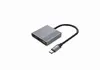
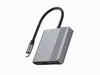
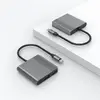
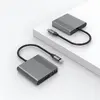
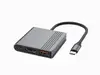
The adapter I/O ADAPTER USB-C TO HDMI/USB3/3IN1 A-CM-COMBO3-05 GEMBIRD is compared with several alternative USB-C hubs and adapters from Gembird, HP, and Kruger & Matz. All these devices are designed to expand connectivity for laptops, tablets, and smartphones with a USB Type-C port by enabling the connection of peripherals and external displays. The main practical differences lie in the selection of video outputs (HDMI, DisplayPort), Power Delivery support for charging, and the availability of specific USB port generations, which dictate their suitability for office tasks, presentations, or multimedia use.
⚙️ The specifications comparison covers key video interface types (HDMI, DisplayPort), the presence of USB-A ports for peripherals, and Power Delivery support to help you evaluate the functional capabilities of each adapter.
| Parameter | I/O ADAPTER USB-C TO HDMI/USB3/3IN1 A-CM-COMBO3-05 GEMBIRD | I/O ADAPTER USB-C TO HDMI/USB3/3IN1 A-CM-COMBO3-04 GEMBIRD | I/O ADAPTER USB-C TO HDMI/DP/A-CM-HDMIFDPF-01 GEMBIRD | Multiport USB-C Hub HP Travel 0195122255237 | USB-C multiport adapter Kruger & Matz KM0400 | USB-C 3.2 Gen 2 4-port hub by GEMBIRD UHB-CM-U310-C4-01 | Practical significance |
|---|
| Connection type | USB-C | USB-C | USB-C | USB-C | USB-C | USB-C | All devices connect to host systems via a standard Type-C interface. |
| Video outputs | HDMI and additional USB-C video port | HDMI | HDMI and DisplayPort | Display connectivity | HDMI | None | Models A-CM-COMBO3-05 and A-CM-HDMIFDPF-01 offer flexible display connection options for various monitors and projectors. |
| Peripherals ports | USB-A | USB-A | Not specified | Ports for accessories | USB 3.0 and USB 2.0 | Four USB-C 3.2 Gen 2 ports | Most adapters focus on classic USB-A peripherals, while UHB-CM-U310-C4-01 specializes exclusively in expanding Type-C data ports. |
| Power Delivery (PD) | Not specified | Supported | Not specified | Charging support | Not specified | Not specified | Model A-CM-COMBO3-04 enables simultaneous laptop charging and video output during use. |
◎ The suitability and use cases comparison helps determine which adapter matches your specific needs, whether for presentations, connecting legacy accessories, or charging devices on the go.
| Use case | Recommended product | Why |
|---|
| Connecting to monitors with different interface types (HDMI and DisplayPort) | I/O ADAPTER USB-C TO HDMI/DP/A-CM-HDMIFDPF-01 GEMBIRD | Provides versatile video output capabilities supporting both HDMI and DisplayPort displays. |
| Working while simultaneously charging the laptop | I/O ADAPTER USB-C TO HDMI/USB3/3IN1 A-CM-COMBO3-04 GEMBIRD | Includes Power Delivery pass-through to keep the host device powered during data transfer and video streaming. |
| Everyday connection of standard mice, flash drives, and a monitor | I/O ADAPTER USB-C TO HDMI/USB3/3IN1 A-CM-COMBO3-05 GEMBIRD | A balanced choice for standard port expansion with HDMI video output and USB peripheral support. |
| Connecting multiple high-speed USB-C data drives | USB-C 3.2 Gen 2 4-port hub by GEMBIRD UHB-CM-U310-C4-01 | Delivers four fast Type-C data ports without video outputs, making it ideal exclusively for data-heavy workflows. |
The I/O ADAPTER USB-C TO HDMI/USB3/3IN1 A-CM-COMBO3-05 GEMBIRD is most suitable for users who need a straightforward and compact solution for connecting an external HDMI display alongside standard USB peripherals. If simultaneous laptop charging is a priority, the A-CM-COMBO3-04 with Power Delivery support is more appropriate, whereas users requiring DisplayPort connectivity will benefit most from the A-CM-HDMIFDPF-01 model.