Dreame vacuums for fast and efficient cleaning!
In cart {{totalProductsCount}} item(s)
Your cart is empty
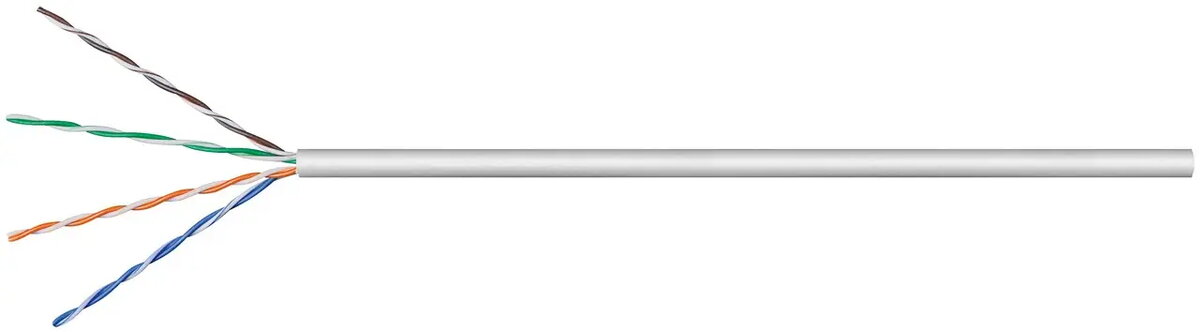
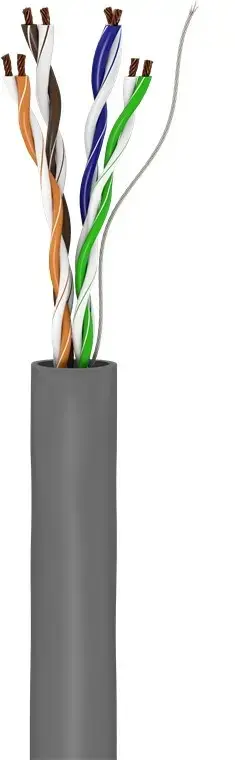
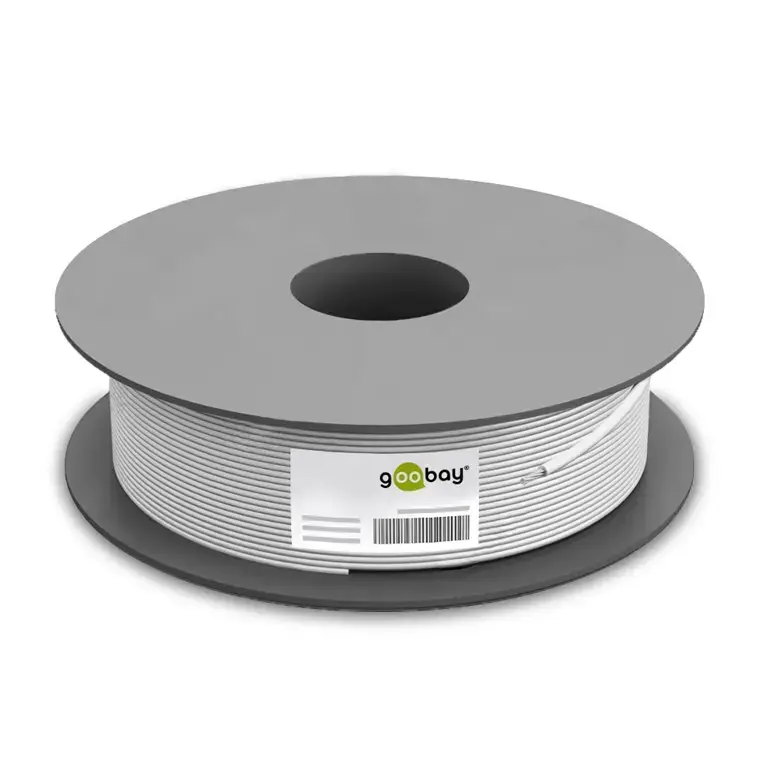
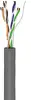
Goobay CAT 5e Network Cable, U/UTP, 100m, Grey
The Goobay CAT 5e network cable is a high-quality U/UTP unshielded twisted pair cable designed for reliable data transmission in local area networks. With a generous length of 100 meters, this grey cable provides a flexible and professional solution for both complex network installations and standard home office setups. It is engineered to meet Cat5e standards, ensuring stable and consistent connectivity for various Ethernet applications.
This network cable features a high-quality copper conductor that guarantees an excellent and powerful signal transmission. The robust PVC cable sheathing provides essential protection against breakage, ensuring long-term durability in indoor environments. Because it is supplied as an unterminated cable, it offers maximum flexibility for custom installations, allowing users to cut the cable to the exact required length and attach connectors using standard IDC connection technology. Furthermore, the cable complies with the Construction Products Regulation and meets the Eca fire protection class, making it a safe choice for building infrastructure.
This cable is not shielded, so it may not be the optimal choice for environments with high levels of electromagnetic interference where shielded (FTP/STP) cables are required to prevent signal degradation. Additionally, it is intended for indoor use and is not suitable for direct outdoor exposure or burial without appropriate protective conduit.
To use this cable, measure the required distance for your network run and cut the cable accordingly. Strip the outer PVC jacket carefully to expose the inner twisted pairs. Using appropriate networking tools, terminate the wires into your chosen RJ45 connectors or wall jacks using IDC connection technology. Ensure that the total length of any single cable run does not exceed the recommended transmission limits for Cat5e standards to maintain optimal network performance.
For the best results, avoid bending the cable at sharp angles during installation to prevent internal damage. Always keep the cable away from high-voltage power lines to minimize potential interference.
{{highlightedFeature.featureTitle}}:
{{getProductFeatureValueById(product, highlightedFeature.featureId)}}
{{ productComparisonGenerationError }}