Filters you can trust. Pure water every day.
In cart {{totalProductsCount}} item(s)
Your cart is empty
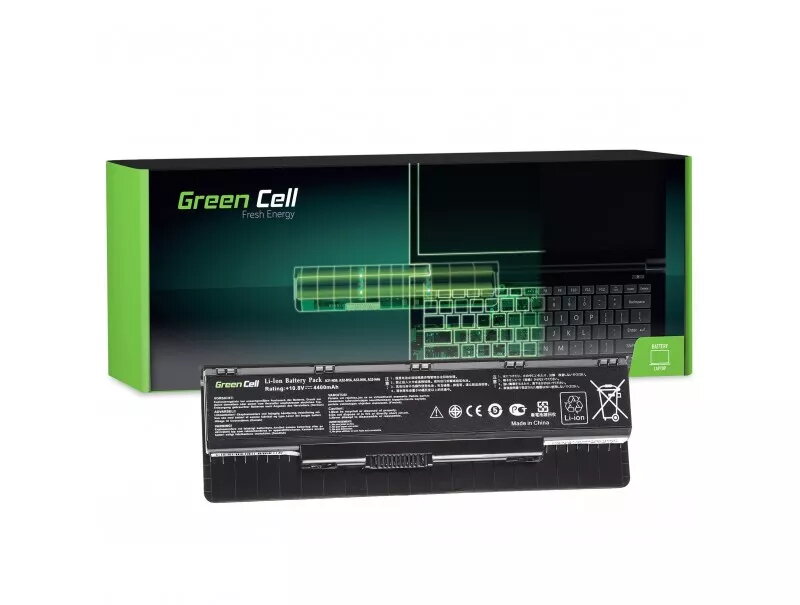
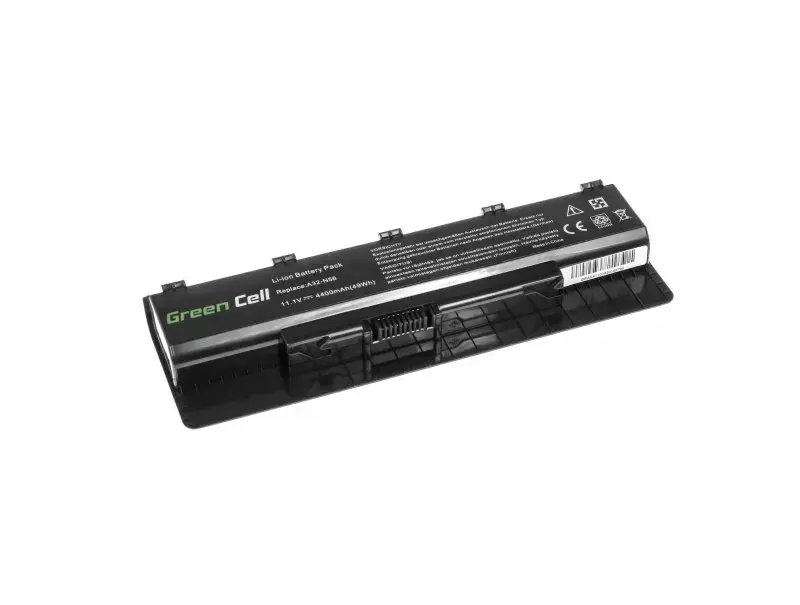
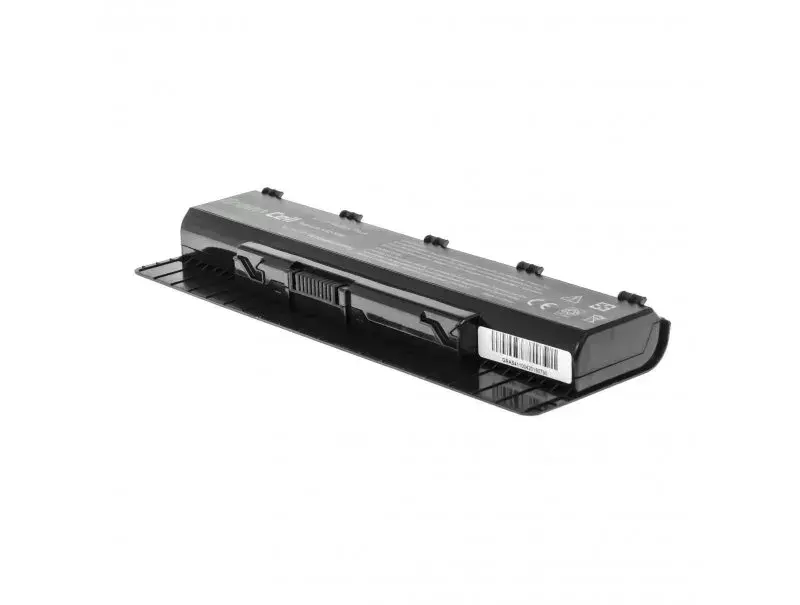
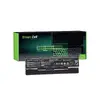
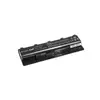
Battery Green Cell AS41 for ASUS G56 N46 N56 N56DP N56V N56VM N56VZ N76
The Green Cell AS41 battery is a high-quality power solution specifically engineered for ASUS laptop models including the G56, N46, N56, N56DP, N56V, N56VM, N56VZ, and N76 series. This replacement battery is designed to restore your device's original mobility, allowing you to work, travel, or enjoy entertainment without being tethered to a power outlet. By utilizing advanced lithium-ion technology, this battery ensures consistent performance and reliable power delivery for your daily computing needs.
This battery offers exceptional reliability through the use of high-quality lithium-ion cells that provide a stable power supply and long service life. The design is precisely matched to the specified ASUS laptop models, ensuring a perfect fit and seamless integration with your device's power management system. With modern control electronics, the battery communicates effectively with your laptop, providing essential safety protections against overcharging and overheating. Furthermore, the absence of memory effect allows you to charge the battery at any time without degrading its total capacity, while the robust housing protects internal components from physical damage.
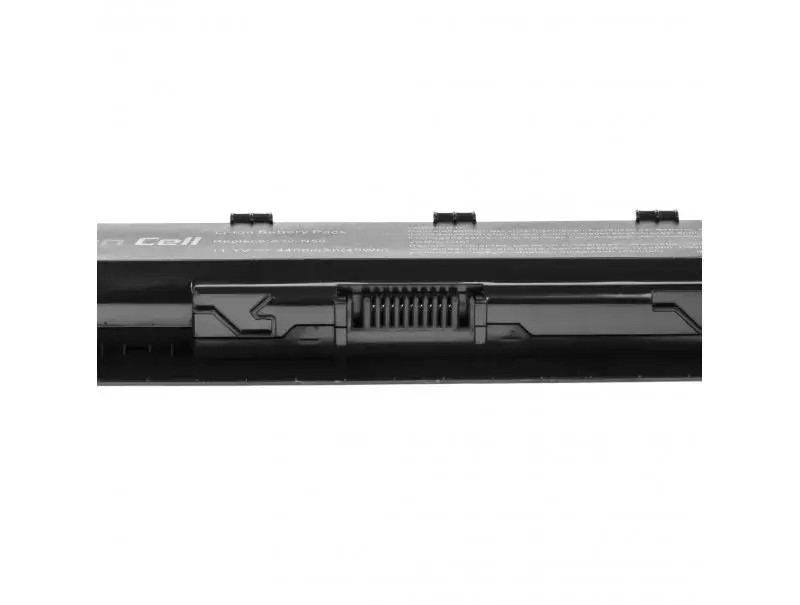
This battery is specifically designed for the listed ASUS models and is not compatible with laptops from other manufacturers or different ASUS series. If your laptop requires a different voltage or physical connector shape, this unit will not fit or function correctly.
To install the battery, first ensure your laptop is completely powered off and disconnected from the AC adapter. Remove the old battery by releasing the locking mechanism on the underside of your laptop. Insert the new Green Cell AS41 battery into the slot until it clicks securely into place. Once installed, connect your laptop to the charger and allow the battery to reach a full charge before the first use to calibrate the power management system.
To maximize the lifespan of your new battery, avoid deep discharges and keep the device in a cool, dry environment. If you do not plan to use the laptop for an extended period, store the battery at approximately 50% charge to maintain its chemical stability.
{{highlightedFeature.featureTitle}}:
{{getProductFeatureValueById(product, highlightedFeature.featureId)}}
{{ productComparisonGenerationError }}