
Save time and money with our discounts!
In cart {{totalProductsCount}} item(s)
Your cart is empty
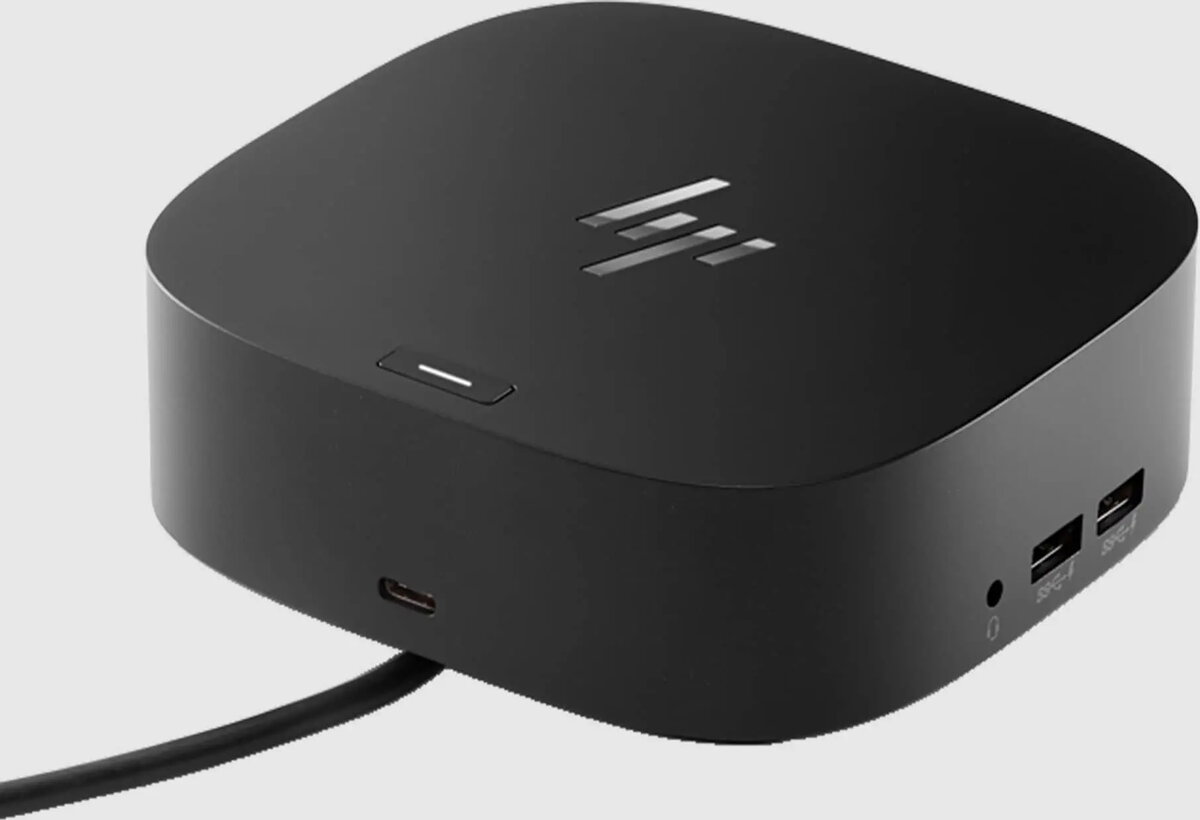
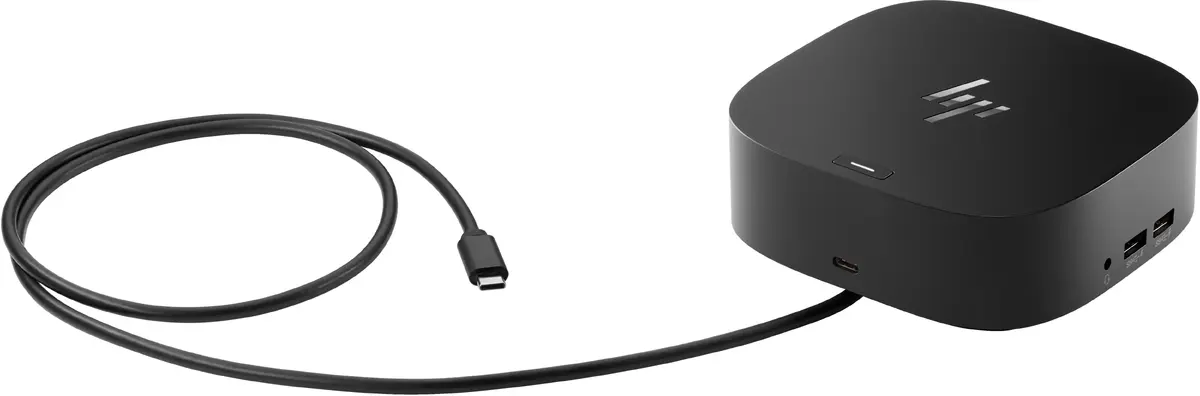
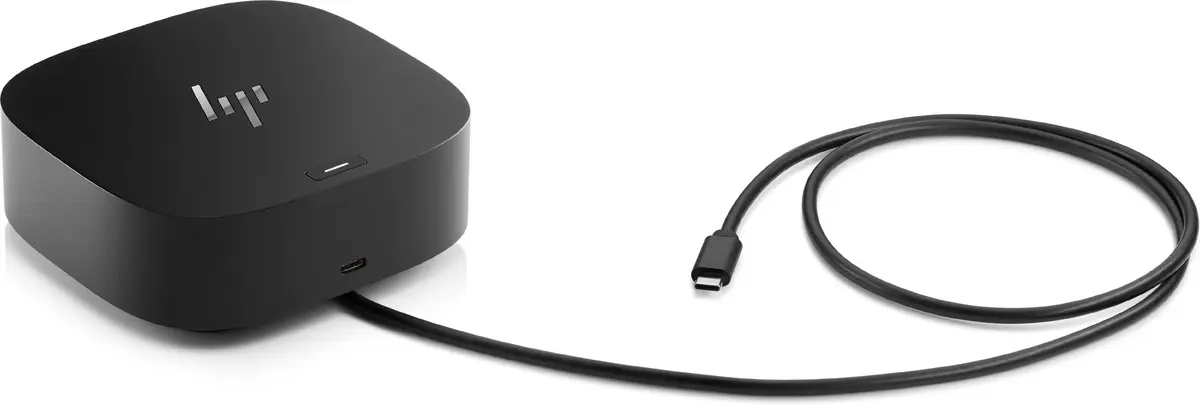
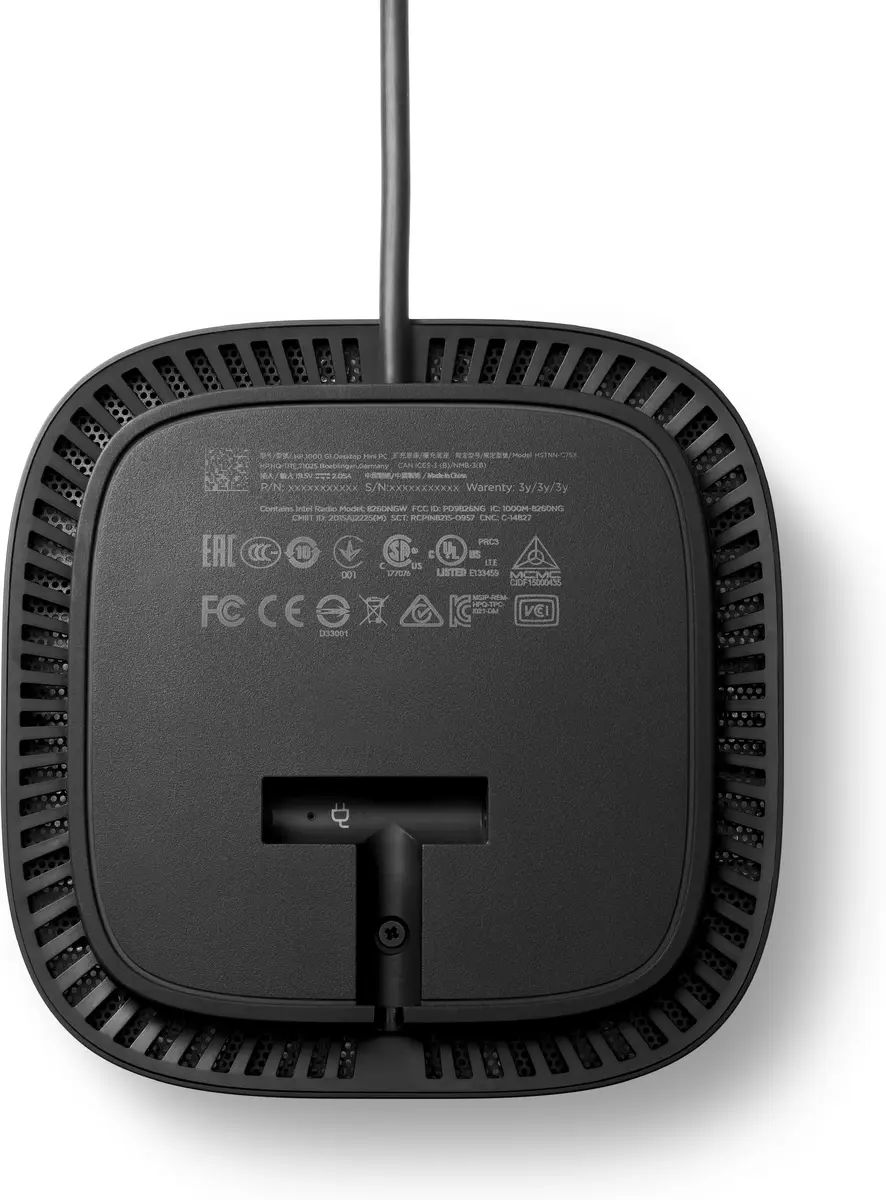
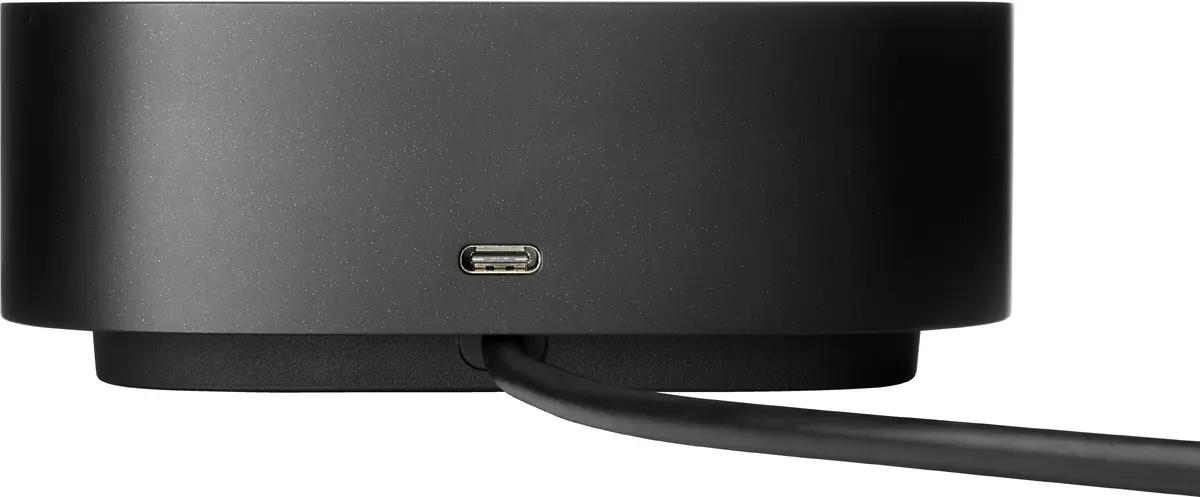
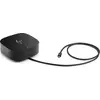
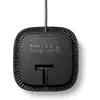
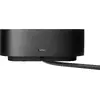
Docking station HP USB-C G5 Essential Dock, dimensions 122×122×45 mm
HP USB-C G5 Essential Dock is a compact docking station (122×122×45 mm) that expands connectivity for USB-C laptops. It provides a space-saving solution for office and hybrid work by consolidating ports and enabling a single-cable connection to a laptop while maintaining a stable Ethernet connection, multiple display outputs, and peripheral support.
The dock uses a single USB-C cable to connect your laptop, reducing cable clutter and simplifying setup. It supports up to three external high-resolution displays, offers a reliable wired Ethernet connection, and supplies power to charge the laptop through the same USB-C link. Its compact footprint (122×122×45 mm) and lightweight design (0.68 kg) help keep the desk organized.
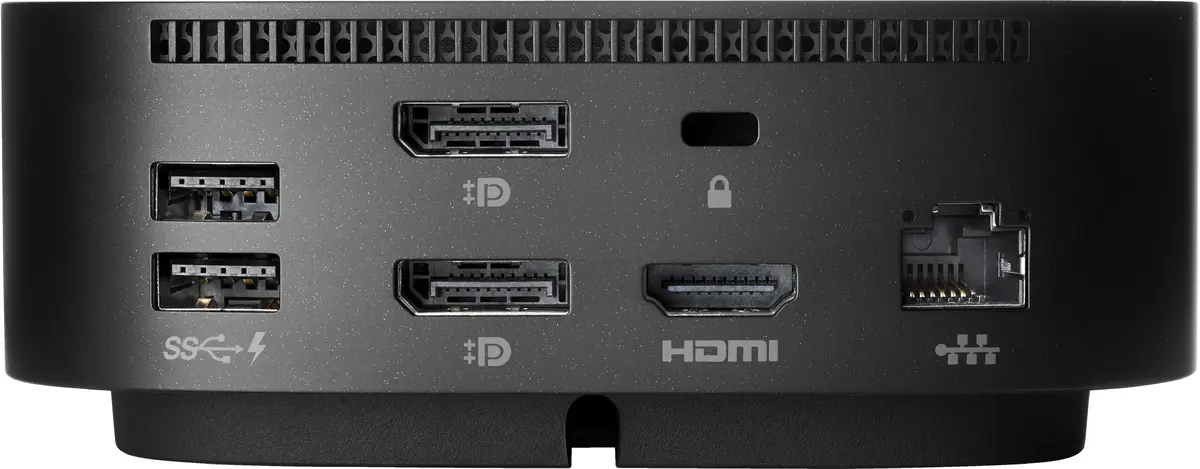
Place the HP USB-C G5 Essential Dock on a stable surface and connect its USB-C cable to a compatible USB-C laptop port. Attach external displays, Ethernet cable, and peripherals to the corresponding ports on the dock. When connected, the dock can provide power to charge the laptop while enabling access to displays, network, and USB devices. Follow any on-screen prompts from your operating system to configure multiple display settings and network preferences.
Use a compatible USB-C port on the laptop that supports data, video and power delivery to ensure full functionality. Check laptop manufacturer specifications for USB-C capabilities and use quality display and Ethernet cables for reliable connections.
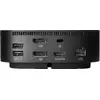
Effortlessly go the extra mile with just a single USB-C® cable[1]. This essential dock seamlessly powers and supports 4 USB-A ports for all your accessories, up to 3 high-res displays[2], and a stable Ethernet connection—all while delivering 65W of power to your laptop.
This essential dock is designed to work with what you’re working with[1]. It’s compatible with most USB-C® or Thunderbolt™ enabled PCs[3], and its various ports open the way to all your accessories.
Keep your workforce up-to-date with connected firmware updates for your docking fleet[4].
IT can manage dock firmware updates while connected to the host PC.[4]
Boot computers via a network interface, allowing IT to remotely set up an employee’s device.[5]
For no interruptions in your connectivity, your dock turns off WLAN antennae automatically when connected to the LAN cable. When unplugged from the LAN cable, your device will automatically switch from wired network connection to Wi‑Fi®.
Thanks to MAC address pass-through with full functionality, IT can easily identify and track their notebook fleet when connected through the dock's LAN.[6]
IT can make system updates and remotely image systems even when the computer is off or in sleep mode.[7]
{{highlightedFeature.featureTitle}}:
{{getProductFeatureValueById(product, highlightedFeature.featureId)}}
{{ productComparisonGenerationError }}
