
Save time and money with our discounts!
In cart {{totalProductsCount}} item(s)
Your cart is empty
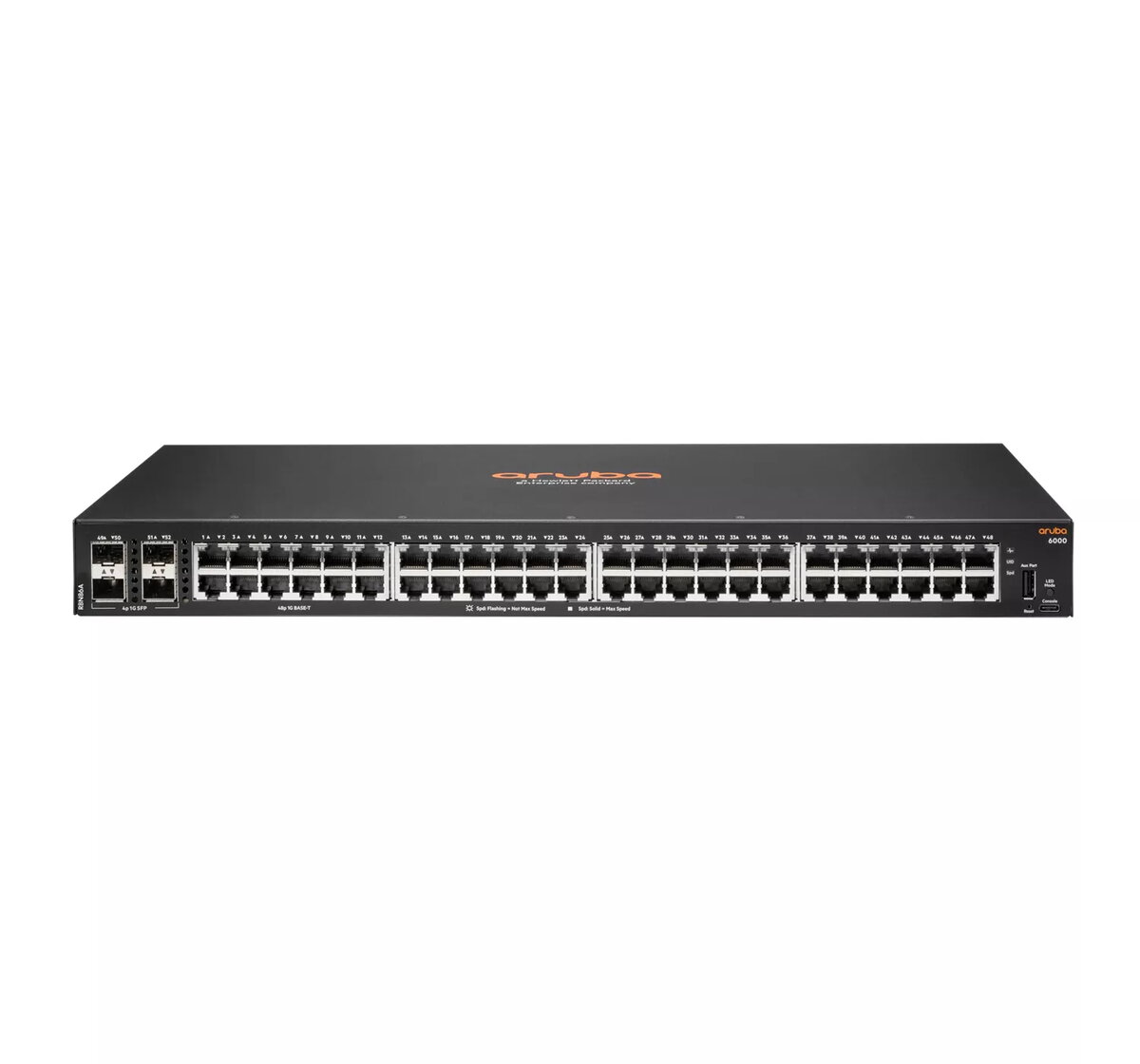
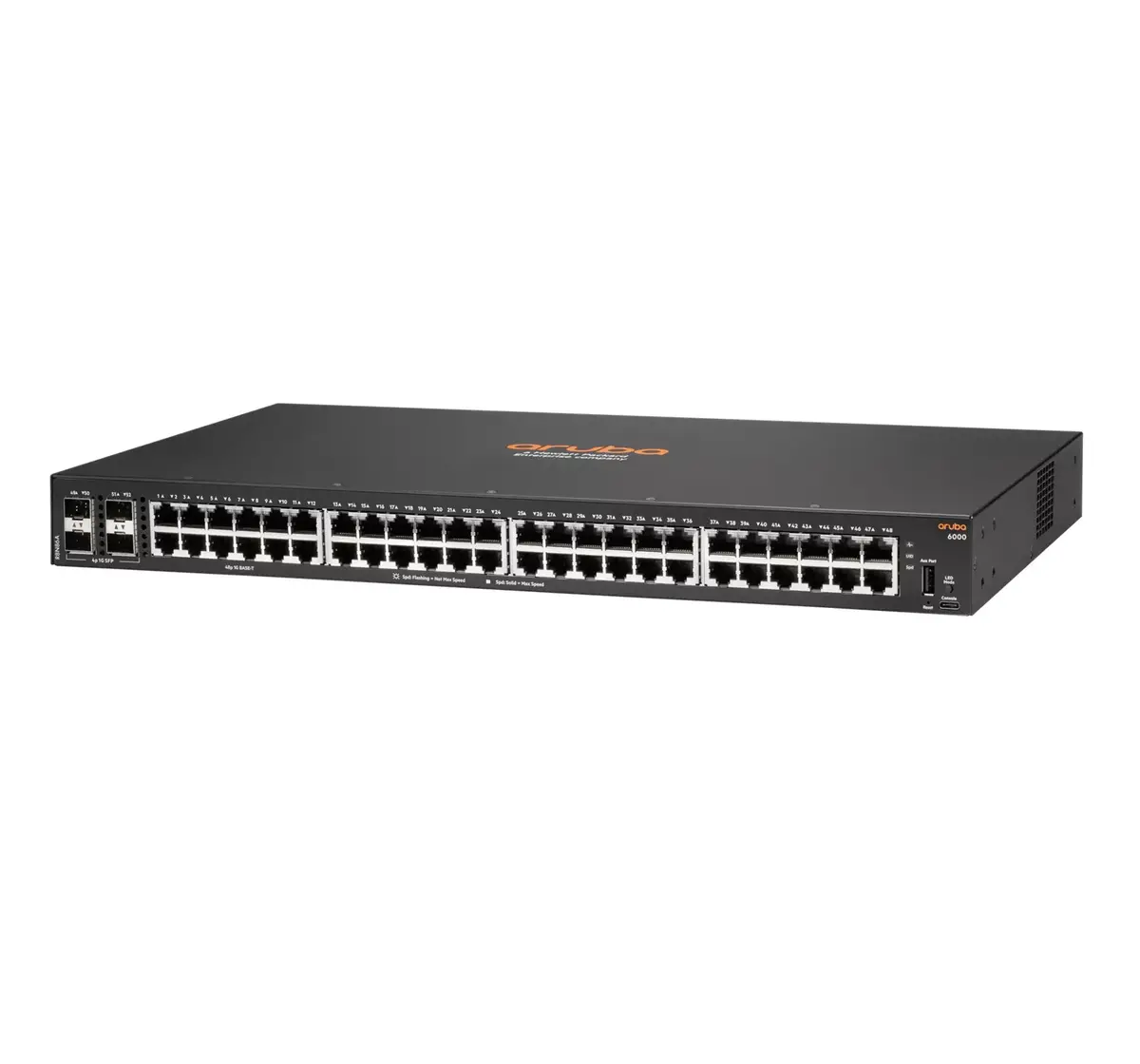
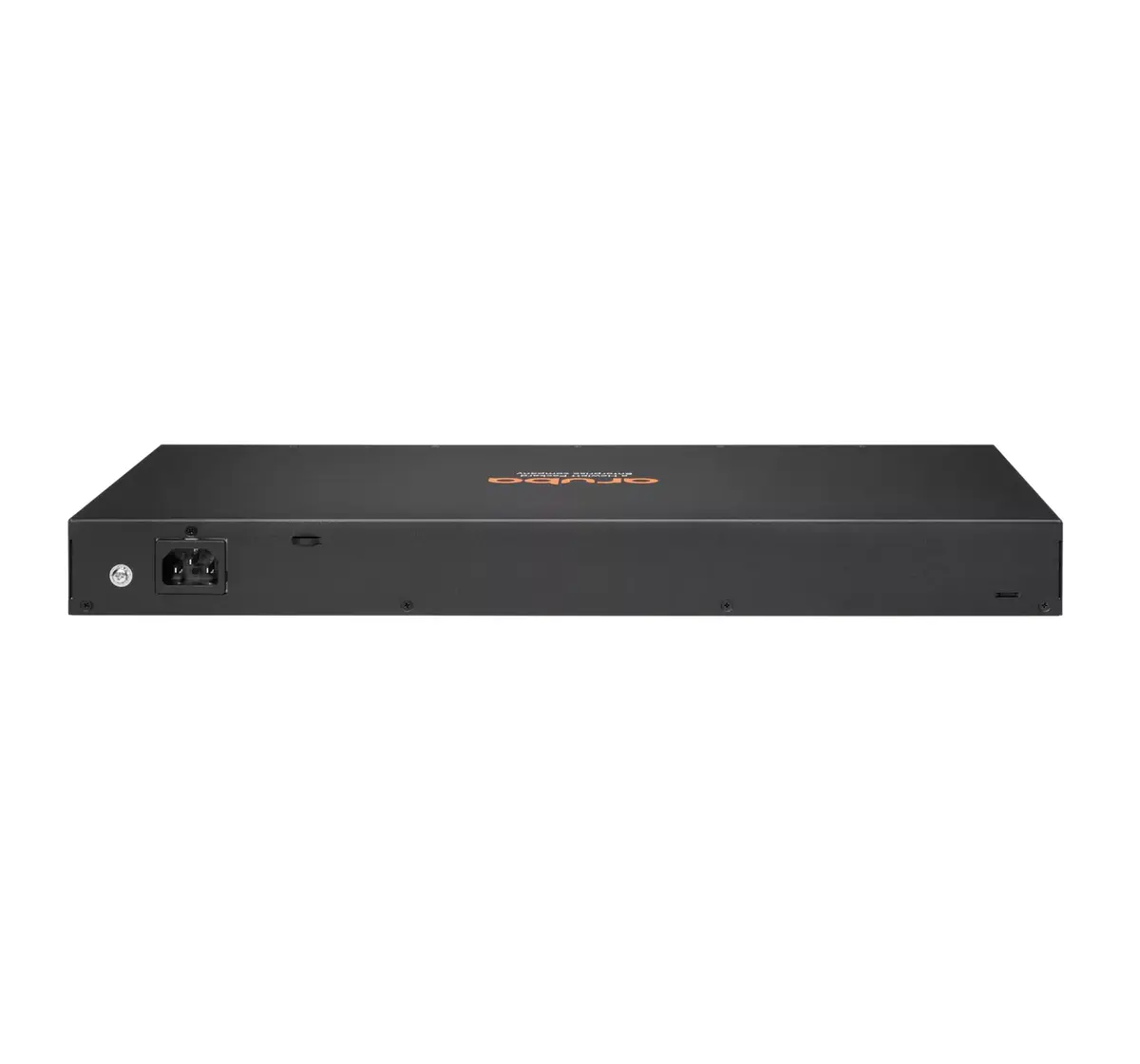
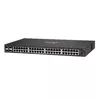
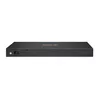
Managed Switch Aruba 6000 48G 4SFP L3 Gigabit Ethernet 1U
The Aruba 6000 48G 4SFP L3 Gigabit Ethernet 1U is a fully managed Layer 3 access switch offering 48 Gigabit Ethernet RJ-45 ports and four 1GbE SFP uplink interfaces in a 1U rack form factor. Designed for branch offices, small and midsize enterprises, and edge access deployments, this switch runs the Aruba AOS‑CX operating system and supports a wide range of IEEE networking standards for reliable wired connectivity and simplified network management. With a switching capacity of 104 Gbit/s and compact, fanless options in the family, it is suitable for quiet workspaces and provides built-in uplink flexibility and optional PoE support across the Aruba CX 6000 series.
The managed design provides Layer 2 switching with Layer 3 static routing capabilities, advanced QoS, VLAN and traffic prioritization, ACLs, and IPv6 support to meet enterprise access requirements. Aruba‑grade ASIC performance offers low latency and adaptive power consumption for efficient packet handling. Management is simplified through multiple interfaces: Web GUI, CLI, REST APIs and Aruba NetEdit for automated, consistent configuration across devices. The device family supports PoE options and built‑in uplinks to reduce bottlenecks at the access layer while eliminating the need for separate software licensing or subscriptions.
Install the switch in a standard 19" 1U rack or place on a flat surface for desktop deployment where the fanless option is required. Connect access devices to the RJ‑45 ports and use the SFP slots for uplink connections to aggregation or core switches. Configure basic network parameters such as management IP, VLANs, and port roles through the Web GUI or CLI. For larger deployments, use Aruba NetEdit or REST APIs to apply and verify configurations consistently across multiple devices. Monitor performance and apply QoS, ACLs, and routing settings as needed to match site requirements.
For optimal operation, place the switch in a temperature-controlled rack space with adequate airflow, keep firmware up to date with Aruba AOS‑CX releases, and use Aruba NetEdit or automation tools to validate configuration changes. When deploying PoE devices, verify the specific model's PoE budget and distribute powered devices accordingly to avoid exceeding system capacity.
{{highlightedFeature.featureTitle}}:
{{getProductFeatureValueById(product, highlightedFeature.featureId)}}
{{ productComparisonGenerationError }}
