
Hurry and order now – up to 50% off!
In cart {{totalProductsCount}} item(s)
Your cart is empty
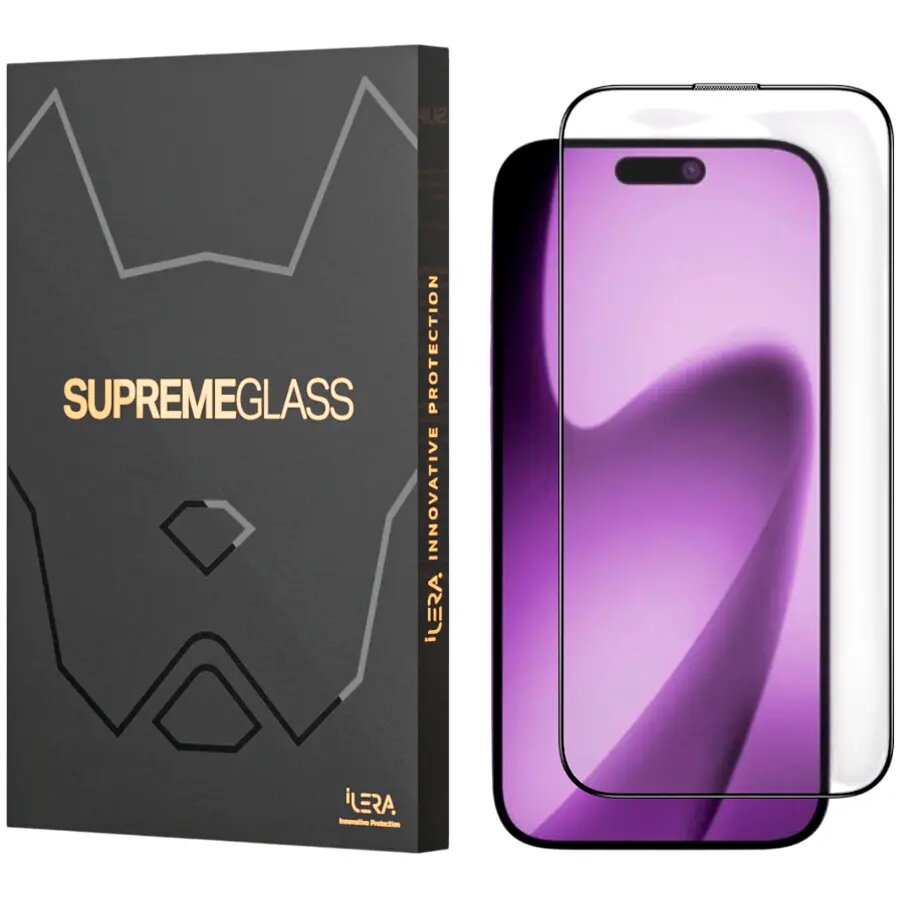
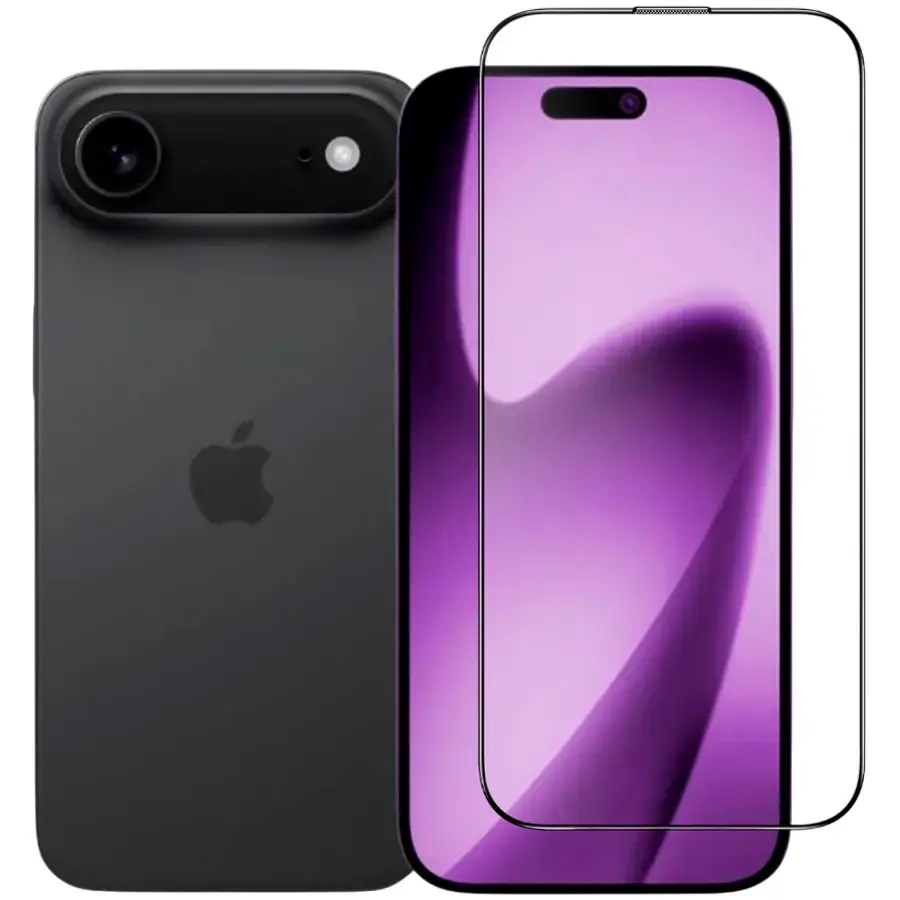
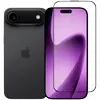
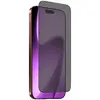
Screen protector glass iLera DeLuxe Original Glass 2.0 for iPhone 17 Air
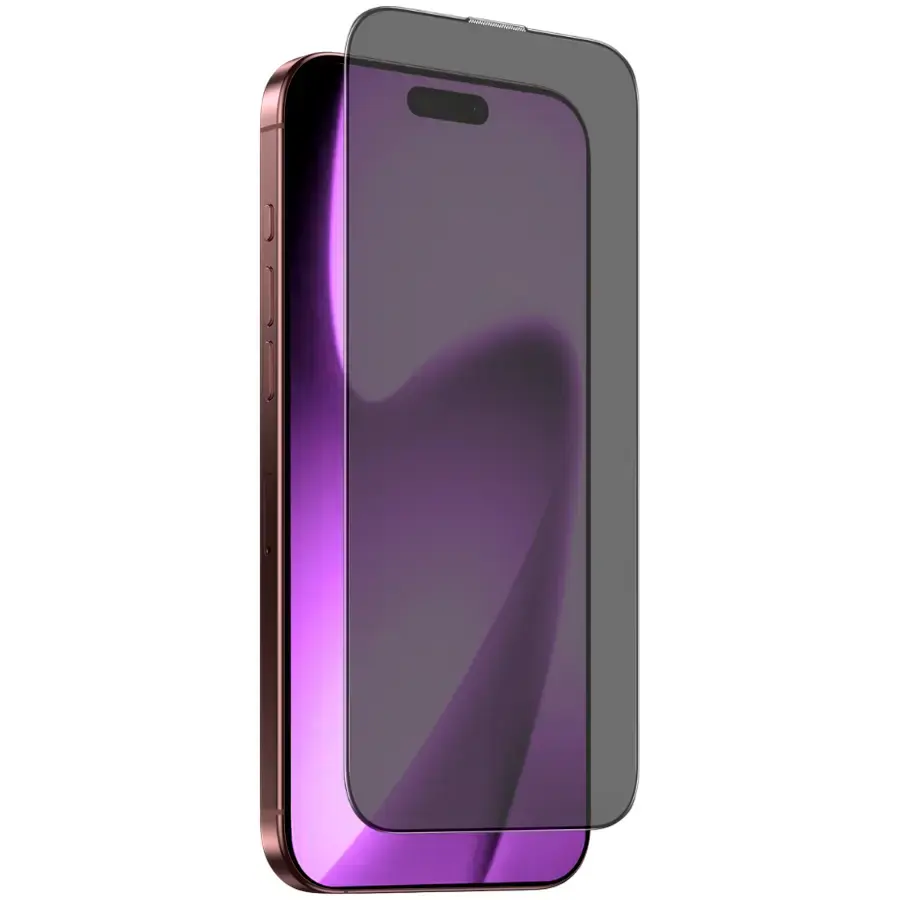
Tempered screen protector glass iLera DeLuxe Original Glass 2.0 for iPhone 17 Air (MPN: ILFCDL17AIR, EAN: 654316816925) provides full front coverage while maintaining the device's touchscreen responsiveness and display clarity. The protector is engineered for edge-to-edge fit on the iPhone 17 Air display and is intended to reduce the risk of scratches, scuffs and minor impact damage, helping to preserve the screen and the device's resale value. The product is compatible with standard front-facing sensors and cases designed for the iPhone 17 Air when correctly aligned during installation.
The iLera DeLuxe Original Glass 2.0 is made from tempered glass that resists everyday wear and scratching while preserving optical transparency and touch sensitivity. Its edge-to-edge design minimizes uncovered display area and delivers a seamless appearance. The protector is designed for straightforward installation and adheres securely to the display to reduce lift at the edges. Manufactured by iLera with model code ILFCDL17AIR and EAN 654316816925, it matches the dimensions of the iPhone 17 Air screen.
Clean the iPhone 17 Air display thoroughly with the provided cleaning wipe and a lint-free cloth to remove oil, dust and fingerprints. Use the included dust-removal sticker if necessary to lift small particles from the screen. Align the iLera DeLuxe Original Glass 2.0 with the device edges and the front sensors, then lower the protector onto the display starting from one edge to ensure correct placement. Press gently in the center to allow the adhesive to spread and remove any air bubbles toward the edges with a soft card or cloth. If needed, lift and realign once immediately after placement; repeated reapplications may reduce adhesion performance.
The screen protector is suitable for daily use but is not a warranty against severe impacts or shattered glass from high-force drops. Replace the protector if it becomes cracked or shows deep scratches that affect visibility or touch response. For optimal performance, install the protector in a dust-free environment and follow the included installation instructions. Check case compatibility to ensure the case does not lift the protector at the edges.
{{highlightedFeature.featureTitle}}:
{{getProductFeatureValueById(product, highlightedFeature.featureId)}}
{{ productComparisonGenerationError }}