
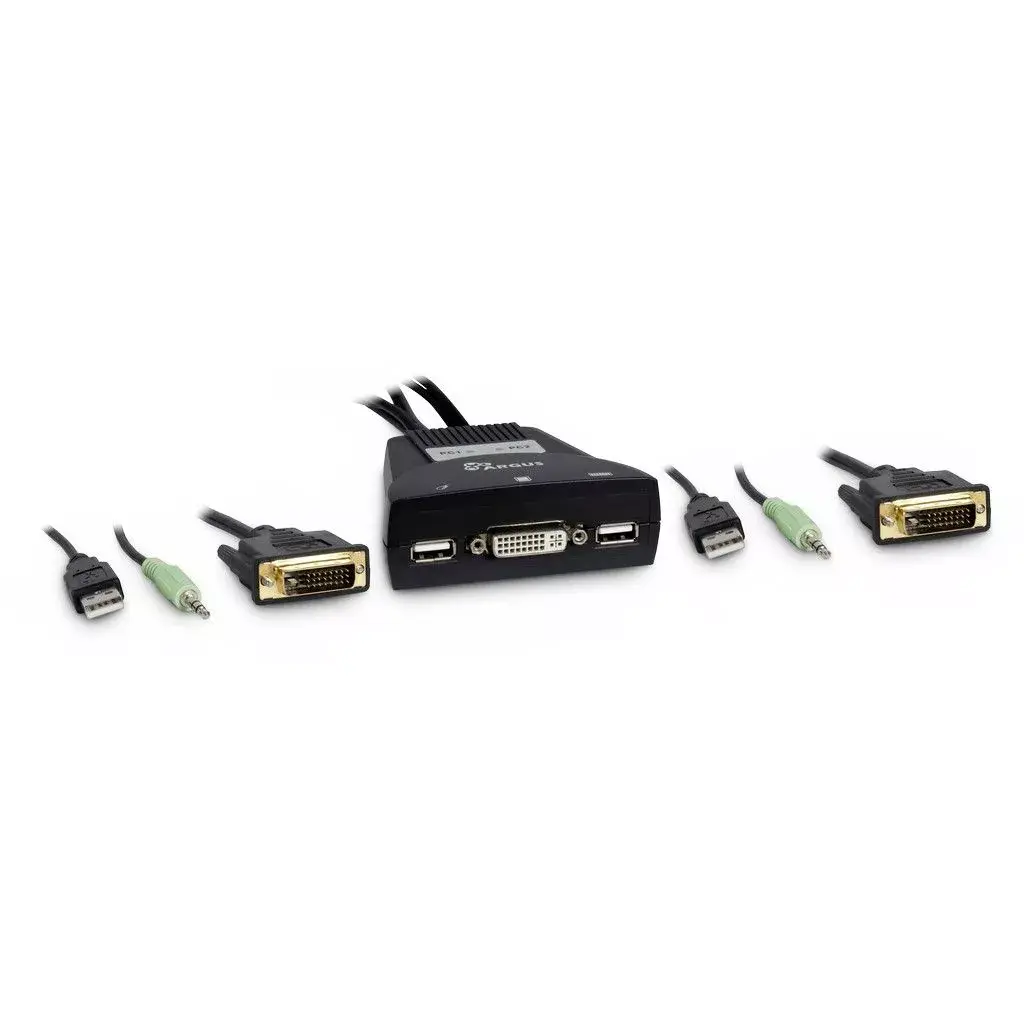
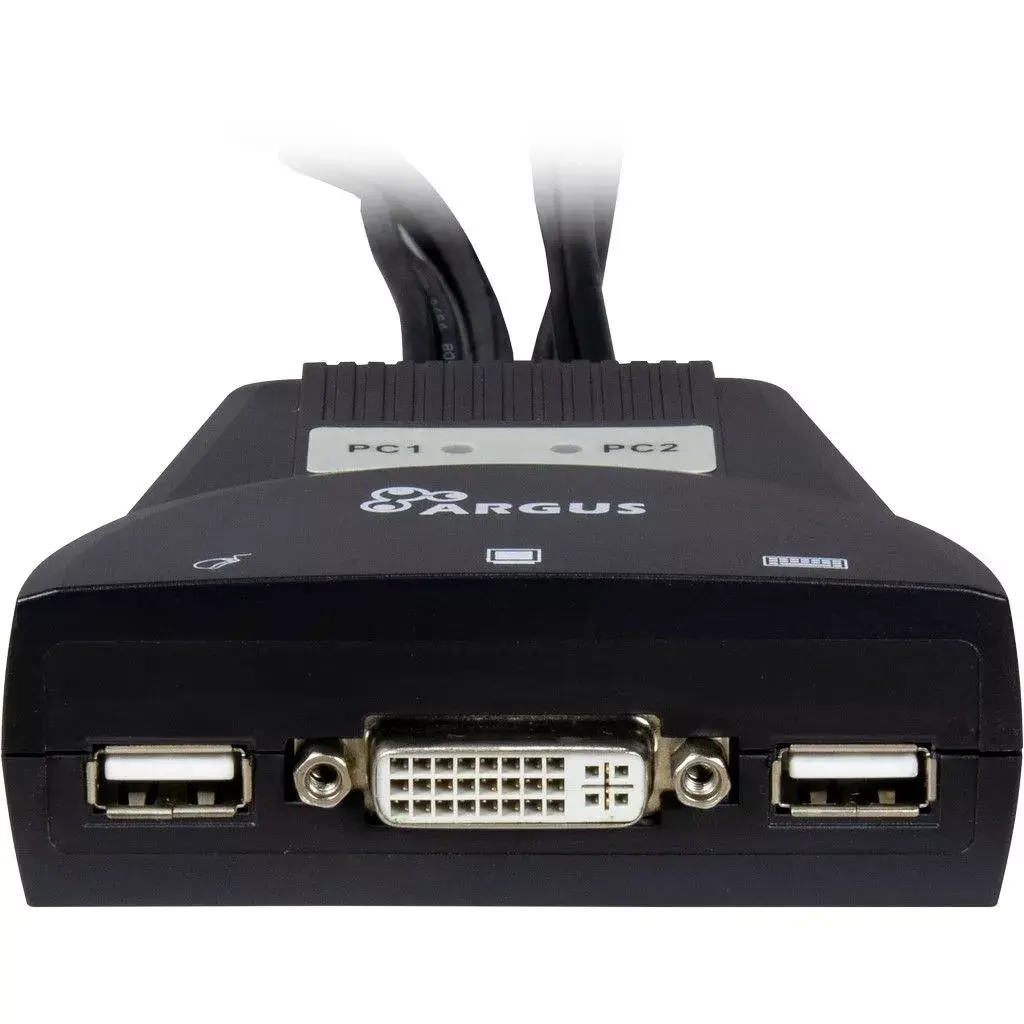
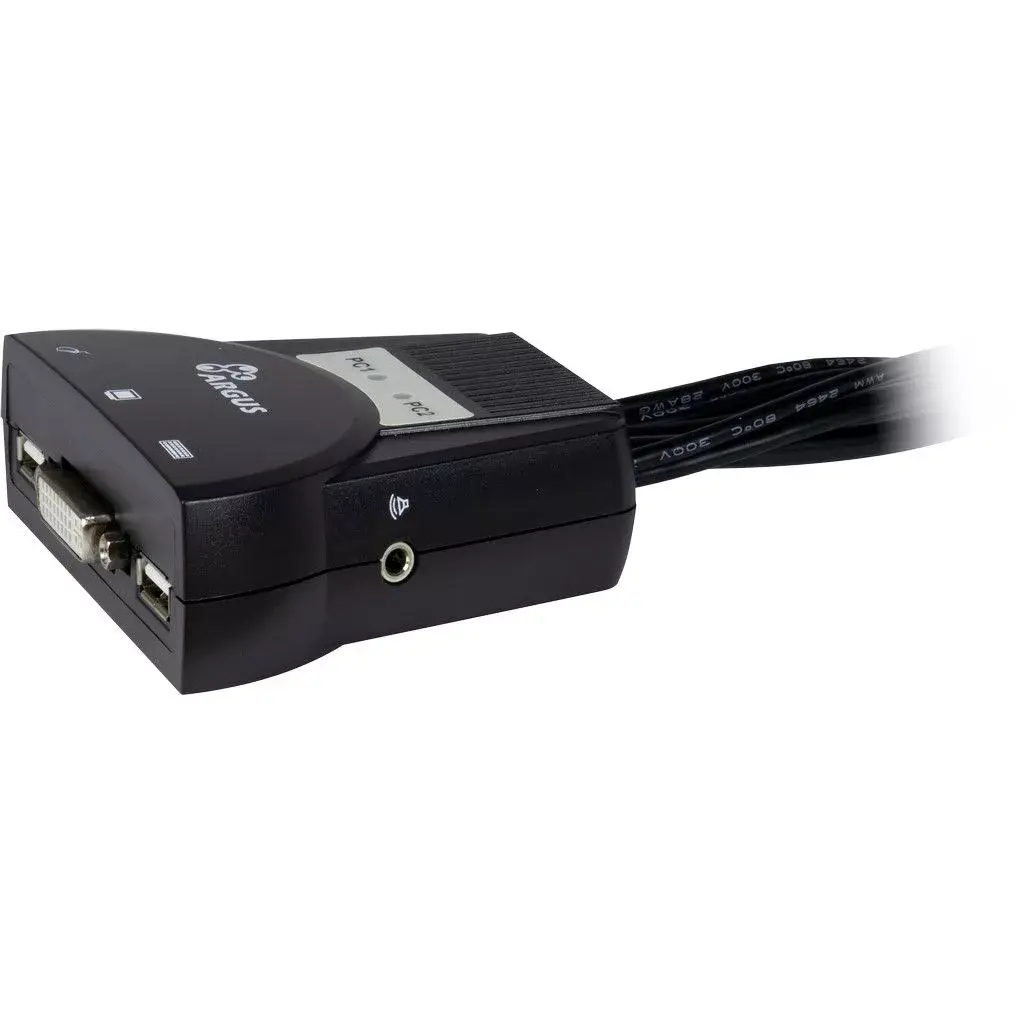
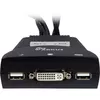

KVM Switch Inter-Tech KVM-LS-21DA DVI
{{selectedOffer && selectedOffer.price | formatAmount}}
{{selectedOffer && selectedOffer.price | formatAmount}}
Short description
The Inter-Tech KVM-LS-21DA DVI KVM switch allows you to control two computers using one keyboard and mouse. It supports USB keyboard and mouse ports, and DVI-I video connections with a maximum resolution of 1920 x 1200 pixels at 60 Hz. Compact design with dimensions of 85 mm x 80 mm x 30 mm and a weight of 420 g makes it easy to integrate into any workspace. Ideal for users needing efficient control over multiple systems.
Available at price 42.99 €:
26 pcs.
Total available for order:
52 pcs.
Warranty:
2 Years
SKU:
4114154
Manufacturer:
INTER-TECH

Cheapest delivery:
Unisend LV
Pick-up points
Unisend LV
Cost
1.99 €
Deliver
{{selectedOffer.parcelStationDeliveryString}}
Customer service center
2b. Kengaraga str., Riga, Latvia, LV-1063
22.10.2026
{{selectedOffer.officeDeliveryString}}
free
Courier Delivery
Please note that in case of a large parcel additional delivery costs may apply!
From 4.99 € (Weight: 0.42 kg)
Parcel couriers
Unisend LV / Venipak Pickup LV / Venipak Locker LV / DPD Paku skapis / Omniva LV / Latvijas Pasts pakomāts / Latvijas Pasts nodaļa
27.10.2026
{{selectedOffer.parcelStationDeliveryString}}
From 1.99 €

Payment Methods:
Bank transfer, Bank cards on-line, Apple Pay, Google Pay


